Effects
Effects for your photo
Effects («Эффекты») in Solistra is a catalog of ready-made scenarios for photos and video where the model, the prompt and the settings are already chosen. You pick an effect by its cover, upload a picture and get the result without crafting a prompt. Each effect shows an example, the photo fields and the credit price.
Open in SolistraAll effects
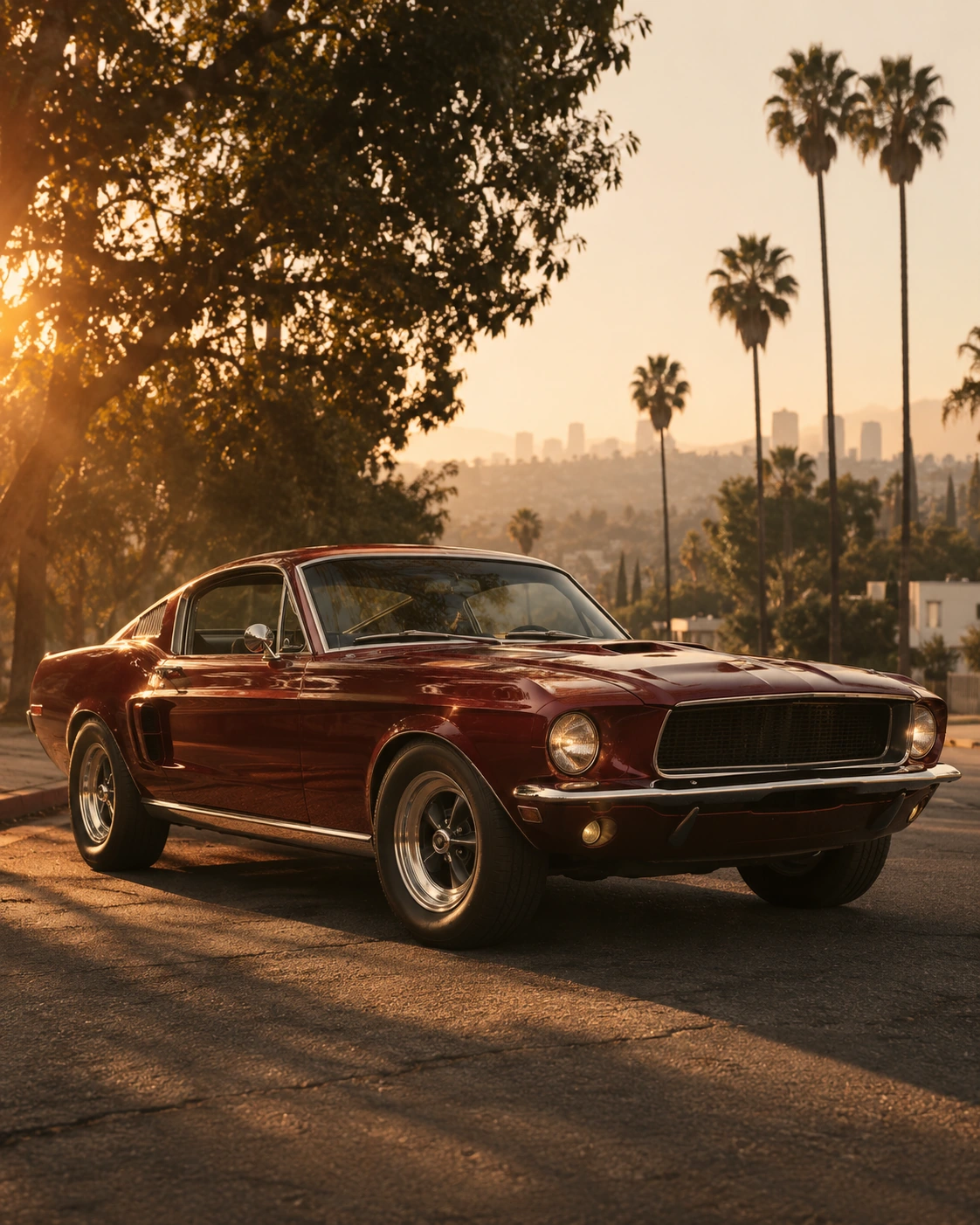 Movie Still
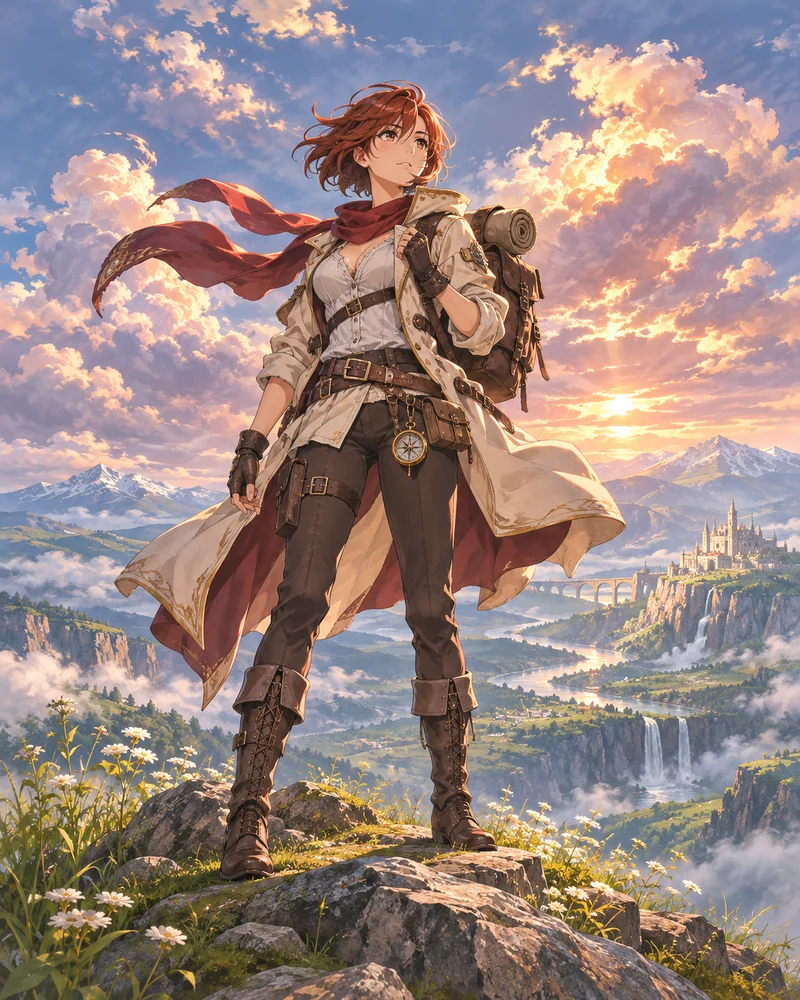 Anime Portrait
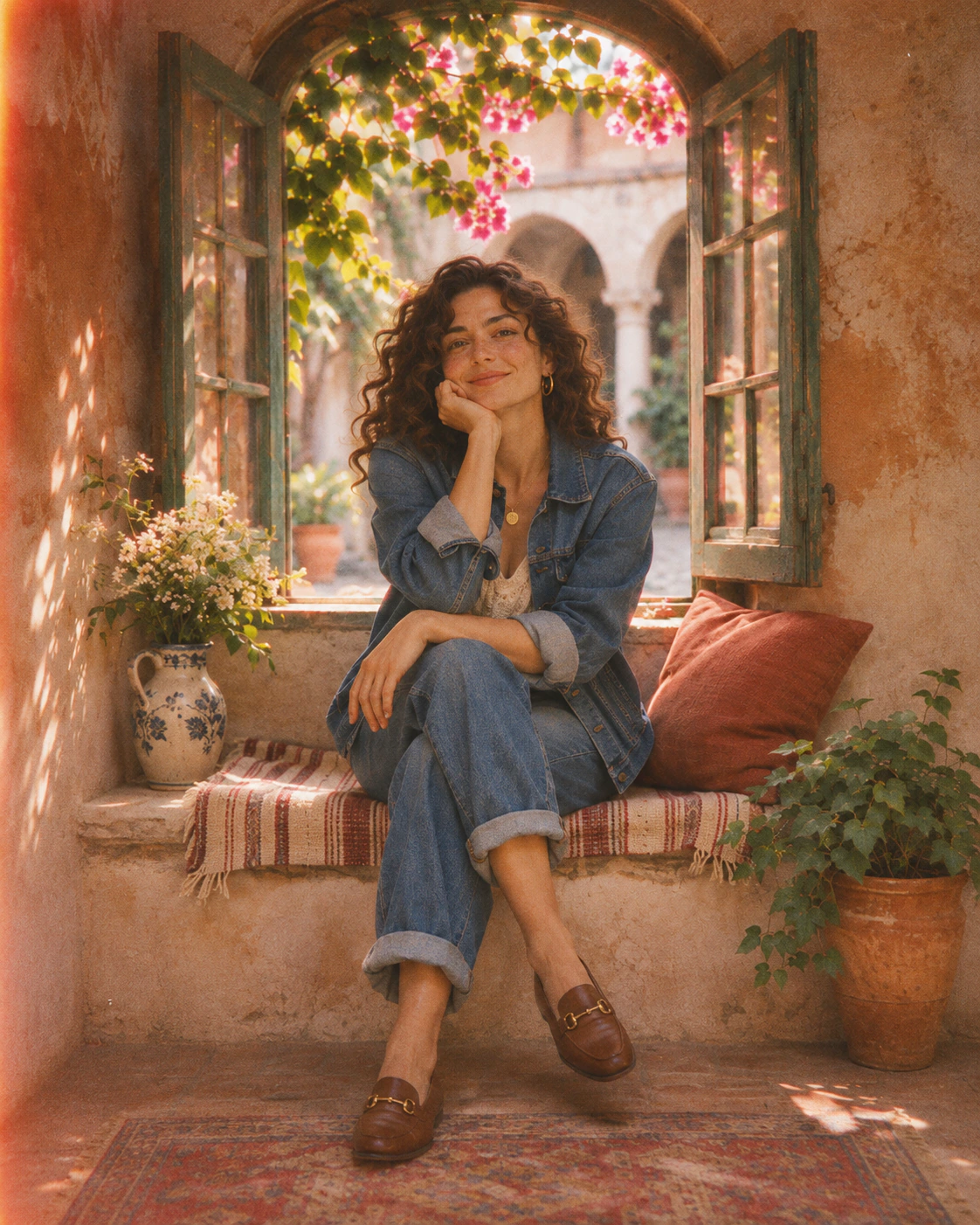 Retro Film
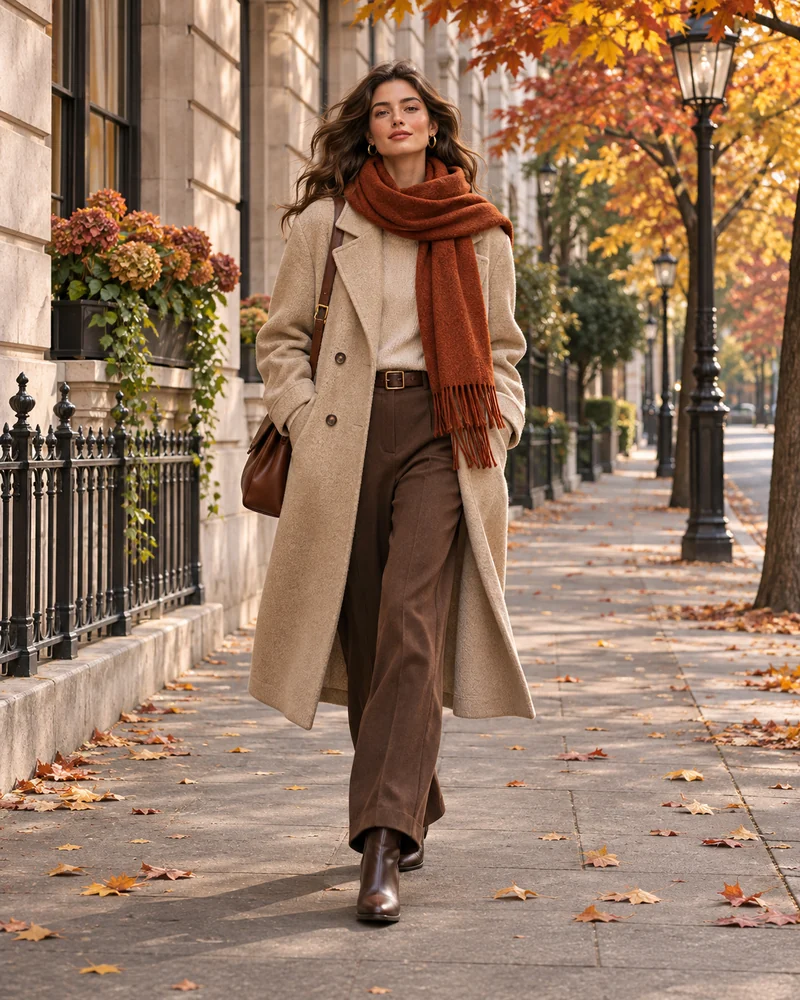 Outfit of the Day
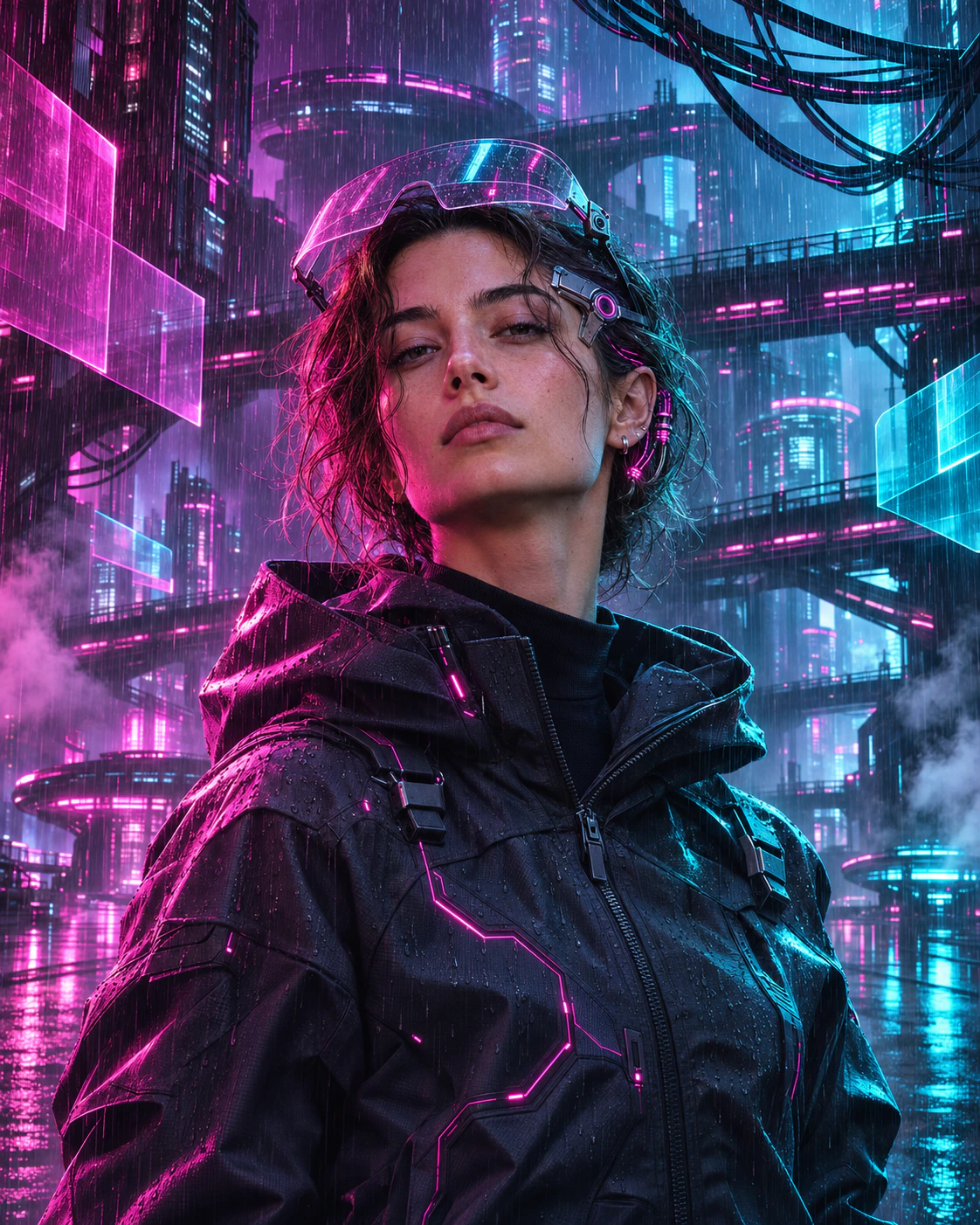 Neon Glow
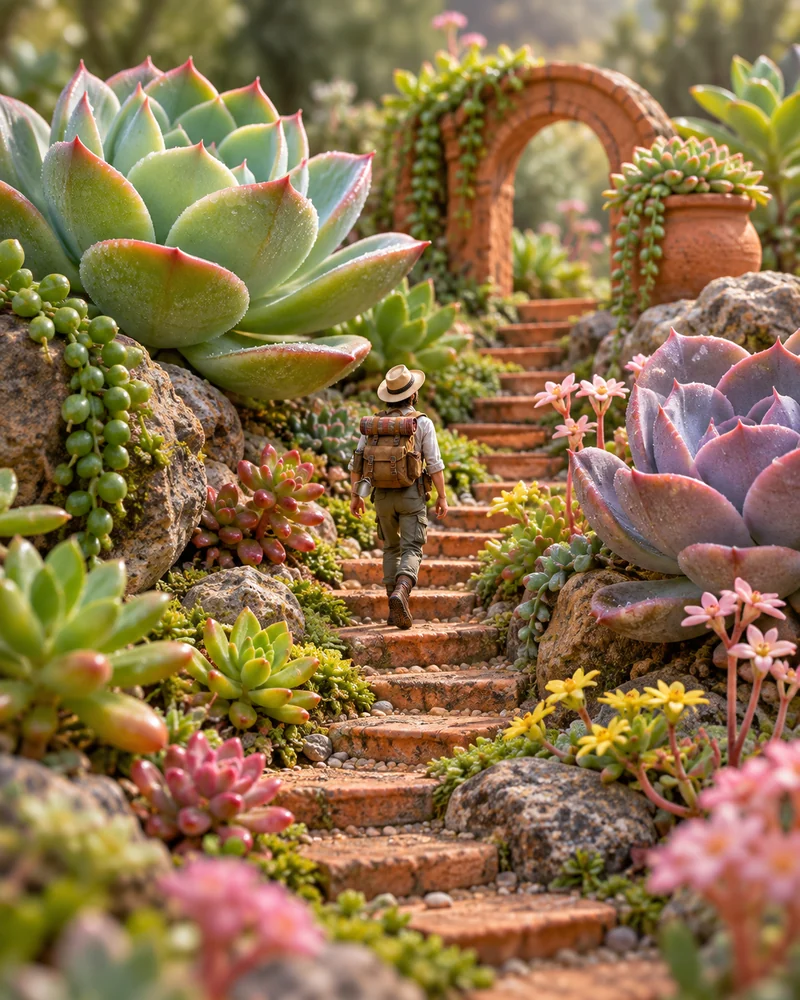 Miniature World
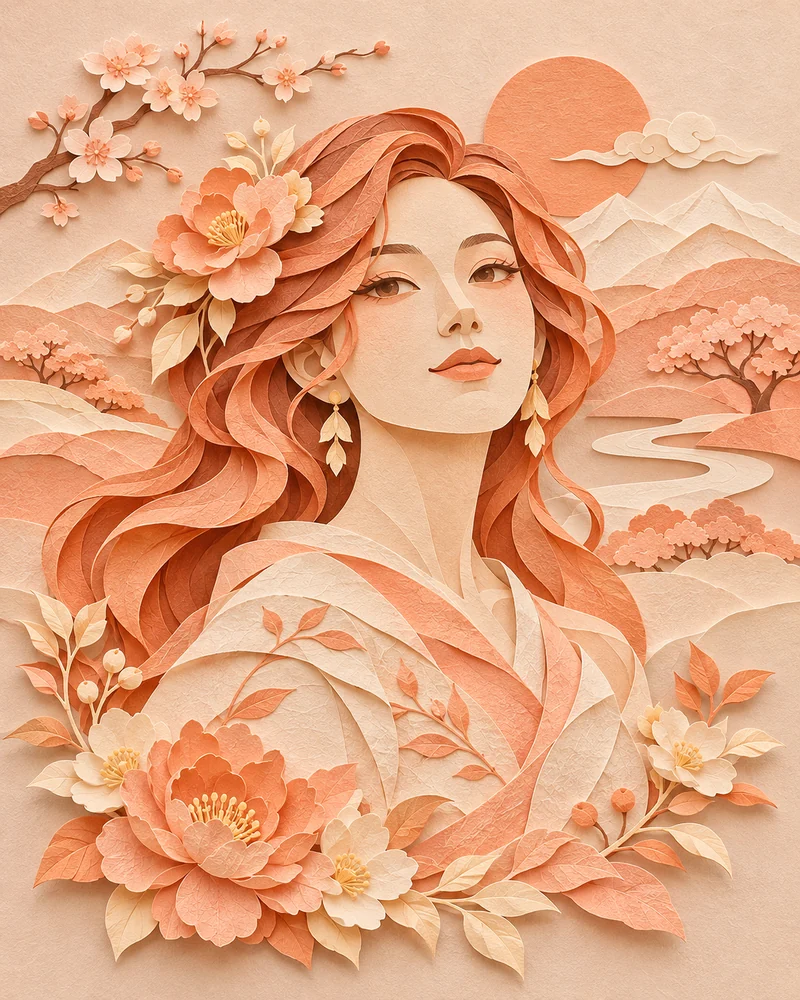 Paper World
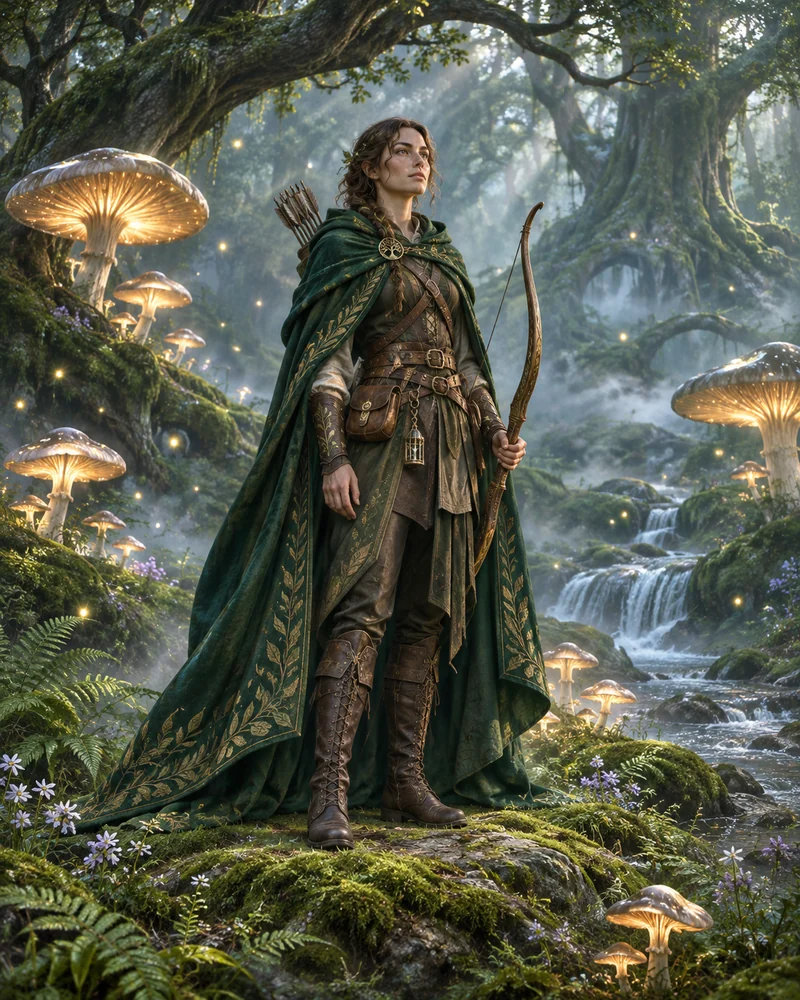 Fantasy Forest
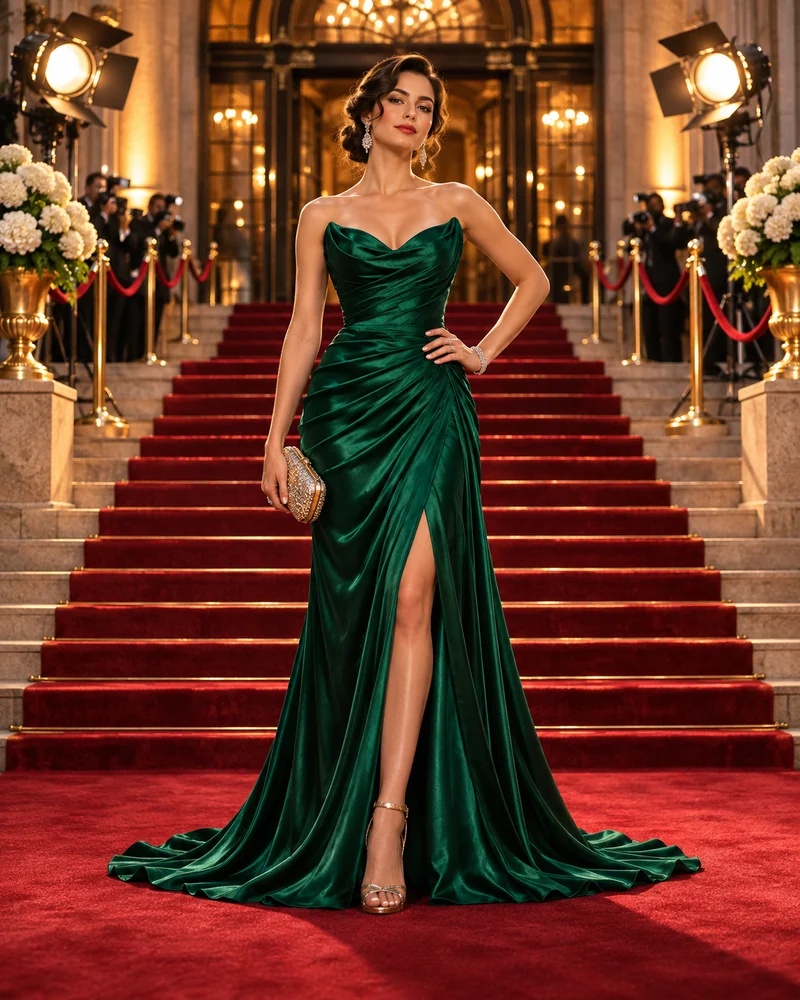 Hollywood Premiere
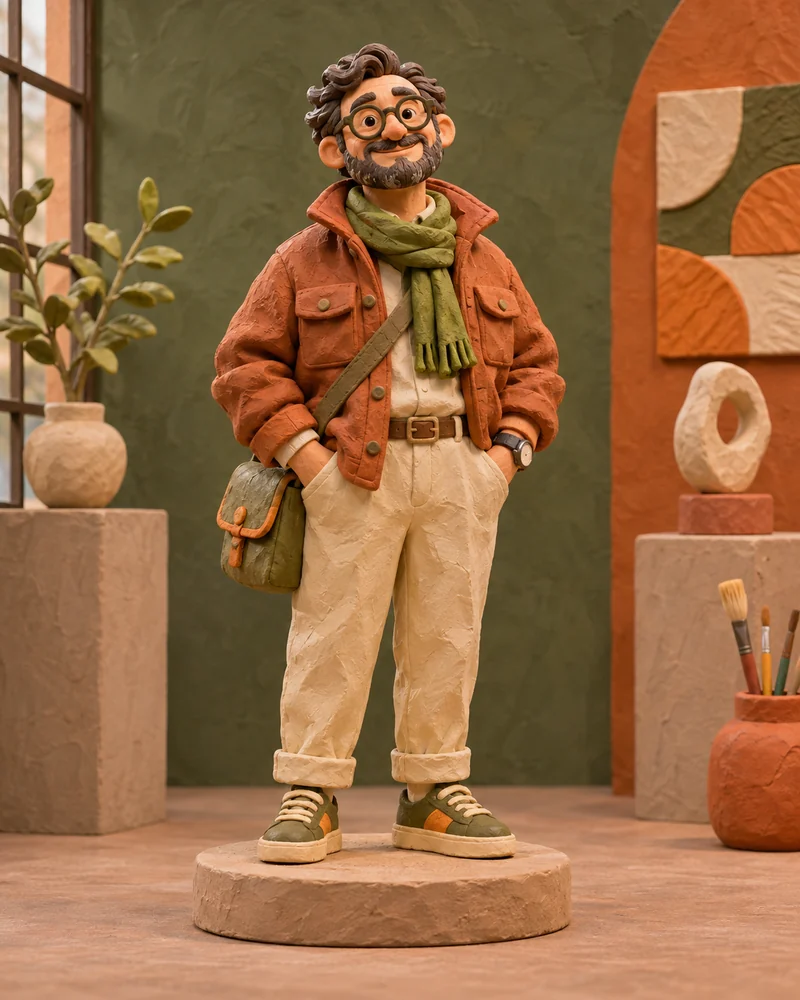 Claymation
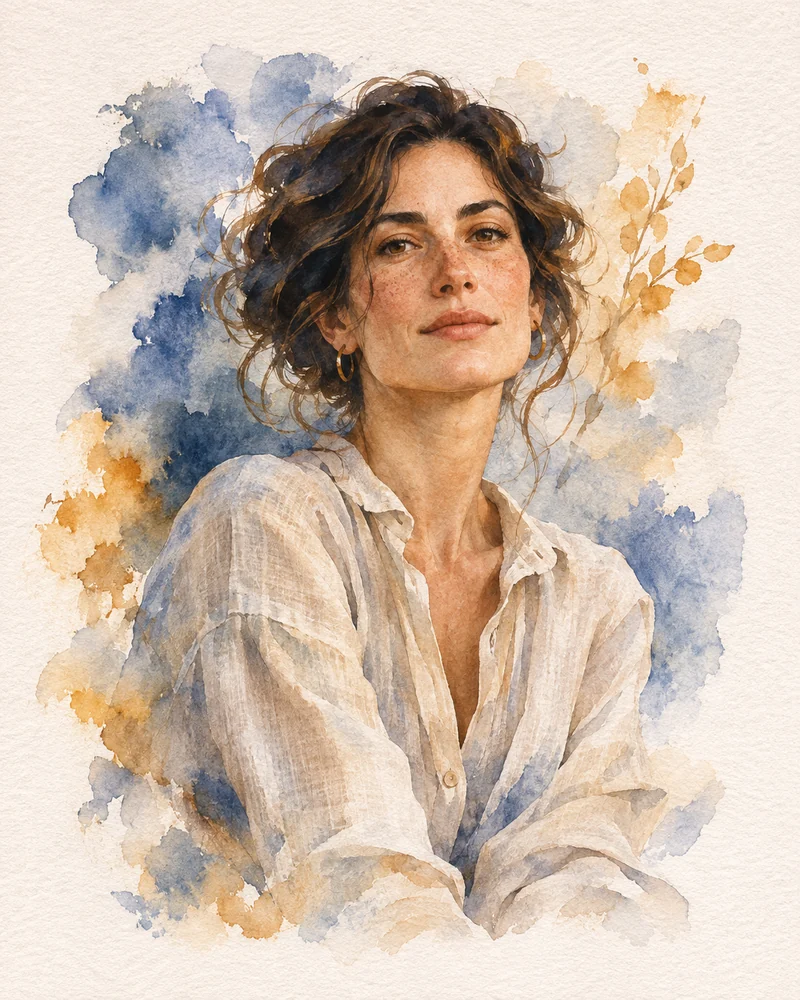 Watercolor
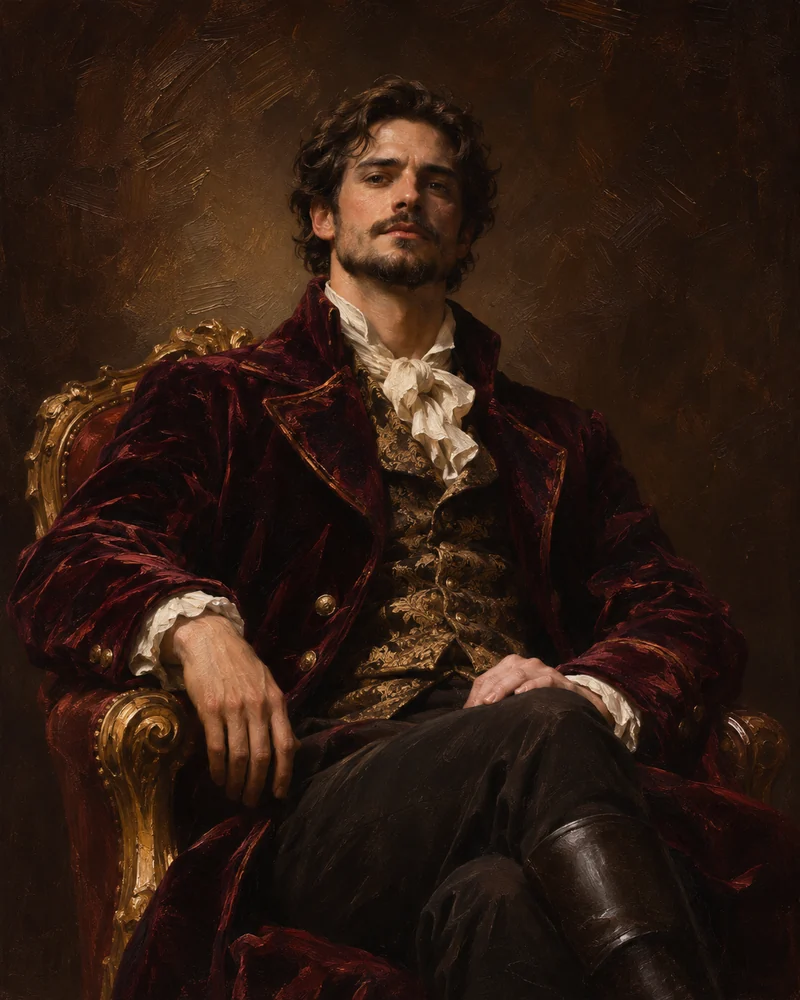 Oil Portrait
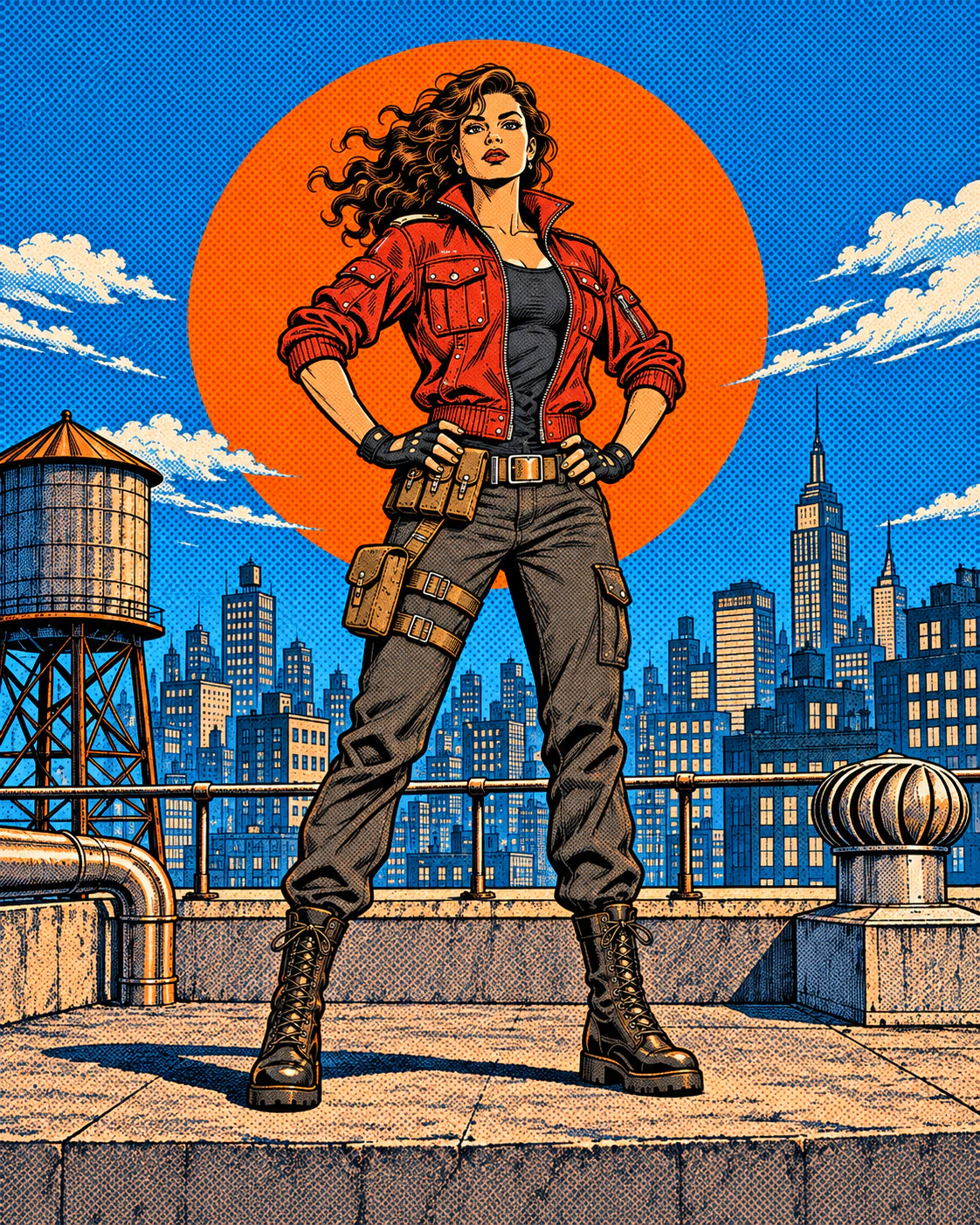 Comic Book Hero
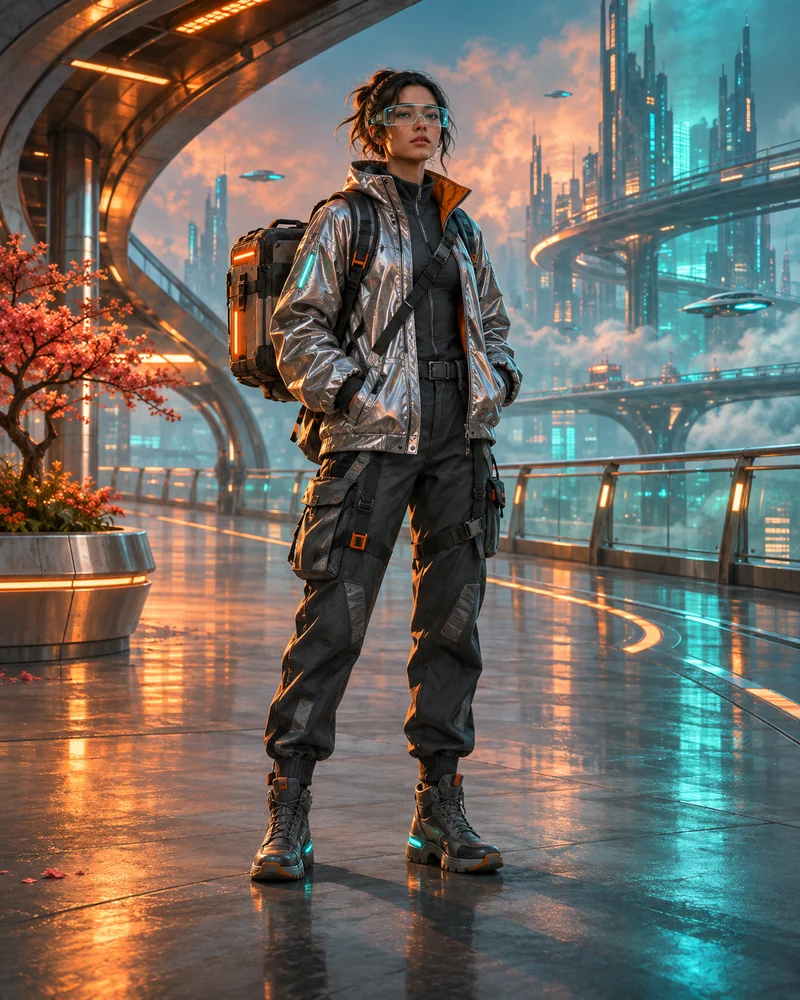 Cyberpunk
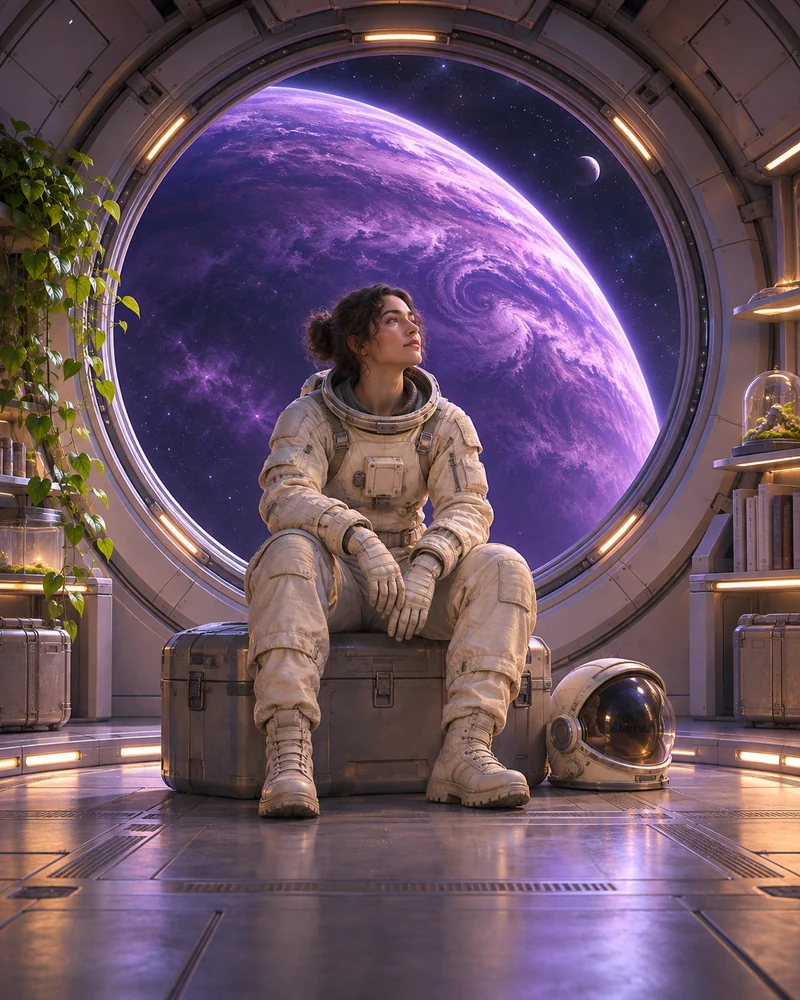 Space Odyssey
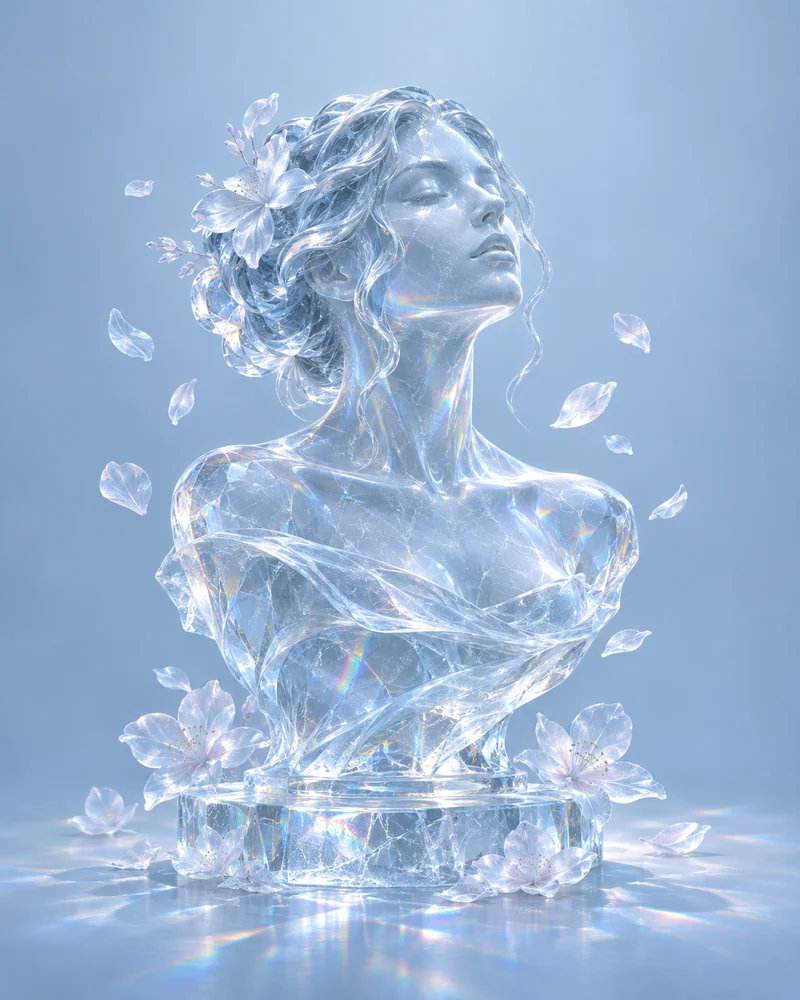 Ice Sculpture
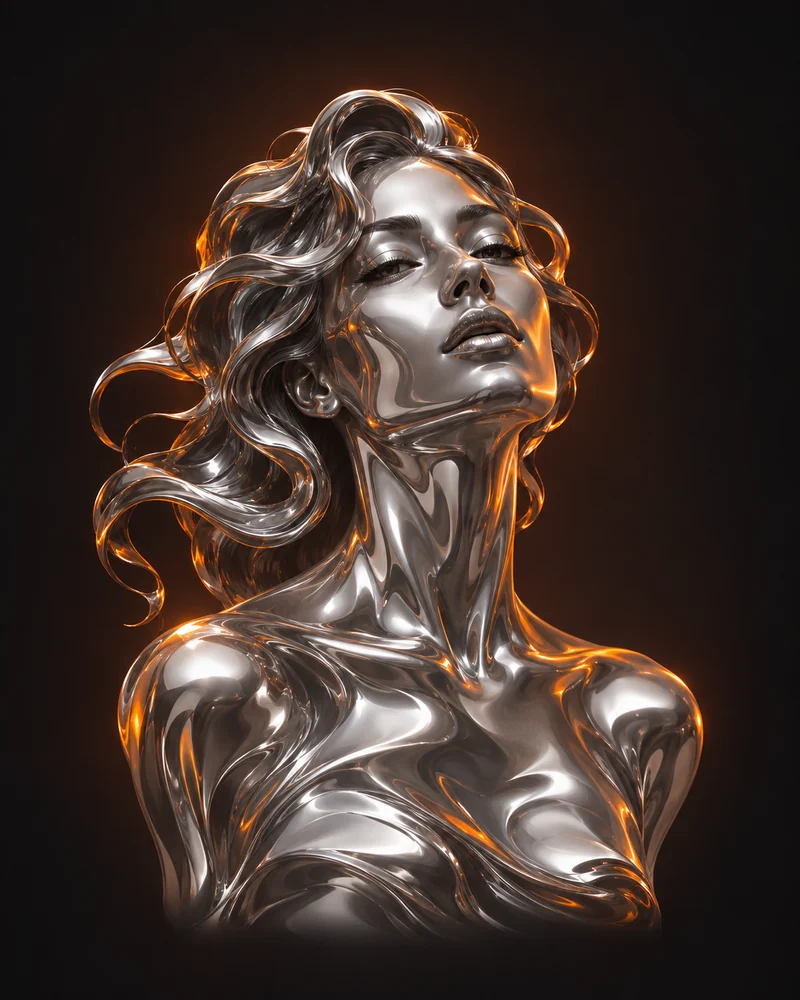 Liquid Chrome
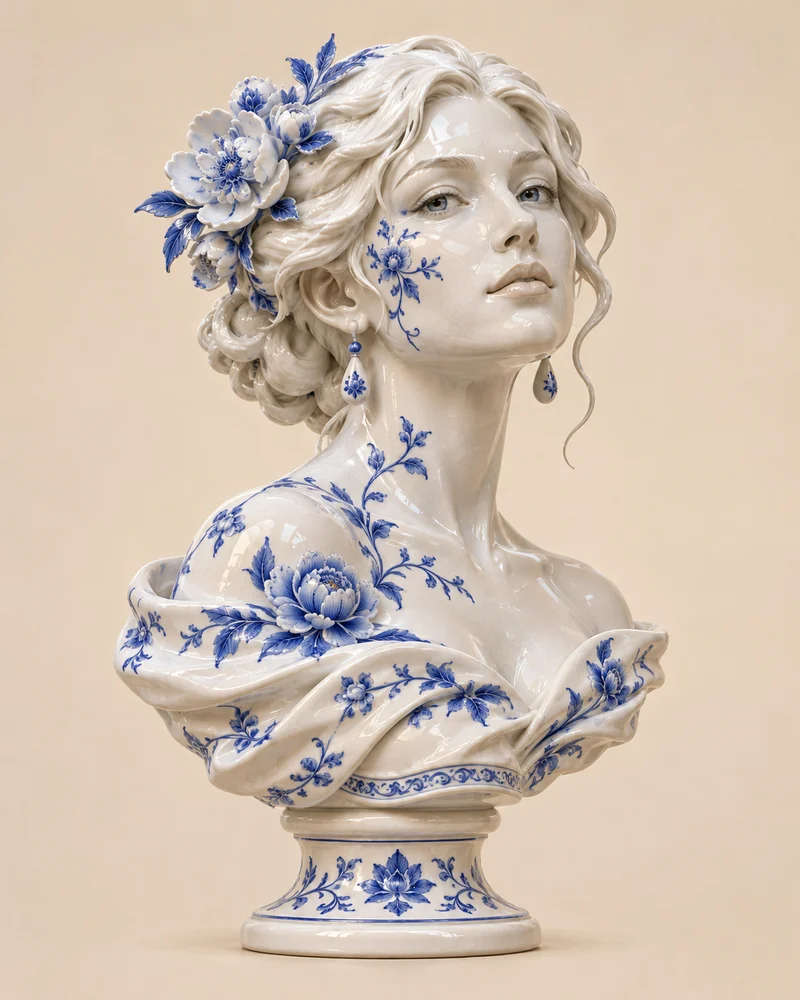 Fine Porcelain
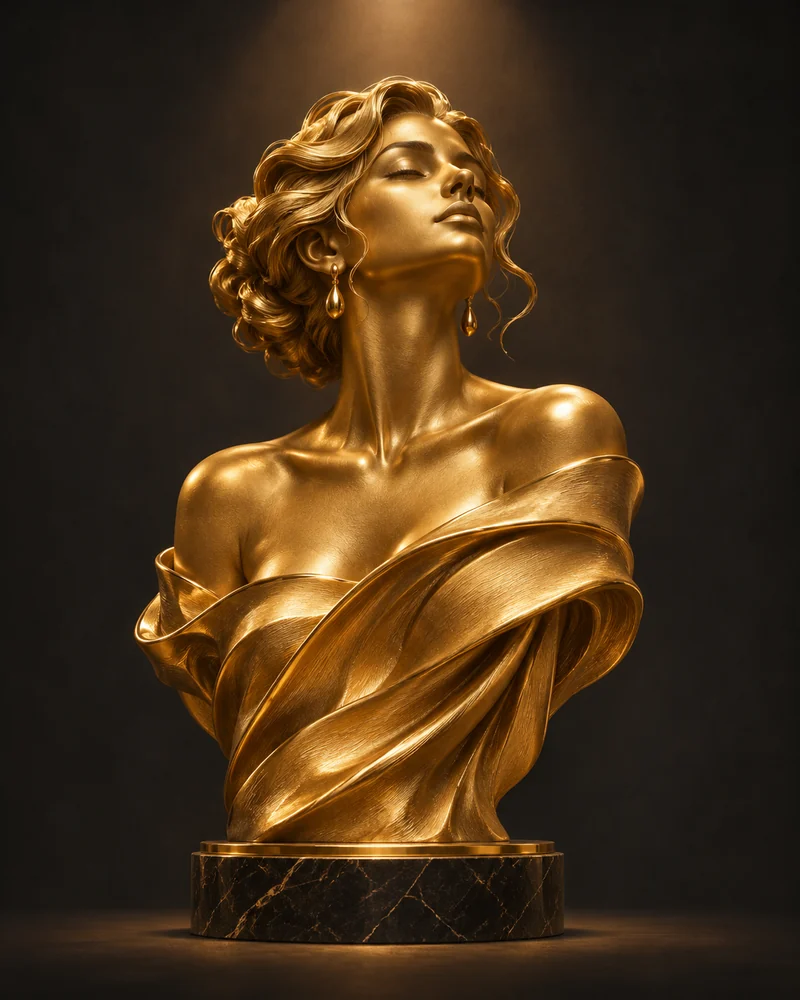 Golden Statue
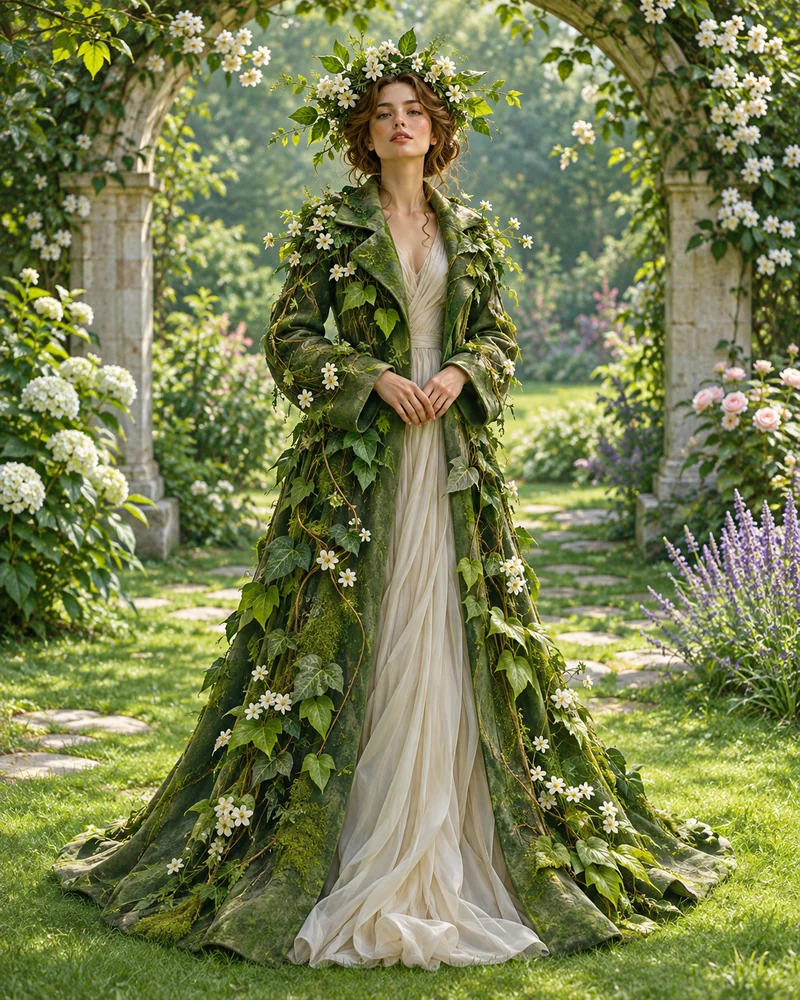 Botanical Portrait
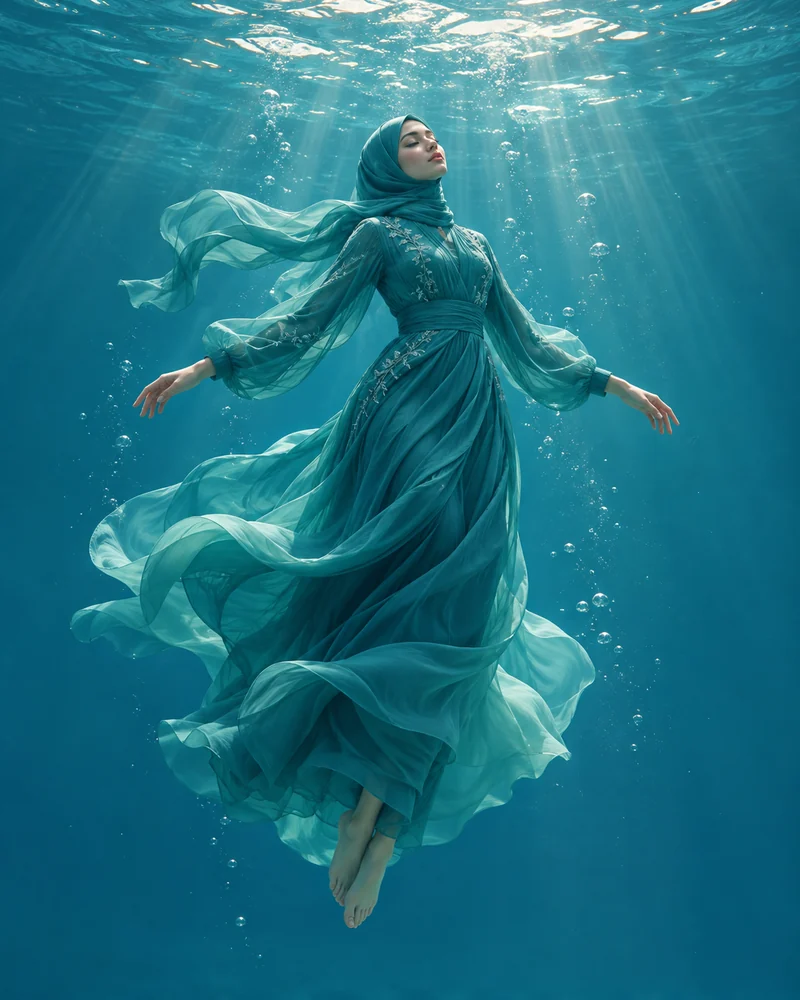 Underwater
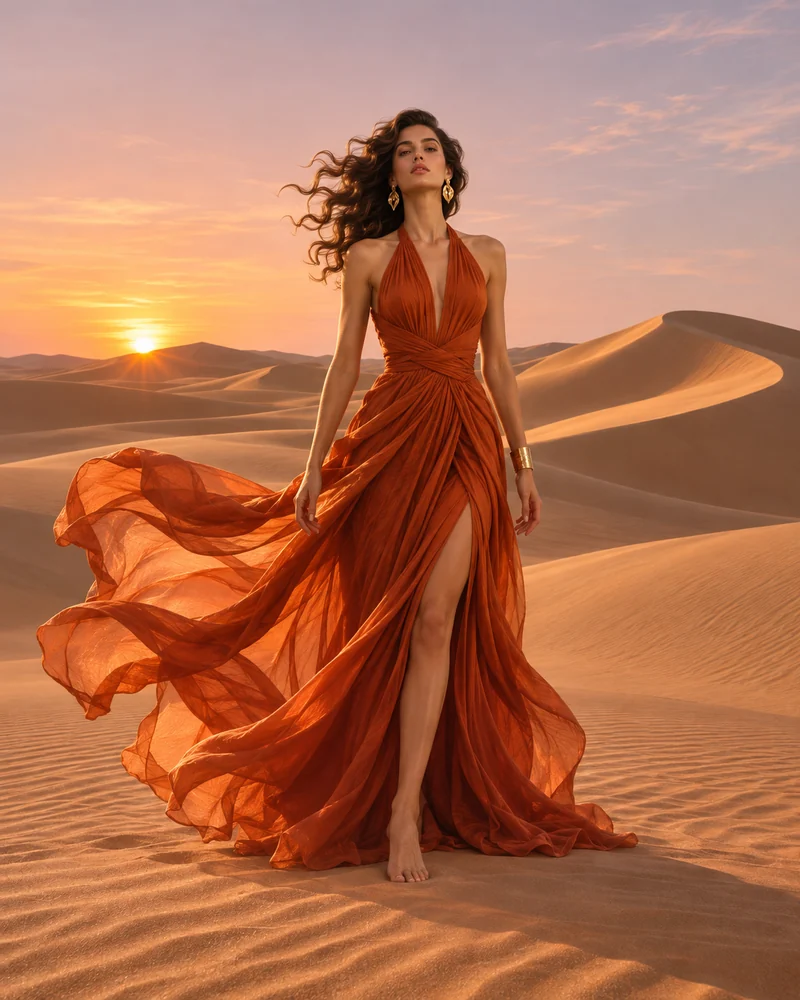 Dune Editorial
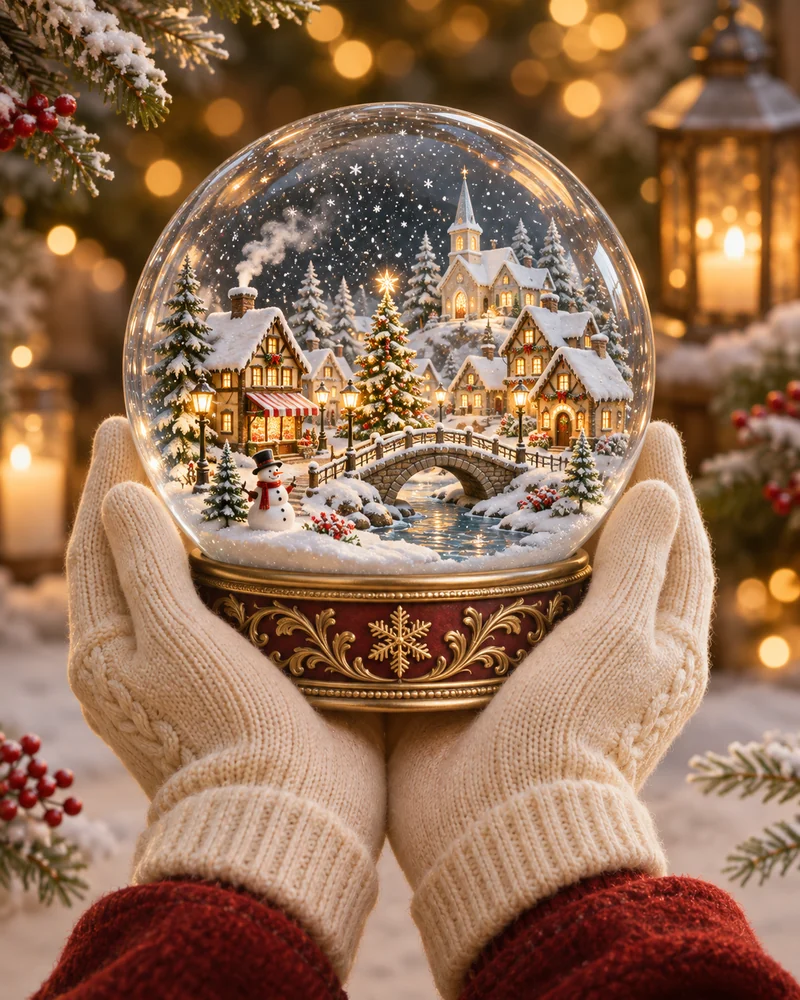 Snow Globe
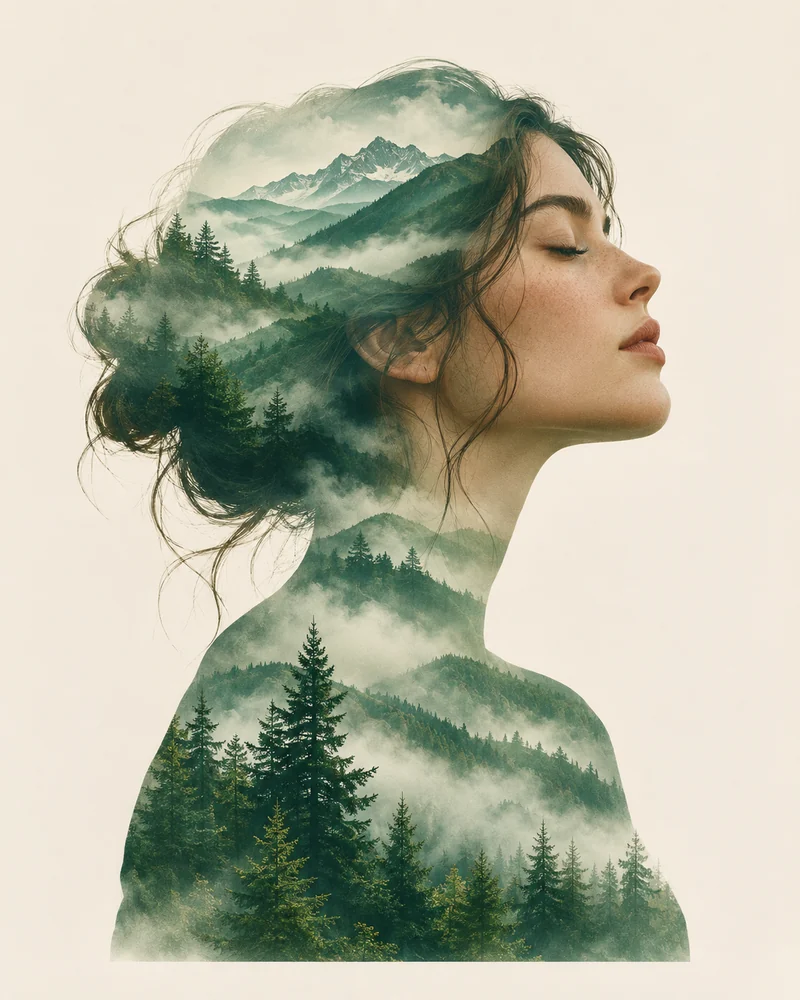 Double Exposure
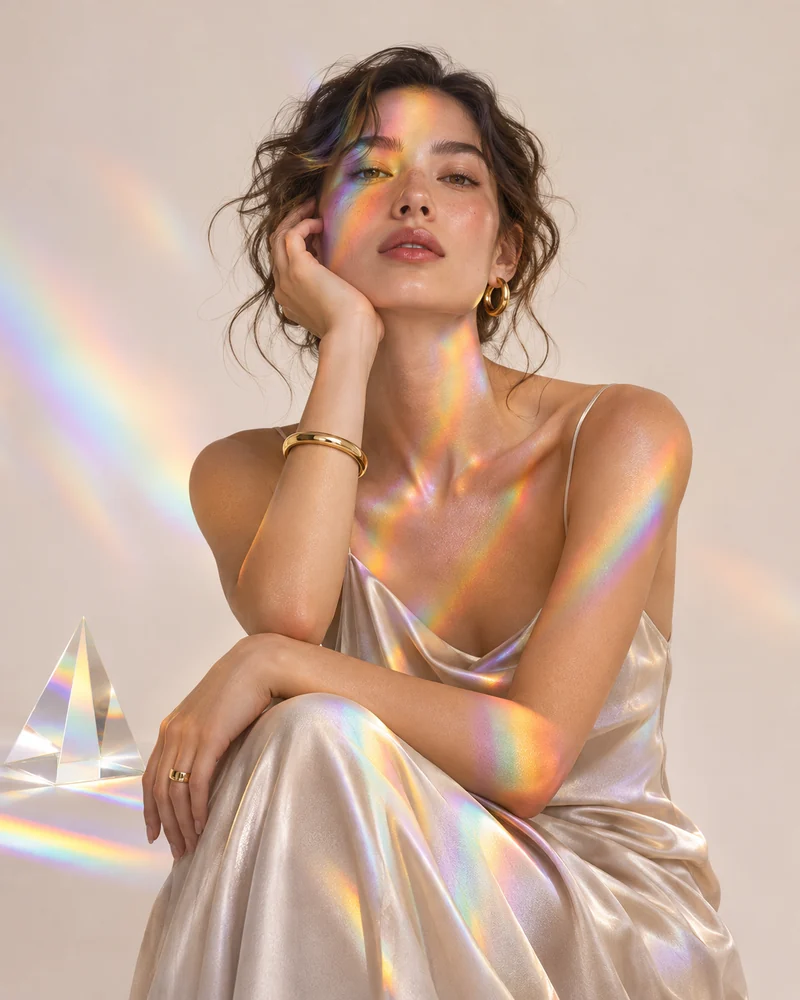 Prism Light
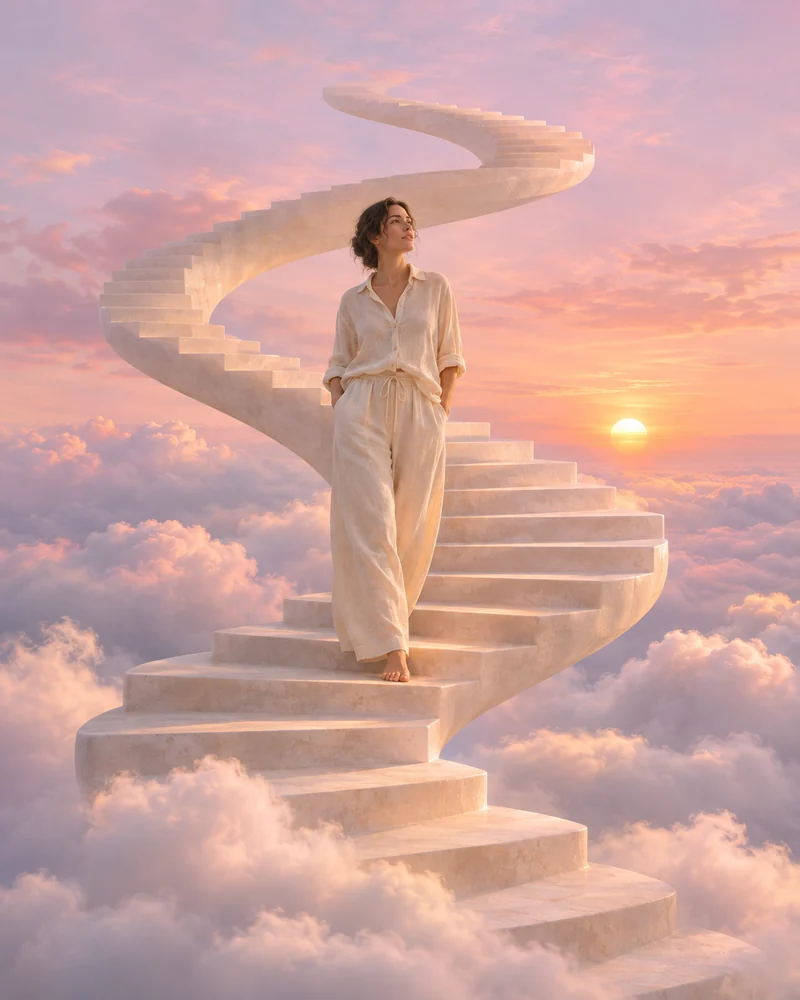 Cloud Dream
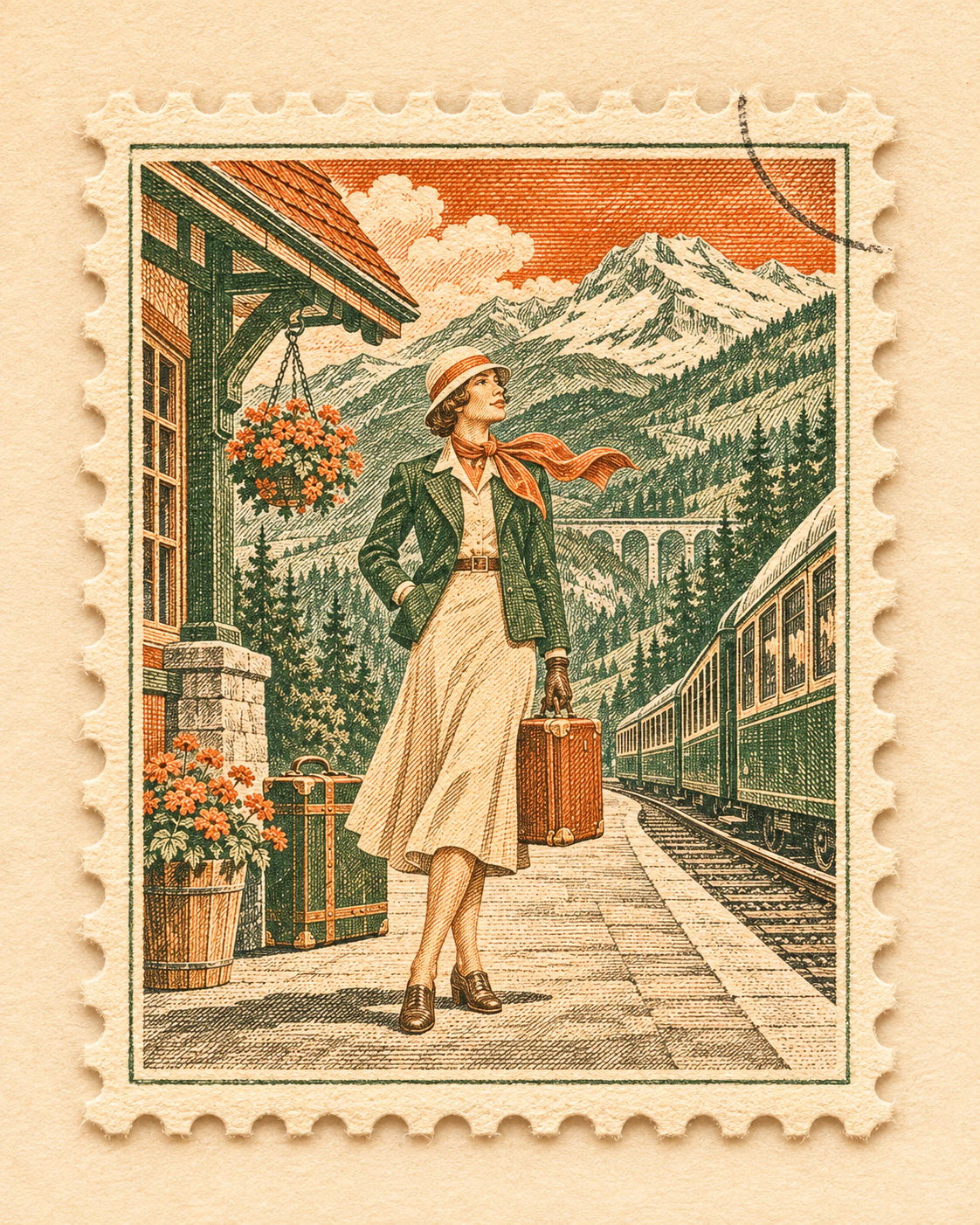 Postage Stamp
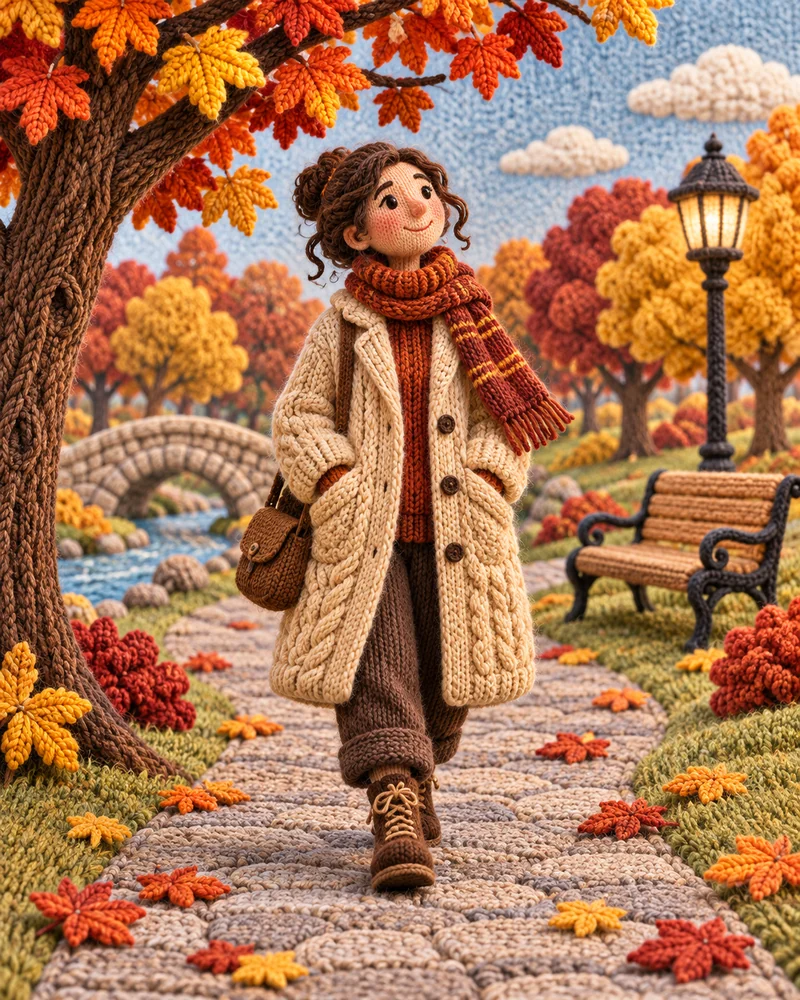 Knitted World
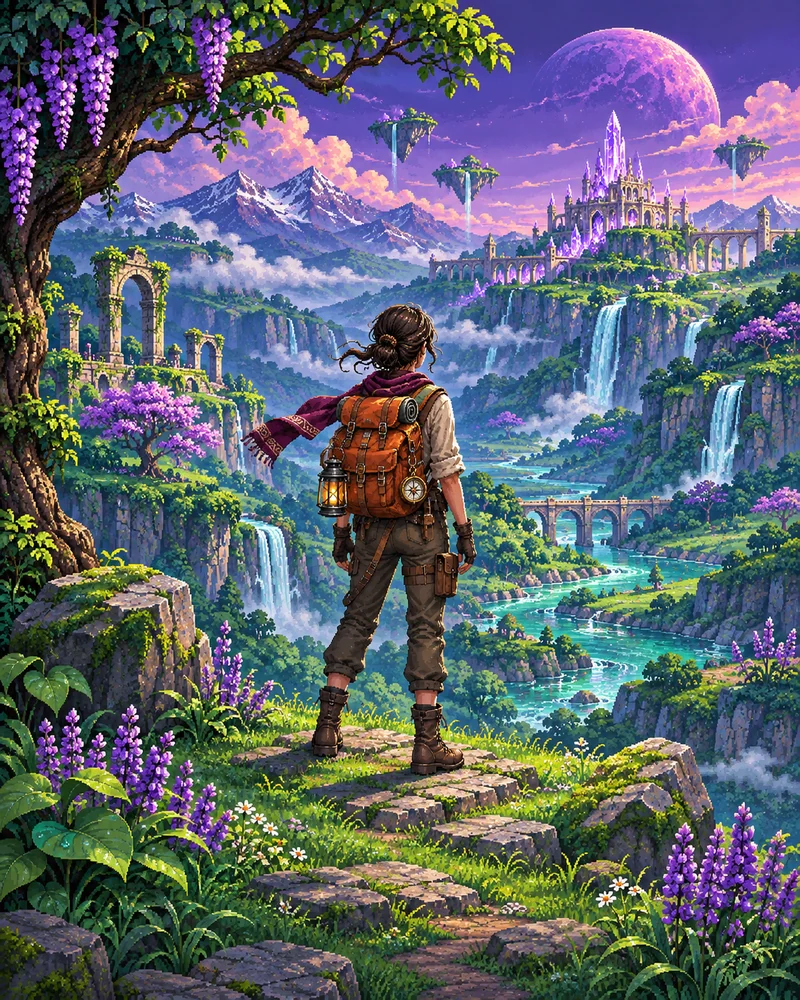 Pixel Quest
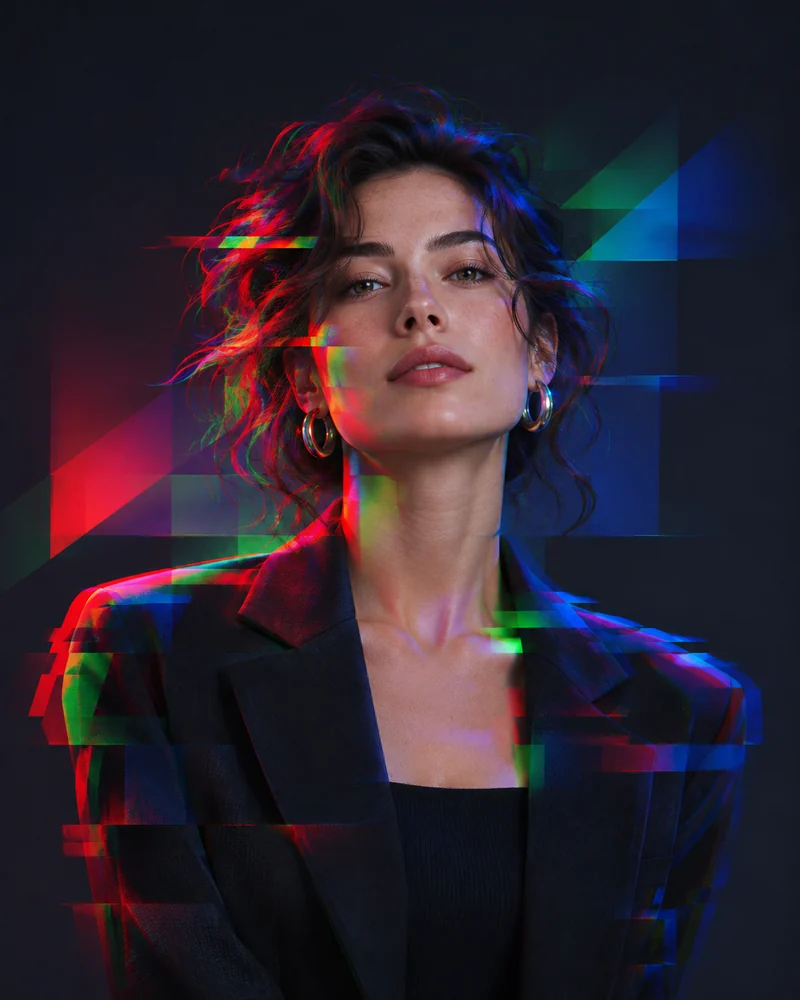 Digital Glitch
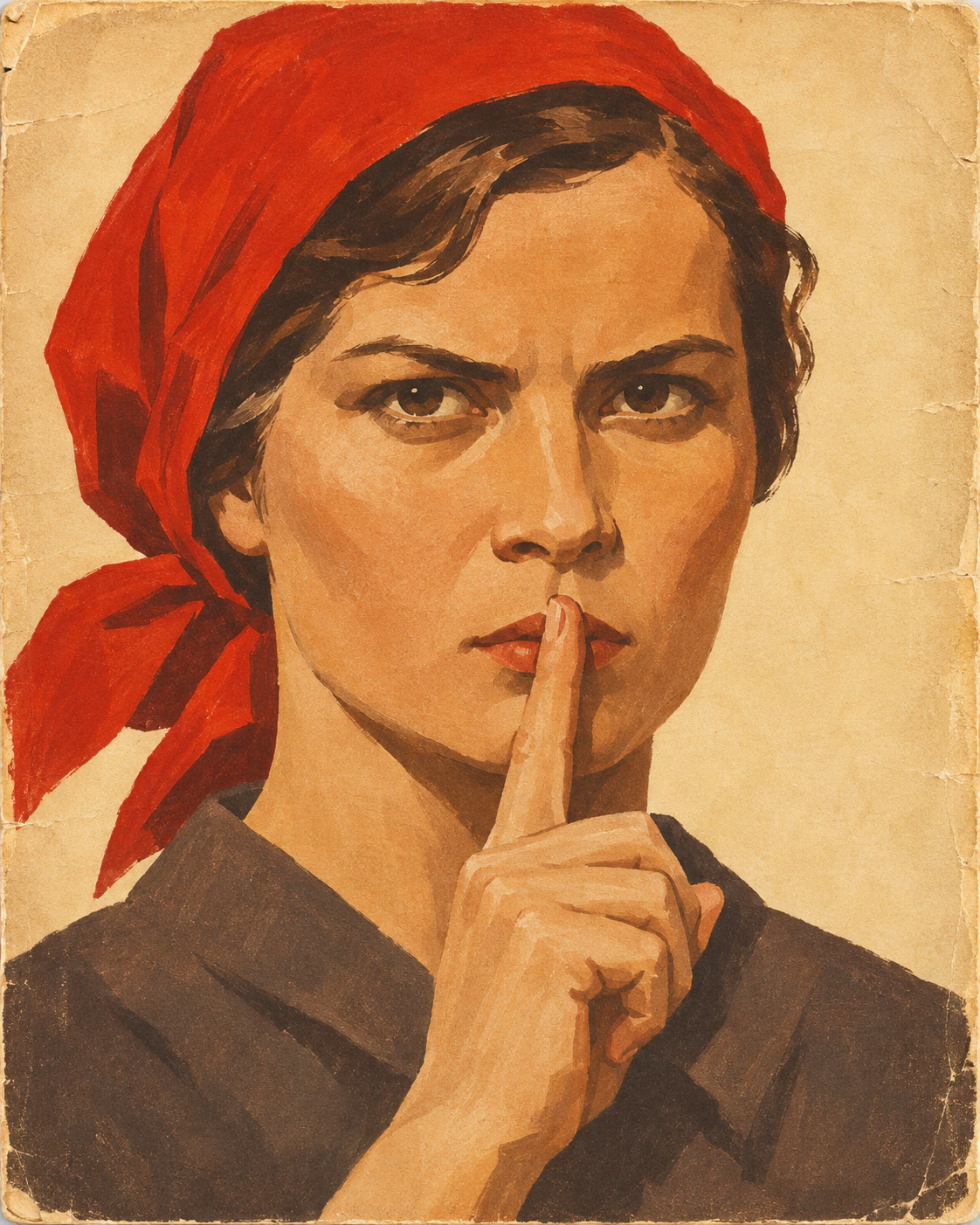 Retro Poster Art
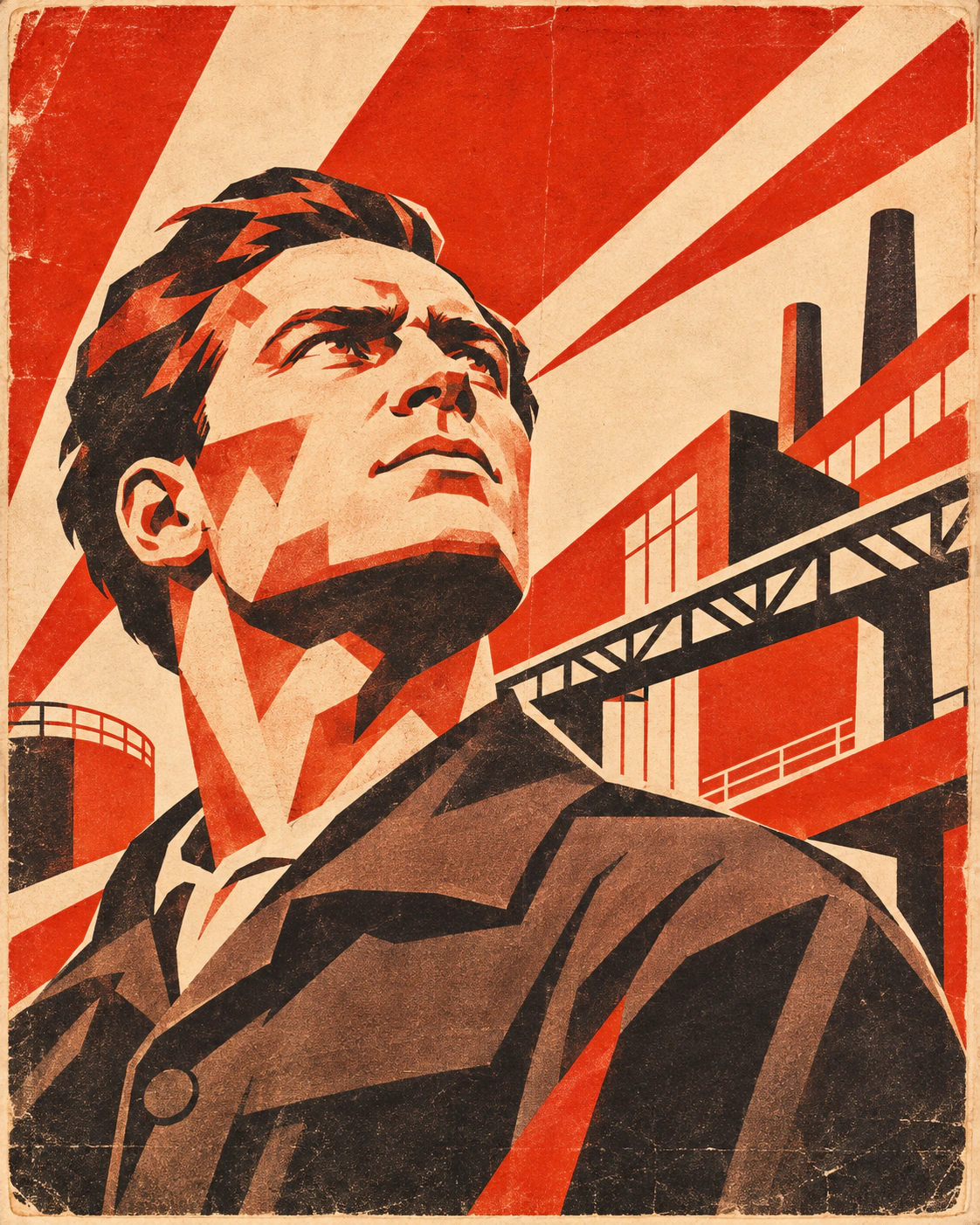 Constructivist Poster
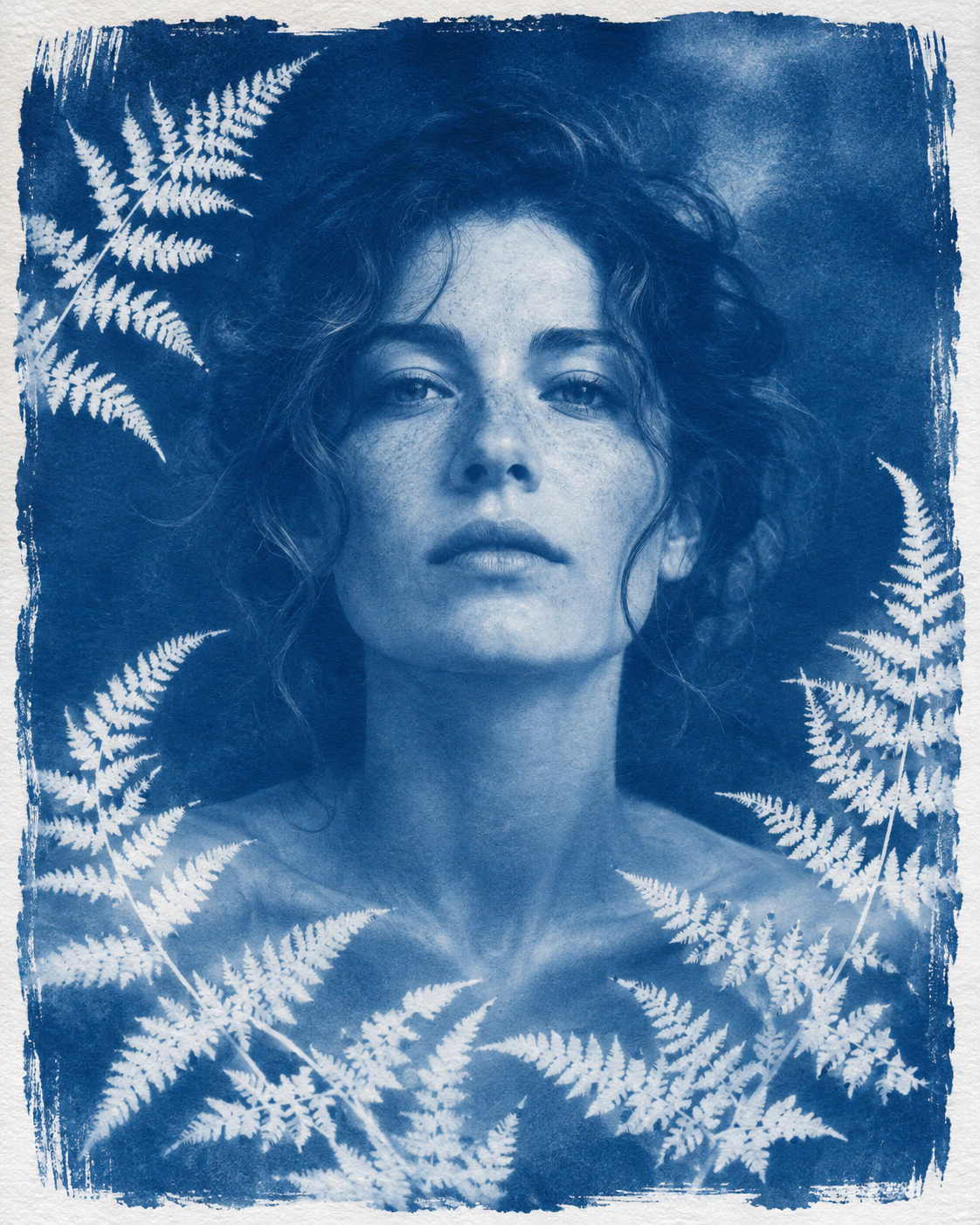 Cyanotype
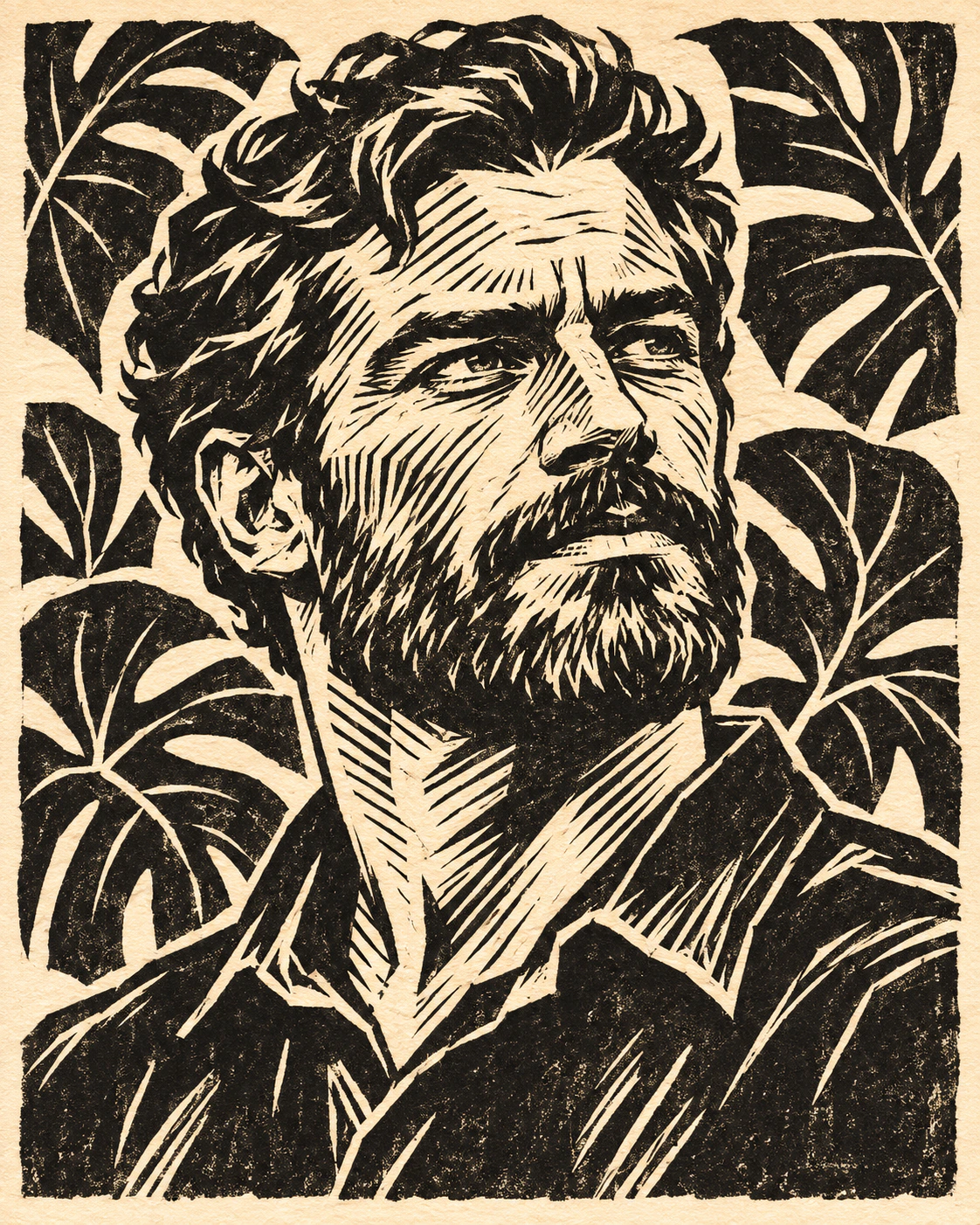 Linocut Print
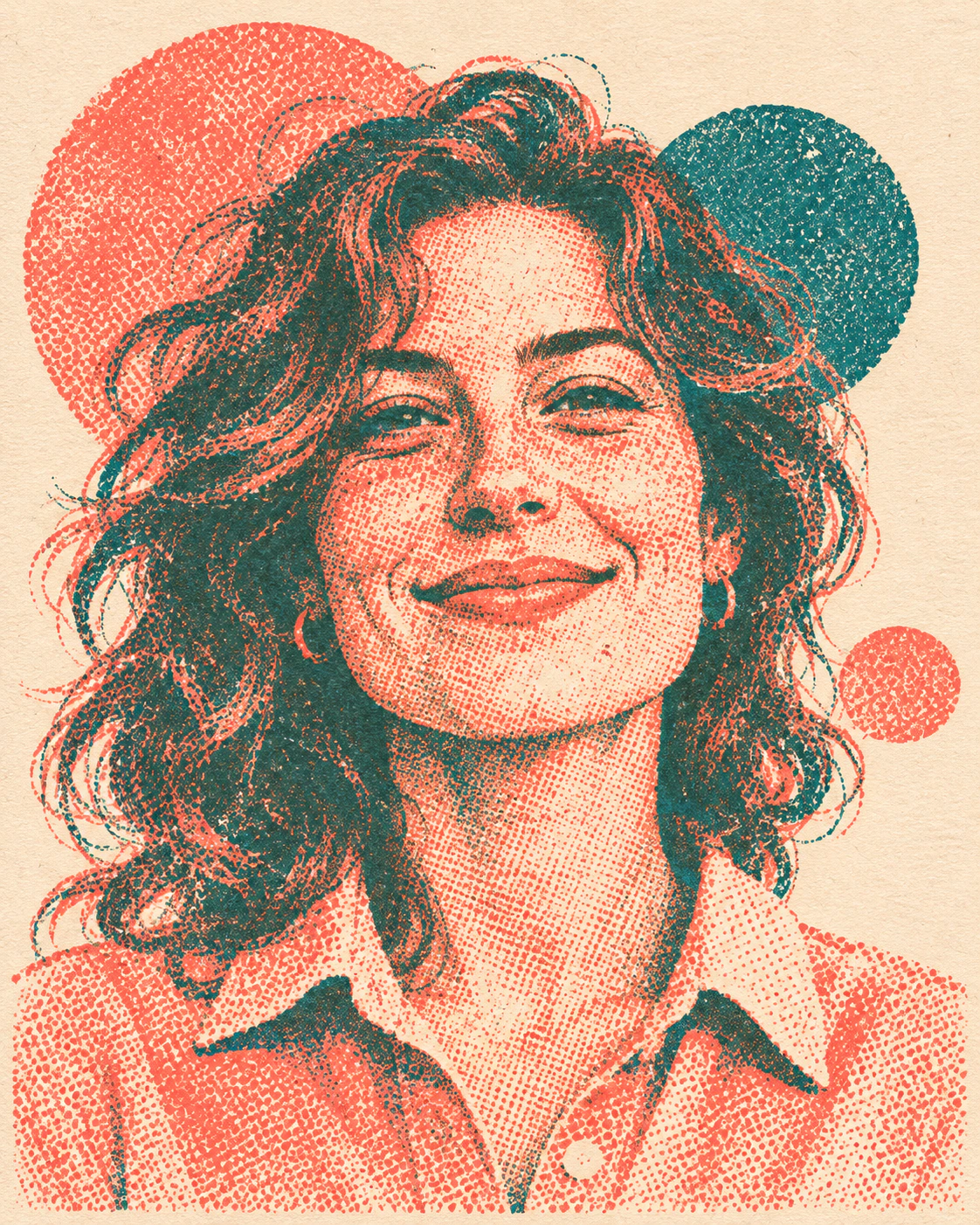 Risograph
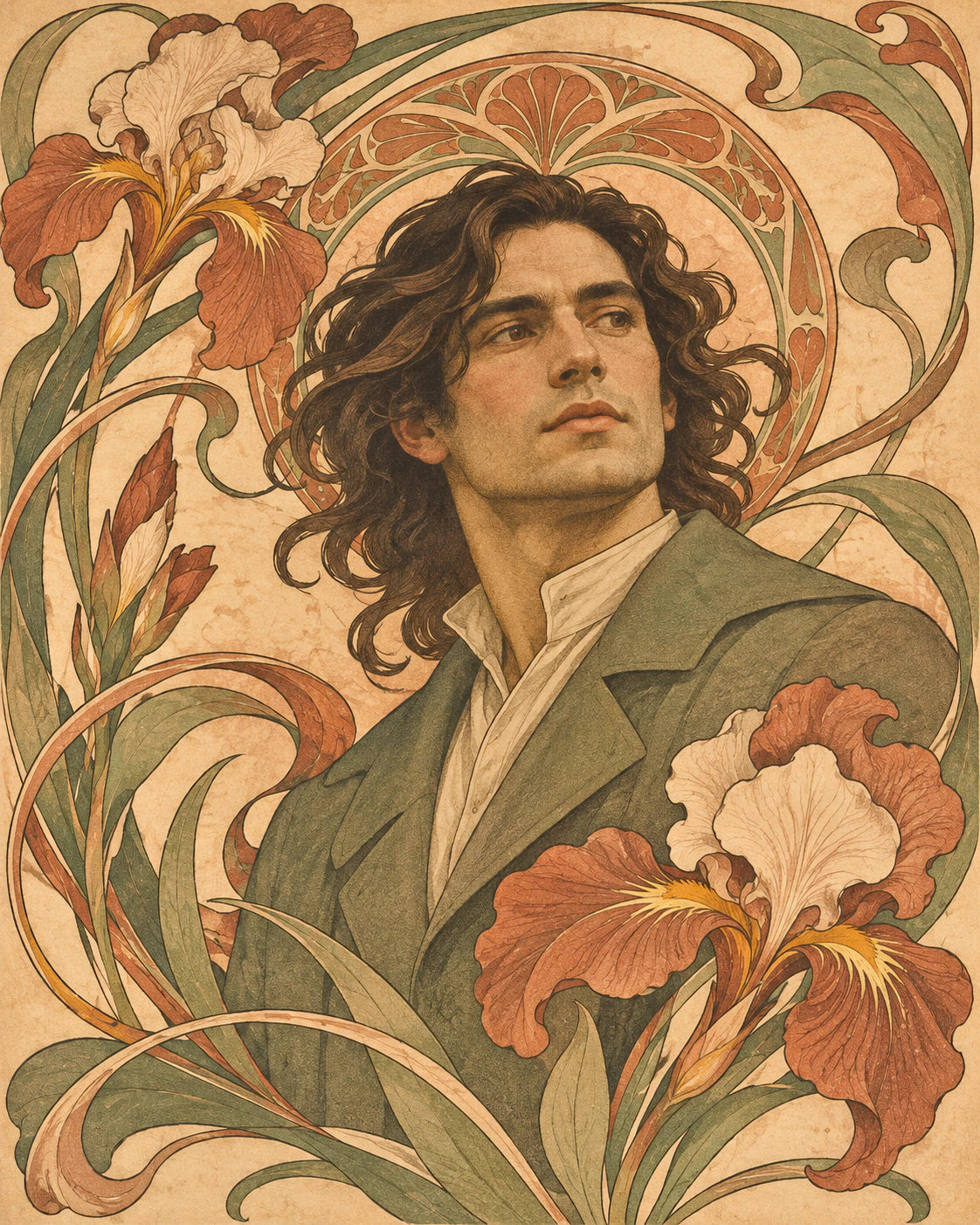 Art Nouveau
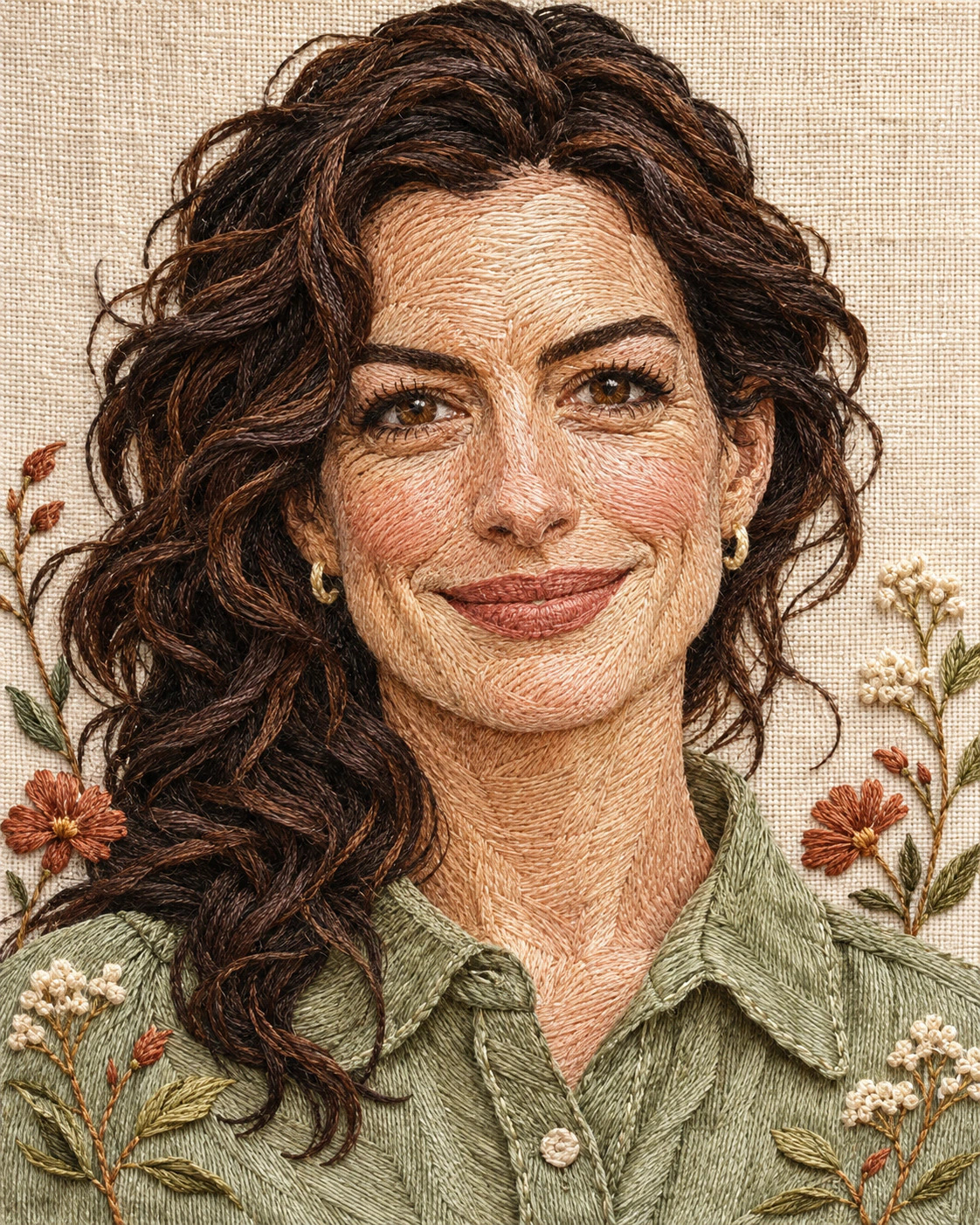 Embroidered Portrait
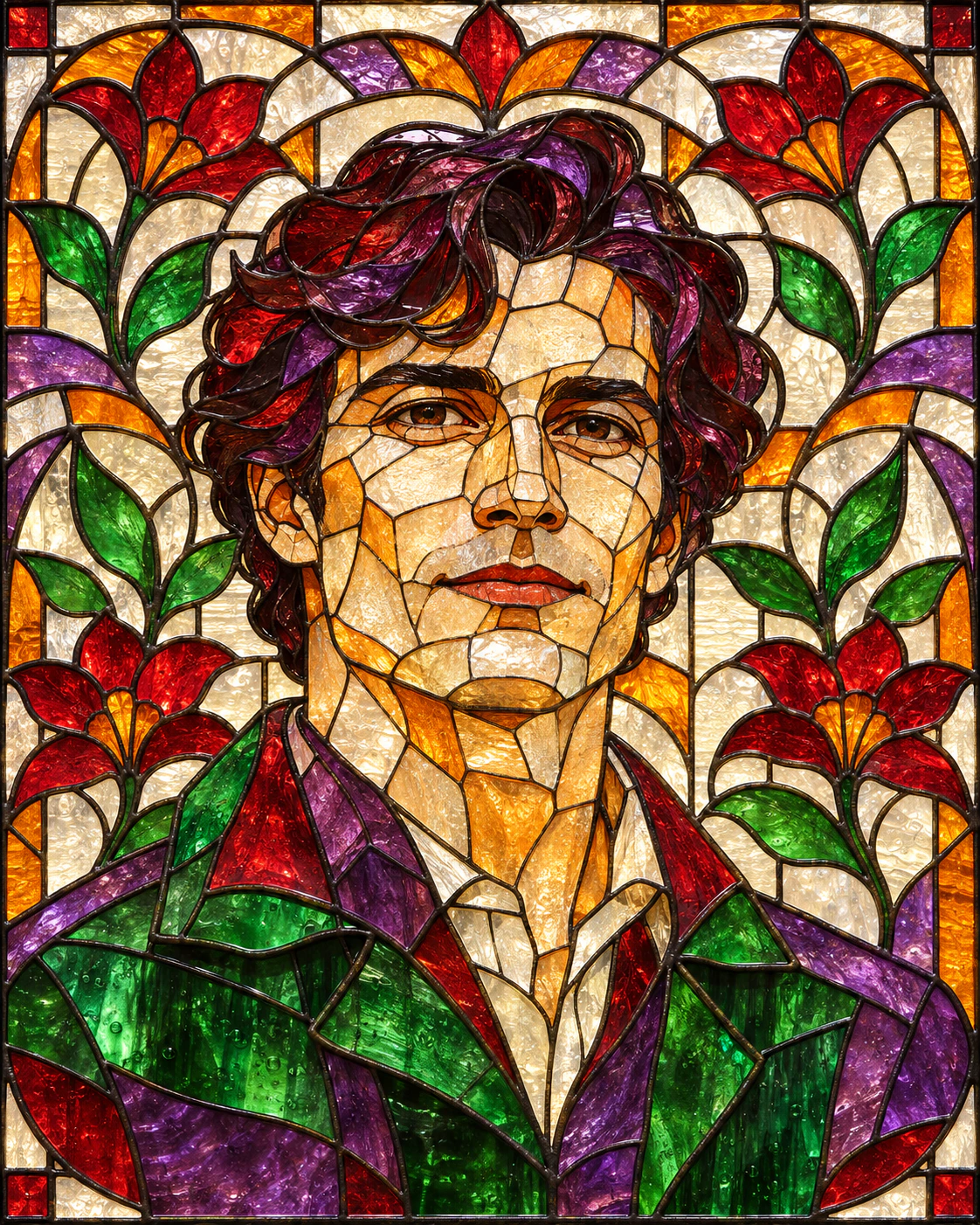 Stained Glass
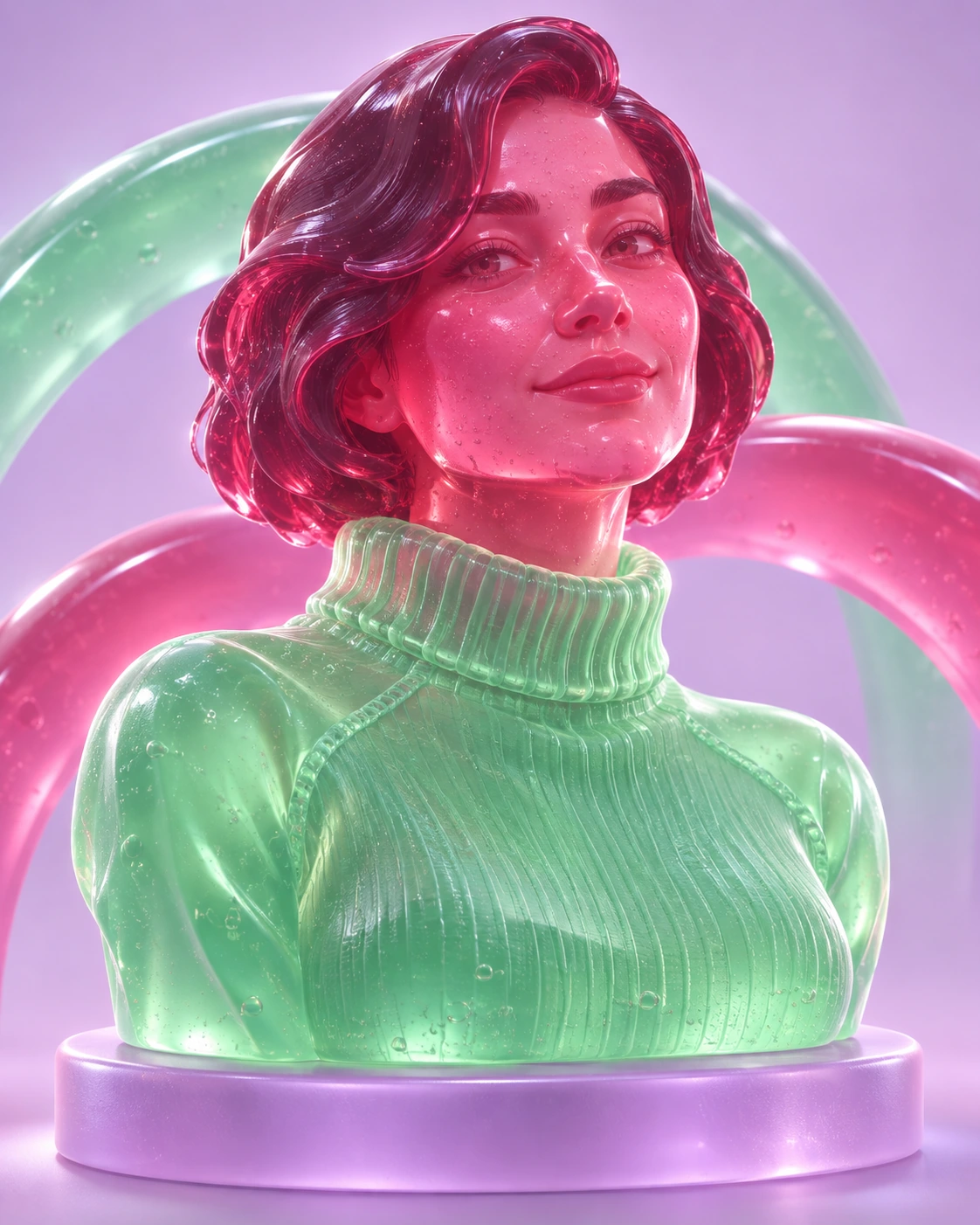 Gummy Reality
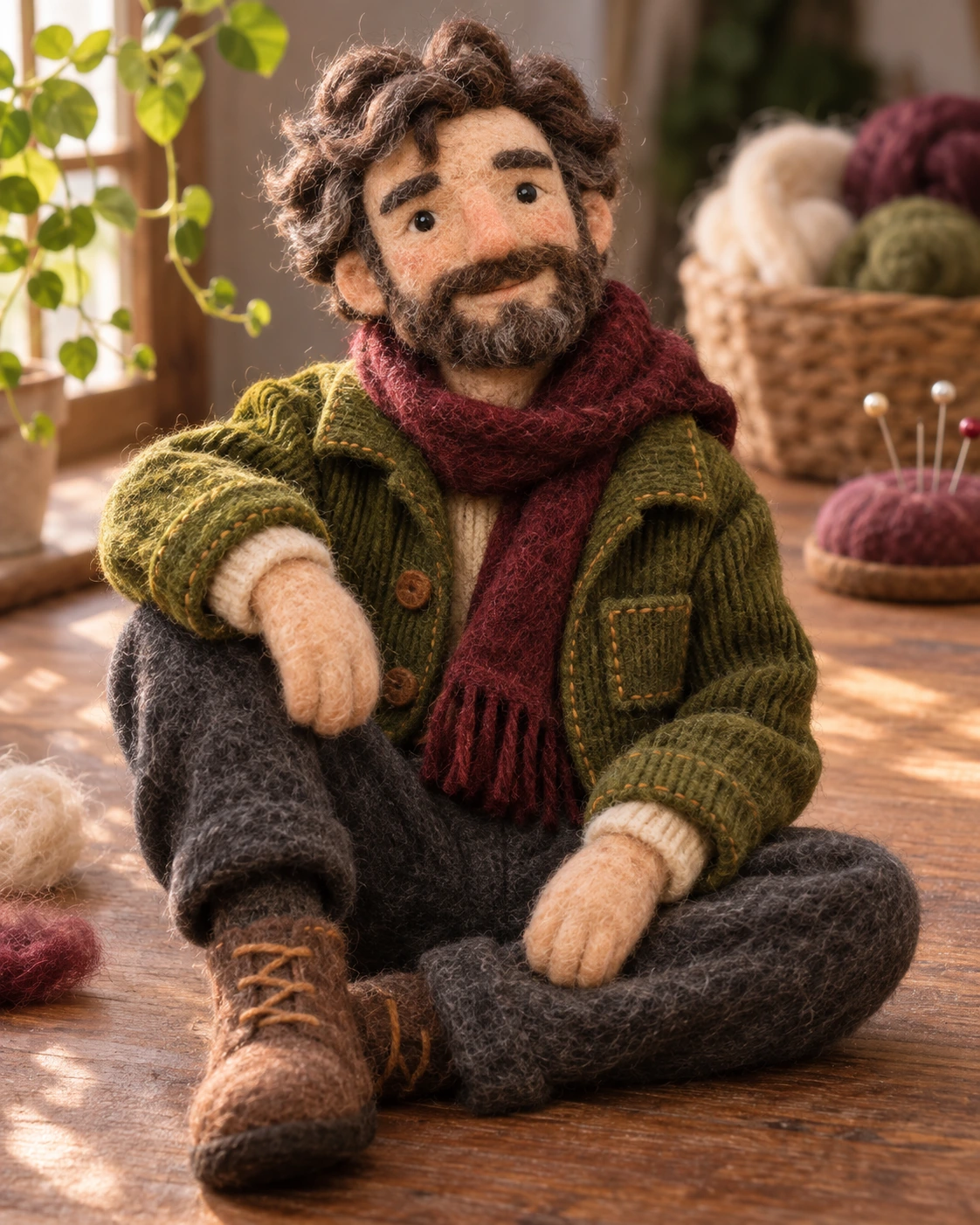 Felt Twin
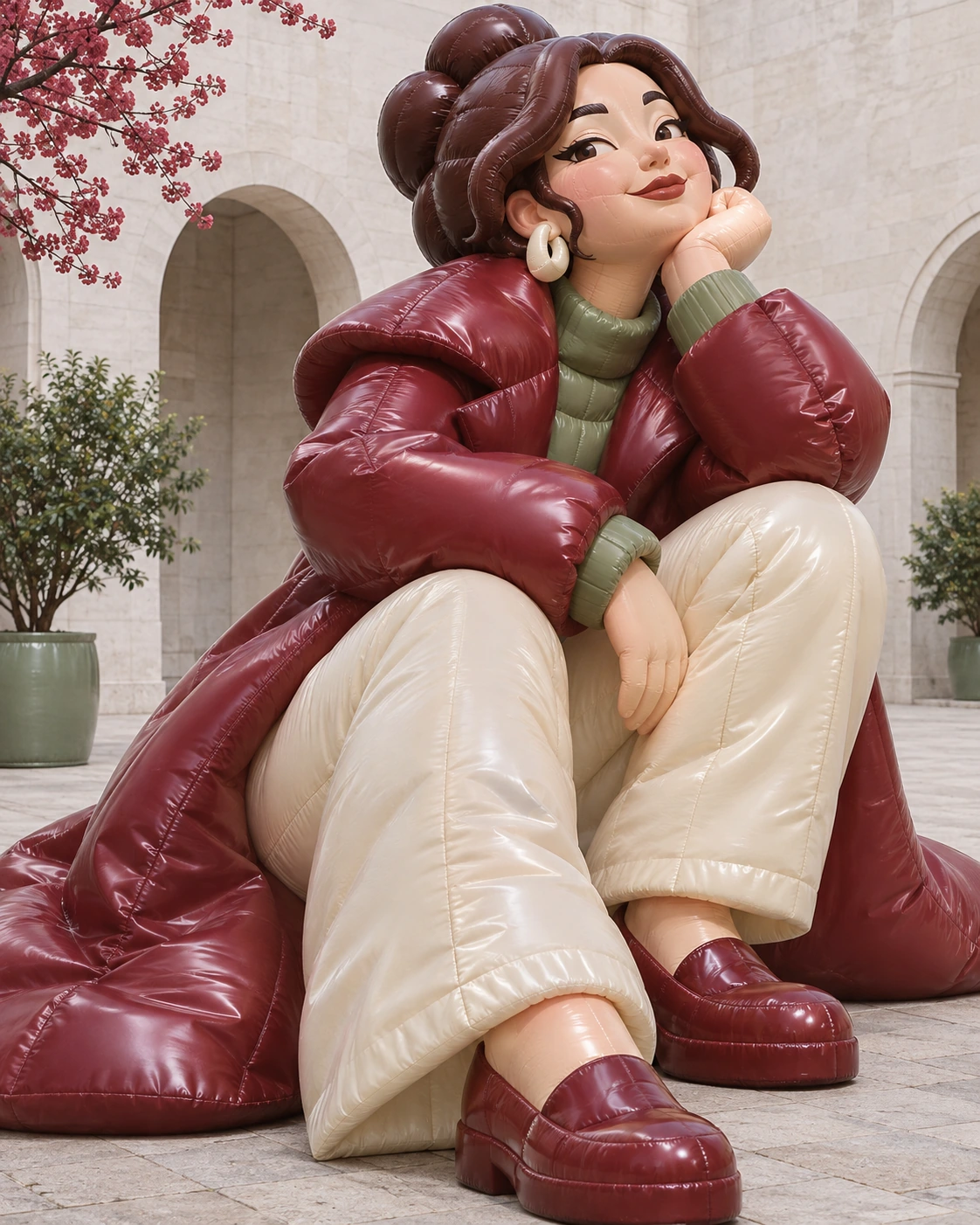 Inflatable Hero
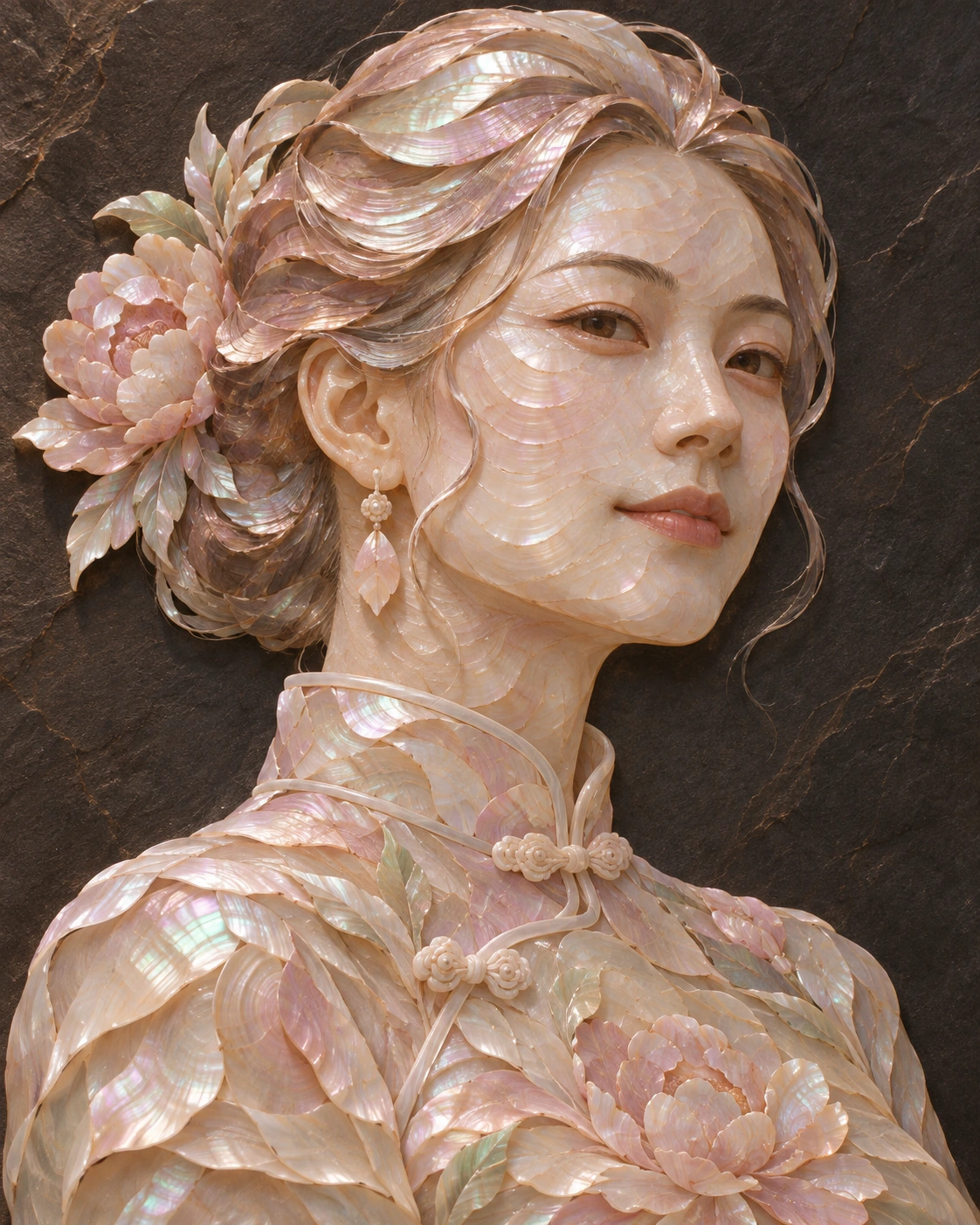 Mother-of-Pearl Relief
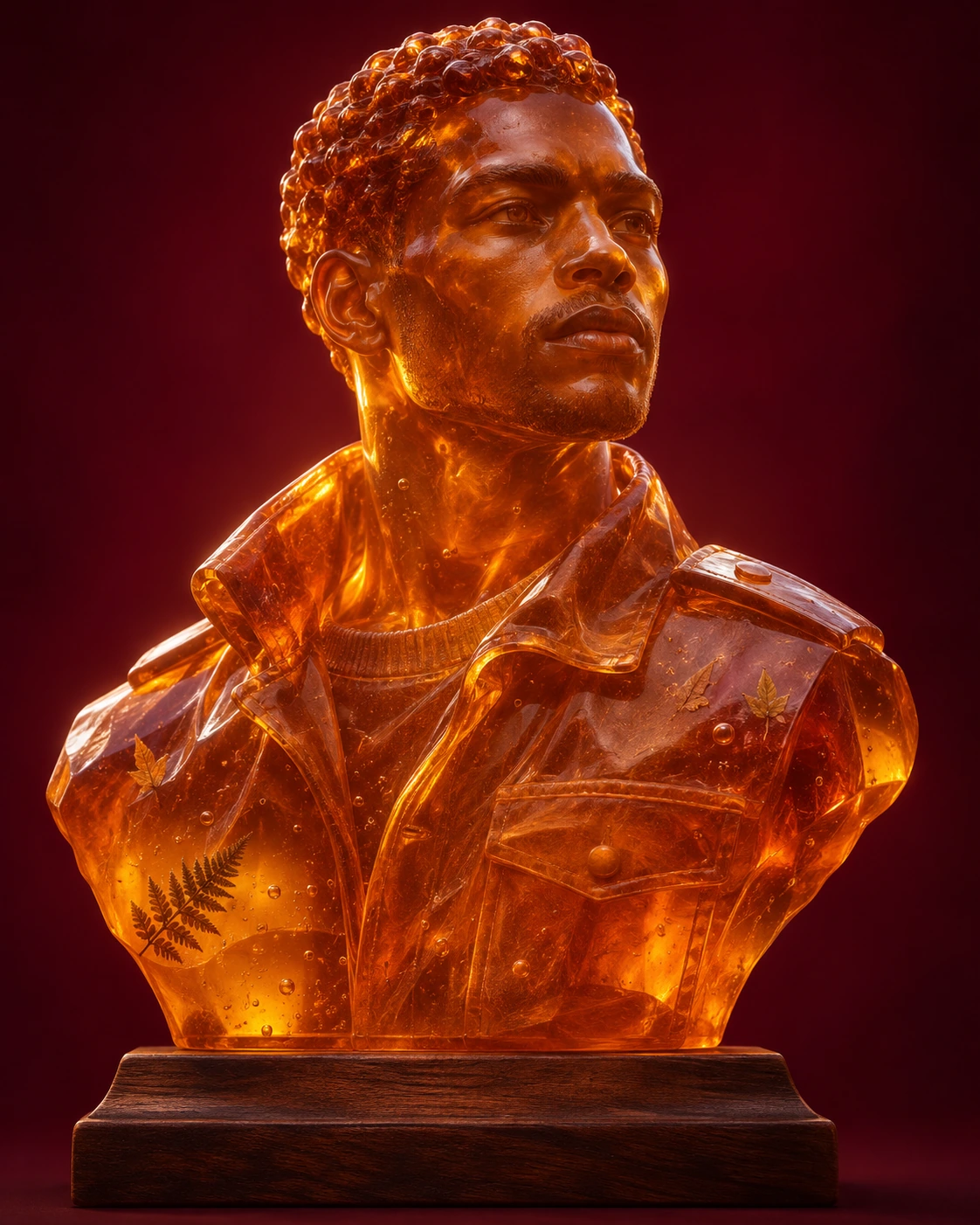 Amber Capsule
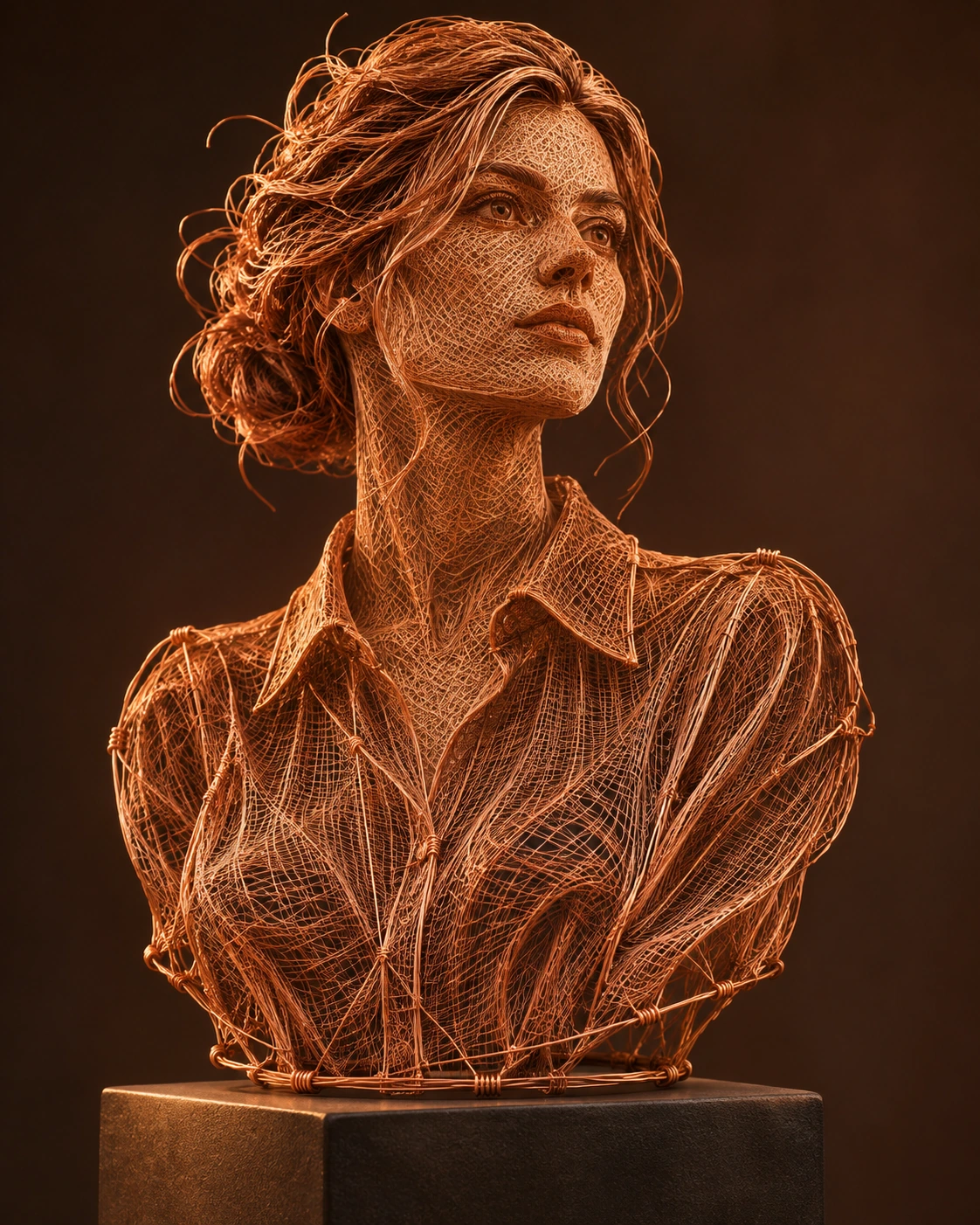 Copper Wire Sculpture
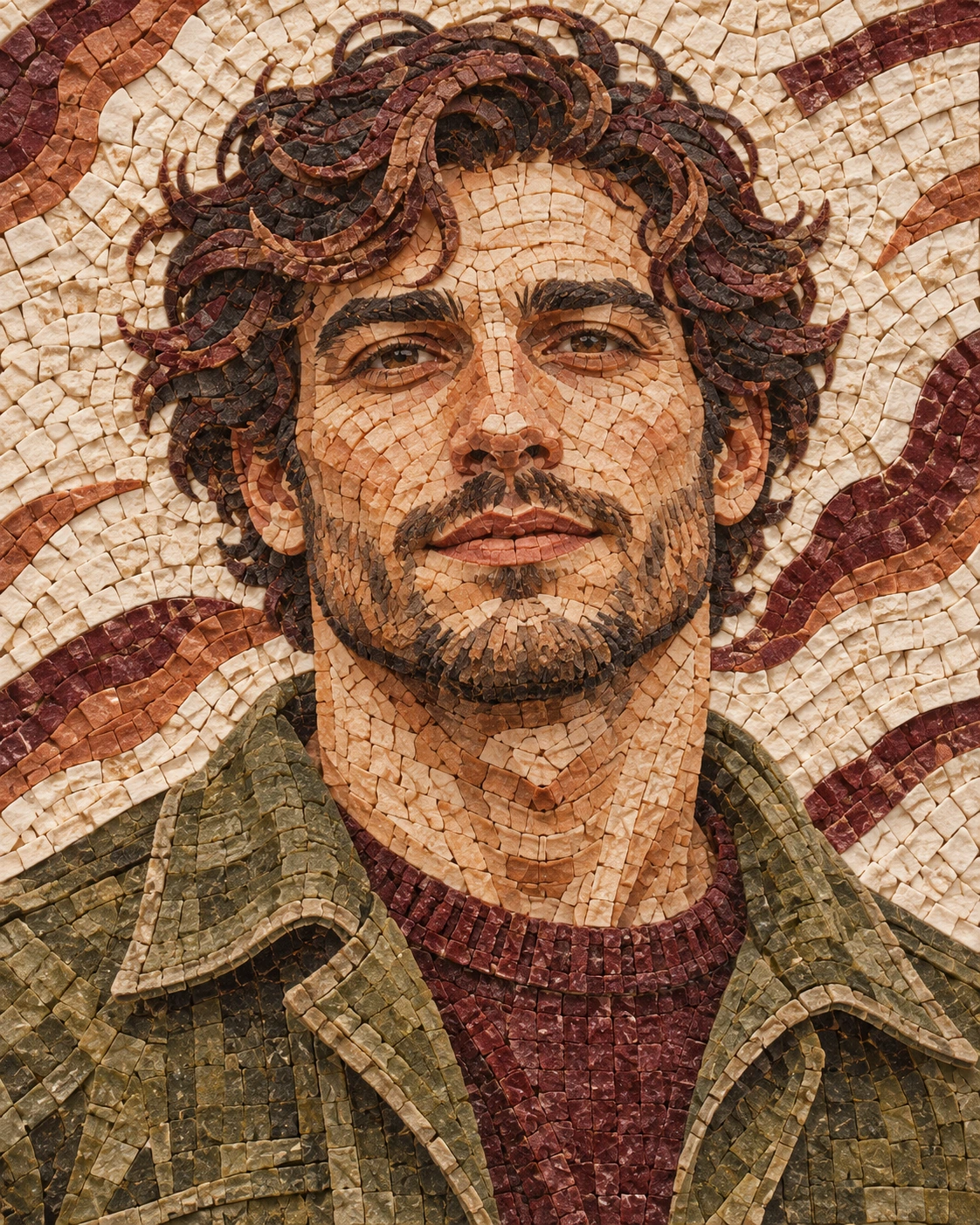 Stone Mosaic
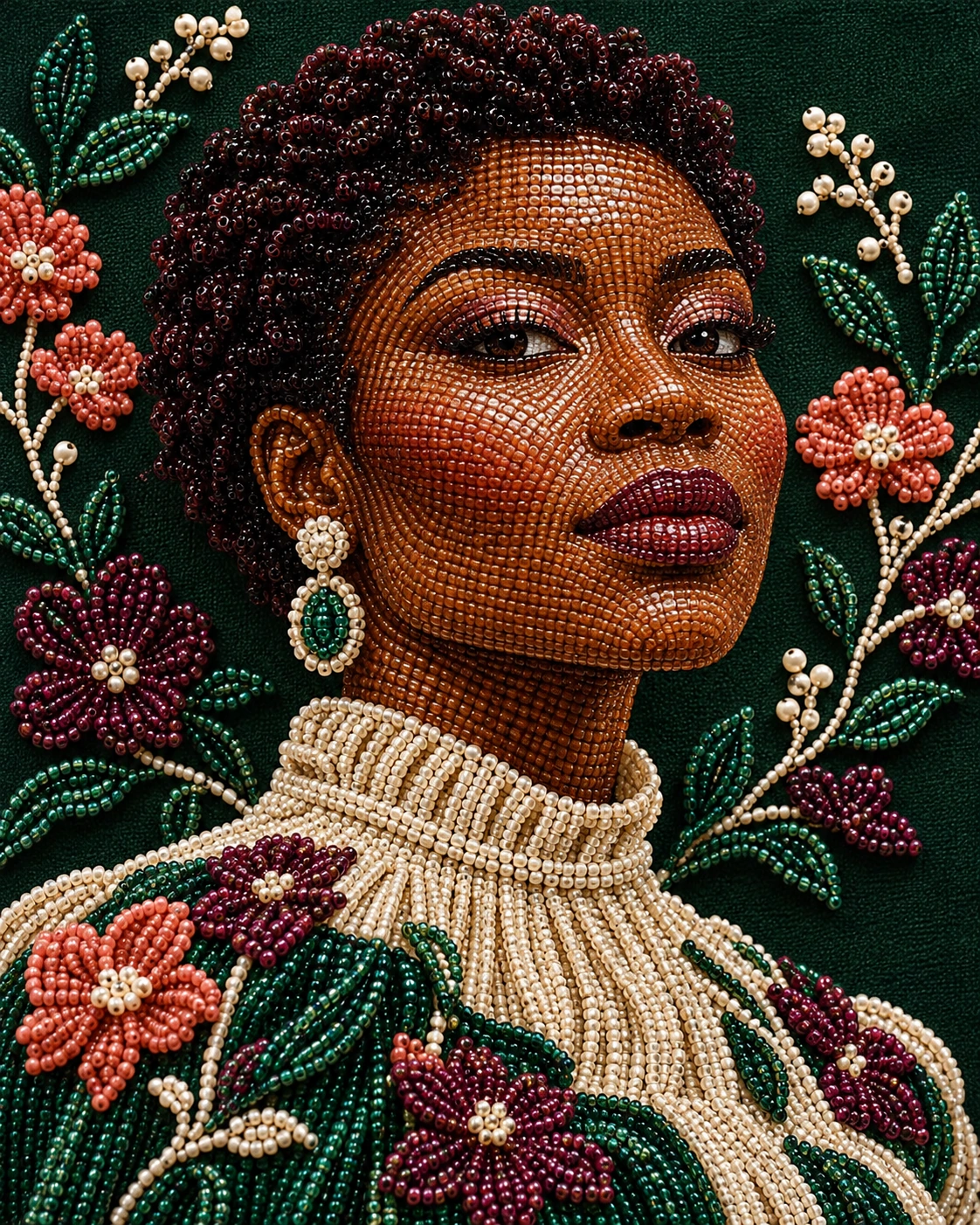 Beaded Portrait
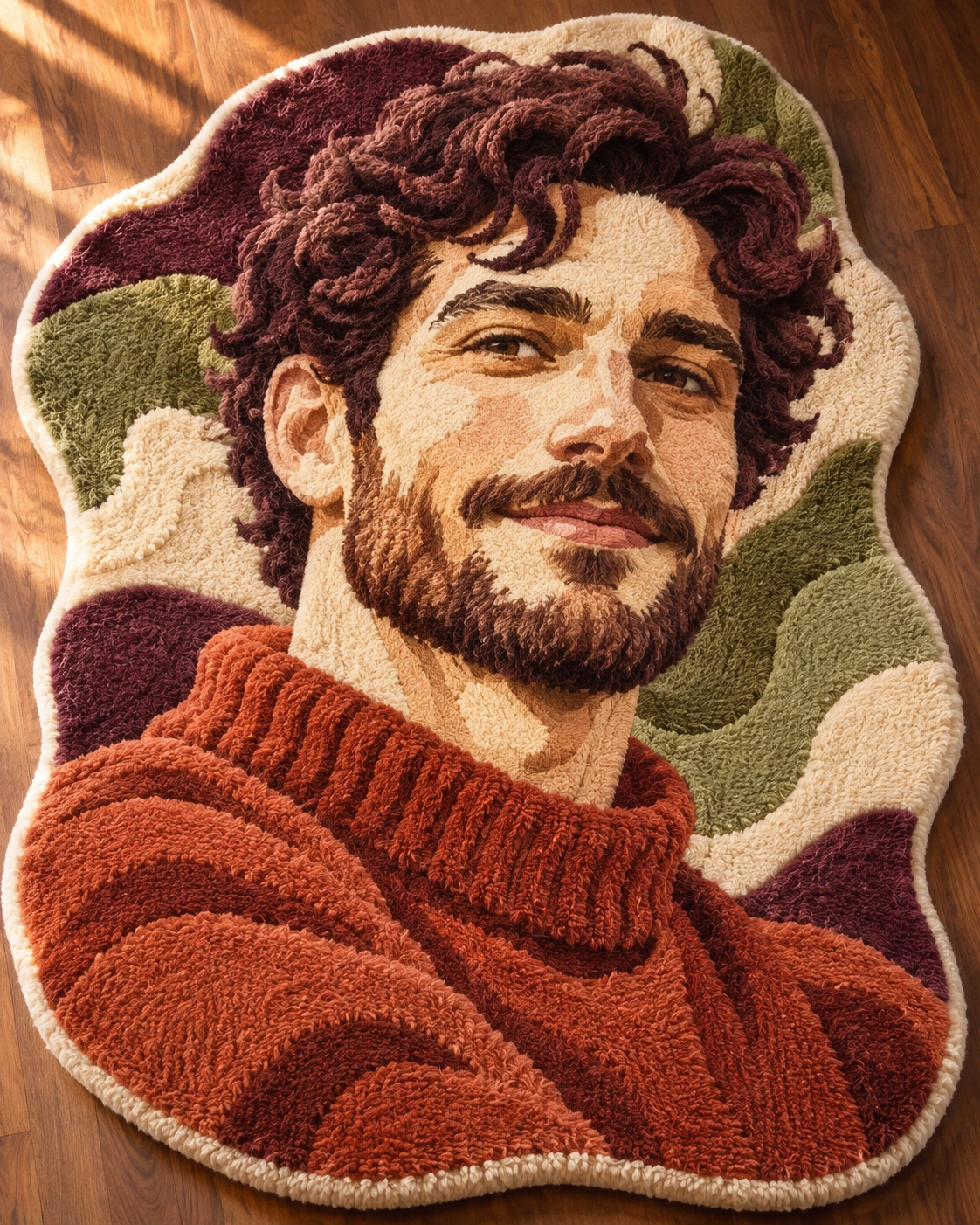 Tufted Rug
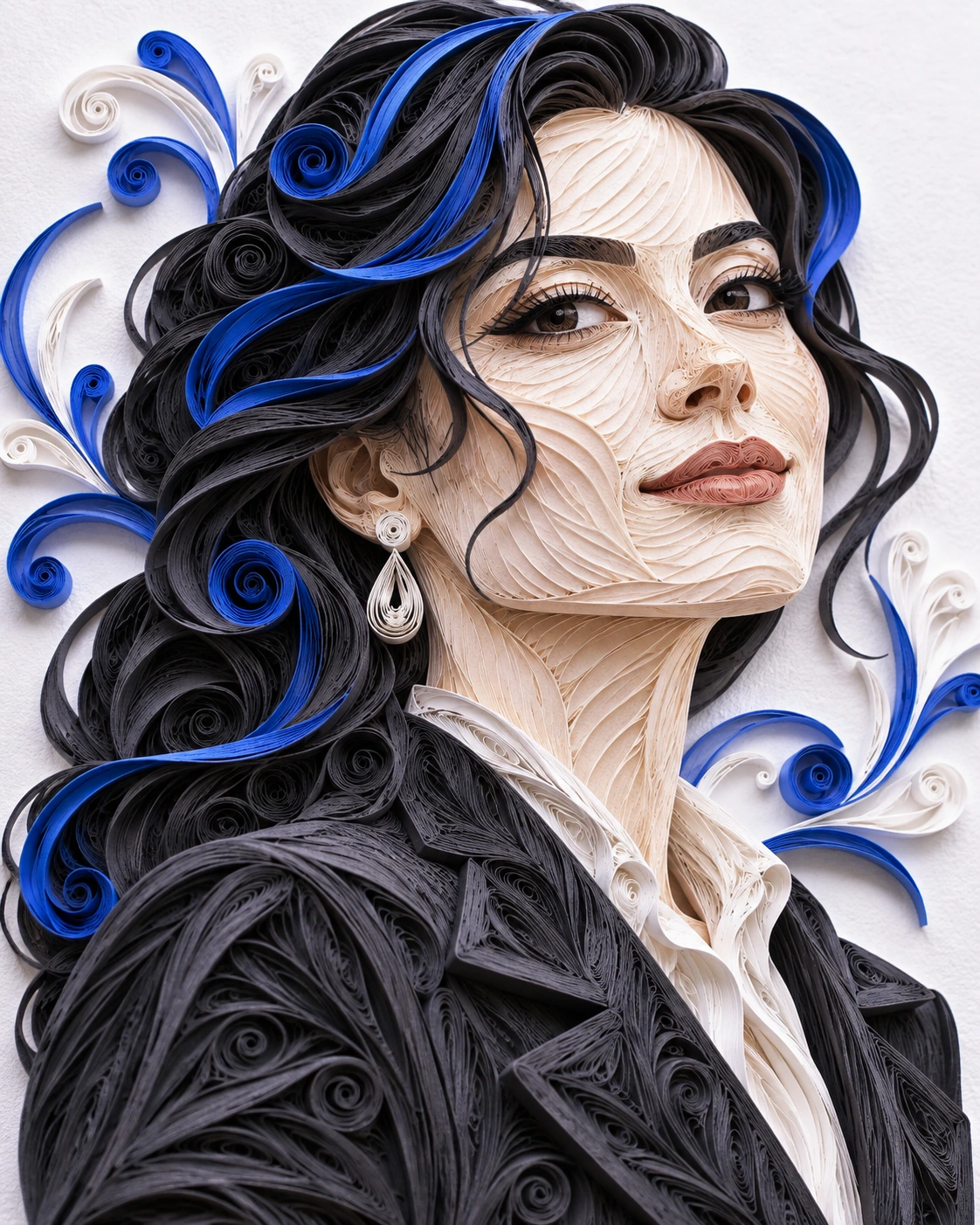 Paper Quilling
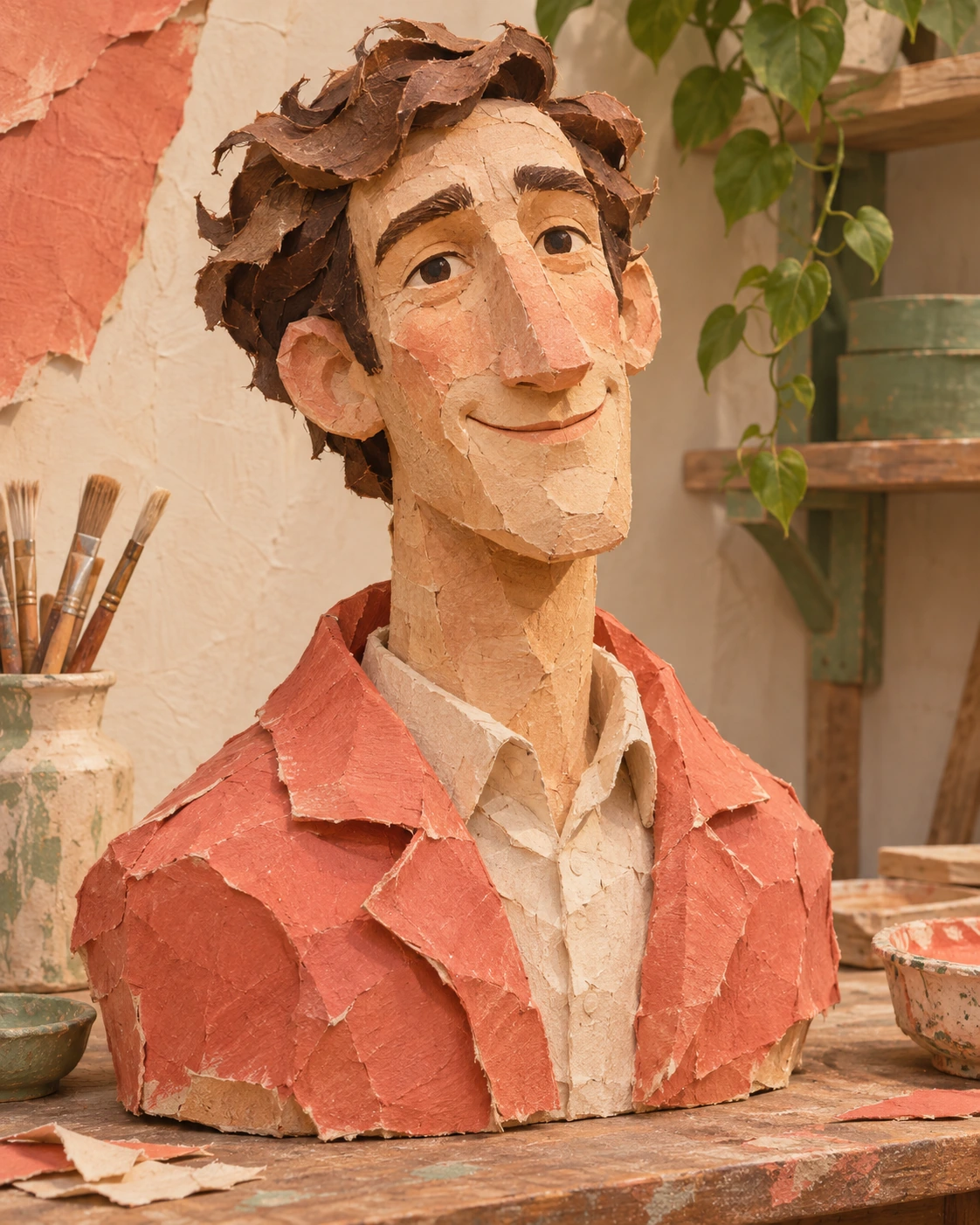 Papier-Mache Sculpture
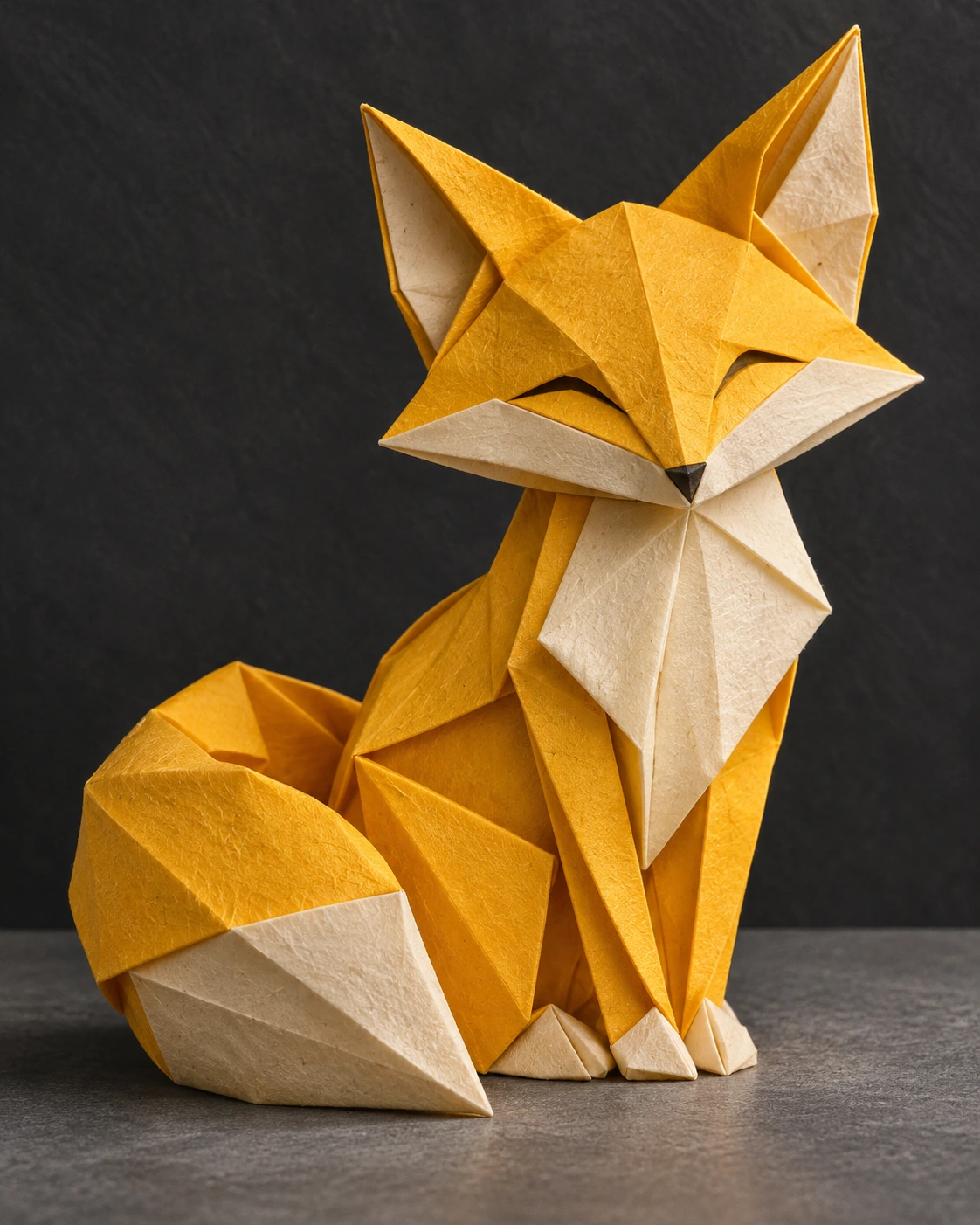 Origami Folds
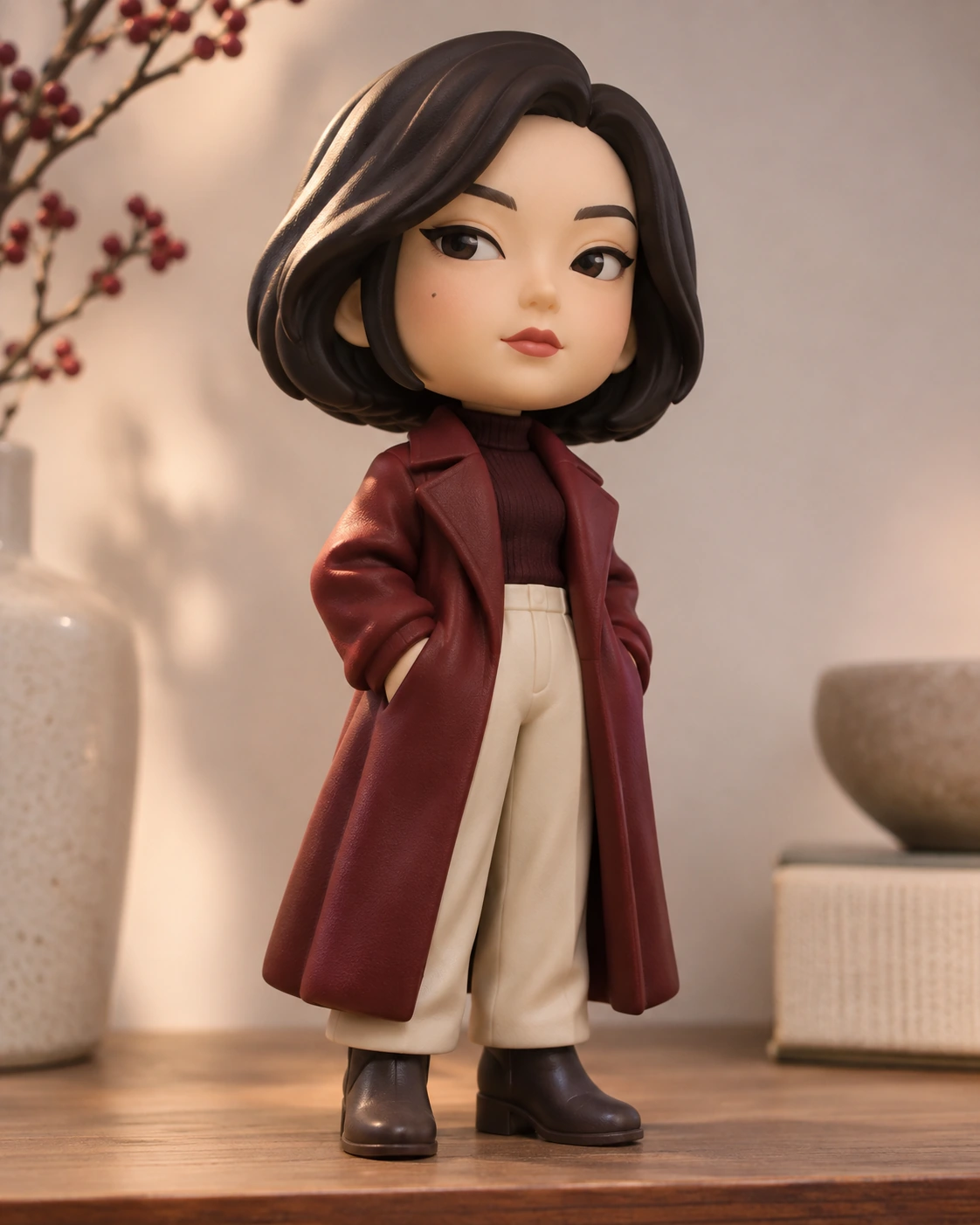 Vinyl Figure
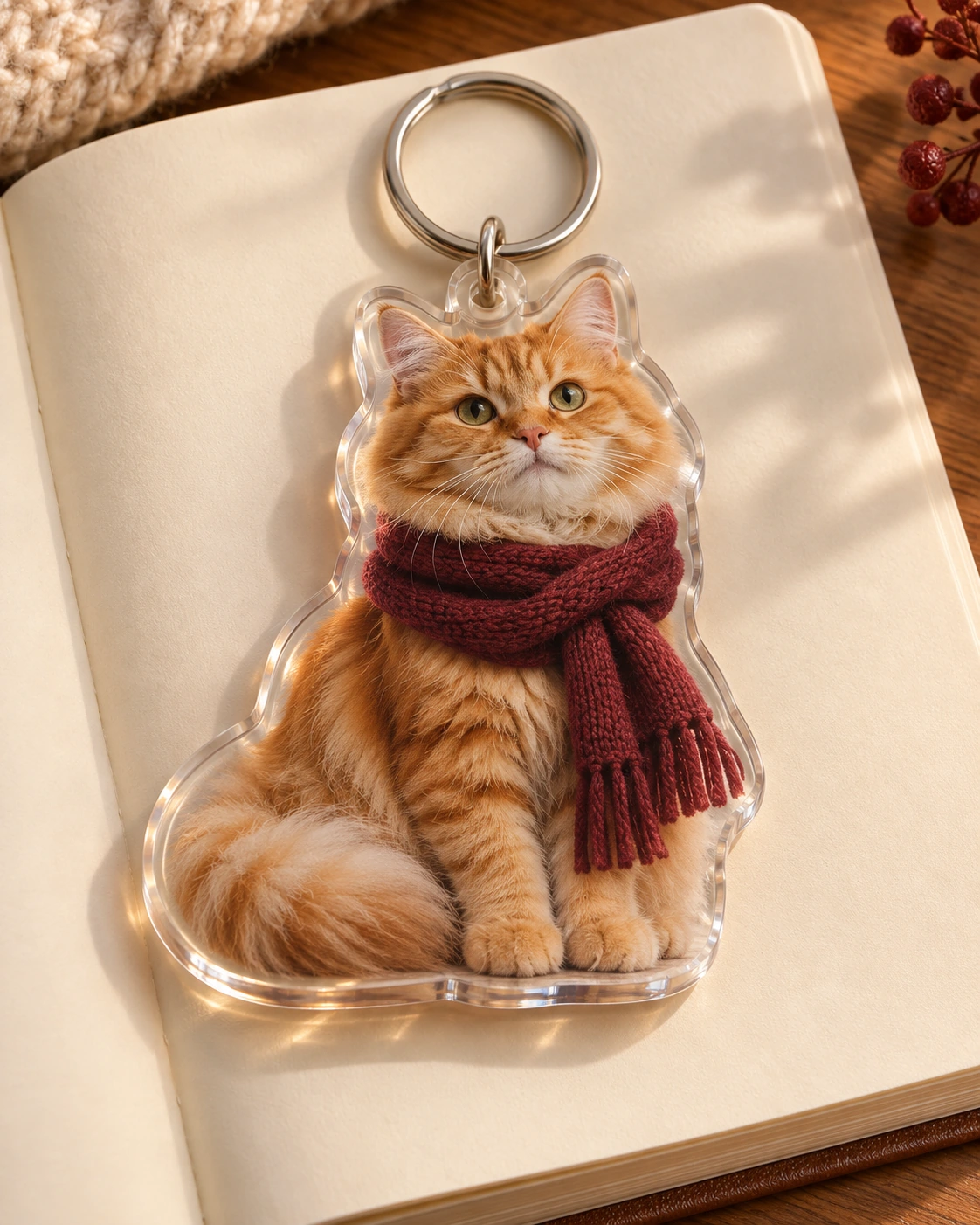 Acrylic Keychain
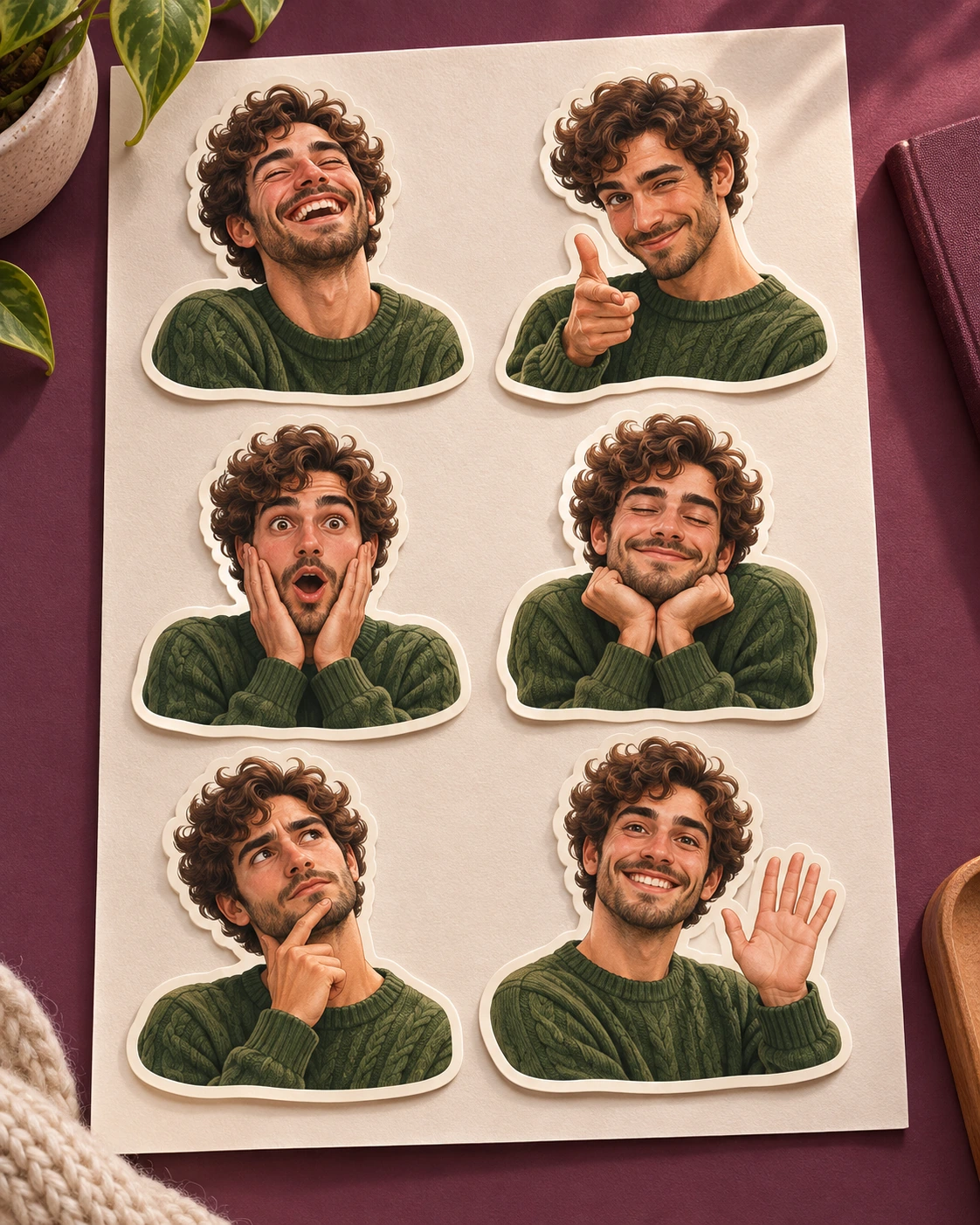 Sticker Sheet
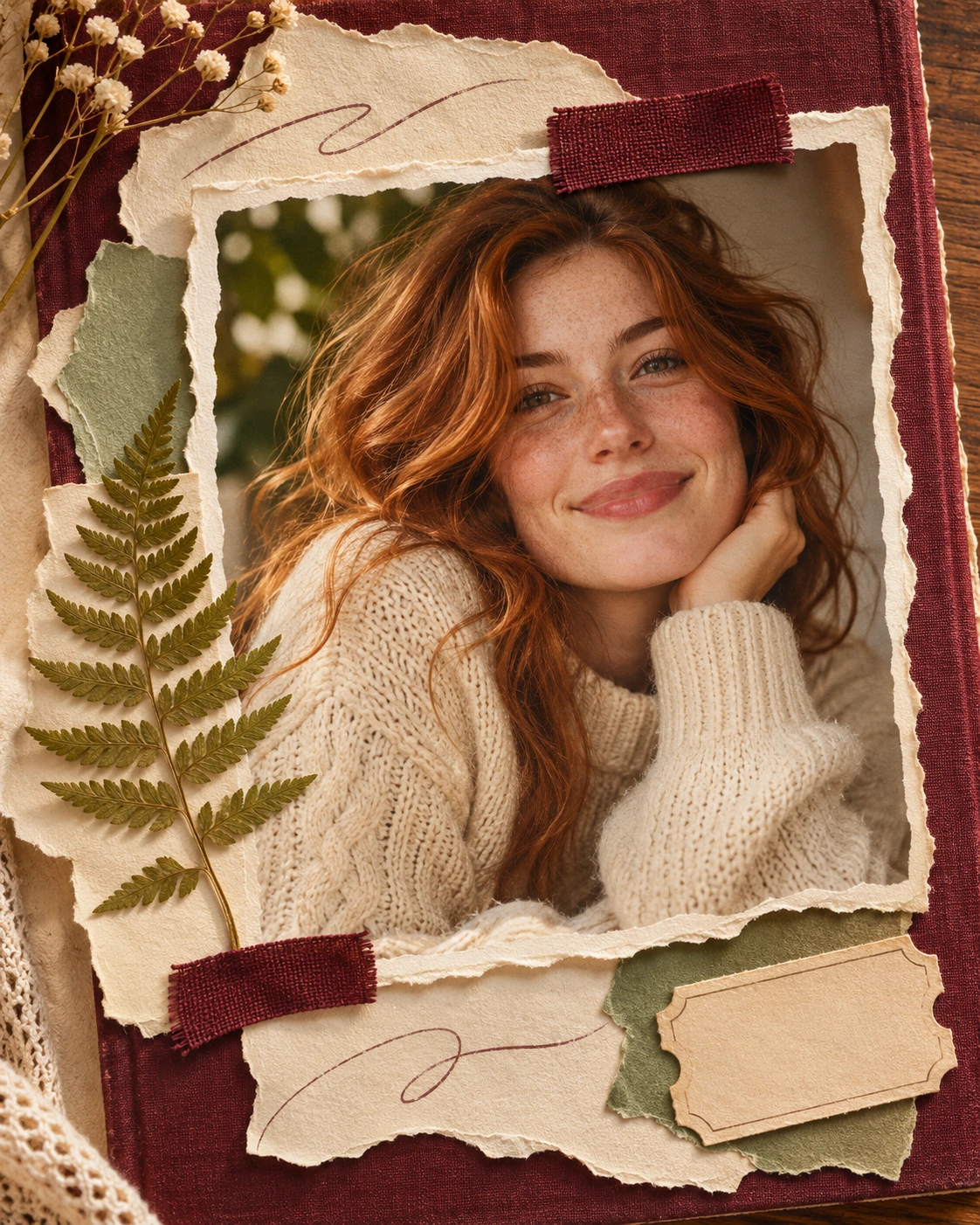 Memory Scrapbook
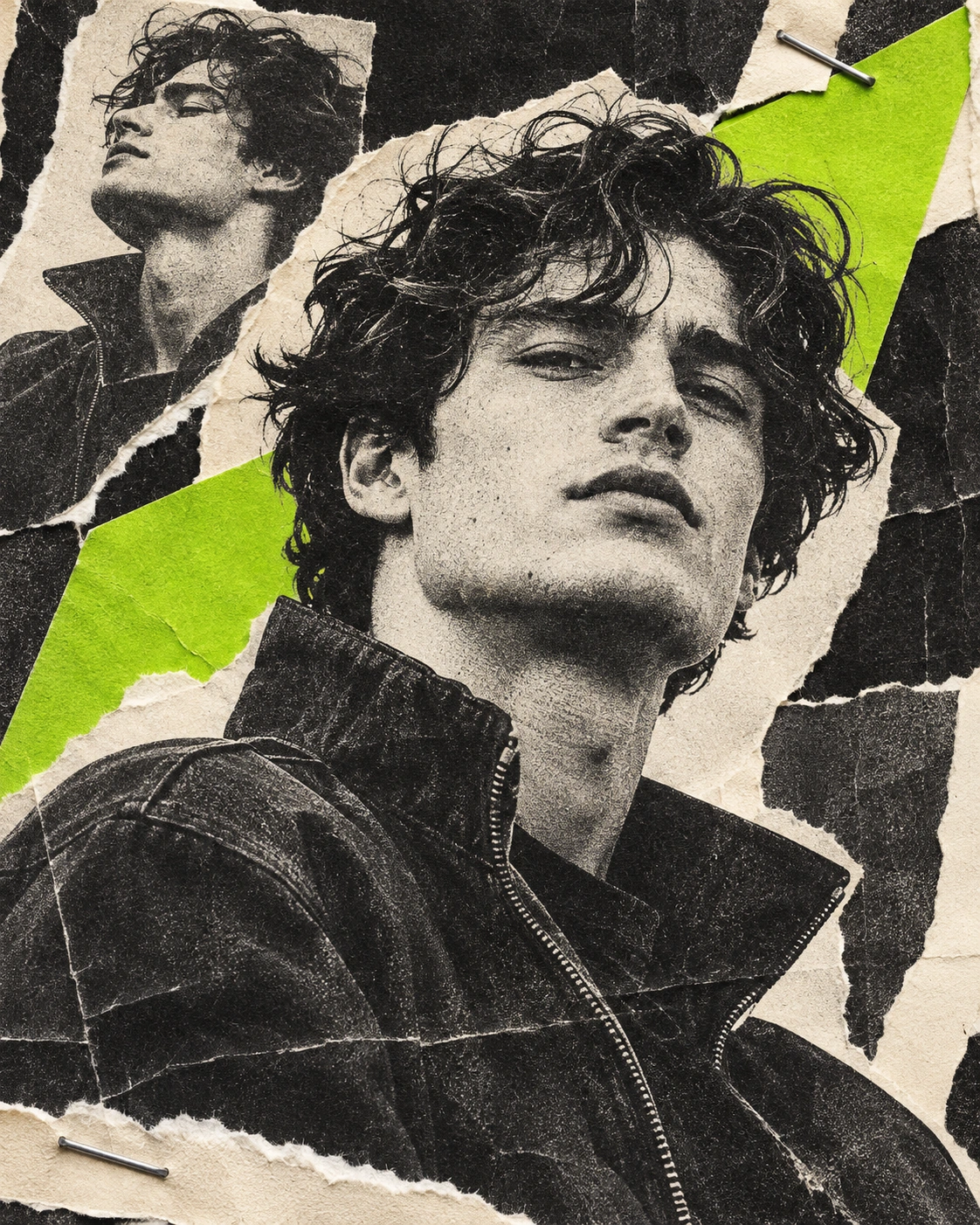 Photocopy Zine
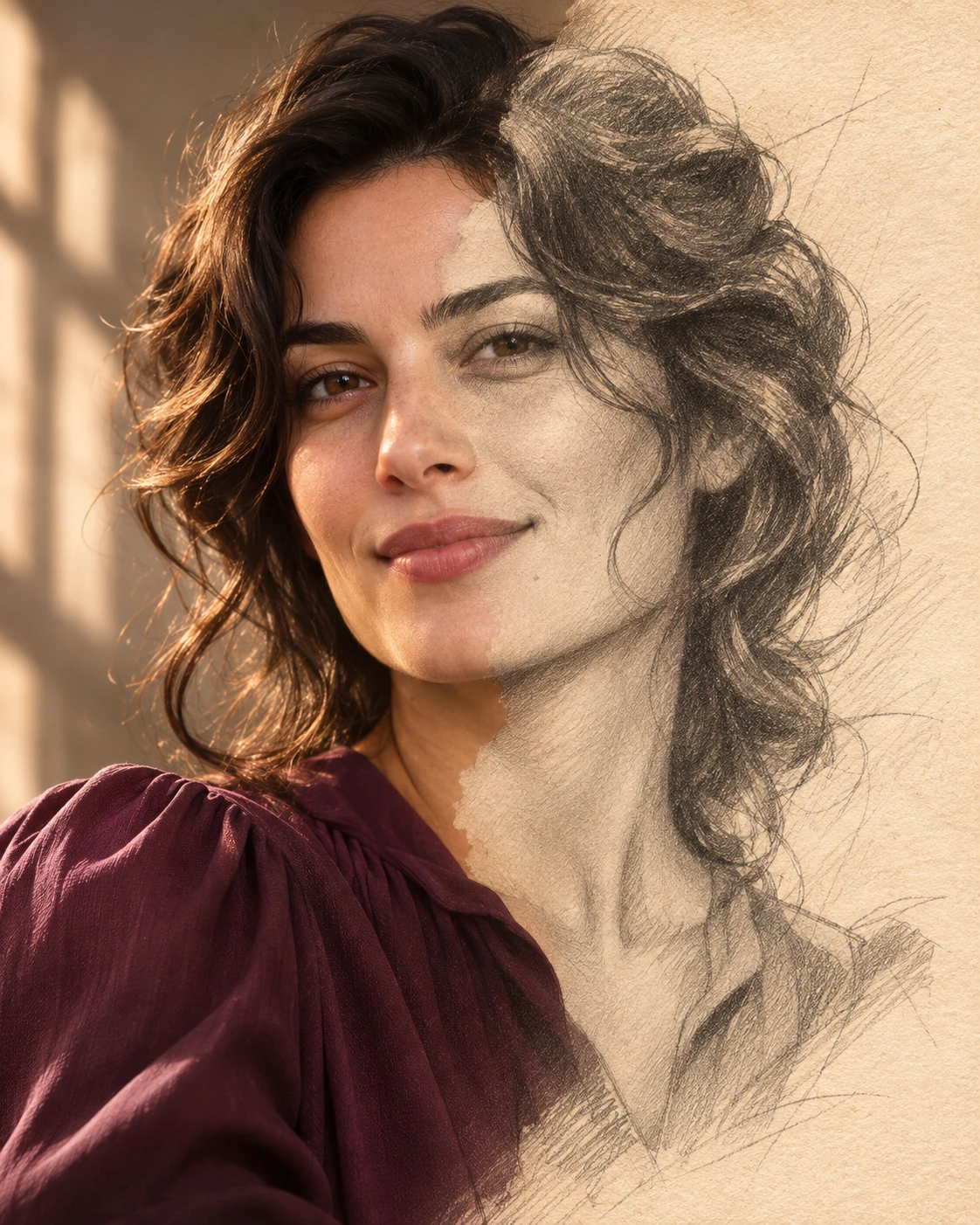 Photo Meets Sketch
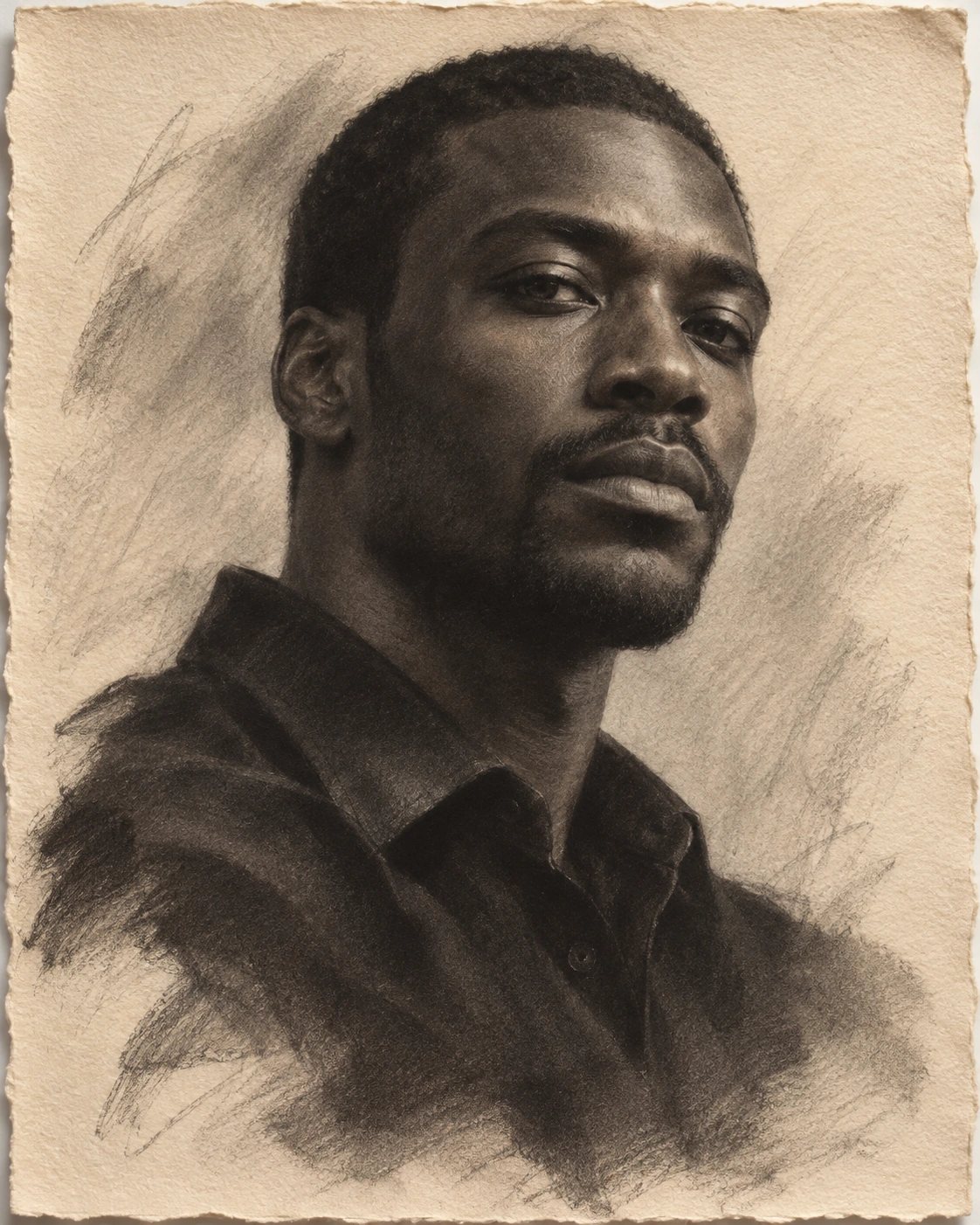 Charcoal Sketch
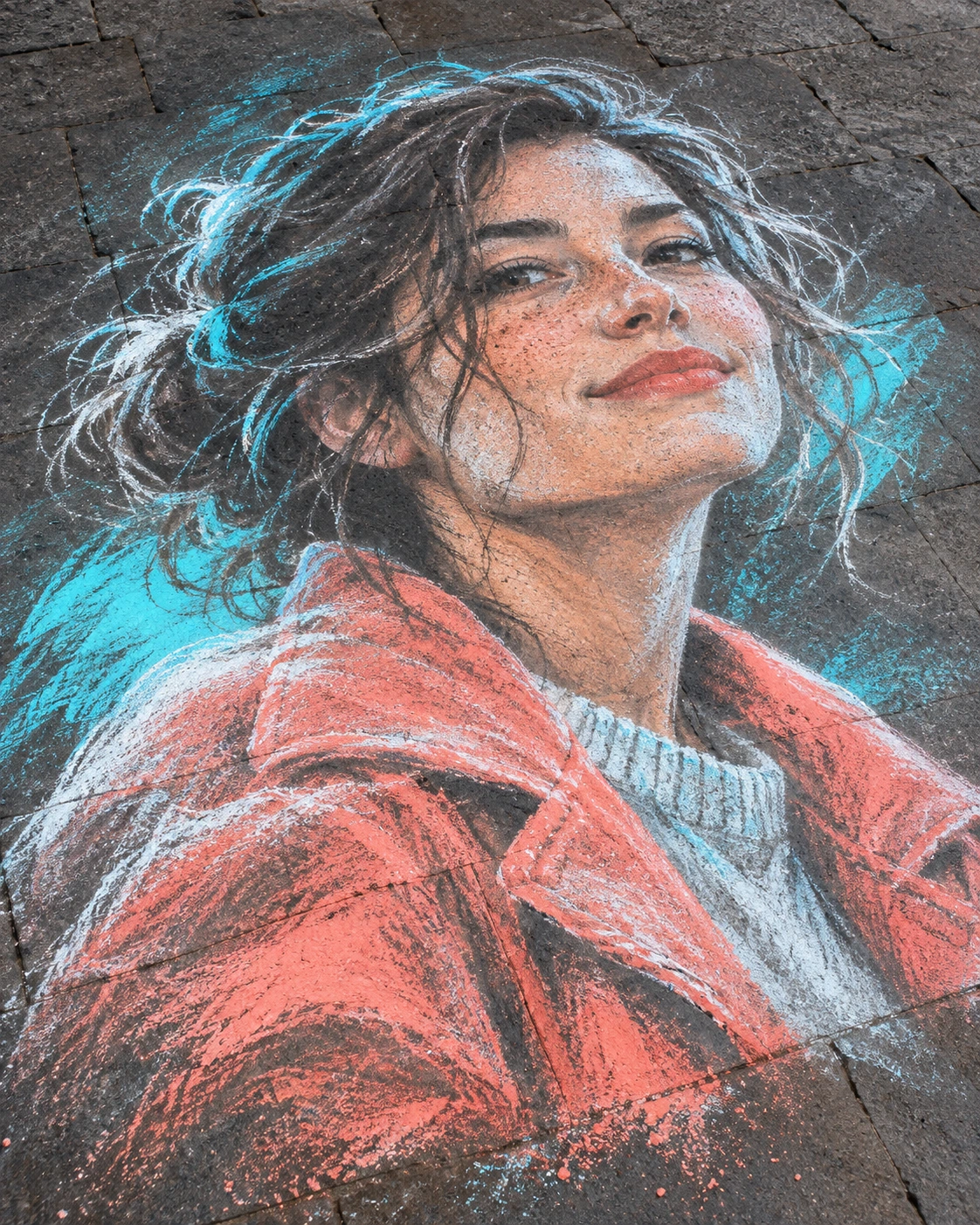 Sidewalk Chalk
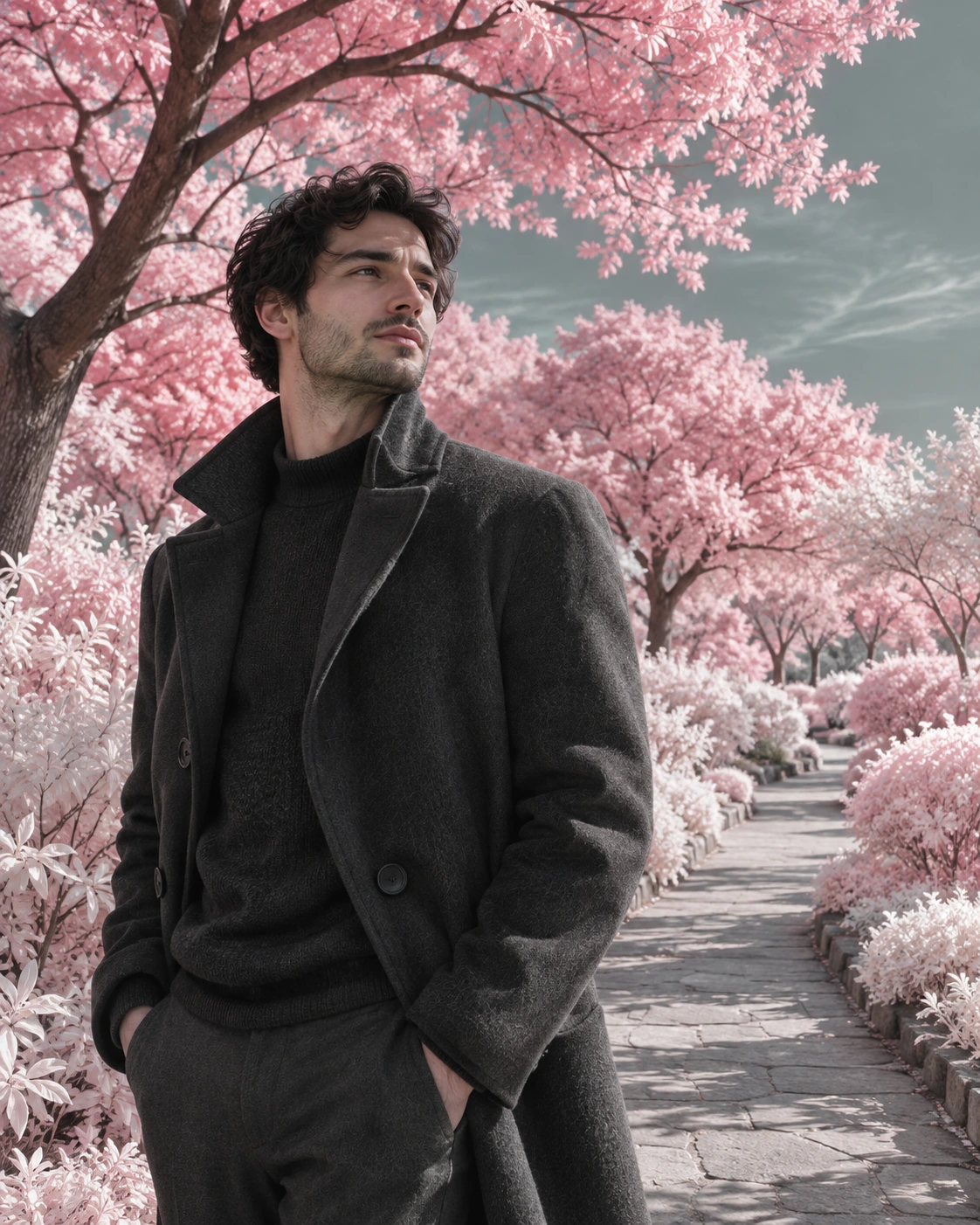 Infrared Dream
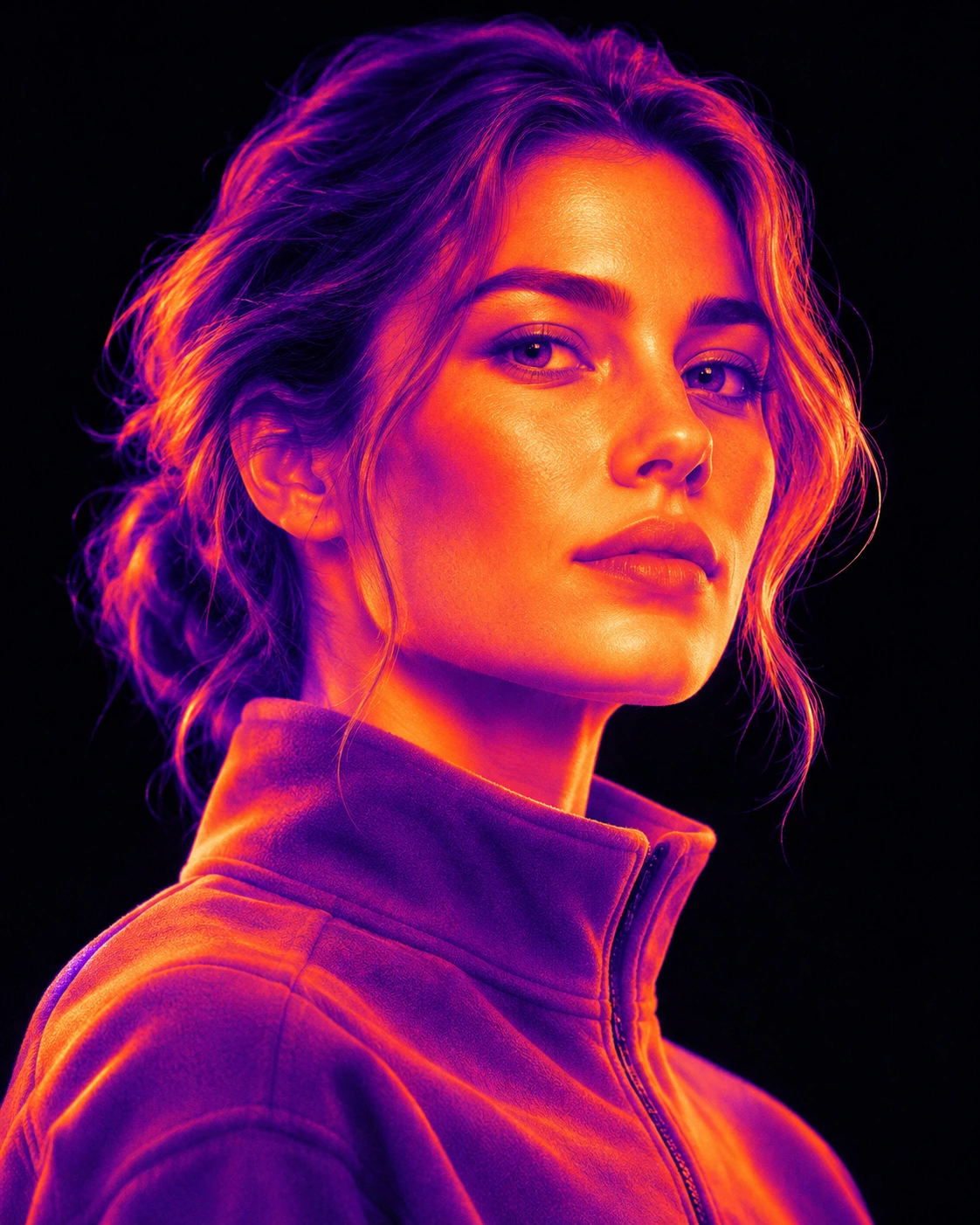 Thermal Spectrum
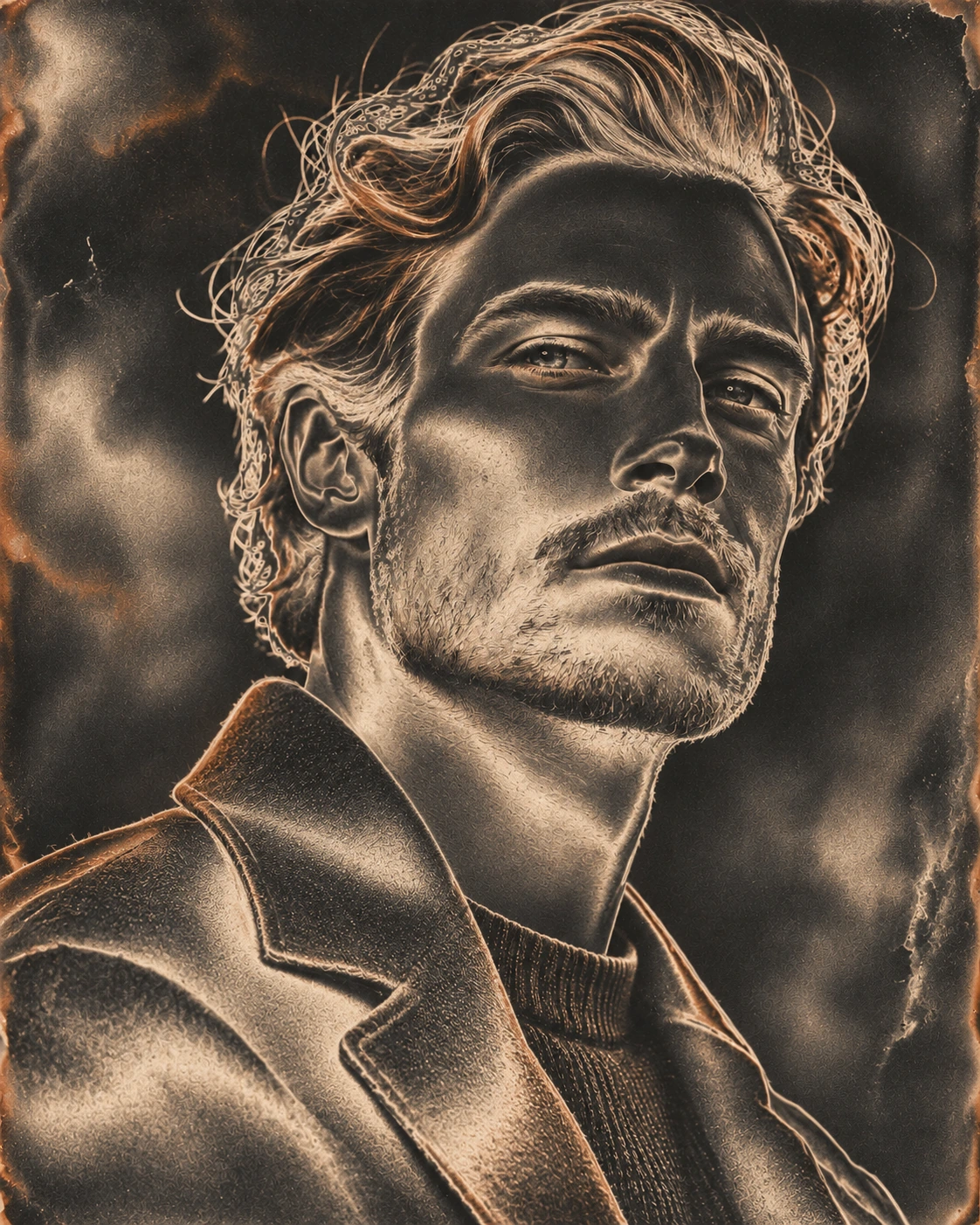 Solarized Print
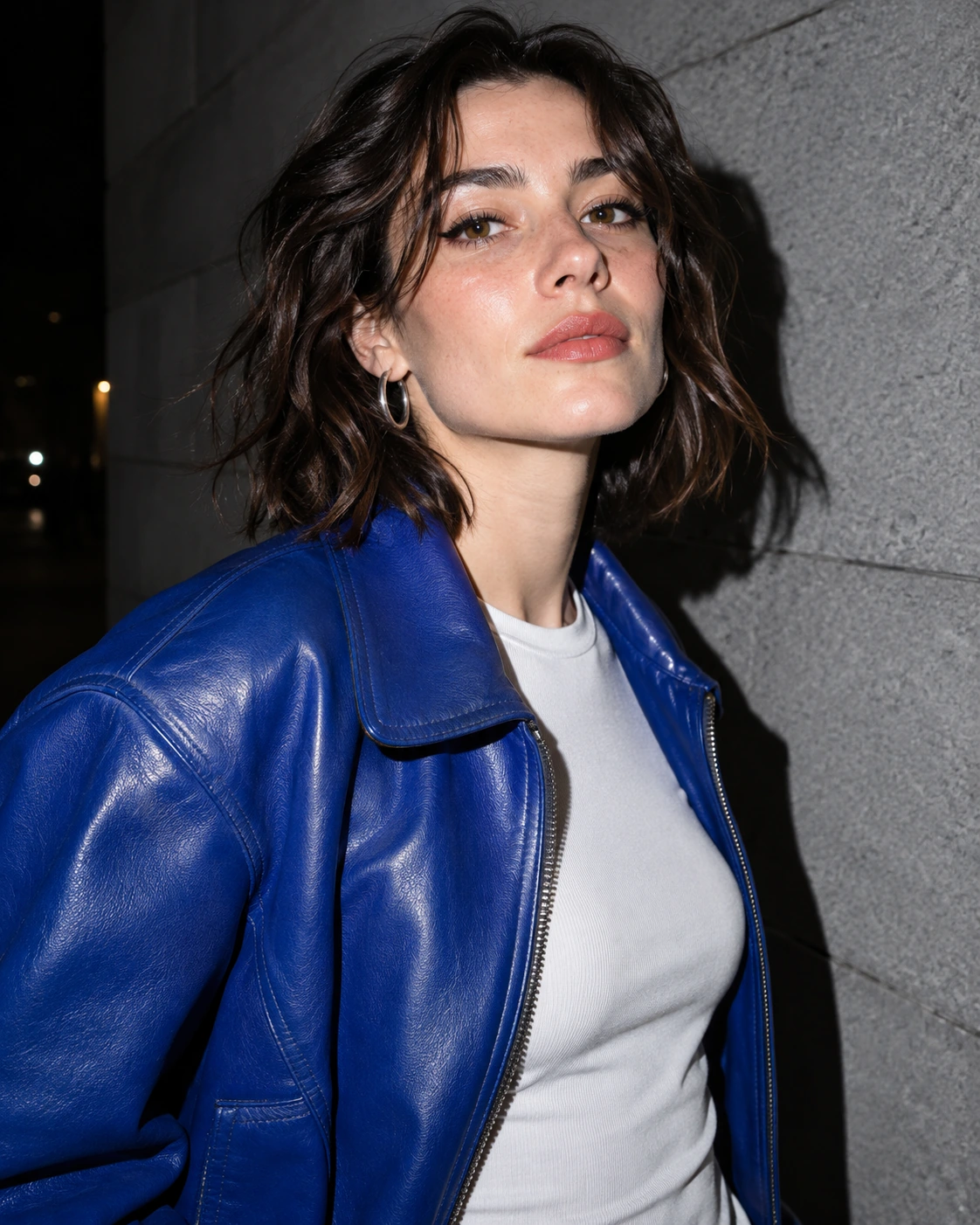 Direct Flash
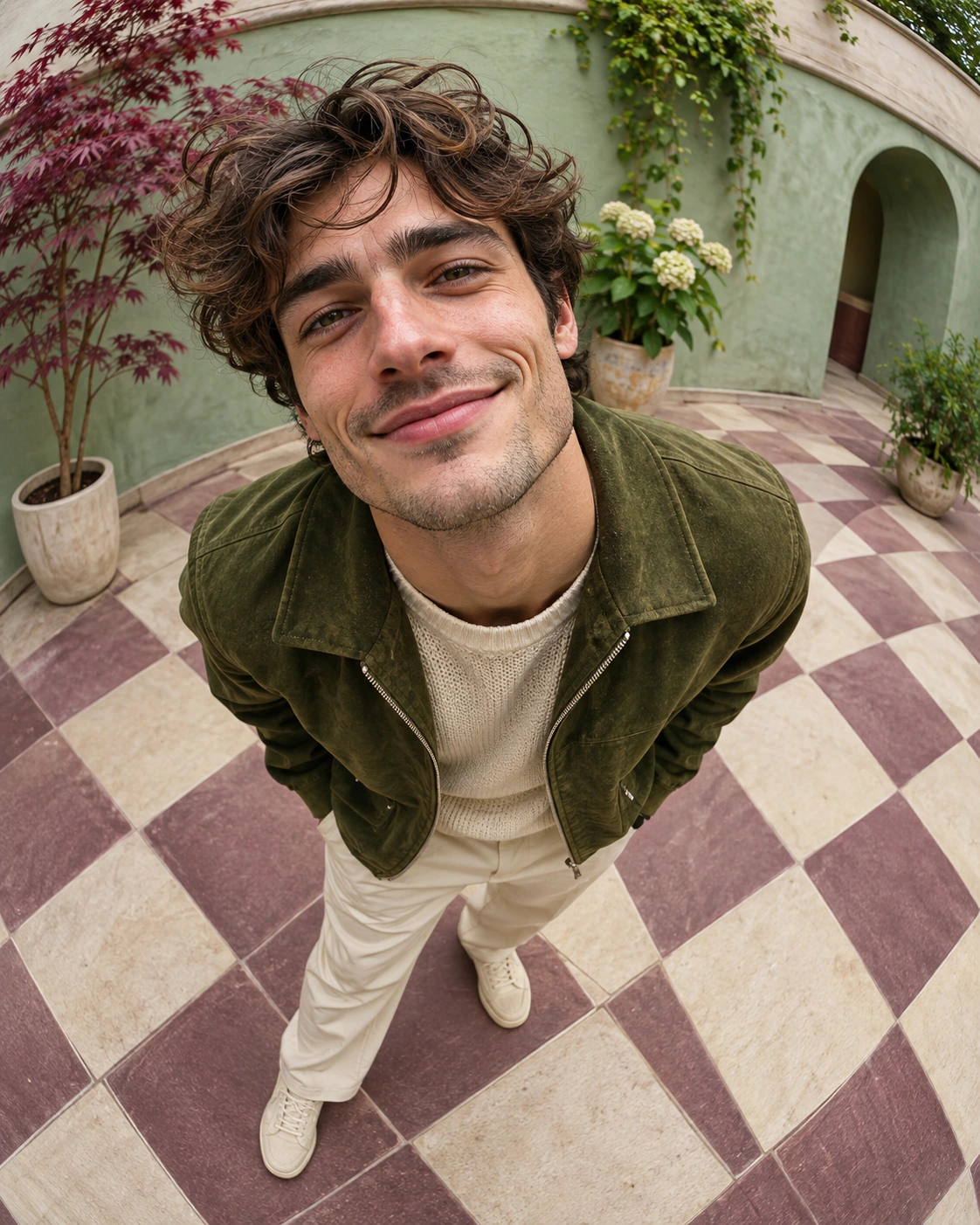 Fisheye Lens
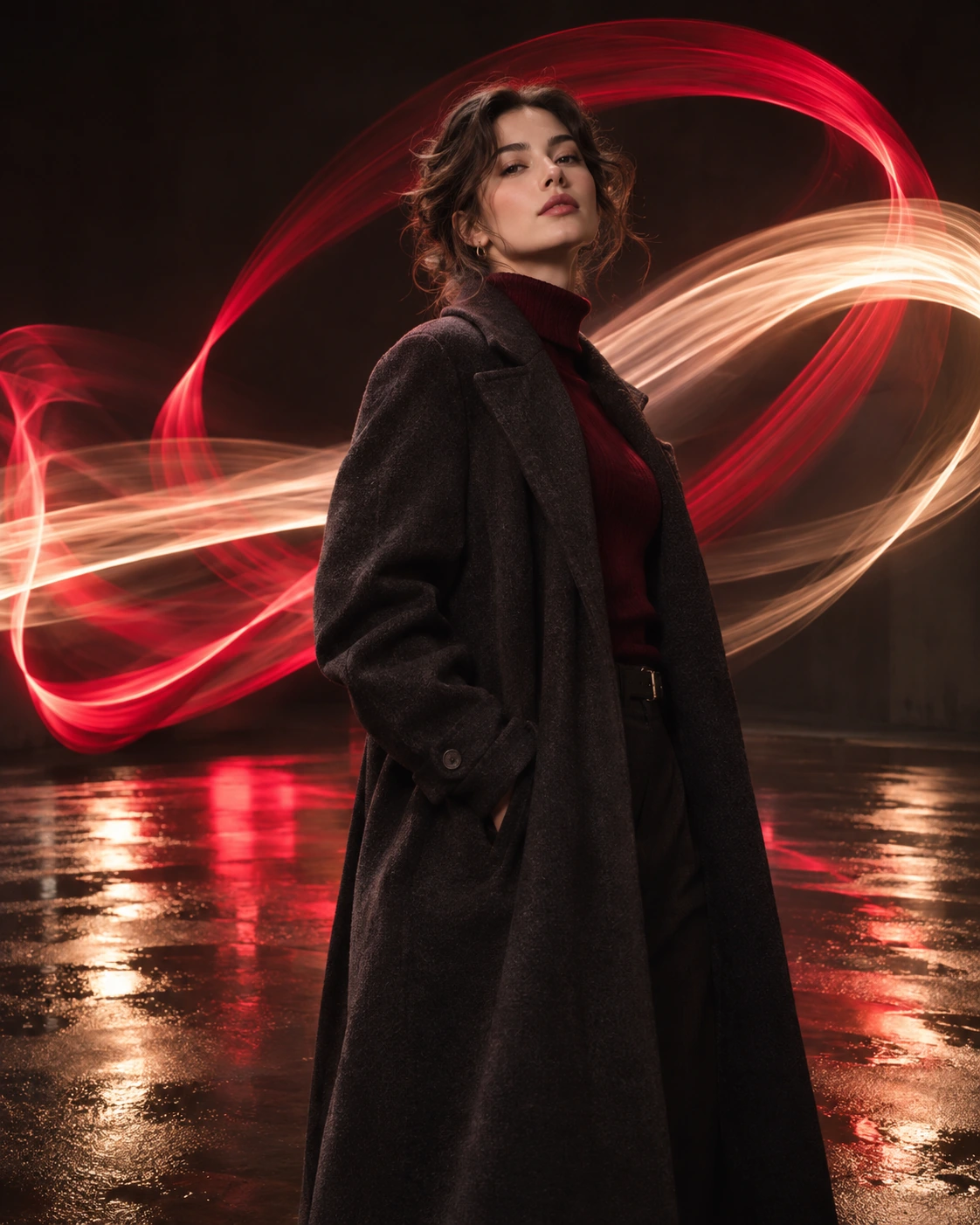 Light Trails
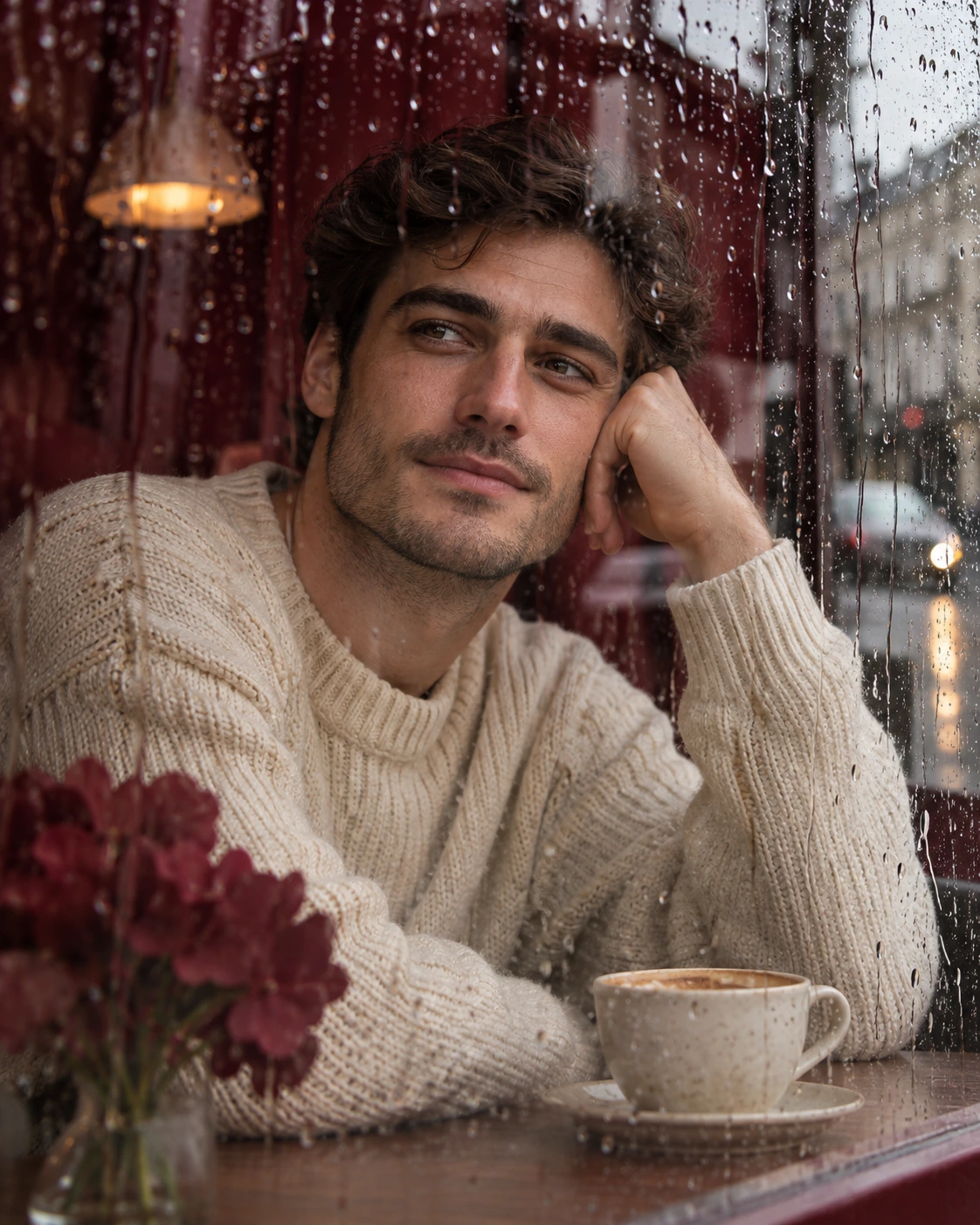 Rainy Window
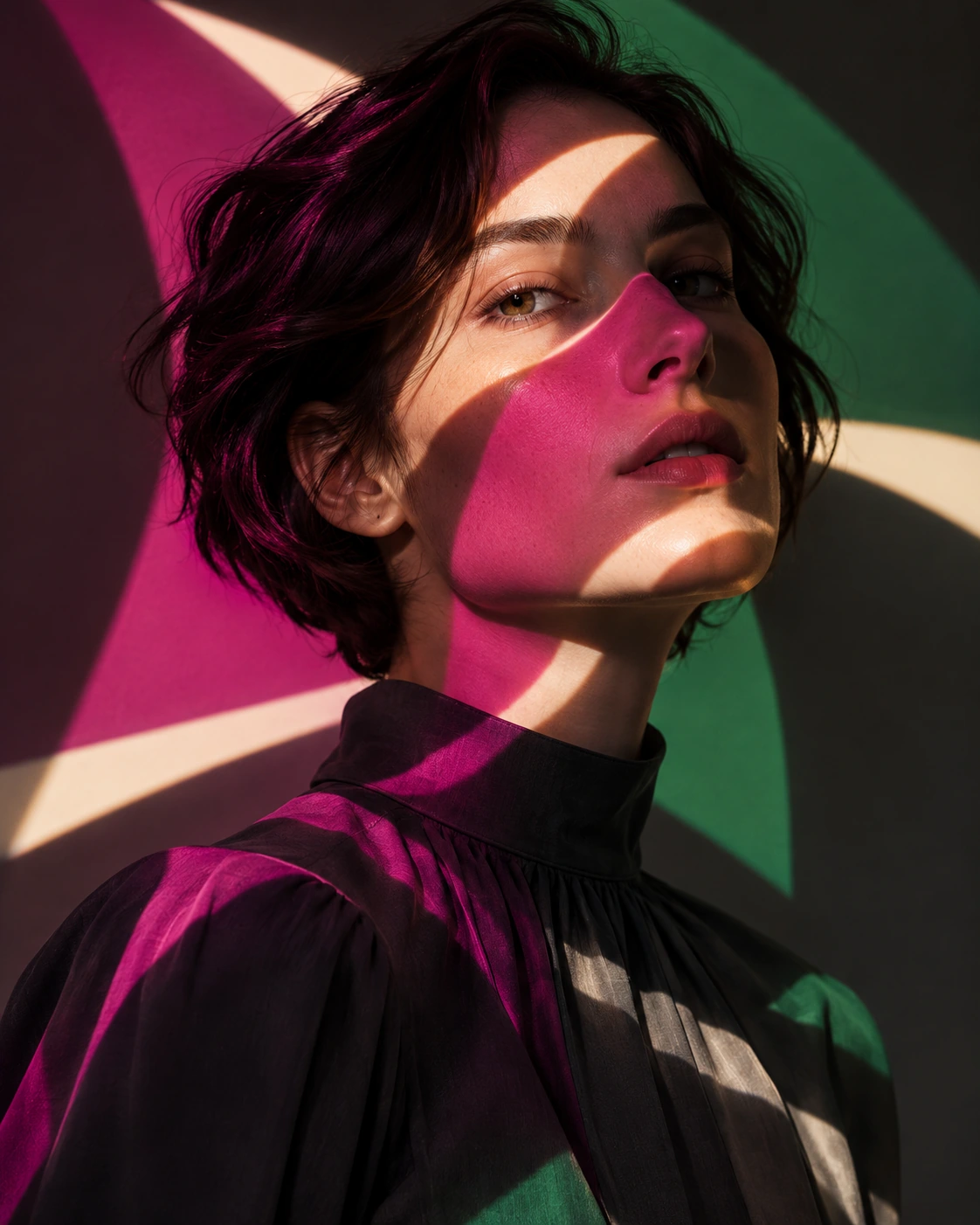 Projected Light
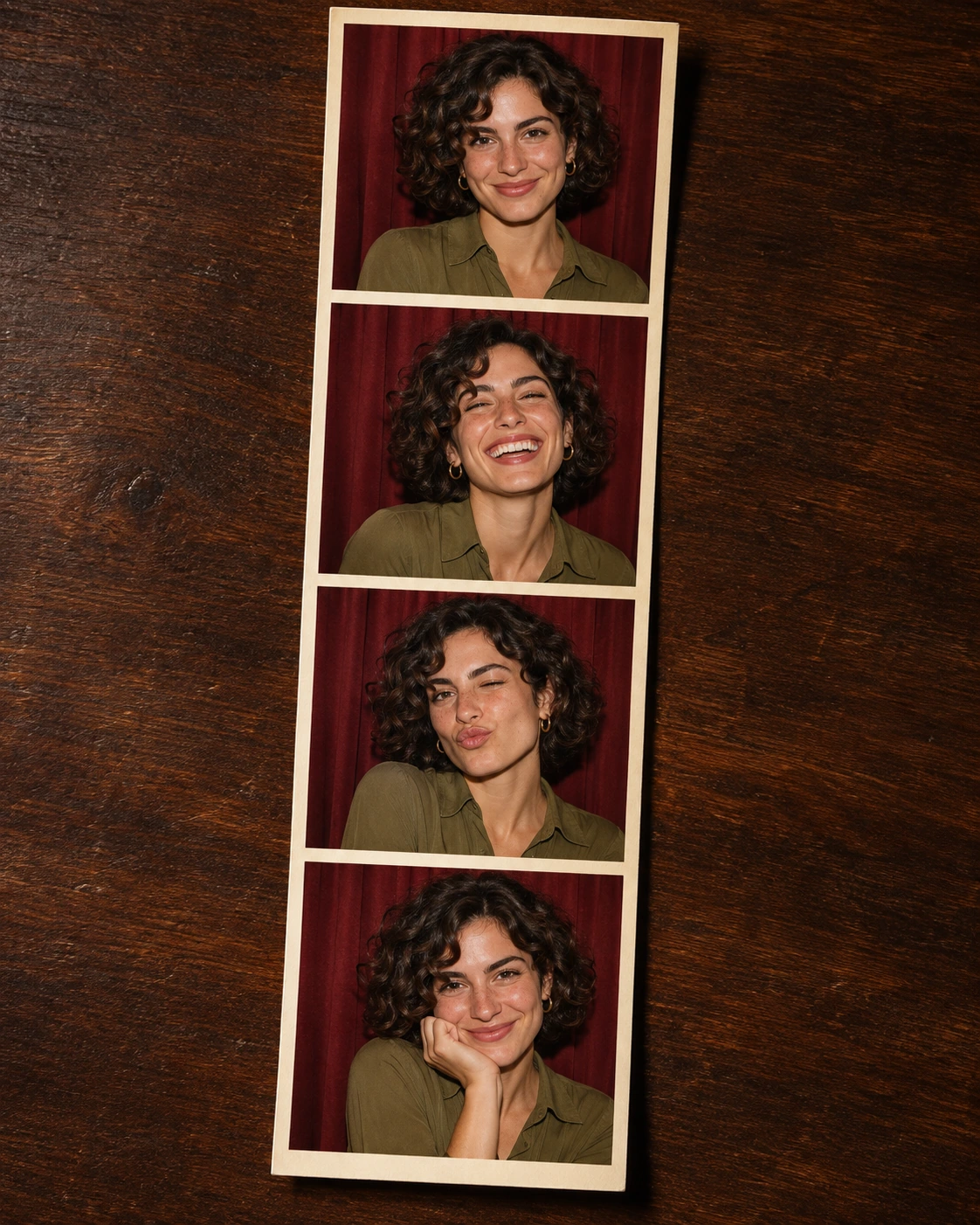 Photo Booth Strip
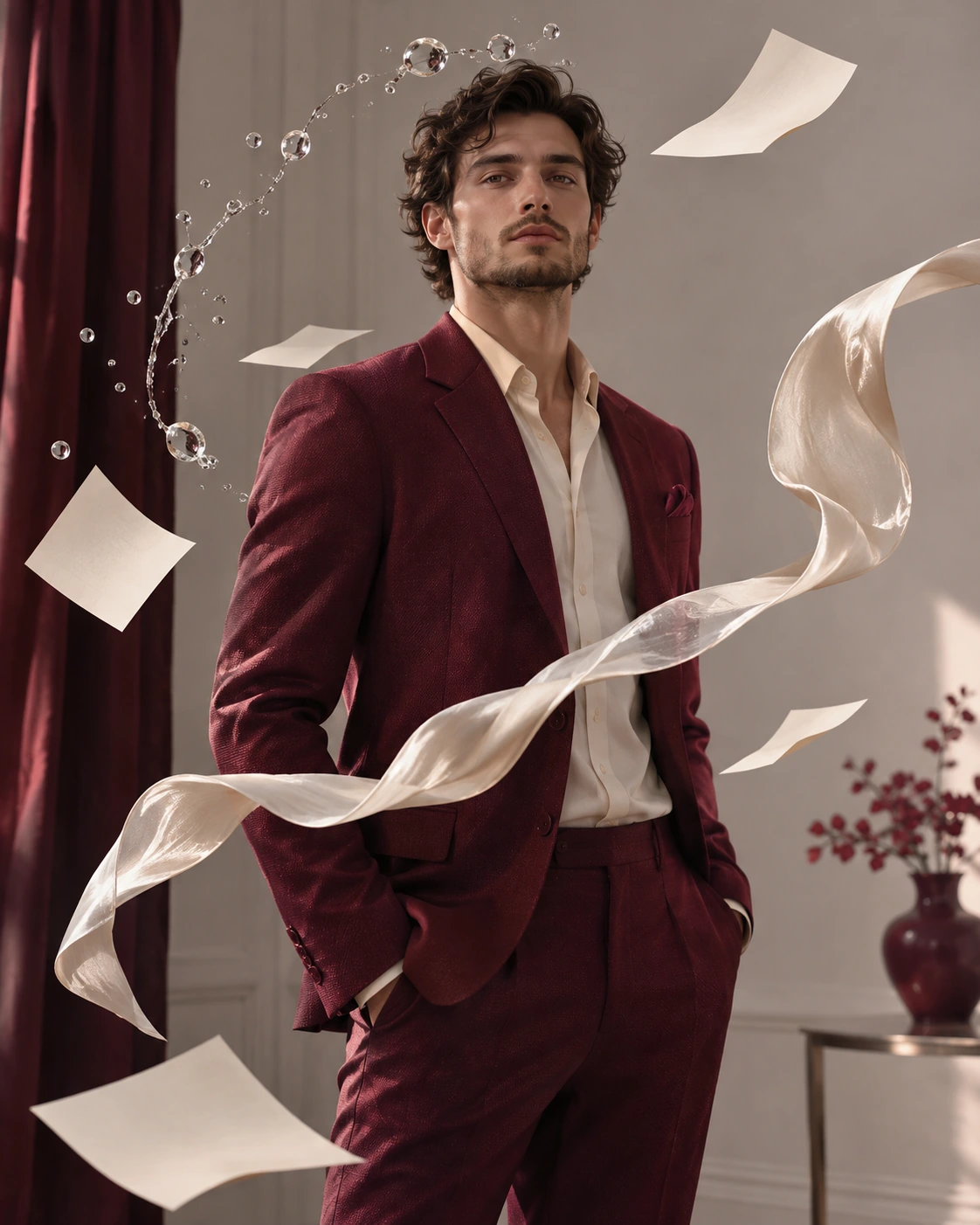 Frozen Moment
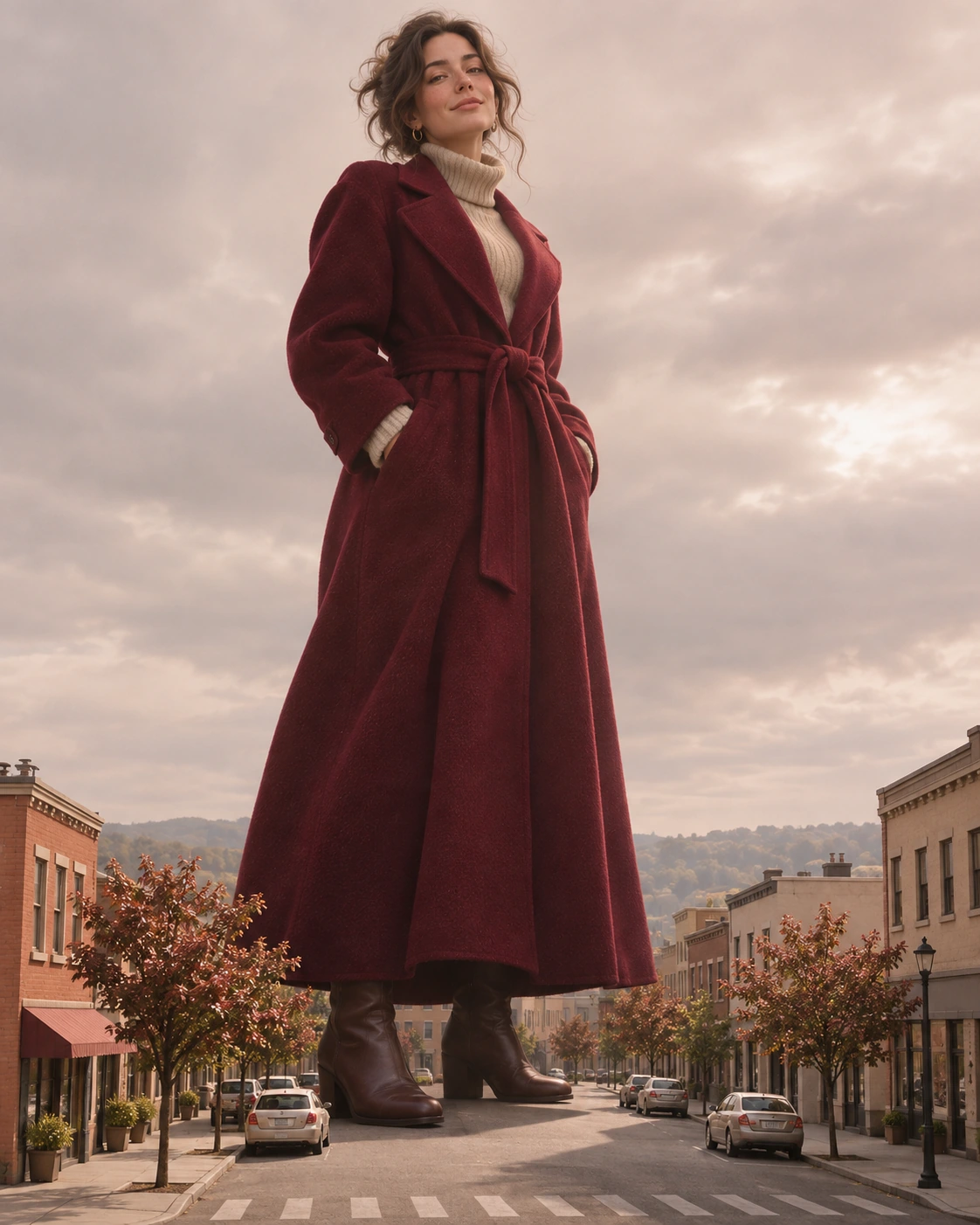 Giant in the City
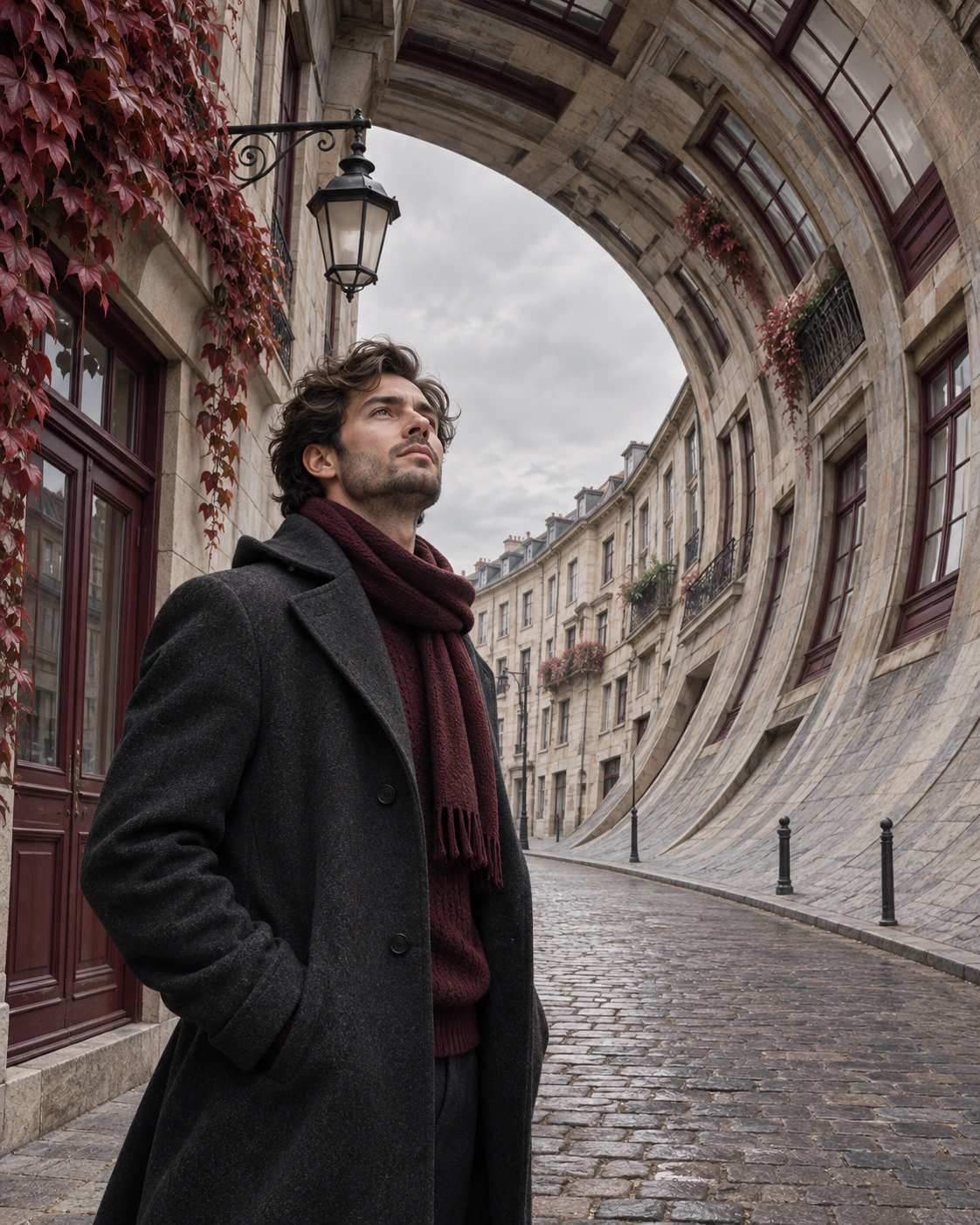 Folded Reality
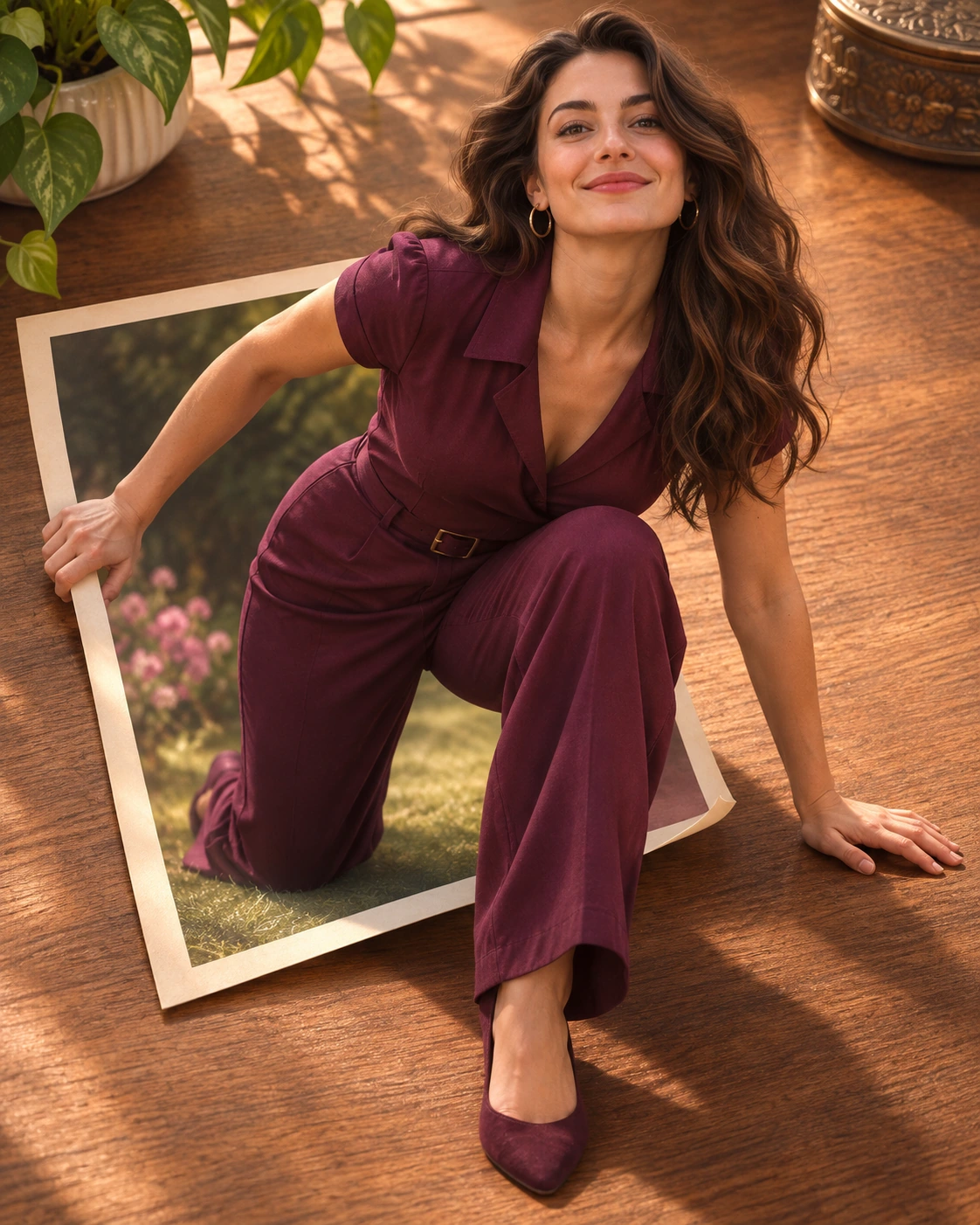 Out of the Photo
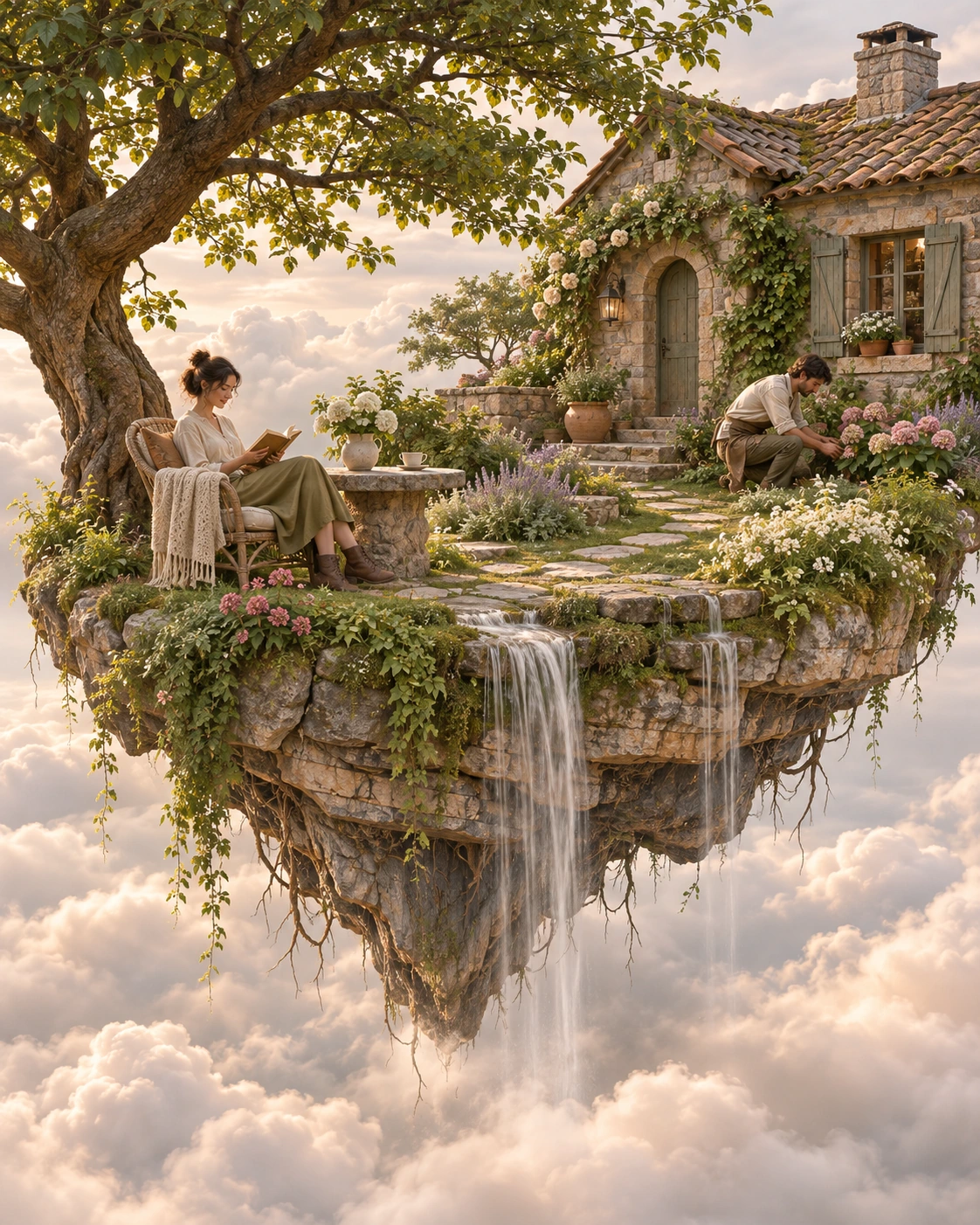 Floating Island
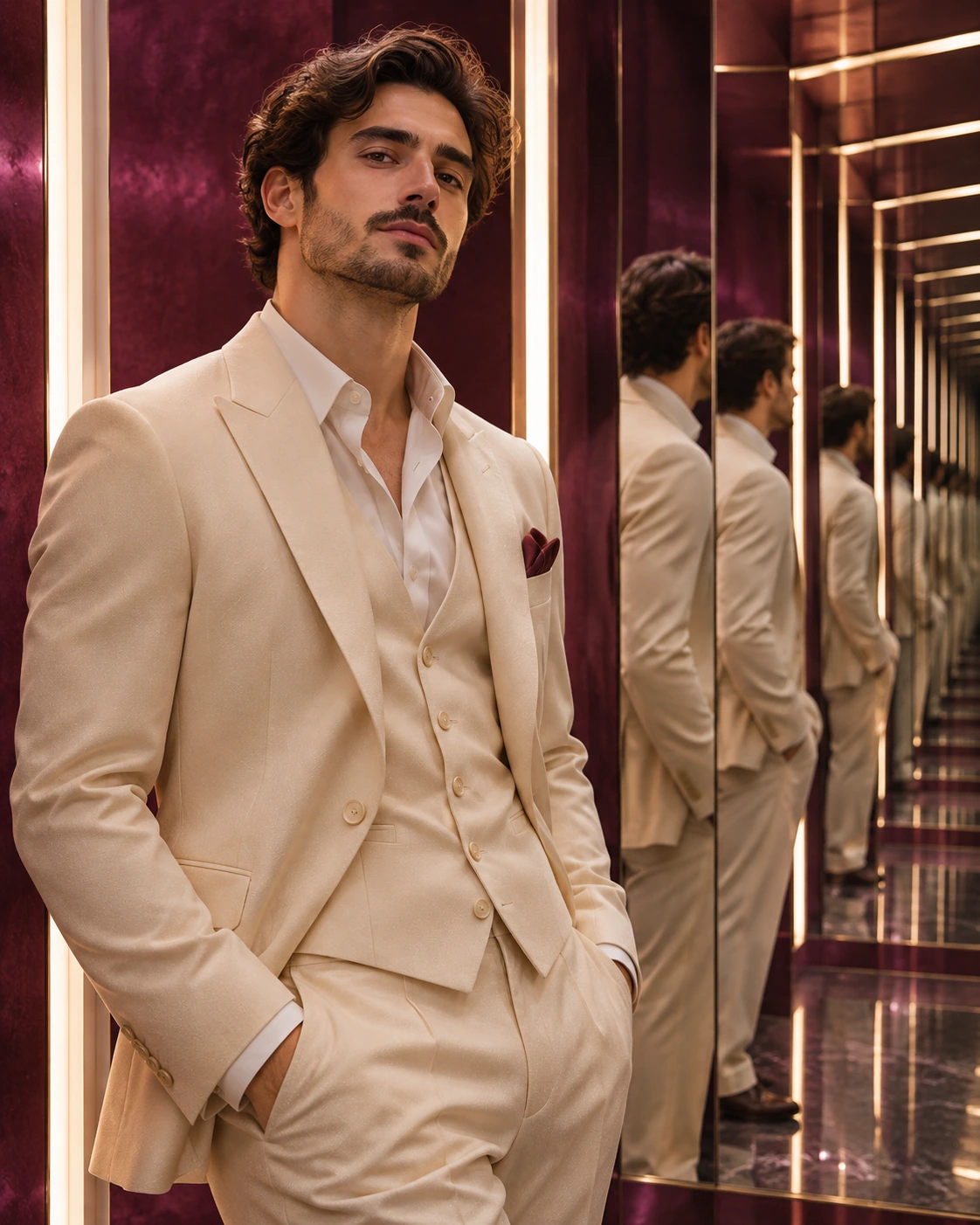 Infinity Mirror Room
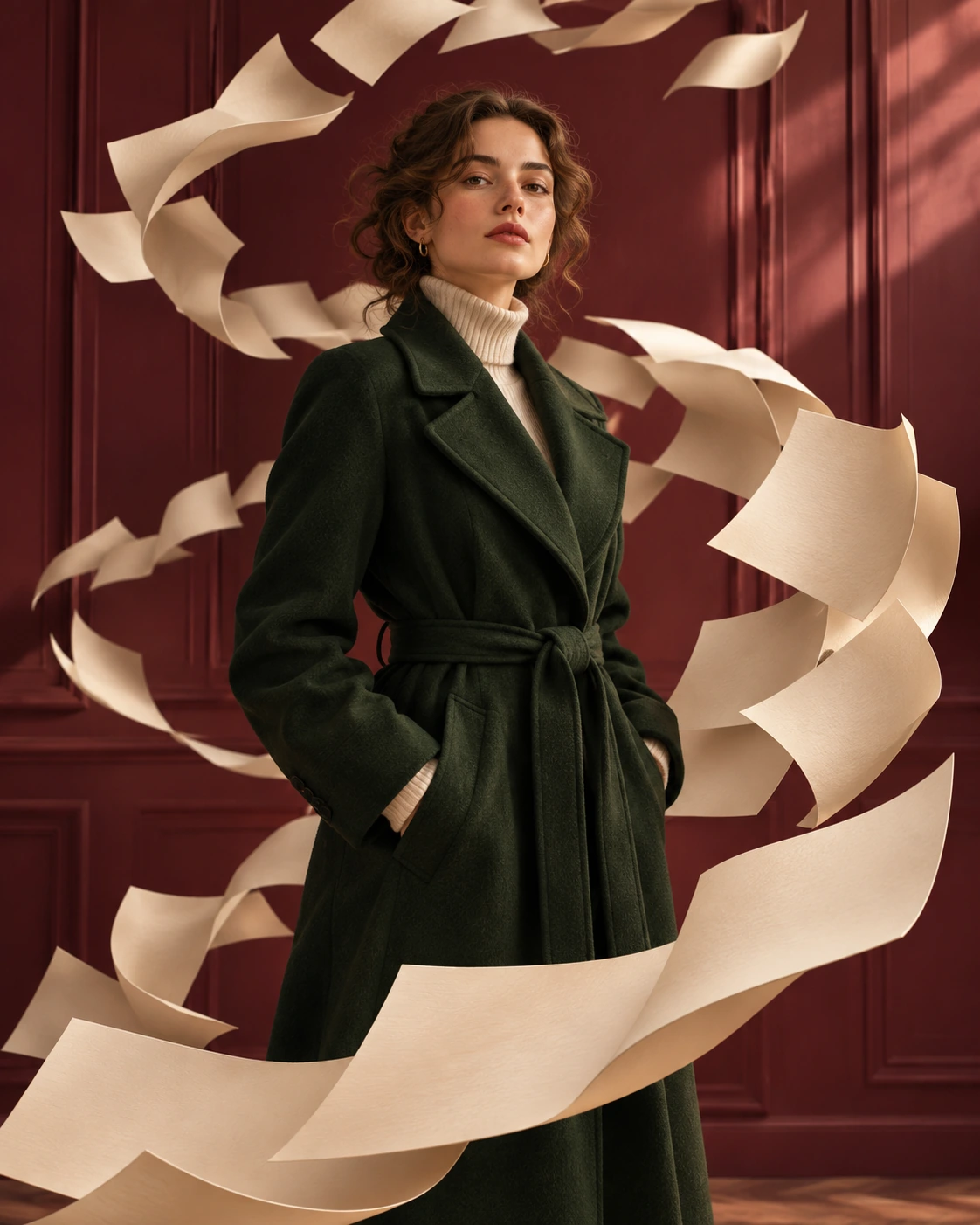 Paper Whirlwind
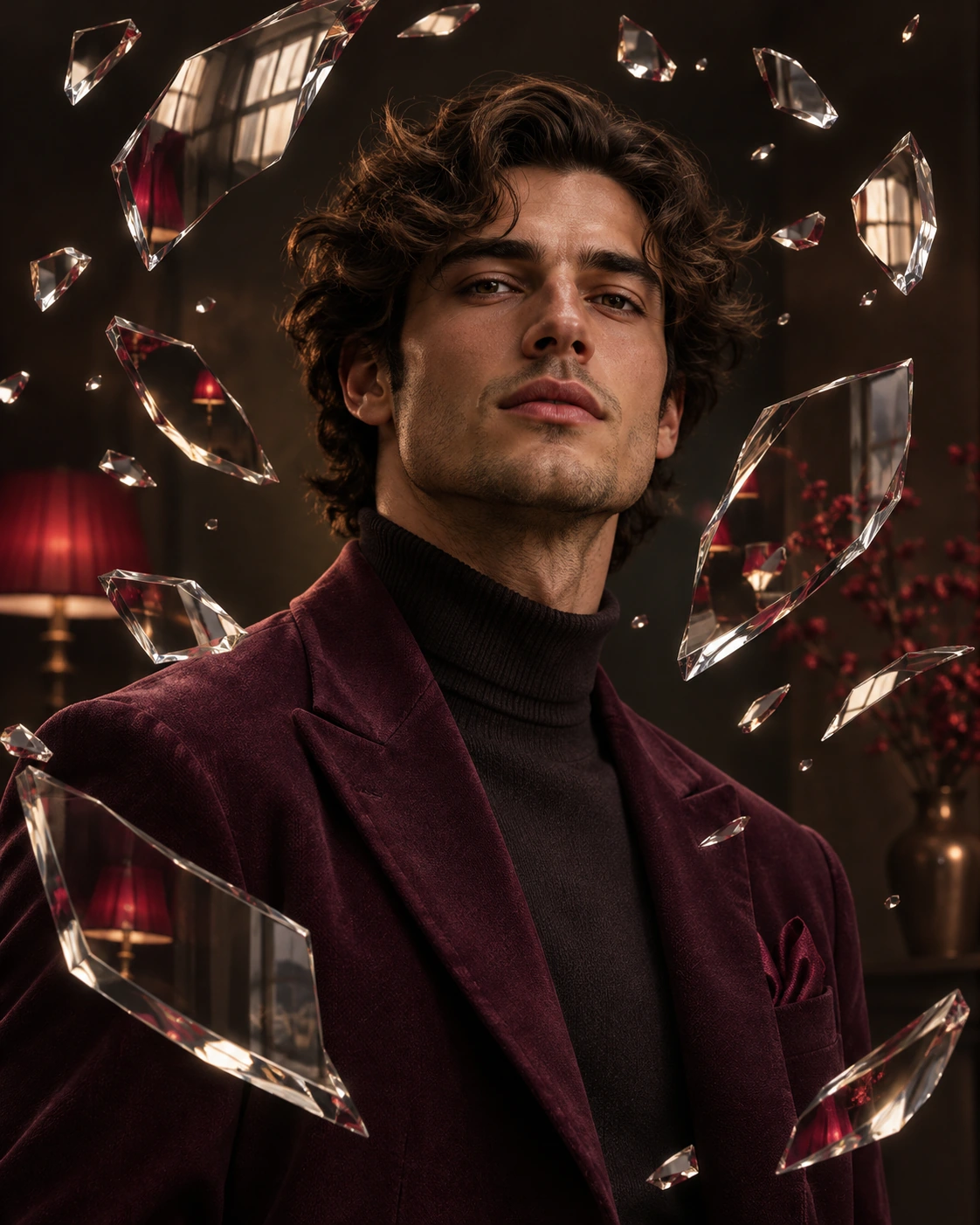 Shattered Reality
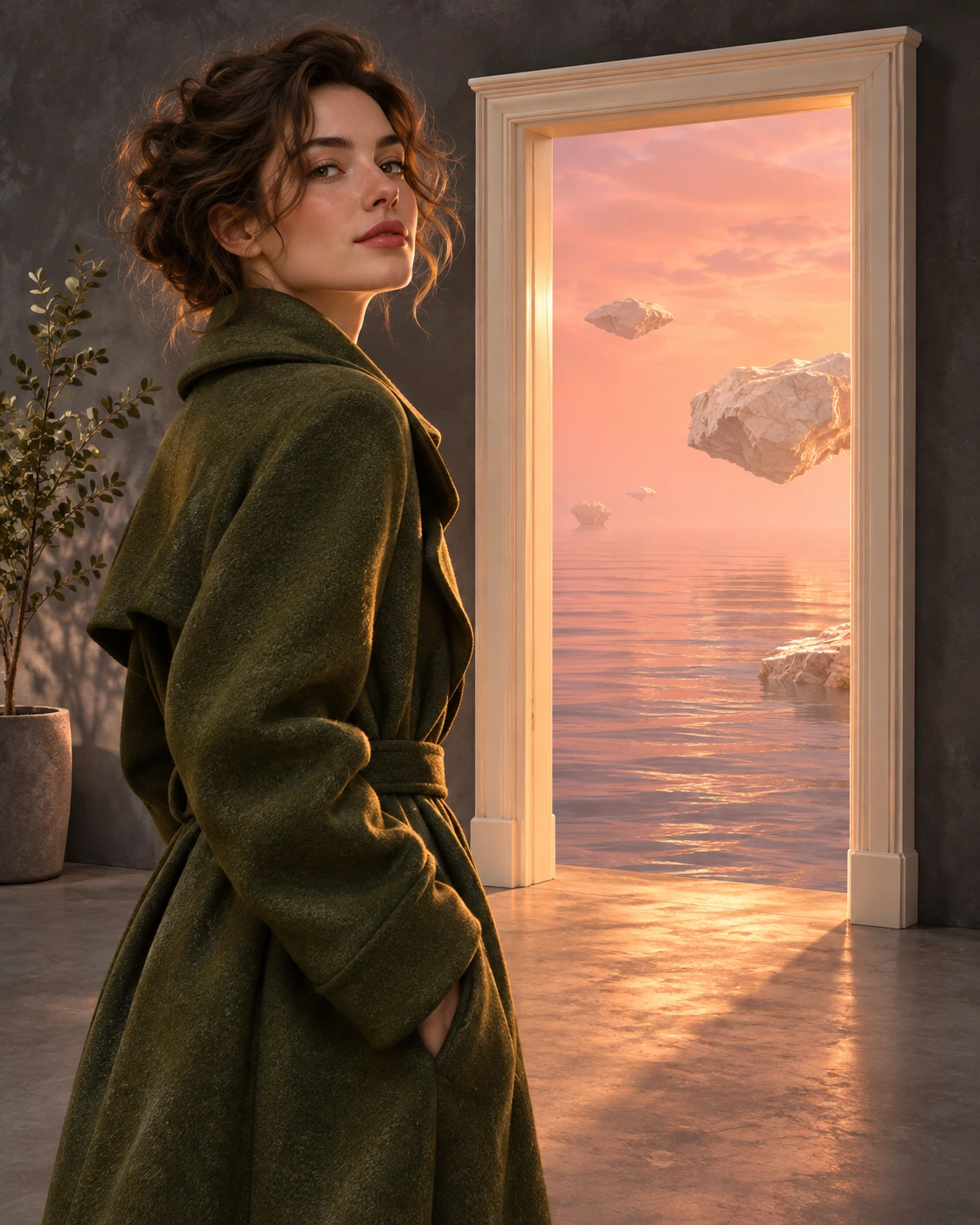 Door to Elsewhere
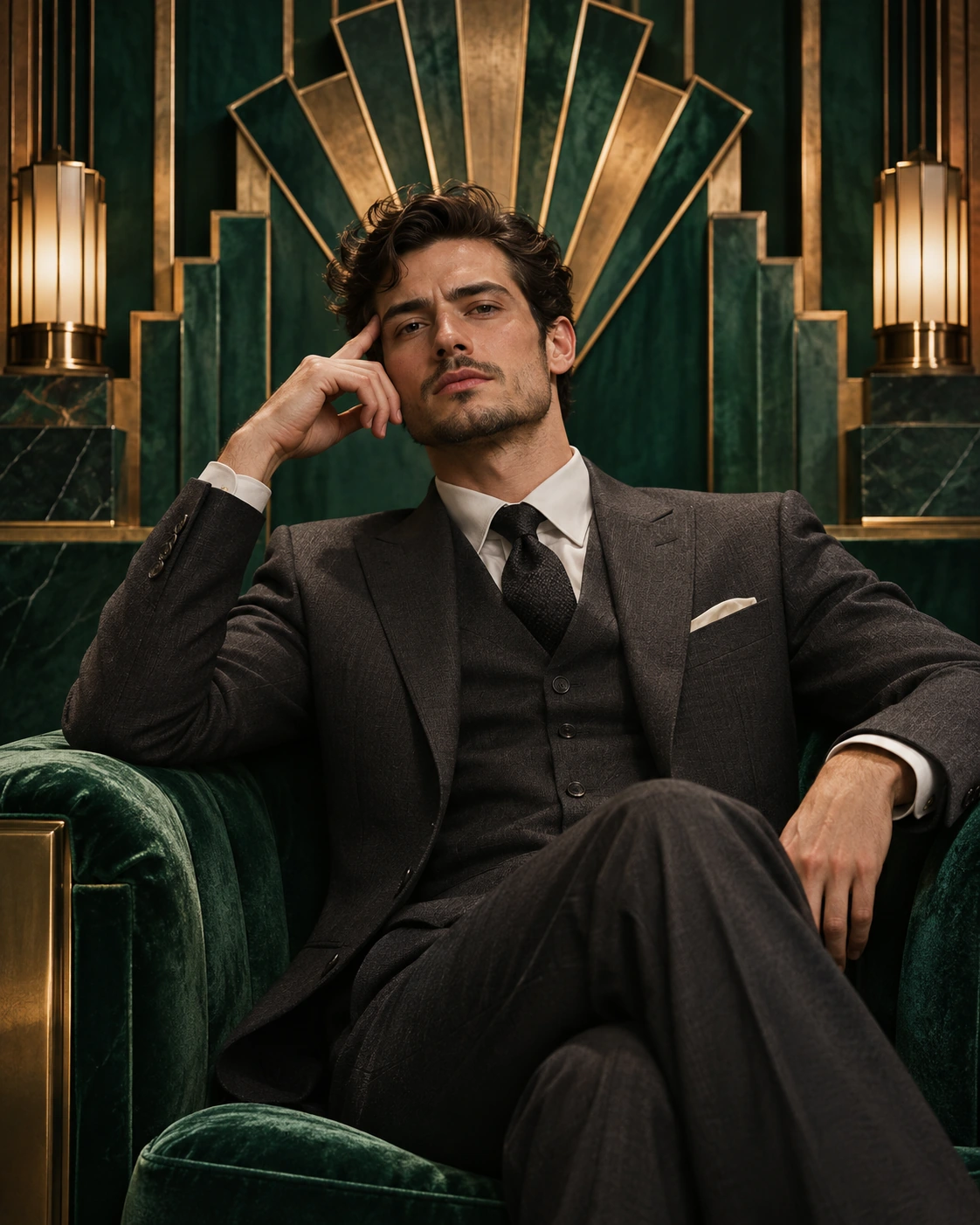 Art Deco Glow
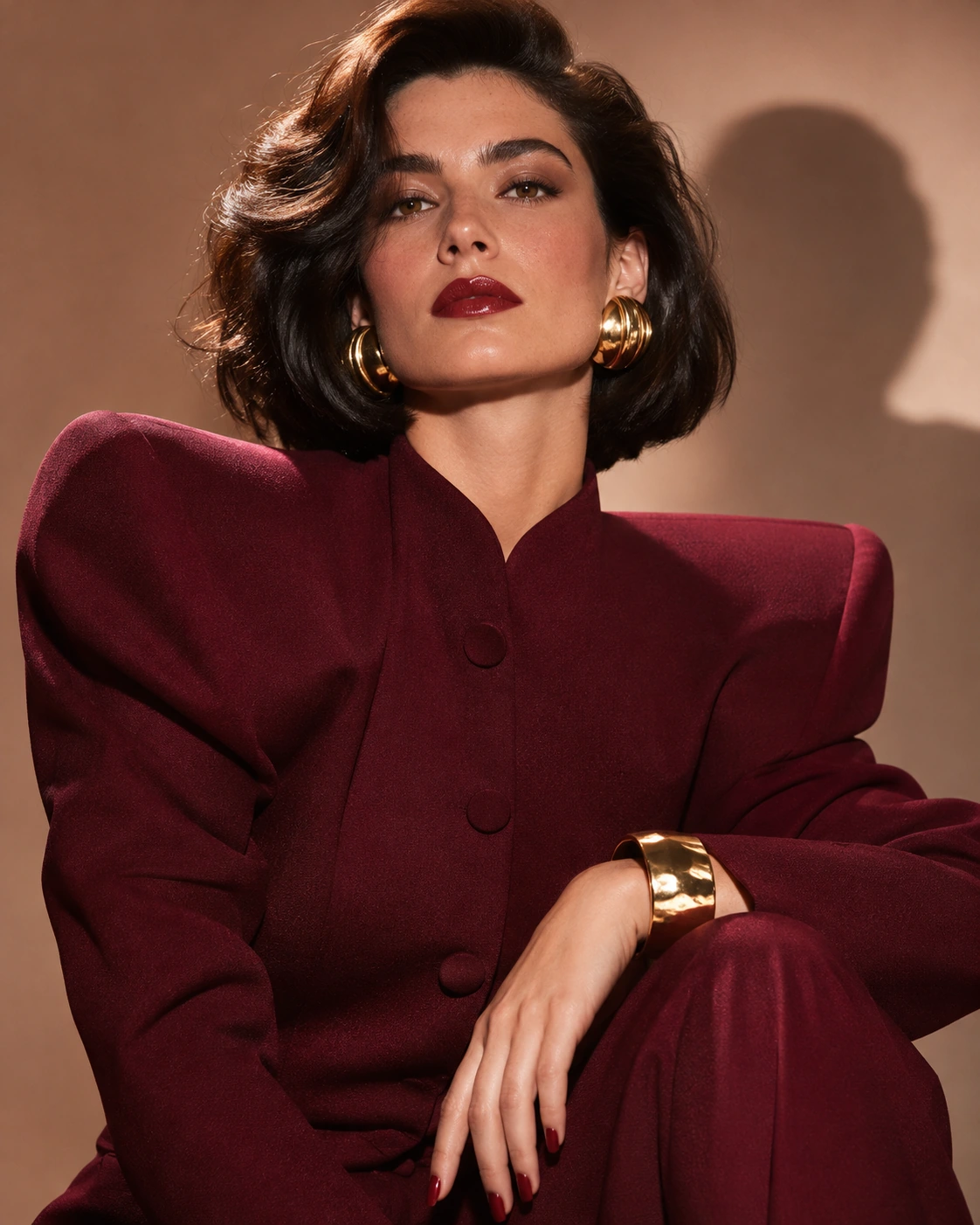 80s Glamour
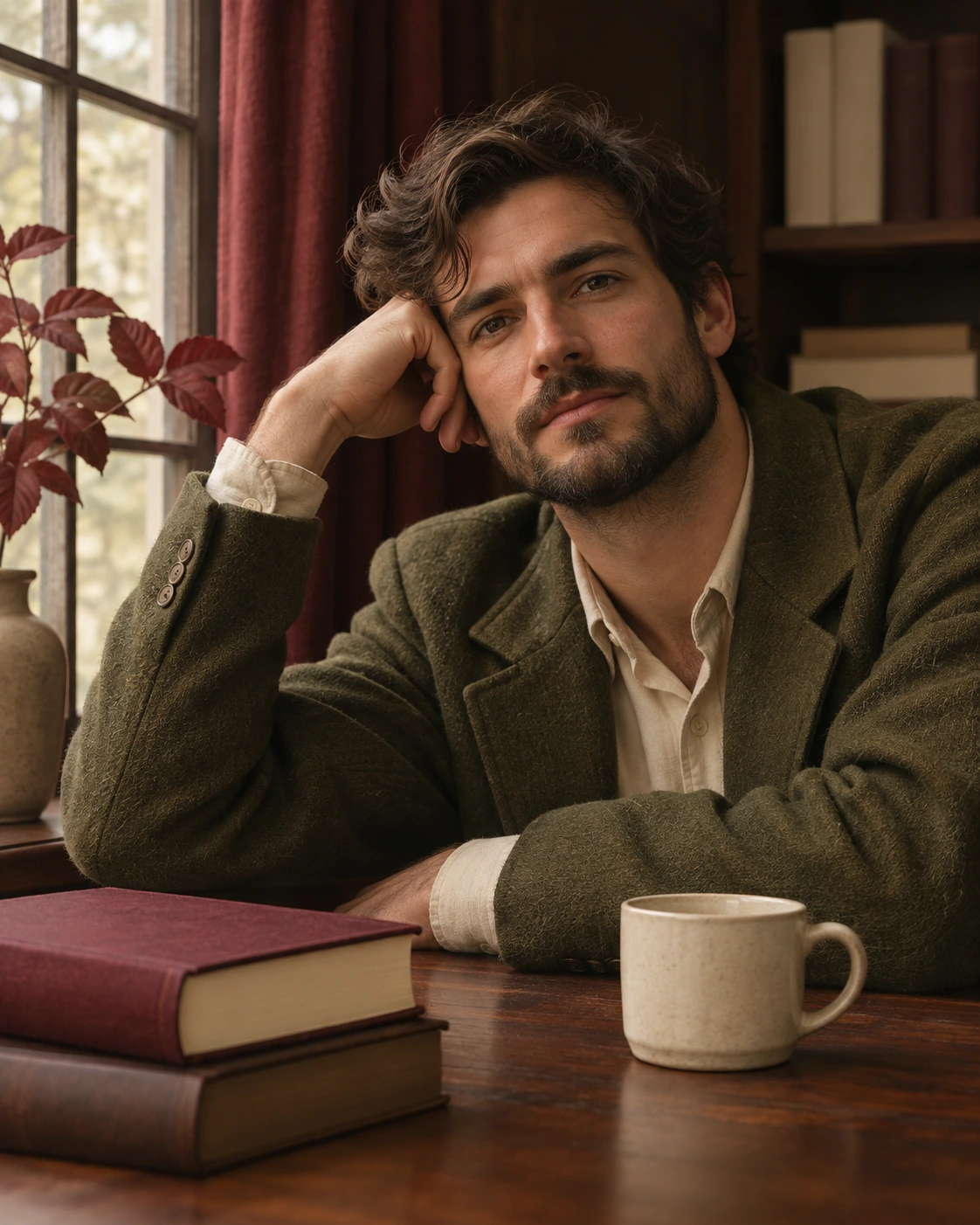 Poetcore Scene
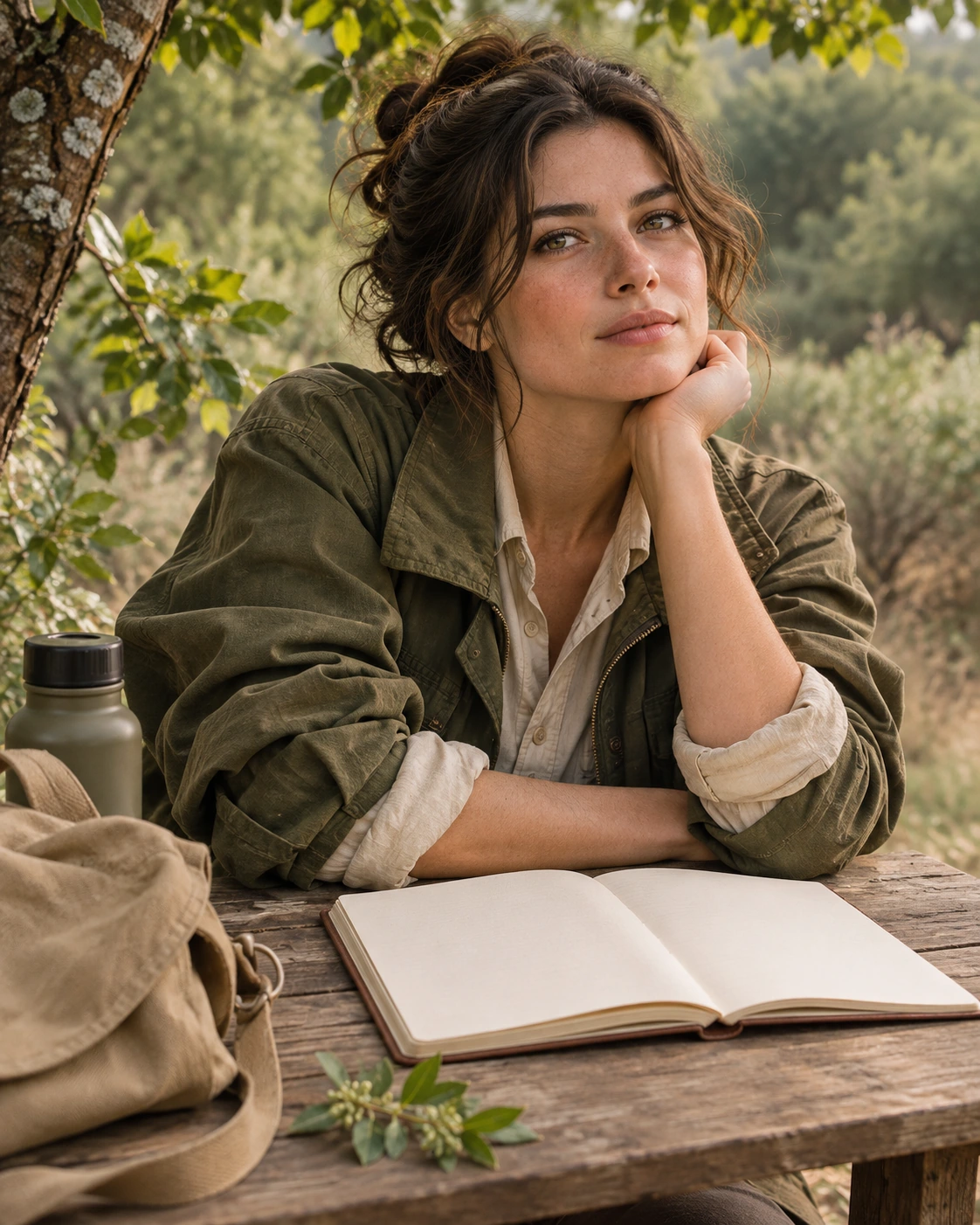 Field Journal
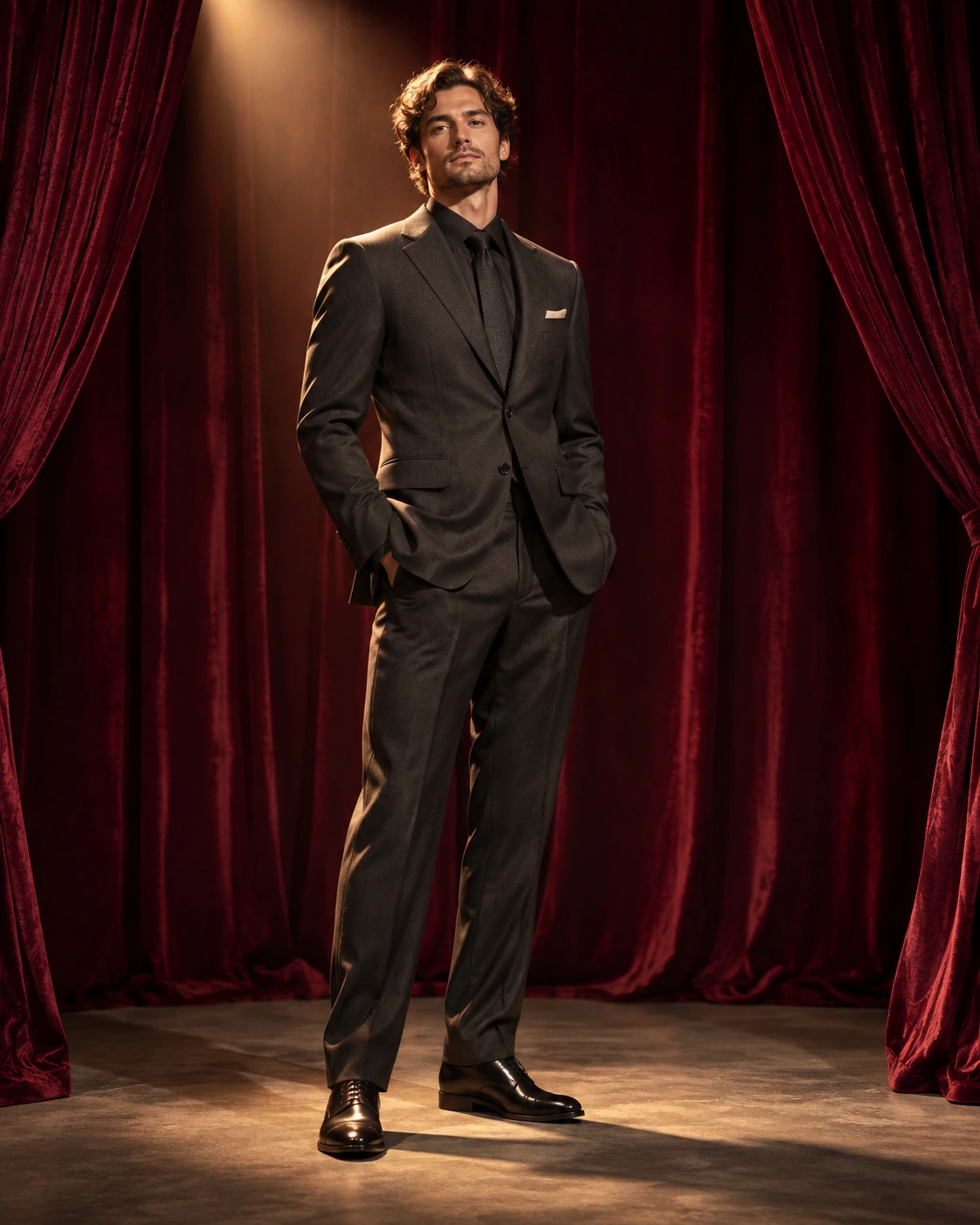 Velvet Stage
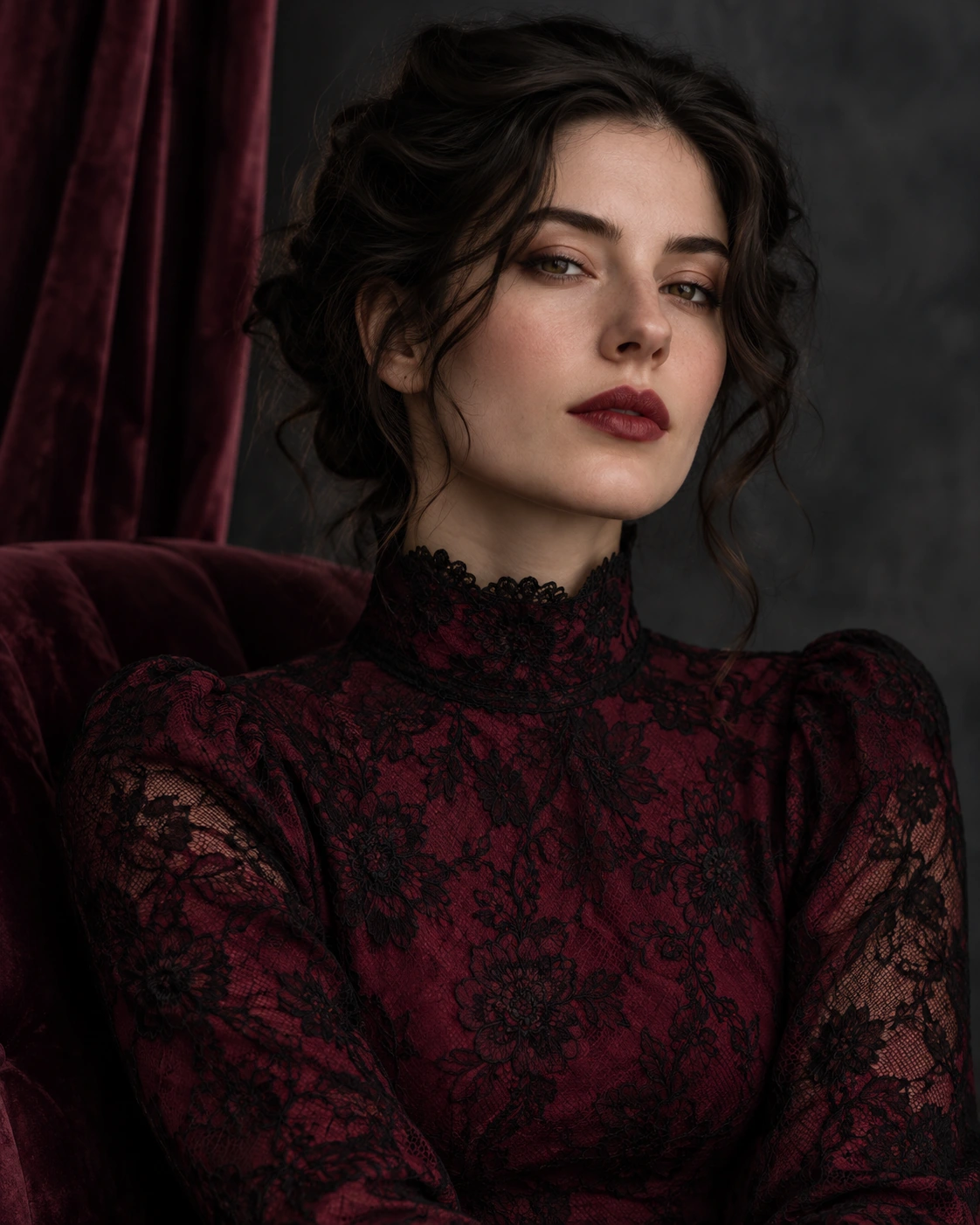 Lace Noir
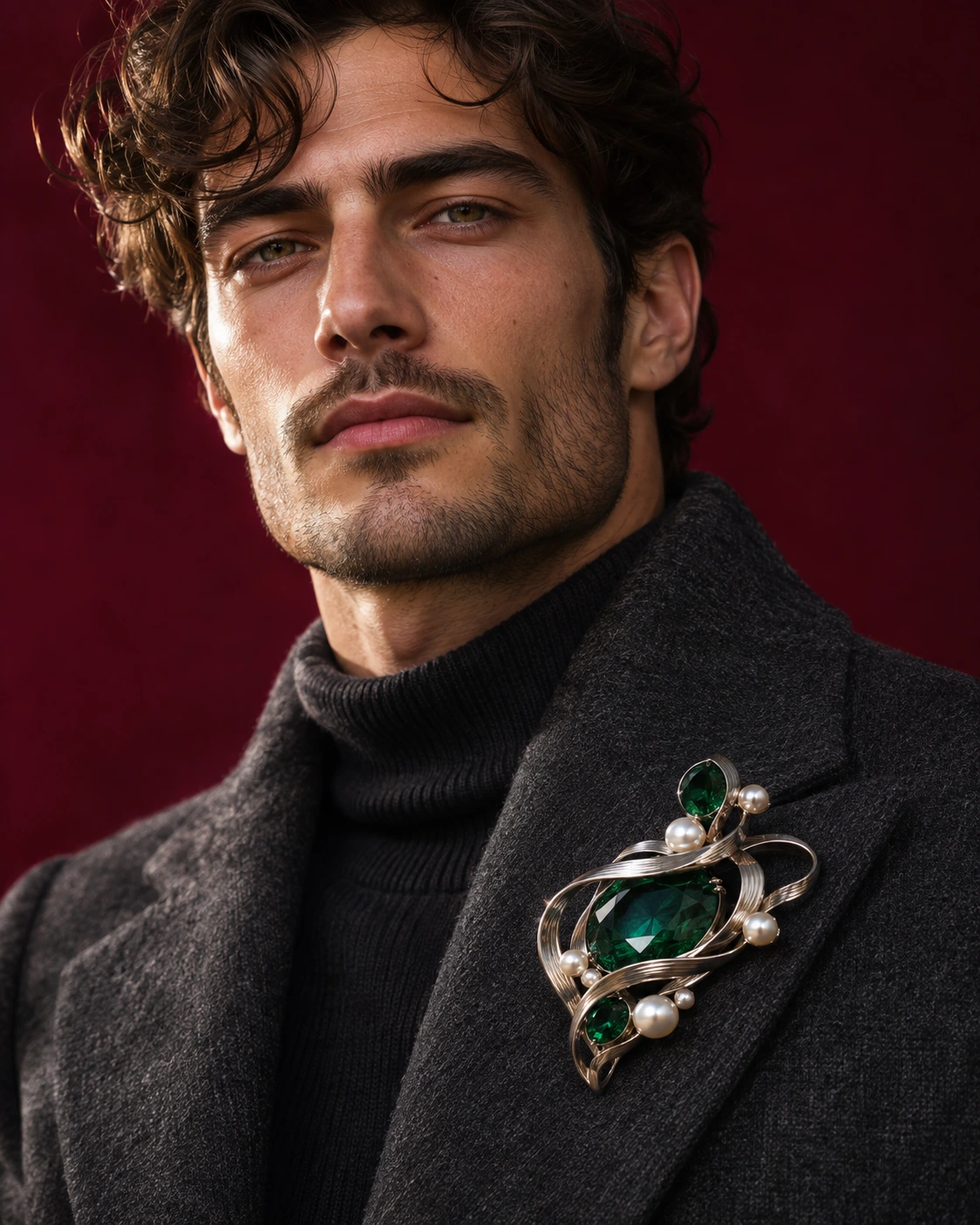 Statement Brooch
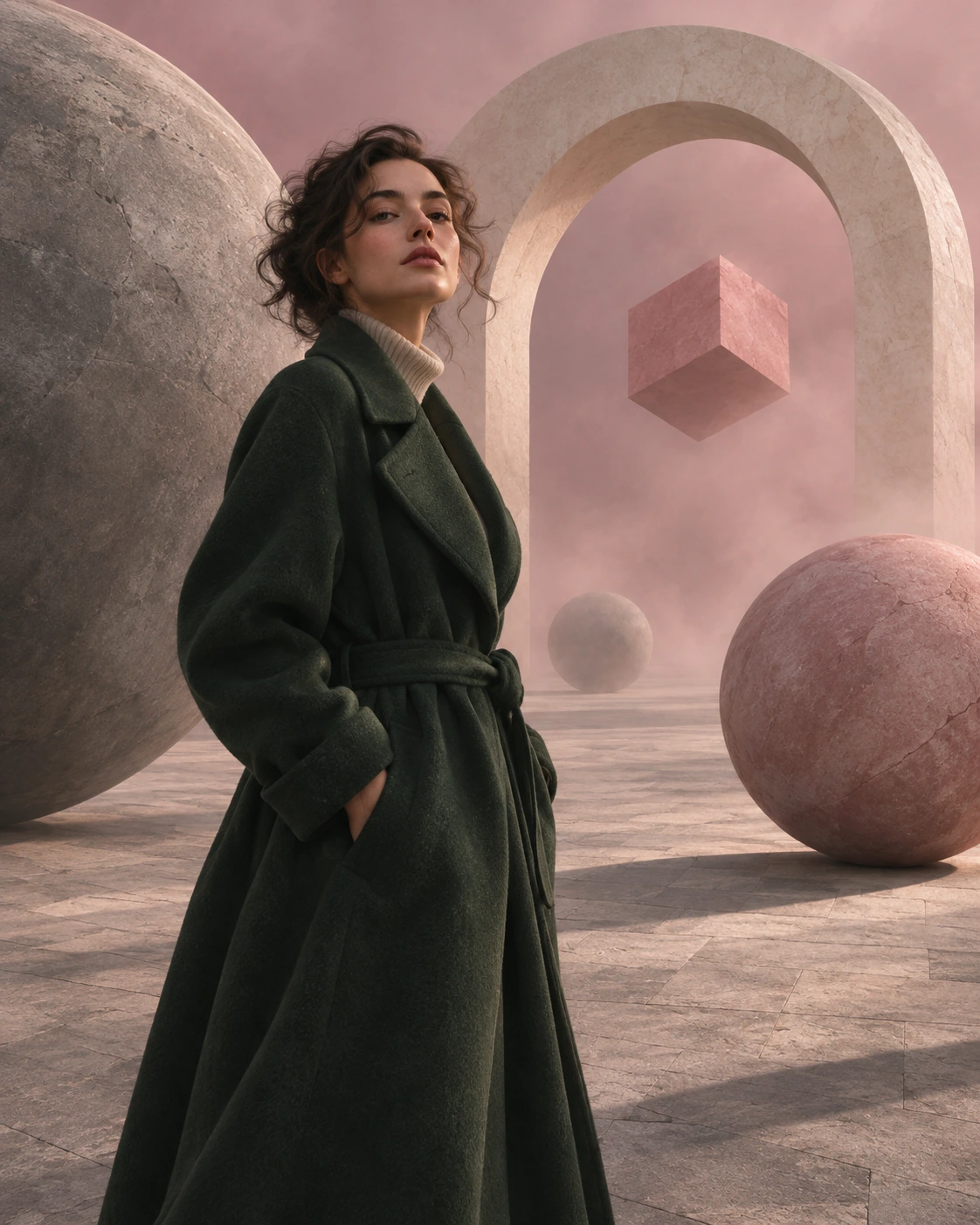 Fog Geometry
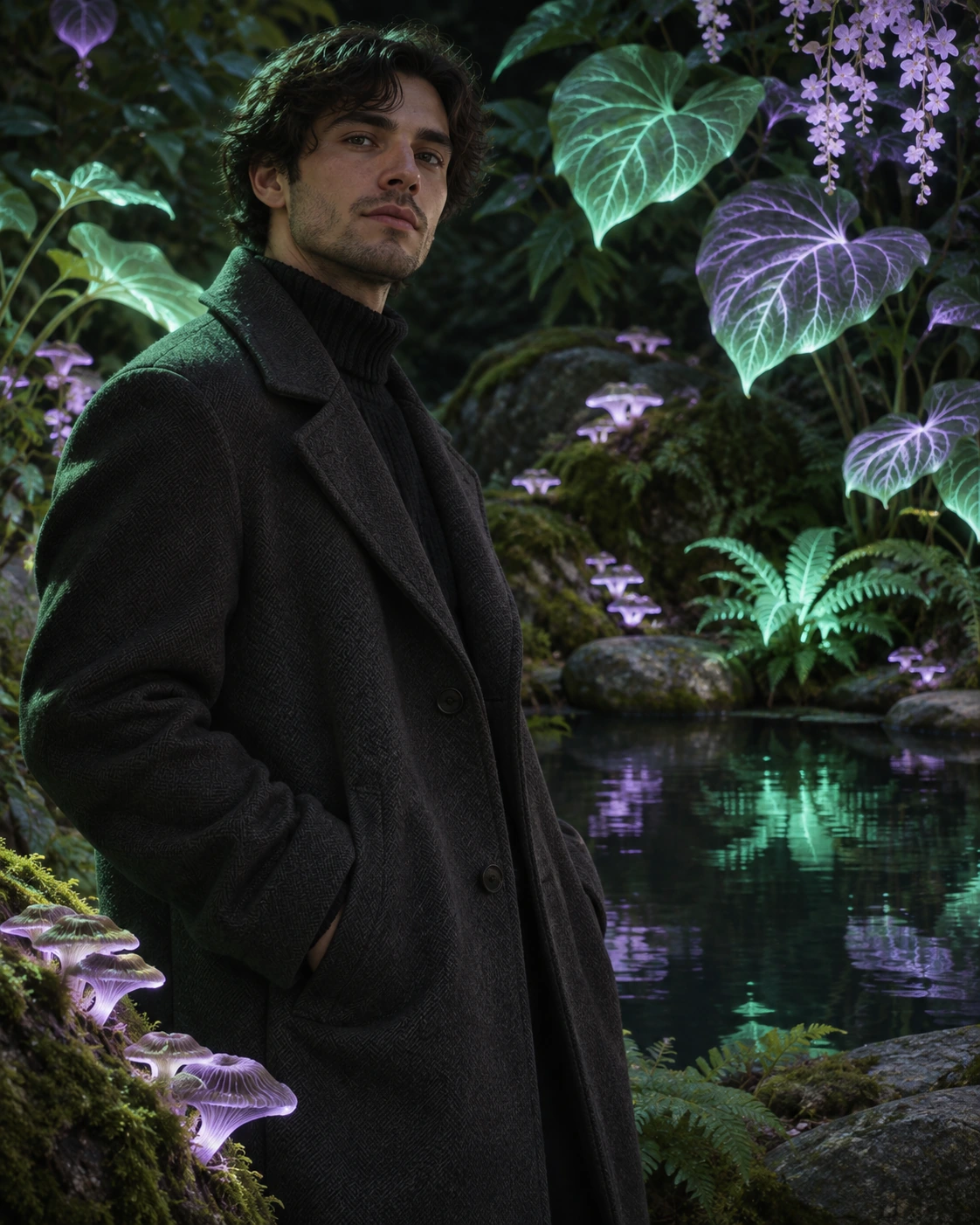 Glowing Garden
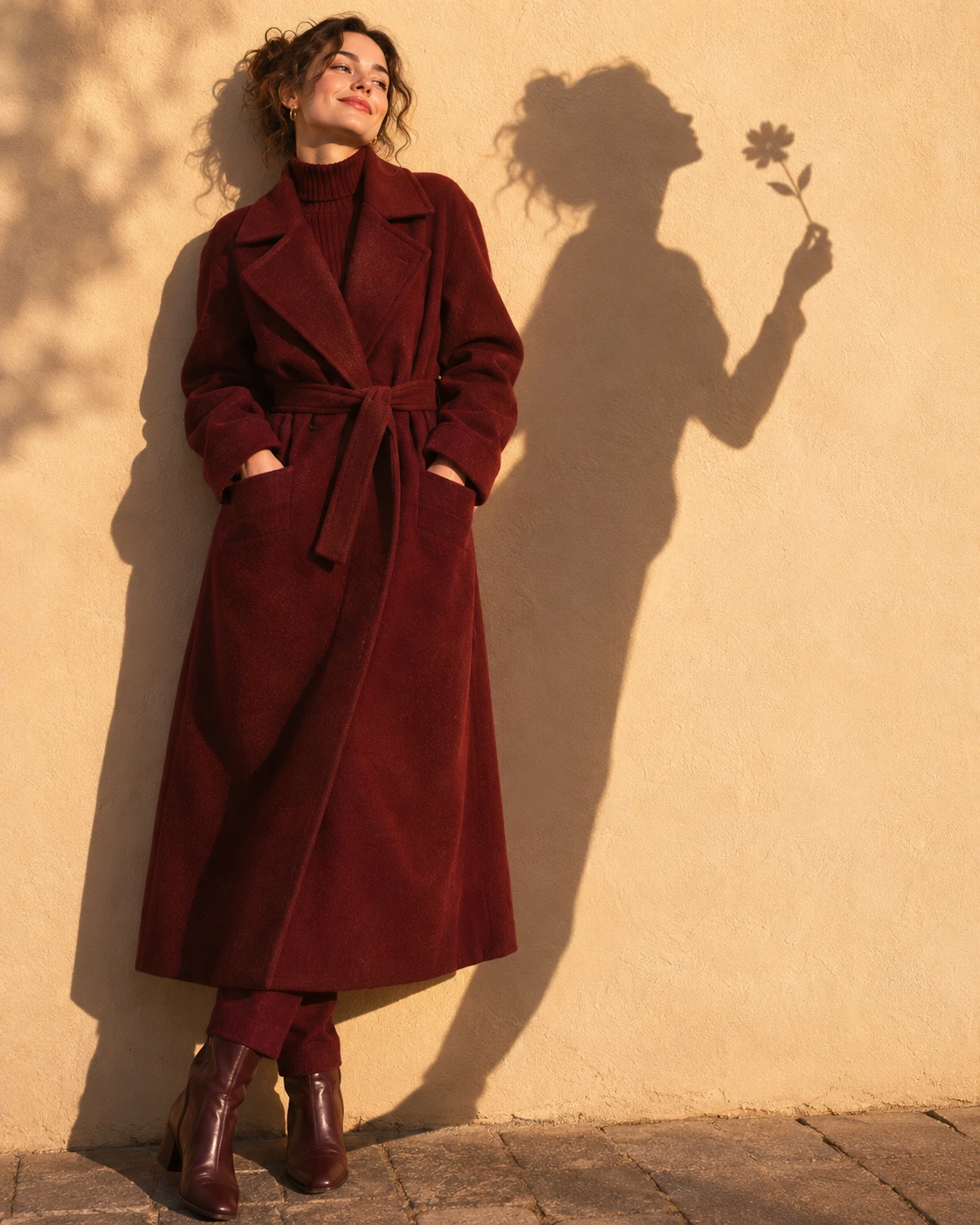 Living Shadow
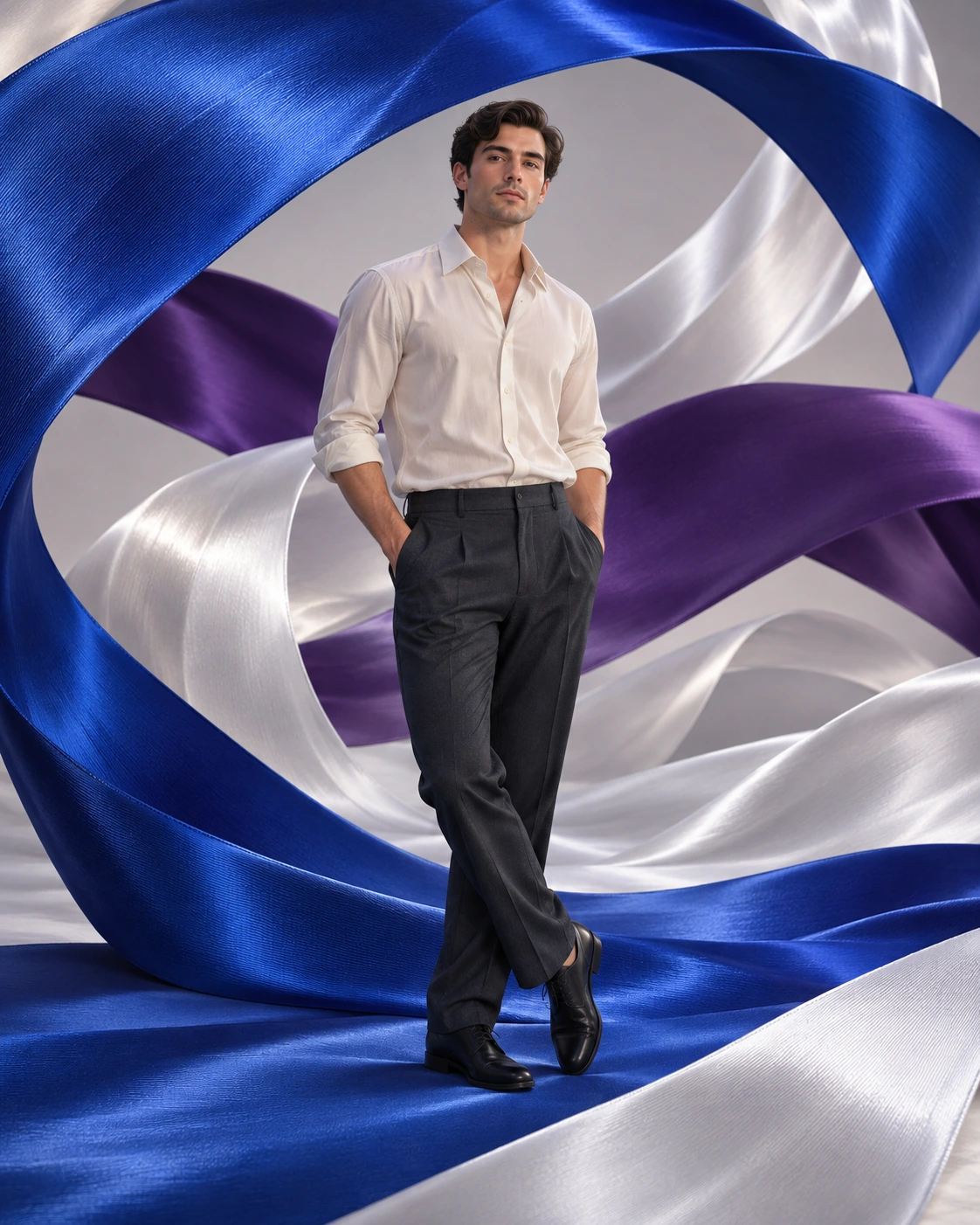 Silk Ribbons
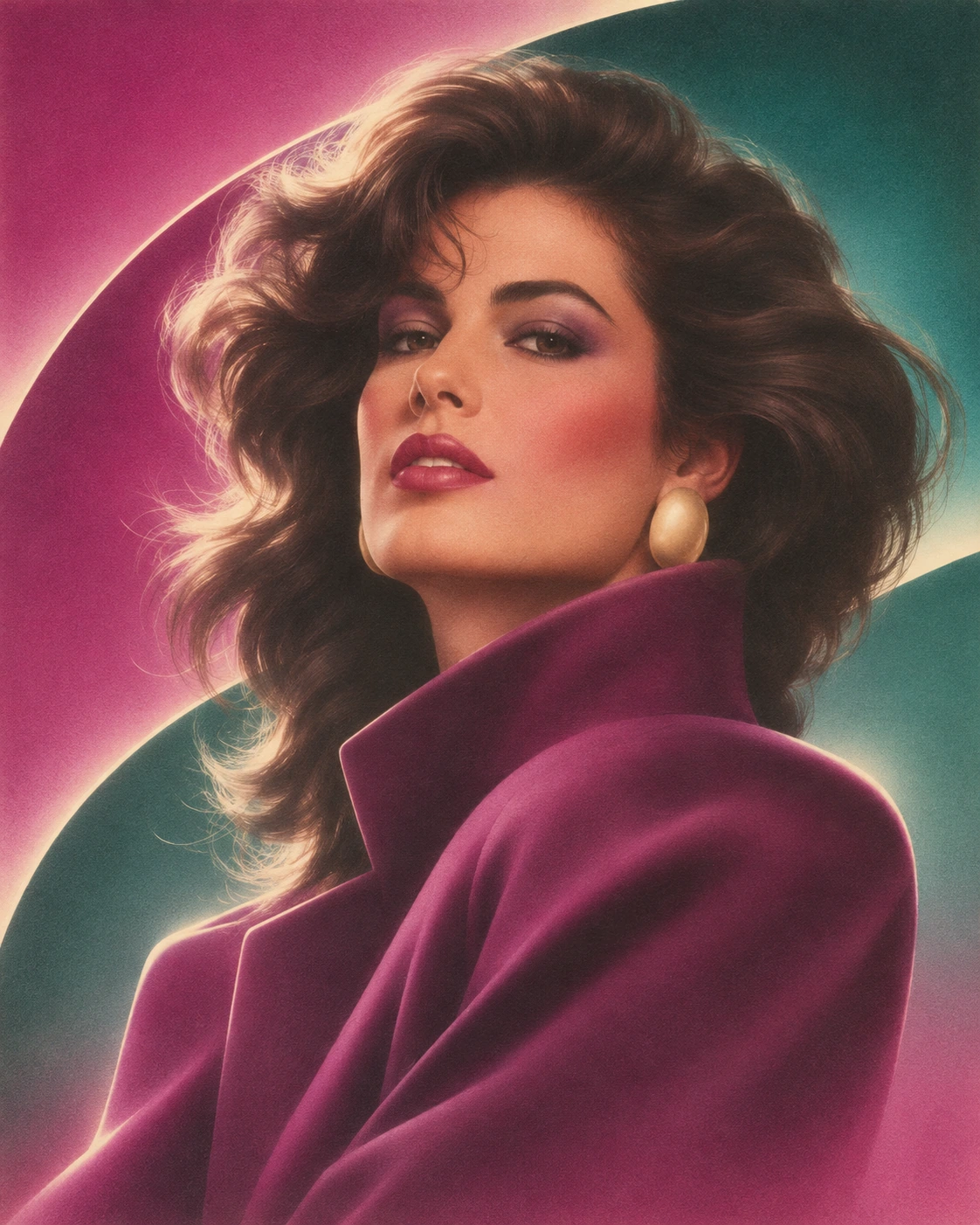 Retro Airbrush
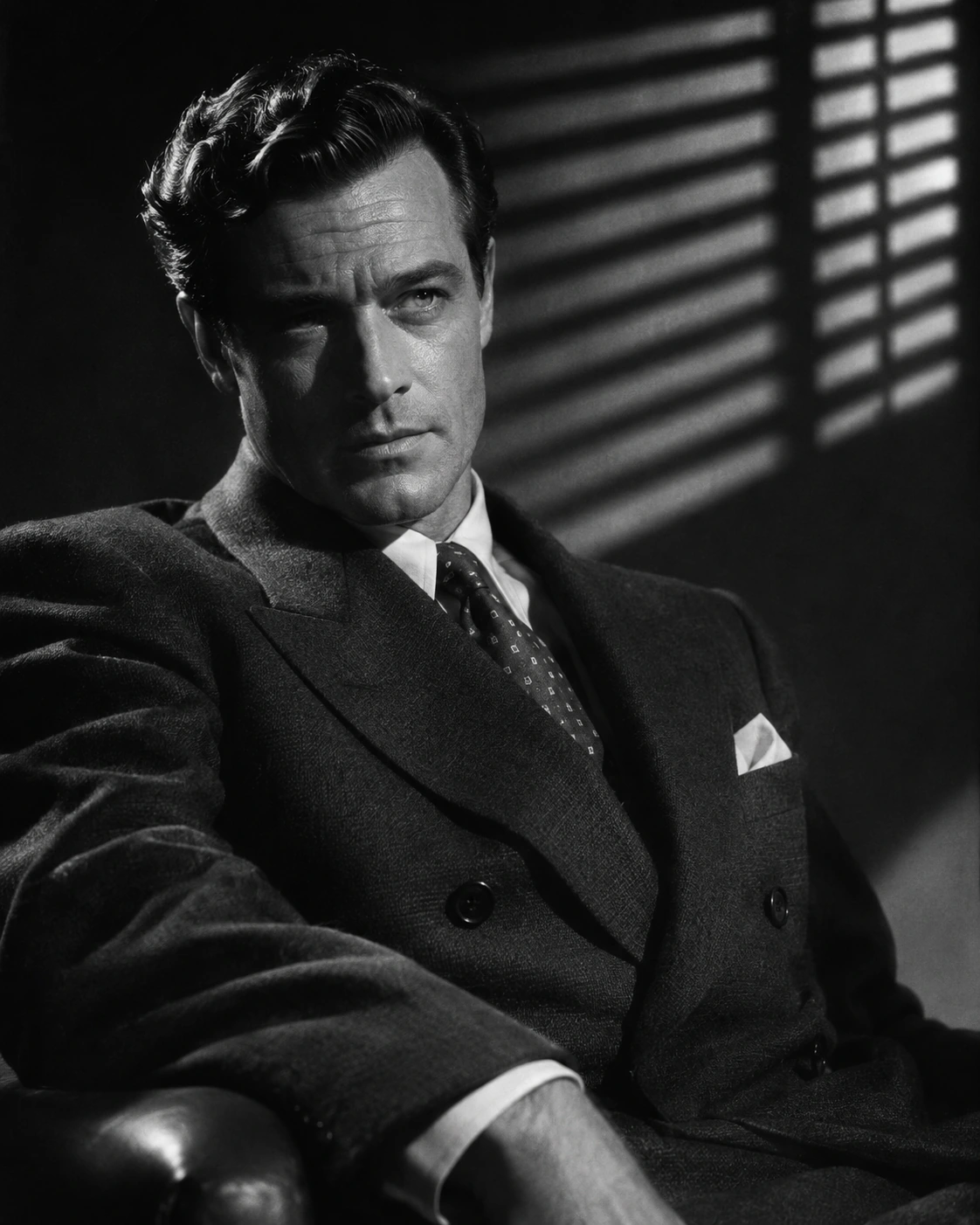 Hollywood Noir
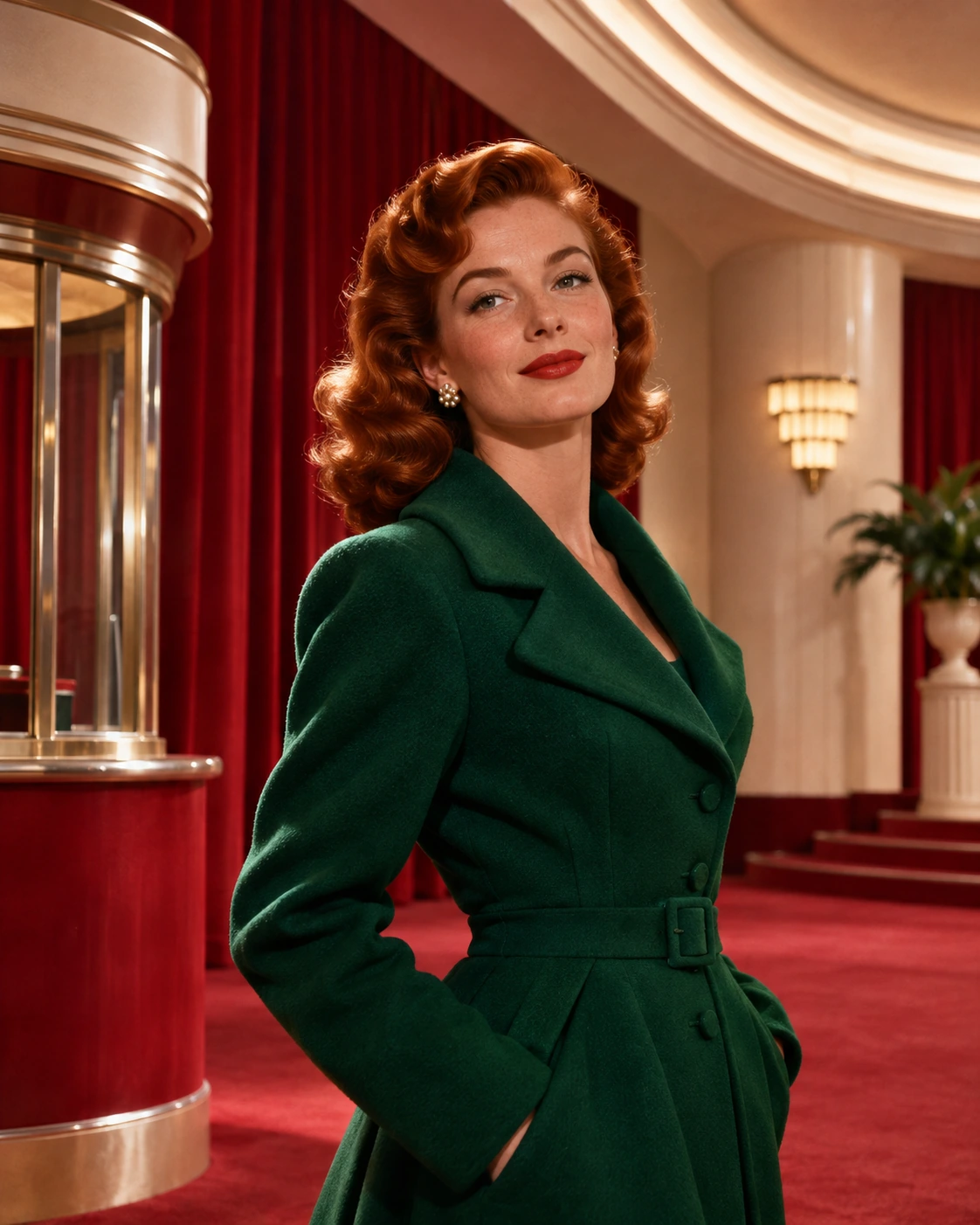 Classic Hollywood Color
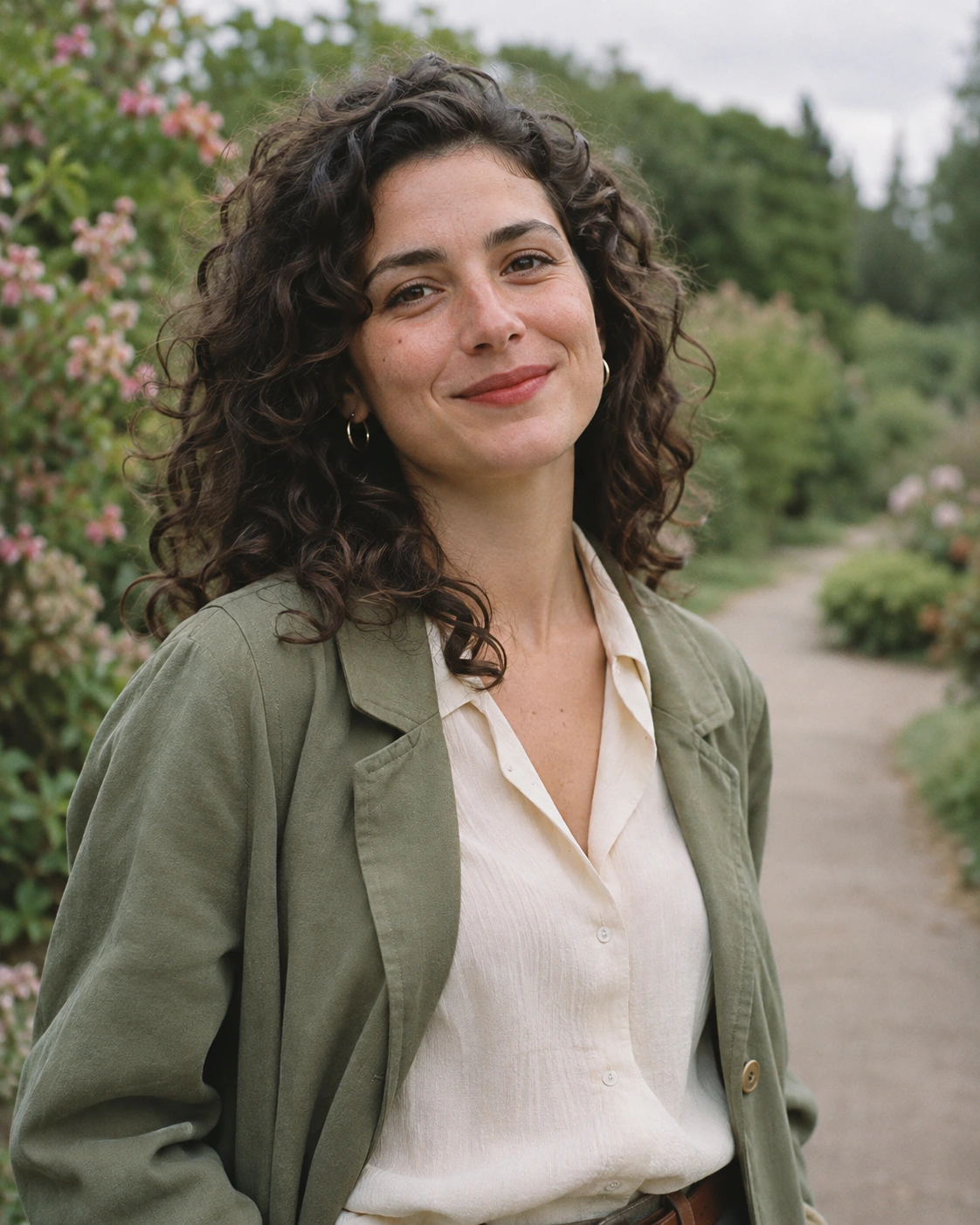 Soft Color Negative
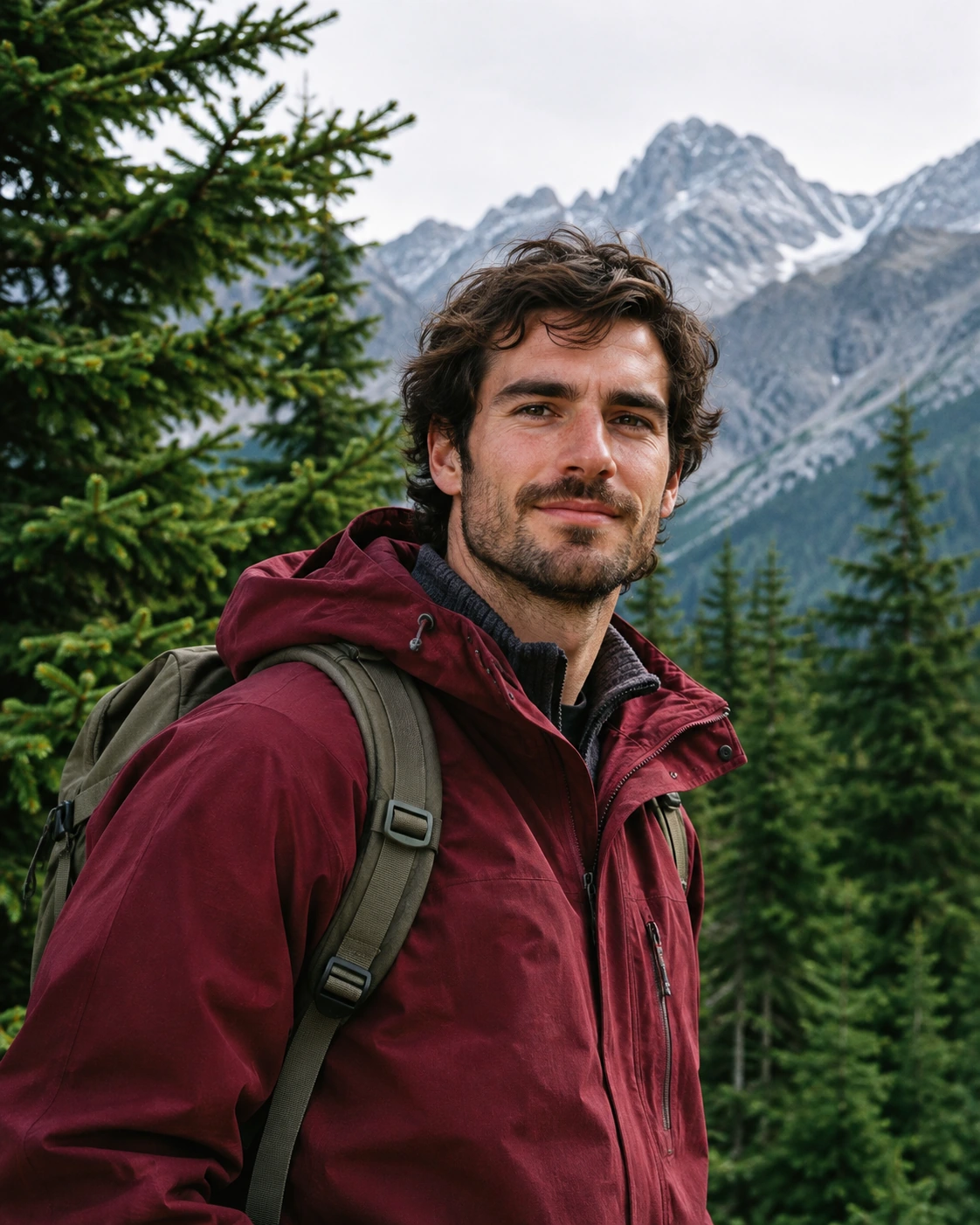 Color Slide Film
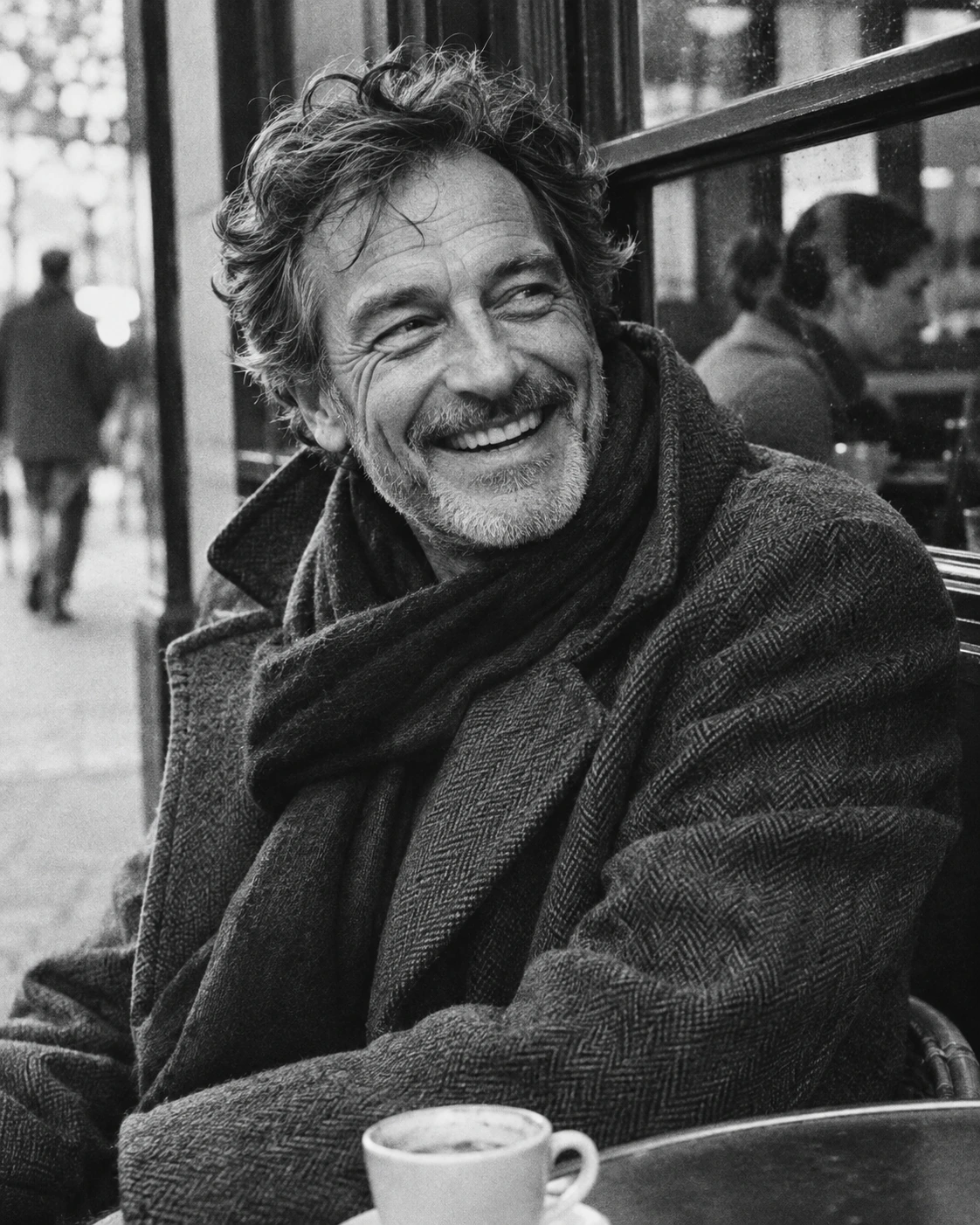 Black and White Reportage
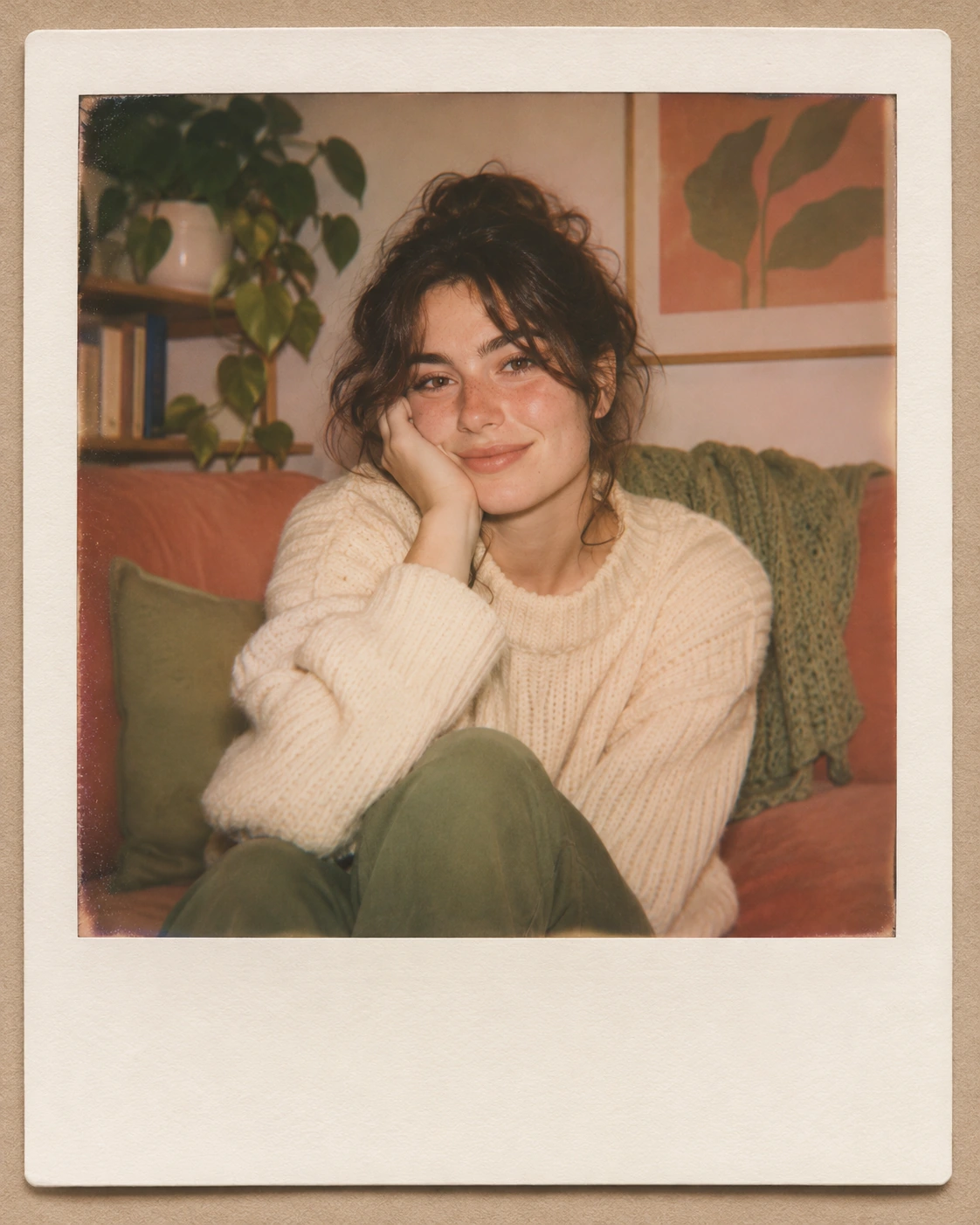 Snapshot Print
- 01
Ready-made scenarios without a prompt: upload a photo and press the button
- 02
Photo and video effects in one catalog
- 03
Collections of portraits, trends and holidays
- 04
Aspect ratio and duration for video effects
The catalog is split into portraits, trends and holidays. Photo effects change the style of a picture, for example turning it into a film still or a magazine cover. Video effects bring a photo to life in a short clip, and for them you choose the aspect ratio and duration, with the price recalculated as you go. The hints on each effect explain which photo works: a close-up, even light, one person in the frame.
The result is saved to your Library like any other generation. You can download it, send it to the Video editor alongside other clips or keep working on it in the Image section with your own prompt. Photos of other people are used only with their consent, and moderation checks both the picture and the result.
An effect is handy when you want a recognizable style without experimenting with prompts: a holiday card, an avatar in a new look, a short clip for stories. If you want to control every detail of the frame, send the same photo to the Image section instead.
Frequently asked questions
Do I need to write a prompt?
No. The effect brings its own model, prompt and settings, and all it needs from you is a photo.
Can I apply an effect to a friend’s photo?
Only if that person agrees. Images of real people without consent are prohibited by the service rules.
Why does my result differ from the cover?
The model reproduces the style, not a copy of the example. Photos with a similar angle and light come out closer to the cover.