Create
Photo Studio · mockups, templates and product photos
Photo Studio in Solistra is a set of projects with templates and mockups split into layers, a brand kit per project and AI photo tools: background removal, upscaling, new scenes and Try on. Manual work with layers costs no credits, and AI steps are paid with the price shown before you run.
Open Photo Studio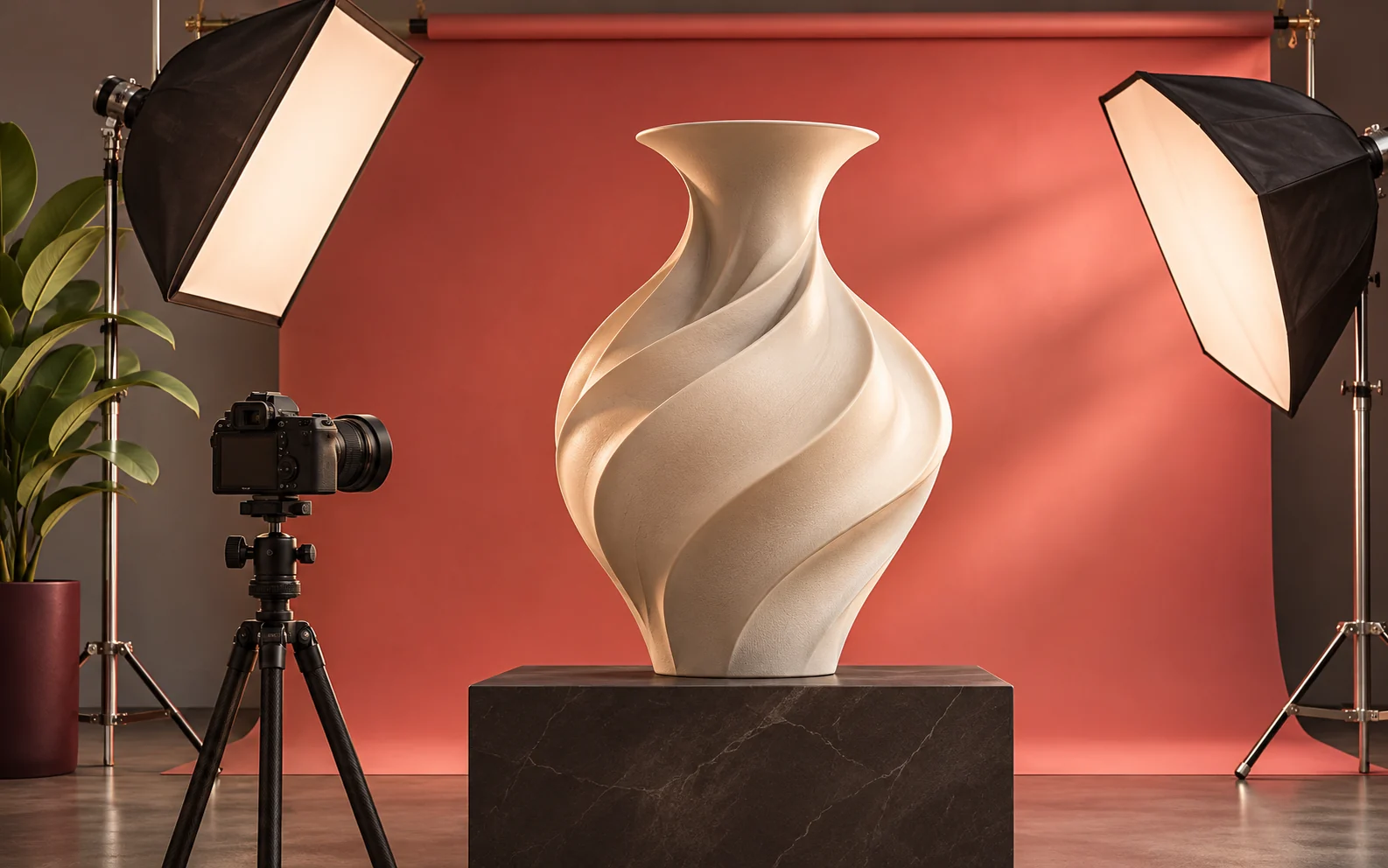
Photo Studio
Templates and mockups
Hundreds of templates and mockups for products, social media and infographics. Each one splits into layers, and you change text and photos by hand.
Brand kit per project
Project colors, fonts and logo apply to the templates inside the project.
Text set in fonts
Lettering is set in Cyrillic fonts rather than drawn by AI, so letters stay clean.
AI for photos
Background removal, upscaling, object removal, new scenes, Try on and photo series in one style. The credit price is shown before you run.
Manual work costs no credits
Layers, text, templates and export cost no credits, within your plan limits.
How it works
- 01
Create a project and upload a product photo
- 02
Pick a template or mockup
- 03
Remove the background or change the scene with AI
- 04
Fix the text and export the finished photos
Who it is for
- Photos and infographics for Wildberries and Ozon cards
- Packaging or clothing mockups
- Posts and covers in your brand style
- A product photo series in one style
Frequently asked questions
How much does Photo Studio cost?
Manual work with layers, templates and text costs no credits. AI steps such as background removal, upscaling and new scenes are paid, and the price is shown before you run.
Do the templates fit Wildberries and Ozon?
Yes. There are templates in the 3:4 card format. Marketplace rules change, so check them before uploading.
Can I send a photo straight to a card?
Yes, from Spark. A finished photo from the Library goes to a Wildberries or Ozon card in Marketplaces with your seller key after confirmation.