Images
Remove objects from photos
The object remover in Solistra erases whatever you brush over and rebuilds the background in its place. It is useful for travel photos, interiors, real estate and product shots.
Remove an object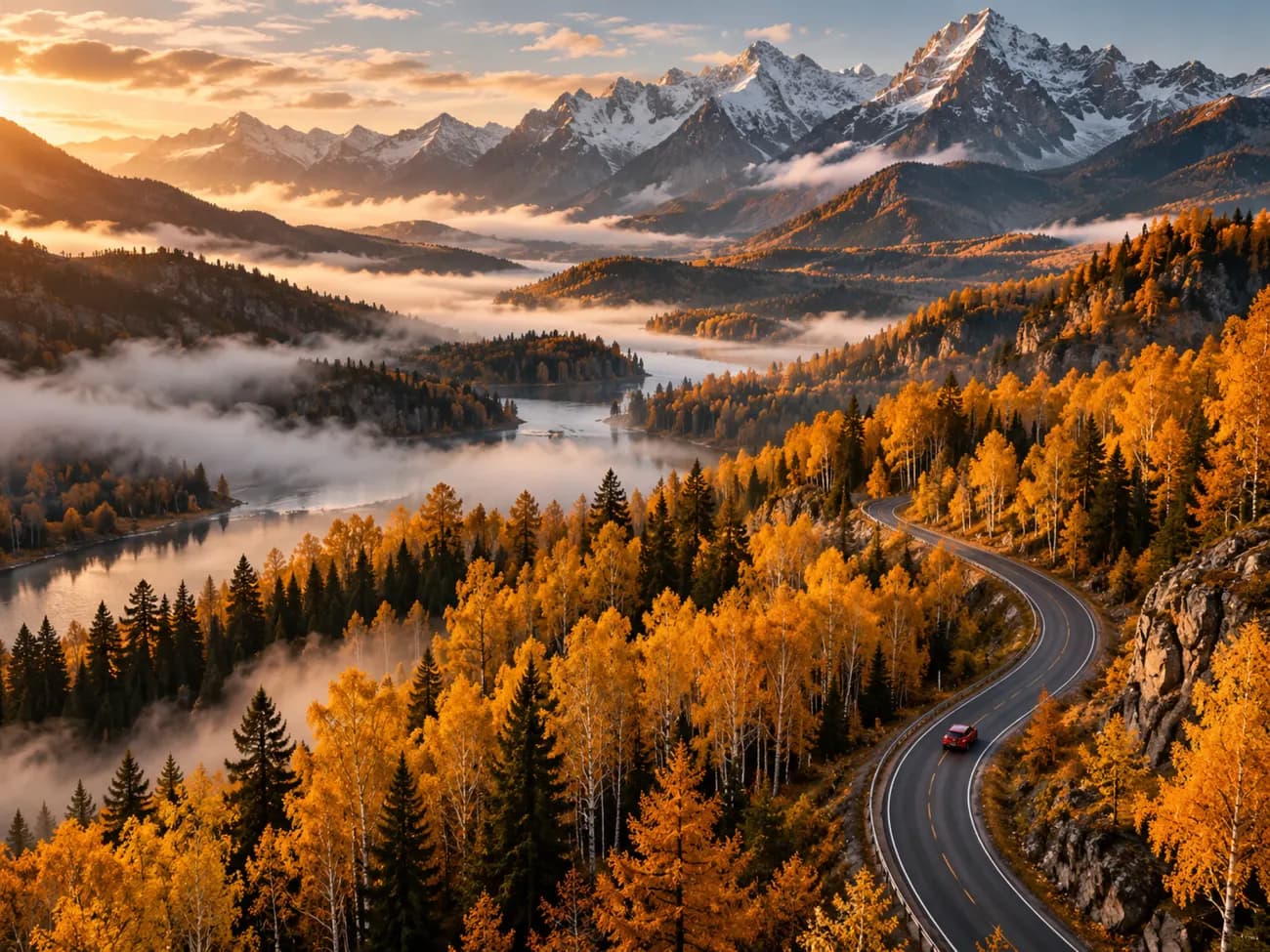
Object remover
Brush
Paint over what you want gone and the model removes only the selected area.
Or a sentence
Skip the brush and write “remove the people in the background”, an editing model will do the rest.
Natural background
The model continues textures, light and perspective around the removed object.
In Studio and Design
The tool works in Photo Studio and right on the canvas in the Design editor.
How it works
- 01
Upload a photo
- 02
Brush over what to remove
- 03
Click Remove and check the result
- 04
Save the photo
Who it is for
- Passersby in travel photos
- Wires and signs on buildings
- Clutter in interiors
- Stains and tags on products
Frequently asked questions
What if a trace is left where the object was?
Select the spot again a little wider and repeat. Every step can be undone in the edit history.
Can I remove a person from a photo?
Yes. Passersby and random people can be removed like any other object.
How much does it cost?
The credit price is shown on the button before you run it and is charged after the result is ready.