Images
Remove the background from a photo
Background removal in Solistra is a Photo Studio tool that separates a person or product from the background and saves it with transparency or on a new backdrop. It is made for marketplace sellers, designers and anyone who needs a clean cutout for a card, avatar or banner.
Remove background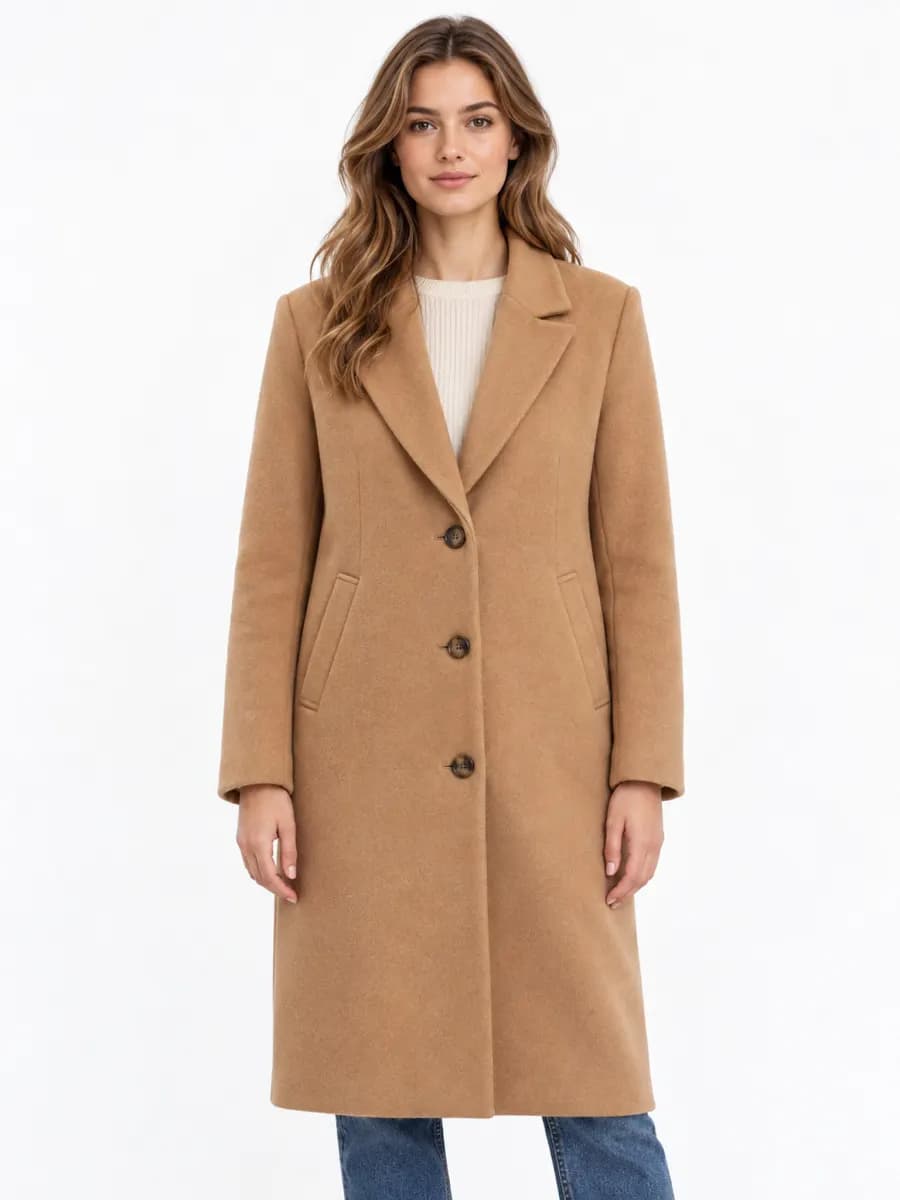
Background remover
Clean cutout
The model separates the subject from the background, and the eraser lets you fix edges by hand.
Studio backdrops
White, grey F2F2F2, beige, powder or dark backdrop, or any color you choose.
Scene from a prompt
Describe a new background or pick a ready scene such as travertine, sand, silk, moss, water or chrome.
Shadow and reflection
Contact or soft shadow and a mirror reflection so the product stands on a surface.
Batch
Apply the same settings to every photo of a product at once.
How it works
- 01
Open Photo Studio and upload a photo
- 02
Click Remove background
- 03
Choose transparent, a studio backdrop or a scene
- 04
Save as PNG or JPG
Who it is for
- Product photos for Wildberries and Ozon
- Avatars and CV photos
- Banners and covers
- Stickers and collages
Frequently asked questions
Which format keeps the background transparent?
Save as PNG for transparency. Marketplace cards usually need a JPG on a white or light background.
Can I remove the background from several photos at once?
Yes. Batch mode applies the settings of one photo to every photo in the series.
How much does background removal cost?
The credit price is shown on the button before you run it and is charged after the result is ready.