Video
AI subtitles for video
Subtitles in Solistra transcribe the speech in a video word by word and let you style the font, color and animation in detail. They fit vertical videos, lessons, interviews and ads.
Add subtitles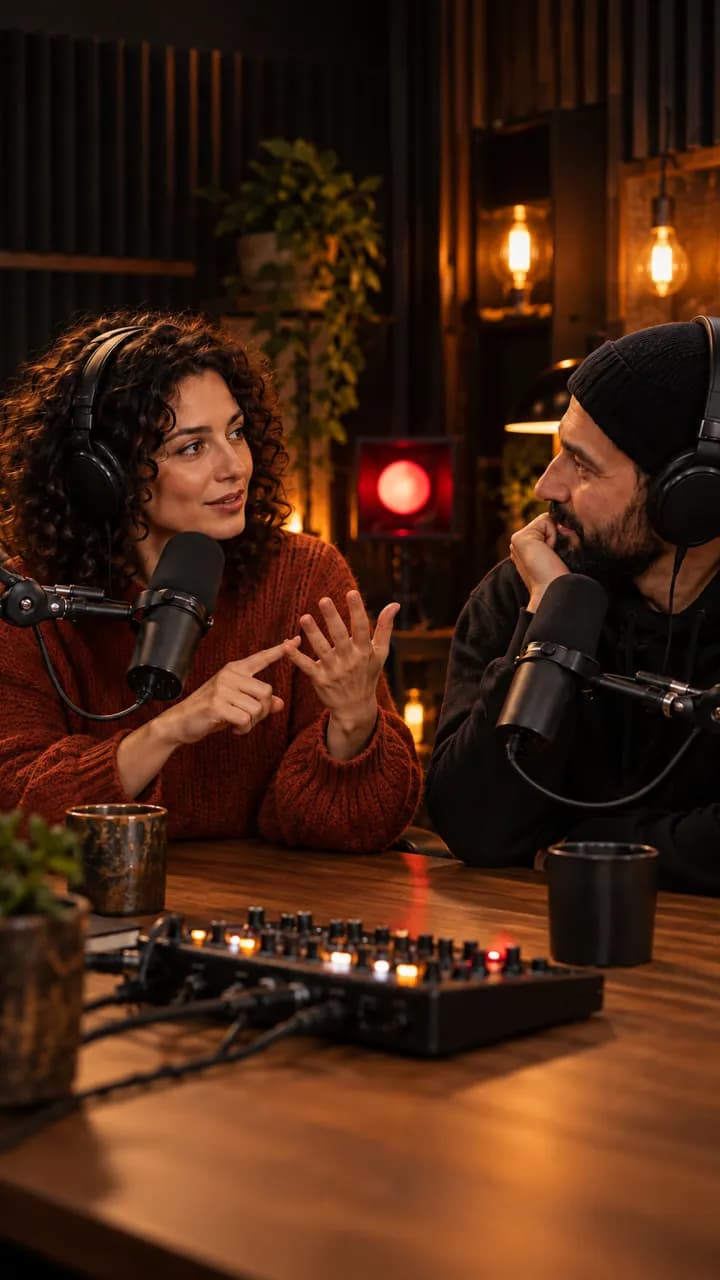
Video subtitles
Word level timing
Russian speech is transcribed by GigaAM and every word is tied to a timestamp.
Ready styles
Karaoke, Neon, Plate, Minimal, Comic and Brand. Your own style is saved to the brand kit.
Cyrillic fonts
Montserrat, Unbounded, Onest, Rubik, Manrope and more, or upload your own TTF or OTF.
Safe zones
The preview shows safe zones for VK Clips, Shorts and Telegram, and captions snap to the edge.
Export
Burn subtitles into the video or download SRT, VTT and ASS.
How it works
- 01
Upload a video
- 02
Check and fix the text
- 03
Pick a style, font and position
- 04
Burn in the subtitles or download the file
Who it is for
- Vertical videos for Shorts
- Lessons and tutorials
- Interviews and podcasts
- Ads watched without sound
Frequently asked questions
Which subtitle formats can I download?
SRT, VTT and ASS. You can also burn the subtitles into the video.
Can I fix transcription mistakes?
Yes. Edit the text by hand and drag timings on the timeline.
Can I remove filler words from subtitles?
Yes. Smart settings remove filler words, highlight keywords and color lines by speaker.