Canvas
Canvas · chains of steps as nodes
Canvas («Холст») in Solistra is a diagram of nodes where the output of one step becomes the input of the next. Product, text, image, video, voiceover, try-on, angles, background removal, upscaling and video assembly are joined with links, and the chain runs as a whole. You build the diagram once and then run it again with new data.
Open in Solistra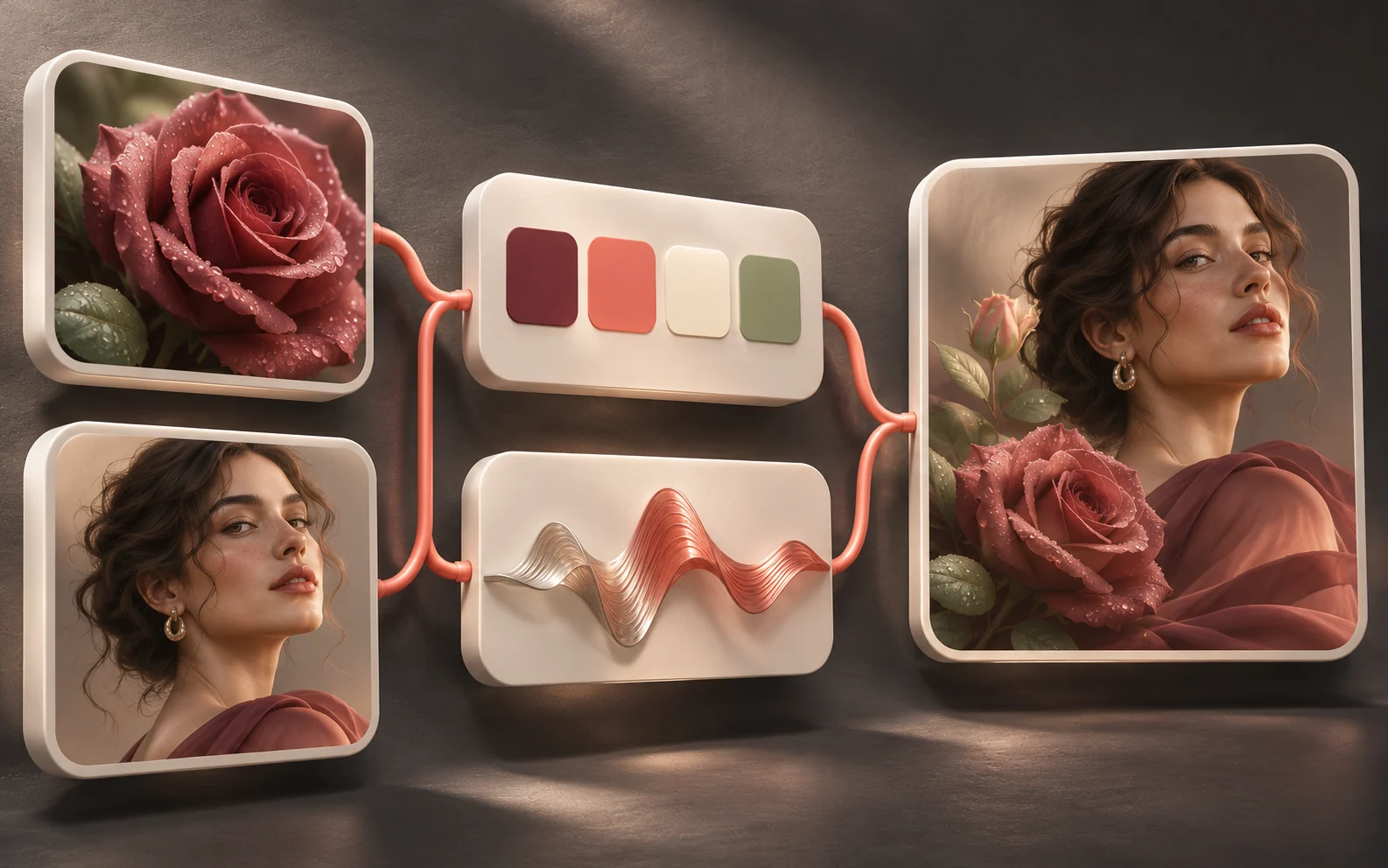
- 01
Text, image, video, sound, character and product nodes
- 02
Generation, voiceover, try-on, angles, background and upscaling in one diagram
- 03
The price of each node and the whole chain before the run
- 04
Reruns without paying again for unchanged nodes
Before the run you see the price of each node and of the whole chain, and credits are reserved for all paid steps at once. If a node’s input has not changed, its previous result is reused and no credits are charged for it, so editing one step does not recalculate the whole diagram. Building, saving and editing a diagram cost no credits.
The easiest start is a ready-made preset for a common task: open it, adjust the nodes and save it as your own diagram. The character node takes a hero from your Characters and keeps them recognizable through every step, and the product node pulls photos and data from your Wildberries and Ozon catalog.
Canvas pays off where the same sequence repeats: every new product goes through the same steps from photo to a clip with a voiceover. The diagram keeps the order and the settings, so results stay consistent in style from one product to the next.
Frequently asked questions
Where do I start if I have no diagrams yet?
With a ready-made preset. Open it, change the nodes and save it as your own diagram.
How much does running a chain cost?
The total for the paid nodes is shown before the run. Unchanged nodes are not recalculated when you run it again.
Where are the results stored?
Node results are saved to your Library and are available to other sections.