Create
AI face swap for photos
Face swap in Solistra is a tab of the Image section that replaces the face of a person in a photo with a face from another photo. The features come from the new photo, while the pose, clothes, light and skin tone stay as in the original. It suits avatars, greeting cards and trying a look on your own face.
Swap a face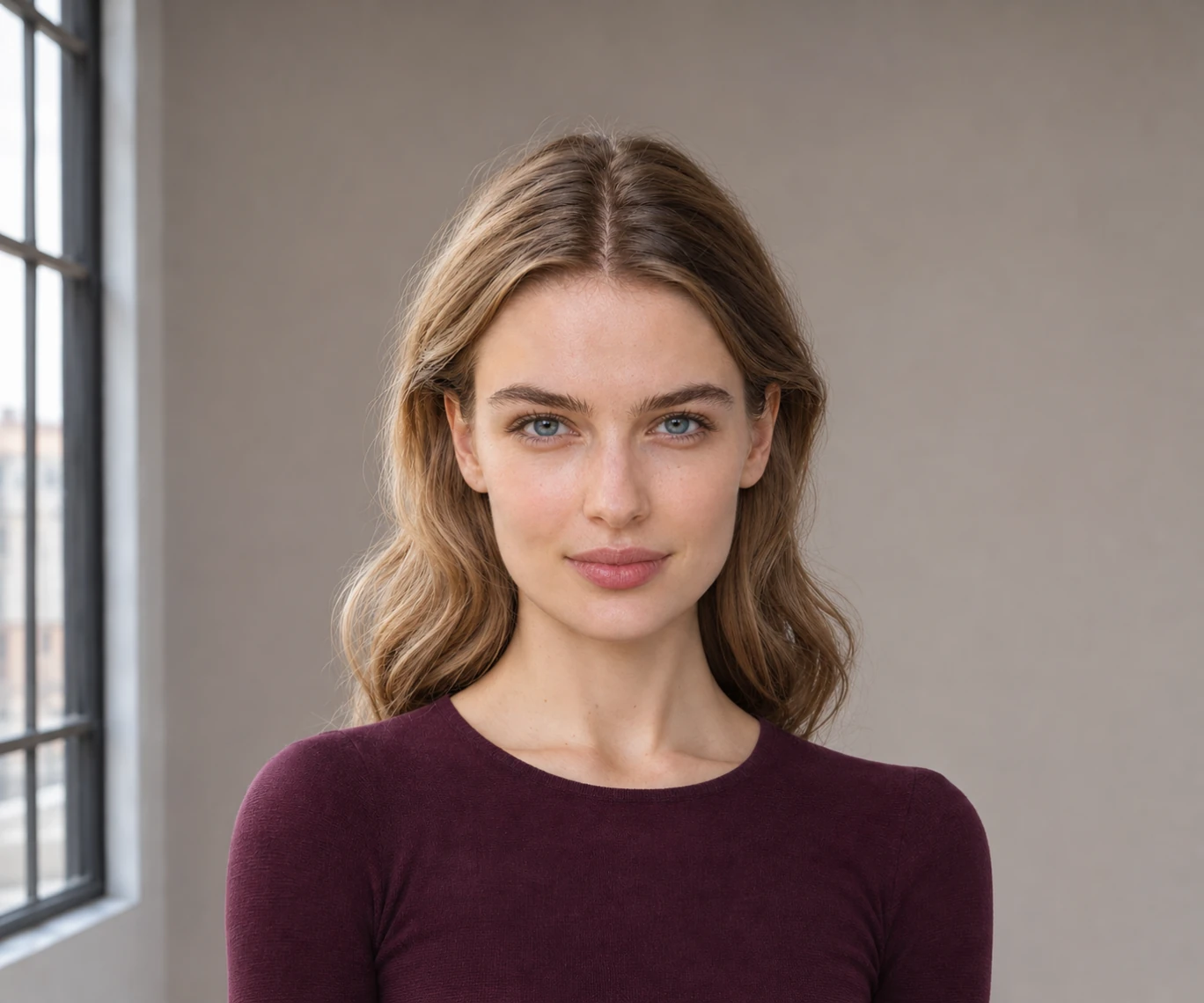
Face swap
Two photos
Upload the original shot and the photo of the new face from your computer or pick them from your Library and Characters.
Pick the face
If there are several people in the shot, frames mark the faces found and you click the one to change.
What to take from the new face
Switches take the hairstyle, beard and moustache, glasses and jewelry and the expression from the new photo. Skin tone, light and color stay as in the original.
Before and after
The finished photo opens with a before and after slider, and you can download it or send it to another section.
How it works
- 01
Open Image and the Face swap tab
- 02
Add the original photo and pick the face
- 03
Add the photo of the new face
- 04
Check the price on the button and press Create
Who it is for
- An avatar in a new look
- Greeting cards
- Trying on a hairstyle or a look
- A shot for your own character
Frequently asked questions
Can I use another person’s face?
Only with their consent, as the Solistra rules require. Photos of children are not allowed.
What stays from the original photo?
The pose, clothes, background, light and skin tone. The facial features come from the new photo, and you choose whether to take the hairstyle, beard, glasses and expression.
How much does a face swap cost?
The credit price is shown on the button before you run it. Credits are reserved at start and returned if the model does not deliver a result.