Video
AI video generation in Solistra
Video («Видео») in Solistra is the screen where you create a clip from a text description or from a photo that becomes the first frame. Kling, Veo, Seedance 2.5, Hailuo, Wan and other models sit in one list, and each shows its formats, duration, sound and credit price before you run it.
Open in Solistra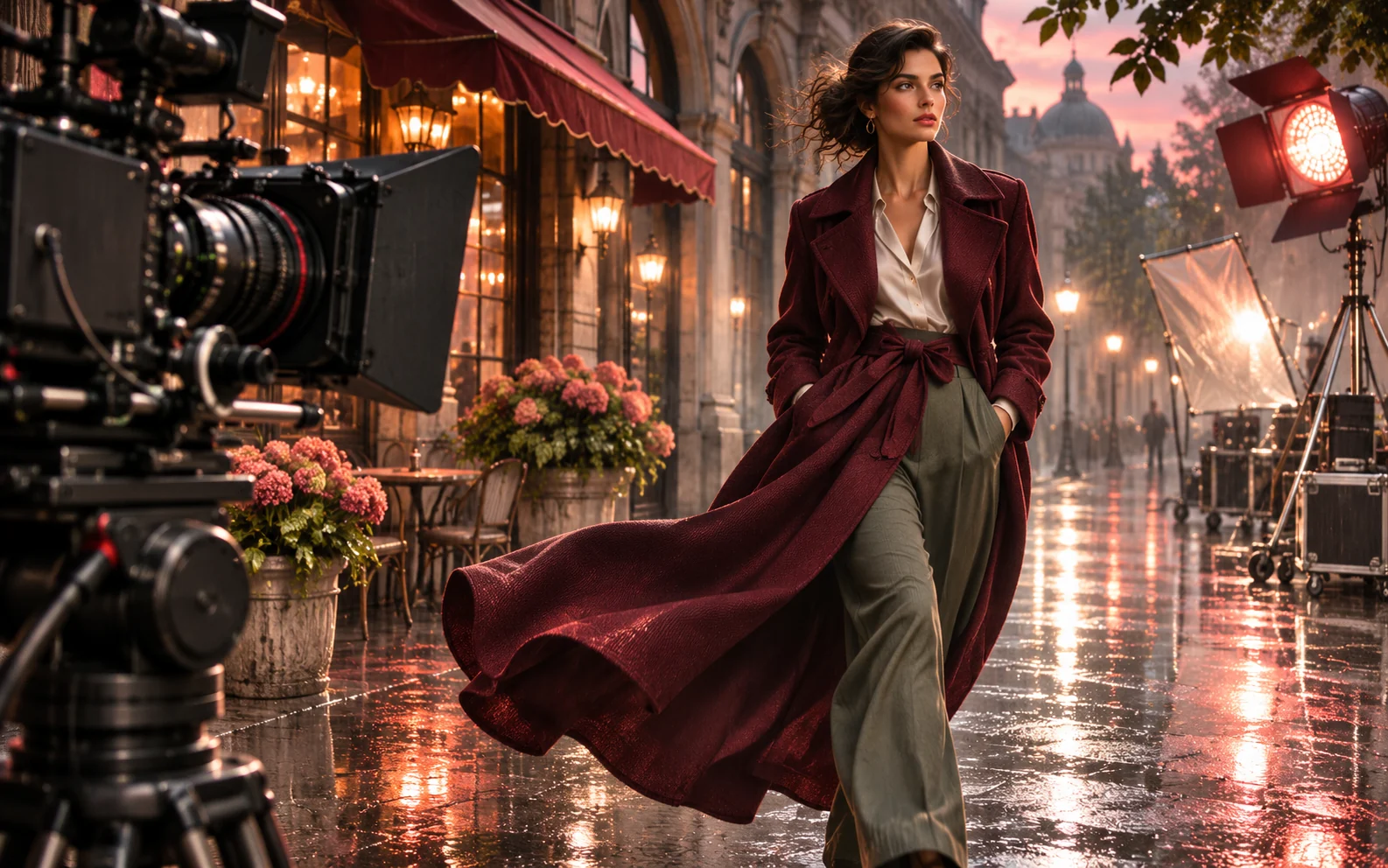
- 01
Clips from text and from photos, with camera moves such as push-in, orbit and tracking described in the prompt
- 02
First and last frame plus motion transfer from a reference video
- 03
Vertical 9:16, square and 16:9, depending on the model
- 04
A sound toggle for models that generate video with audio
Pick the model for the scene. Veo suits dialogue with sound, Kling handles precise camera moves and smooth motion, Seedance strings several shots together and Hailuo brings faces to life. A first and a last frame set the start and the end, and the model builds the transition between them. You can pass the last frame of a finished clip to the next generation and keep the story going.
Video takes longer than images, so the server shows an estimated duration before you start. You can close the tab: the task keeps running and the result appears in the section history and in your Library. From there the clip goes on to Video processing, Voiceover, the Video editor or Clips.
Start with a five-second clip on an inexpensive model to check the motion and composition. Once the scene works, rerun the prompt on a stronger model or at a higher resolution, and trim any extra seconds in the Video editor.
Frequently asked questions
Which model is best at animating a photo?
Kling gives careful camera motion, Hailuo expressive faces, Veo adds sound and Seedance keeps the action dynamic. Compare the captions and prices in the model list before you run it.
Can I make a vertical video for Shorts?
Yes, choose the 9:16 format if the model supports it. Finished clips come together into a vertical video with subtitles in the Video editor.
How do I make a clip longer than the model allows?
Send the last frame to a new generation and continue the scene, then join the parts in the Video editor.
Is there 4K and HDR video?
Yes. Kling 4.0 makes clips up to 30 seconds in 4K, and in 1080p and 4K you can turn on HDR. Kling 4.0 Edit edits a finished clip of up to 30 seconds the same way.