Wardrobe
Wardrobe · a character in your clothes
Wardrobe («Гардероб») in Solistra tries your clothes on a character from photos. You choose a hero from your characters or the catalog or upload their photo, add pictures of clothes and accessories and get a shot where the hero is wearing them.
Open in Solistra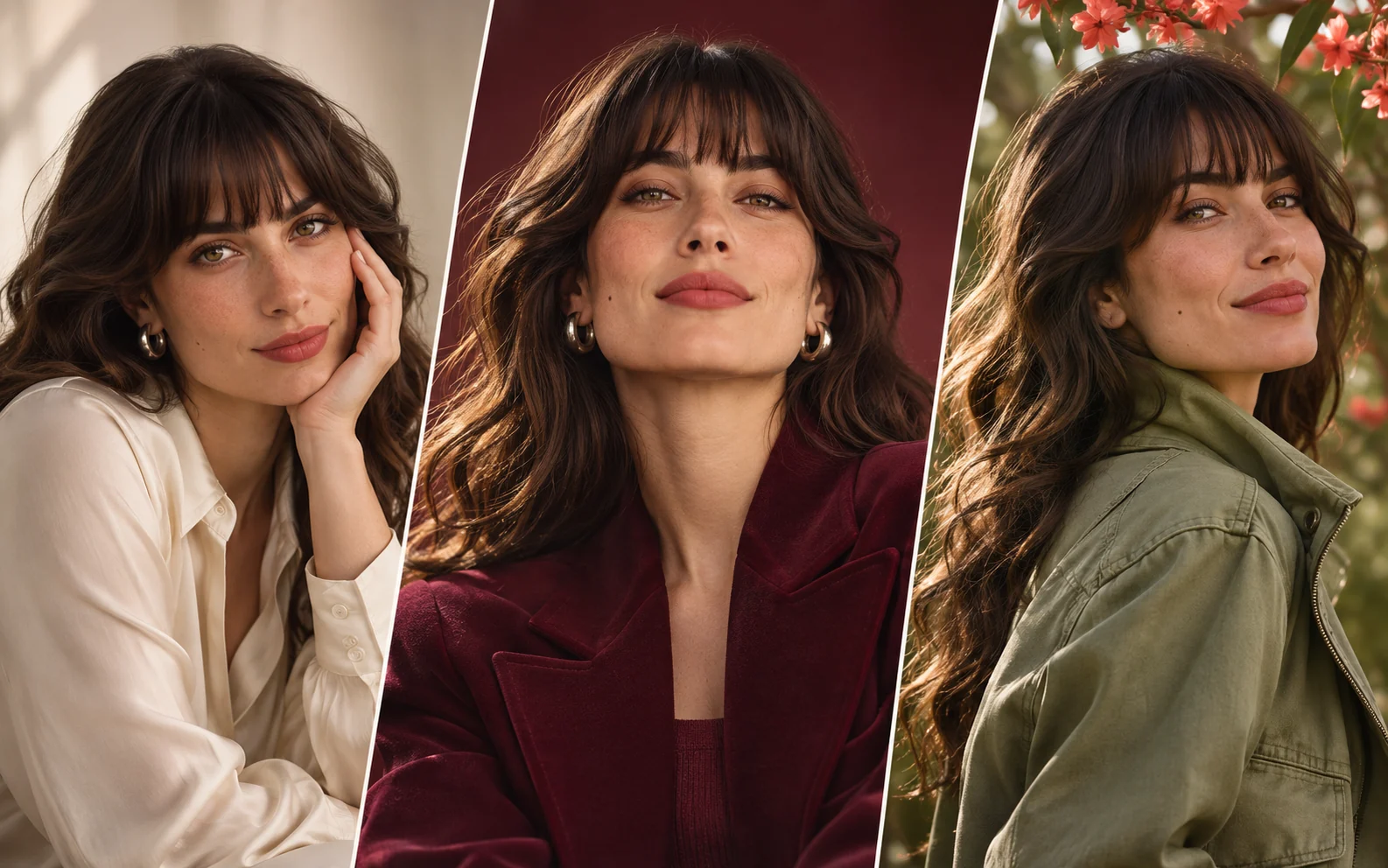
- 01
Your character, a catalog hero or an uploaded photo
- 02
Up to ten items in one outfit
- 03
Clothing photos in JPEG, PNG or WebP
- 04
Details clarified in words
One outfit holds up to ten items: a top, bottoms, outerwear, a bag, jewelry. JPEG, PNG and WebP photos work, best of all pictures of the whole item on a plain background. Details that are not visible in the photo, for example how a shirt is tucked in or the length of a sleeve, are added in words in the description field.
For your own character every angle goes into the request, so the face and figure are preserved, and the finished outfit is saved next to the hero. The credit price is shown before the run. The Wardrobe suits bloggers for looks, stylists for edits and clothing sellers who need to show an item on a person without a photo shoot.
Good results come from photos of items shot from one side and in similar light. If an item is complex, for example printed or with an unusual cut, add a close-up and briefly describe where the fastening runs and how the silhouette sits. Running the same set of items again gives another pose and shot.
Frequently asked questions
Which clothing photos work best?
The whole item, even light and nothing extra in the frame. A photo of the item worn by a person also works.
Can I dress a Solistra model?
Solistra models have their own clothing try-on, which opens from their card.
Where is the result saved?
Your character’s outfit is saved next to them, and the file is in your Library.