Background removal
Batch background removal for photos in Solistra
Background removal («Удаление фона») in Solistra is its own screen inside the Image section. You drop up to 10 photos at once, choose the quality and get every shot back as a PNG with a transparent background. Each photo runs as a separate task, so one failure never stops the others.
Open in Solistra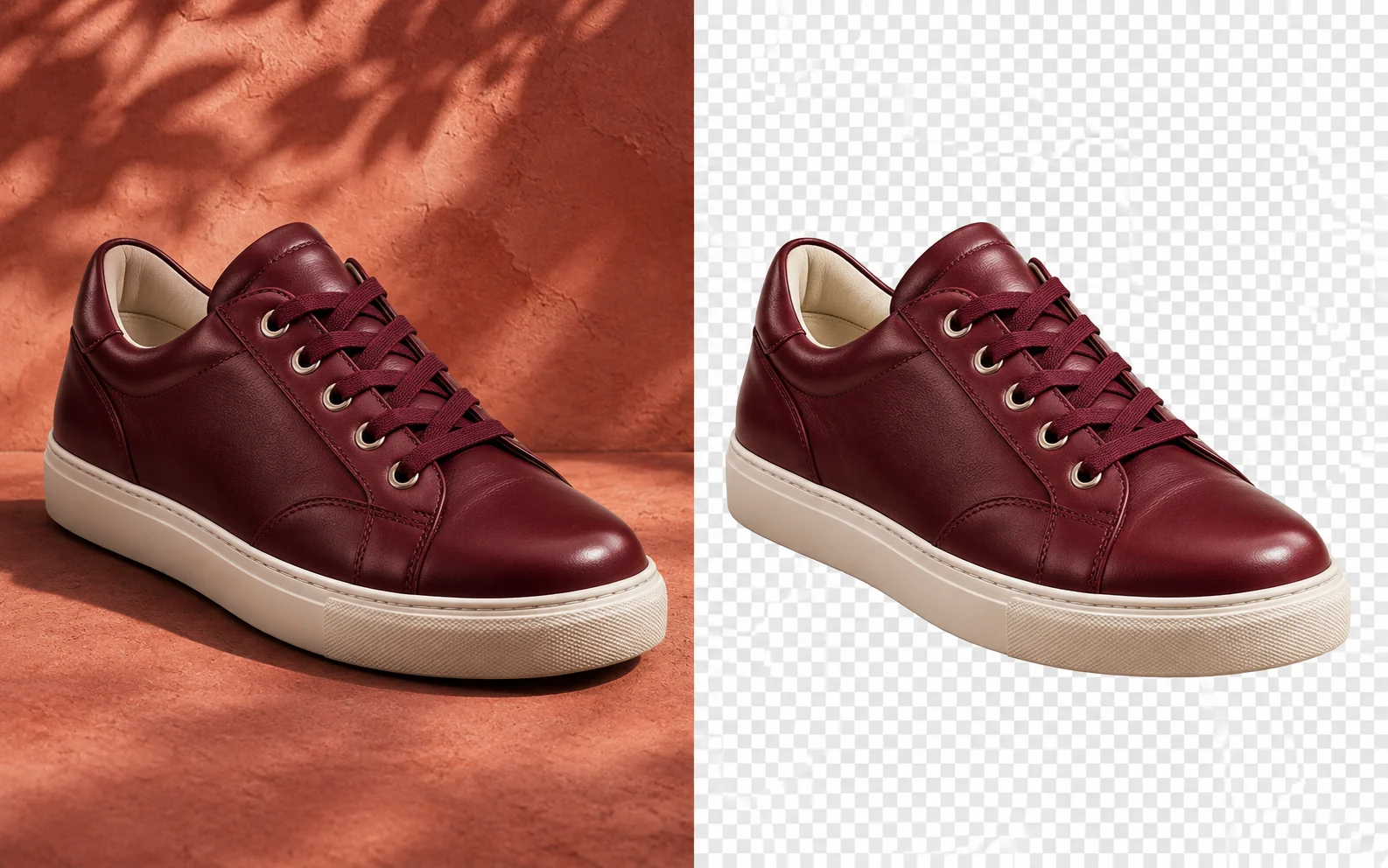
- 01
Up to 10 photos per run, each one as a separate task
- 02
Standard or Pro quality with the price per photo on the button
- 03
The total before the run and credits back for failed photos
- 04
Download one by one or as an archive, every result in your Library
Quality is picked with the Standard («Стандарт») or Pro switch, and the price per photo is printed right on the buttons. Standard suits products and people on a plain backdrop. Pro costs more and handles hair, fur, glass and smoke better. The choice is remembered in your browser and applies the same way in Photo Studio and Design.
Before you start, the panel shows a Total («Итого») line for all selected photos. If your balance is lower, the screen says so plainly and offers a top up instead of running only part of the batch. Credits are reserved for each photo while the model works and come back if it does not return a result. A failed photo gets its own Retry («Повторить») button.
Finished shots open large on a checkerboard, so you can see exactly where the cutout ends. You flip through them with the arrow keys, download them one by one or all together as an archive. Every result is saved to your Library as well.
Open in Photo Studio («Открыть в Фотостудии») moves the cutout to the place where you add a new backdrop, a shadow or a reflection. From there the photo can go on into a Design layout or become the first frame of a clip in Video.
Frequently asked questions
What is the difference between Standard and Pro background removal?
Pro is more careful with difficult edges such as strands of hair, fur, clear glass and smoke. For a product on a light backdrop Standard is usually enough.
Which files can I upload for background removal?
JPG, PNG, WEBP and HEIC up to 25 MB. Photos from your Library are picked without uploading them again.
What happens if one photo in the batch fails?
The other photos finish as usual, the credits for the failed one come back, and its card gets a Retry button.