Photo effect
Anime Portrait
a hand-drawn portrait in anime style
Anime Portrait («Аниме») turns an ordinary photo into a hand-drawn portrait in the style of Japanese animation. The effect keeps your facial features and carries the shot over into an anime look.
Try this effect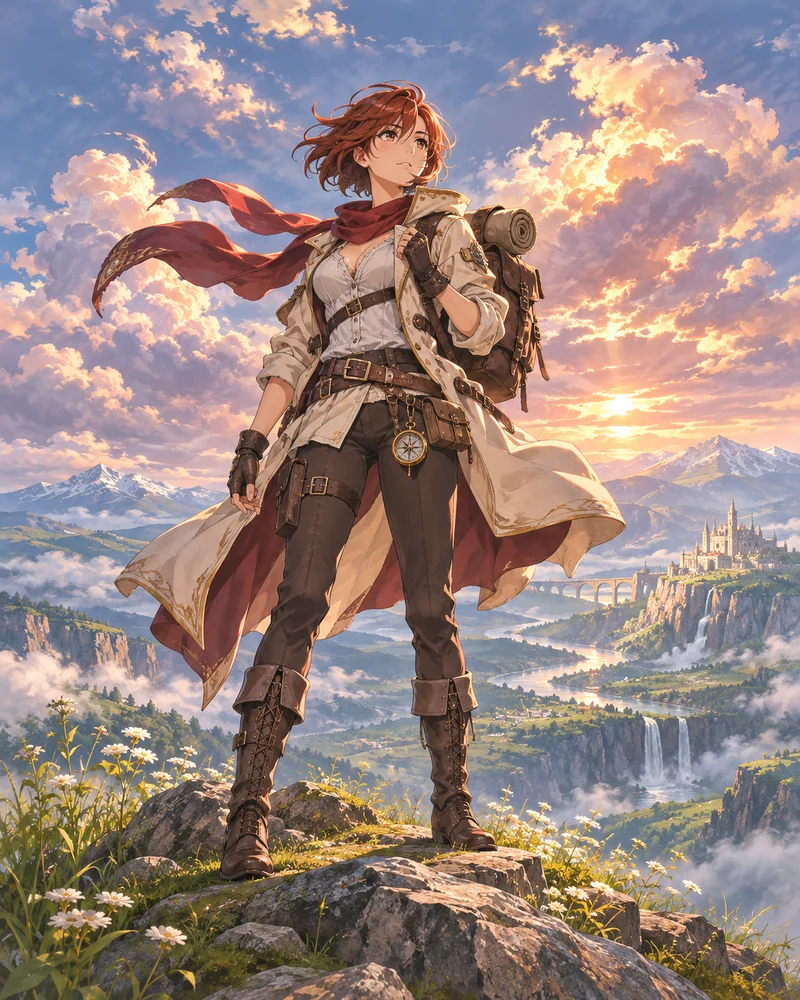
What the effect does
The effect takes your photo and paints a portrait over it in an anime aesthetic. The effect description says outright that your facial features are preserved, so the result still looks like you, just drawn. The model reproduces the style itself rather than copying any particular cover or frame from a series.
No prompt is needed, the model and settings are already chosen. Pick a format: vertical 3:4 is the default, the 1:1 square suits an avatar and horizontal 16:9 works for a cover. The credit price appears on the button before you run it.
Which photo works best
You need one shot in the photo field, uploaded from your device or picked from your Library («Библиотека»). The effect's hint is short: the whole face is visible and the light is even. A regular selfie in daylight without heavy filters works fine. Upload a photo of a friend or relative only with their consent, since moderation checks both the original shot and the finished portrait.
How to get the best result
- 01
Face the camera straight on or at a slight angle so both eyes and your jawline are clearly visible
- 02
For a messenger avatar pick the 1:1 square, for phone wallpaper the vertical 3:4 works well
- 03
Turn off beauty filters and camera app masks, otherwise the model draws over distorted features
- 04
If you do not like the first version, run the effect again with a different photo in softer light
Frequently asked questions
Can I make an anime avatar from a regular selfie?
Yes, a phone selfie works if your whole face is visible and evenly lit. The 1:1 square is the handiest format for an avatar, and the finished portrait is saved to your Library, where you can download it.
Will the anime portrait actually look like me?
The effect is built to keep your facial features, so the likeness to the original photo remains even as your face moves into a drawn style. The sharper and brighter the photo, the more accurately the model captures your features.
What can I do if I am not happy with the anime result?
Run the effect again, or open the finished picture in the Image section and refine it with your own prompt. If the generation did not finish because of a technical error, the credits go back to your balance.