Photo effect
Photocopy Zine
halftone, torn edges and red ink
Photocopy Zine («Аналоговый зин») turns a photo into a page from a self-published magazine. The shot becomes a high-contrast photocopy with a coarse halftone, torn edges and layers of paper, and red remains the only bright color.
Try this effect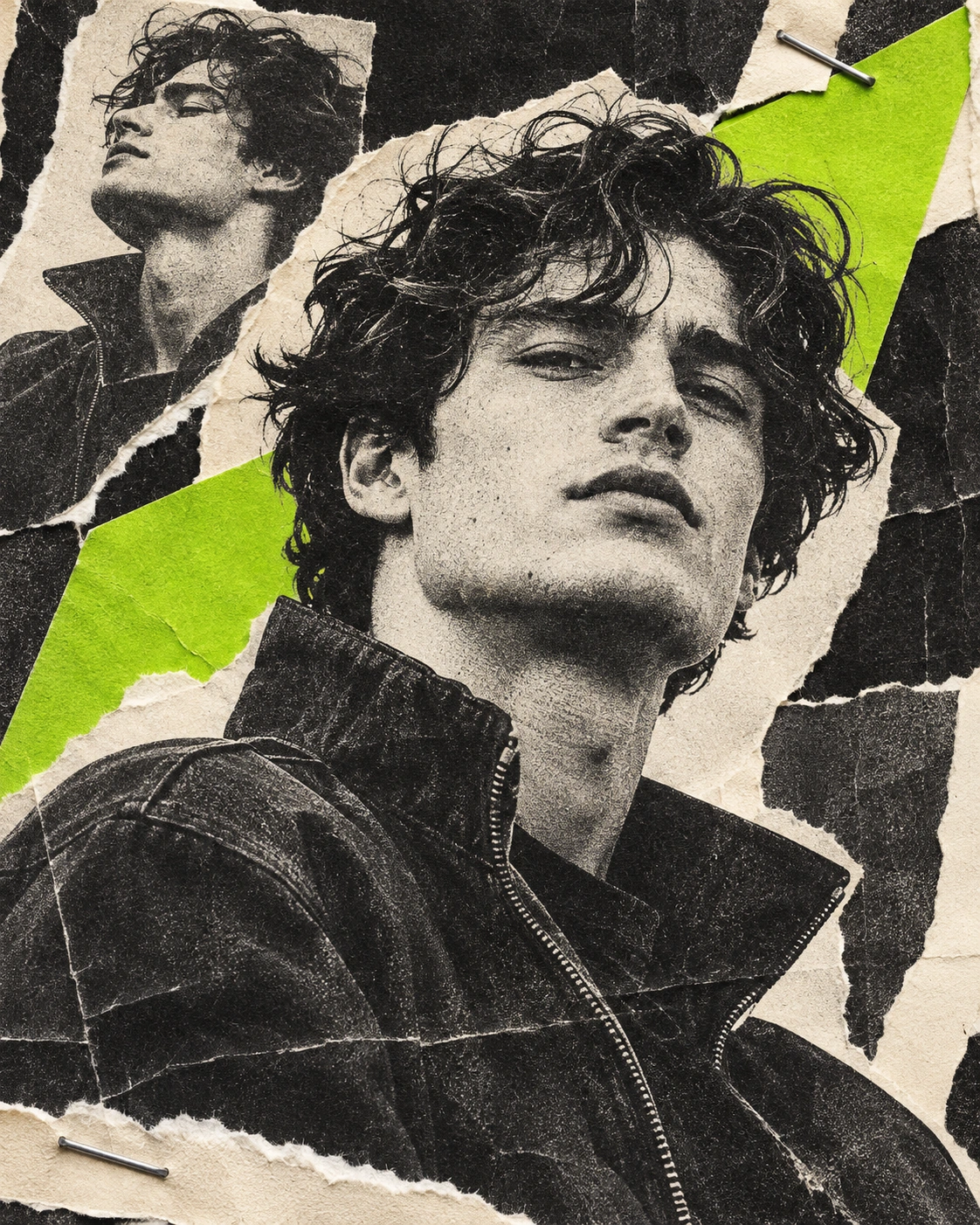
What the effect does
The effect imitates a copy machine and the hand layout of a zine. Midtones break into a coarse halftone dot, the paper edges tear, layers overlap, and red accents highlight what matters. You get a graphic image for a cover, a flyer or a post.
No prompt is needed. Before you run it, choose 4:5, 1:1 or 16:9, and the button shows the credit price. The result is saved to your Library («Библиотека»), where you can download it or refine it in the Image («Фото») section.
Which photo works best
A portrait or a large object on a simple background works best. A busy background turns into noise after the halftone and competes with the subject. Contrasty light is preferable, as it makes the photocopy punchy. Upload a photo or choose one from your Library. Use a photo of another person only with their permission.
How to get the best result
- 01
A simple solid background helps the halftone pick out the subject instead of scattering detail across the page
- 02
Contrasty light with defined shadows gives a more striking photocopy
- 03
Red items in the original are not required, as the effect adds red accents by itself
- 04
A vertical 4:5 format is handy for a zine cover or a poster
Frequently asked questions
Can I make a zine cover from a photo of sneakers or a guitar?
Yes, the effect accepts both a portrait and a large object. Shoot the item up close on a simple background so it reads at first glance after the halftone.
Why are the colors of my original photo almost gone in the zine?
That is the style of the effect: a high-contrast photocopy and one bright color. Red accents always appear, while the rest of the original palette dissolves into the halftone.
Does a phone selfie work for the zine?
Yes, if the face is shown large and the background behind you is calm. Remove heavy filters and skin retouching, since the halftone will make the image sharp and textured anyway.