Photo effect
Underwater
a submerged portrait with light rays
Underwater («Под водой») creates a portrait that looks shot deep in a pool or the sea. Rays of light break through from above, fabric flows around the figure, and the frame comes out light and weightless without any real dive.
Try this effect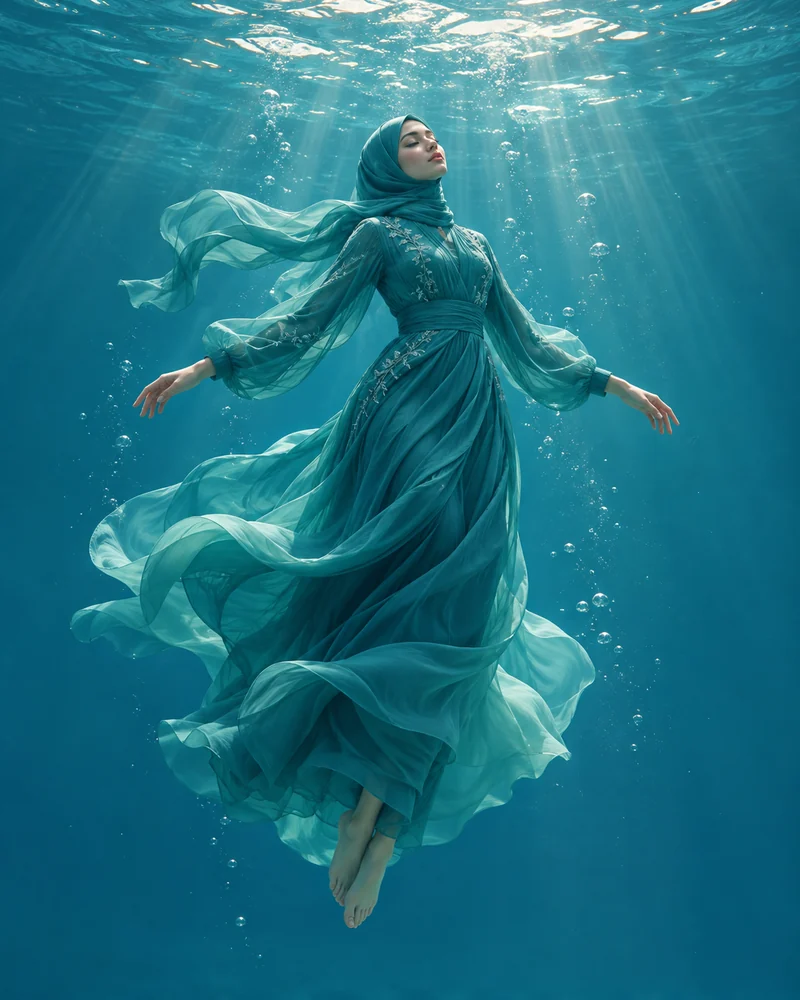
What the effect does
An underwater photo shoot usually takes a pool, gear and the ability to hold your breath. The effect does without all that: it moves the person from your shot underwater, adds rays of light passing through the depths, and drapes flowing fabric that floats all around. The mood of the frame is airy and soft, like a dream.
No prompt is needed, the scenario is set up. Choose a format from 4:5, 1:1 and 16:9. The credit price is visible on the button before you start, and the result is stored in your Library («Библиотека»).
Which photo works best
Upload a portrait to the photo field or choose one in your Library. The hint for this effect: the whole face is visible and the light is even. An ordinary photo taken on land works, so no diving required. A calm facial expression fits the weightless mood of the frame. Upload shots of other people only with their consent, and note that moderation checks both the photo and the result.
How to get the best result
- 01
A calm expression and a relaxed pose suit the weightless underwater mood
- 02
A vertical 4:5 shows the flowing fabric along the full height of the frame
- 03
Skip shots with a bright flash, since soft, even light blends more easily with the underwater rays
- 04
A 1:1 square is handy for the cover of a calm music playlist
Frequently asked questions
Can I do an underwater photo shoot without a pool?
Yes, the effect moves a person underwater from an ordinary shot taken on dry land. You need a portrait with a clearly visible face and even light, and the effect's scenario adds the light rays and flowing fabric itself.
Will there be bubbles and fish in the underwater portrait?
The effect description includes light rays and flowing fabric, and it promises no other details. To add fish or bubbles, open the finished frame in the Image section and refine it with your own prompt.
Which format should I choose for an underwater portrait?
A vertical 4:5 is the default and shows the figure with the fabric well. A 1:1 square is handy for an avatar, and a wide 16:9 works if you want open water around the person.