Contents
- Shot size and distance to the subject
- Camera angle and point of view
- Lens and focal length
- Depth of field and shutter speed
- Light: where it comes from, what kind and what color
- Film, processing and aspect ratio
- How to build the prompt
- Prompt examples
- Common mistakes
- How to try it in Solistra
- Sources and licenses
You can shoot the same subject a dozen ways: from far away or up close, from above or below, in soft morning light or under harsh midday sun. An AI model doesn't know which version you want, and without a hint it picks an average one. The language of photographers solves this: models are trained on photo captions and understand words about shot size, angle, lens and light well.
Below we go through each of these settings, show examples from Google's documentation and put together prompts you can test in Solistra straight away.
Shot size and distance to the subject
Shot size answers the question of how much of the frame the subject takes up. It's the first thing to decide, because the shot size determines which details the model renders at all.
- Close-up. A face, hands, the texture of fabric. Good for portraits and details.
- Medium shot. A person from the waist or chest up, with gestures and a bit of the surroundings visible.
- Full shot. A person head to toe in their setting, where the place matters more than the facial expression.
- Long shot. A landscape or a city where a person takes up a small part of the frame.
The Imagen documentation shows this with a simple example: "a close-up of coffee beans" and "a zoomed-out photo of a bag of beans in a kitchen" give completely different images of the same subject. If you don't specify the shot size, the model often picks a medium shot and puts the subject in the center.
Camera angle and point of view
The angle changes the mood of an image more than you might think. Shooting from below makes the subject look large and important, shooting from above shows patterns and the layout of objects, and eye level looks neutral and honest.
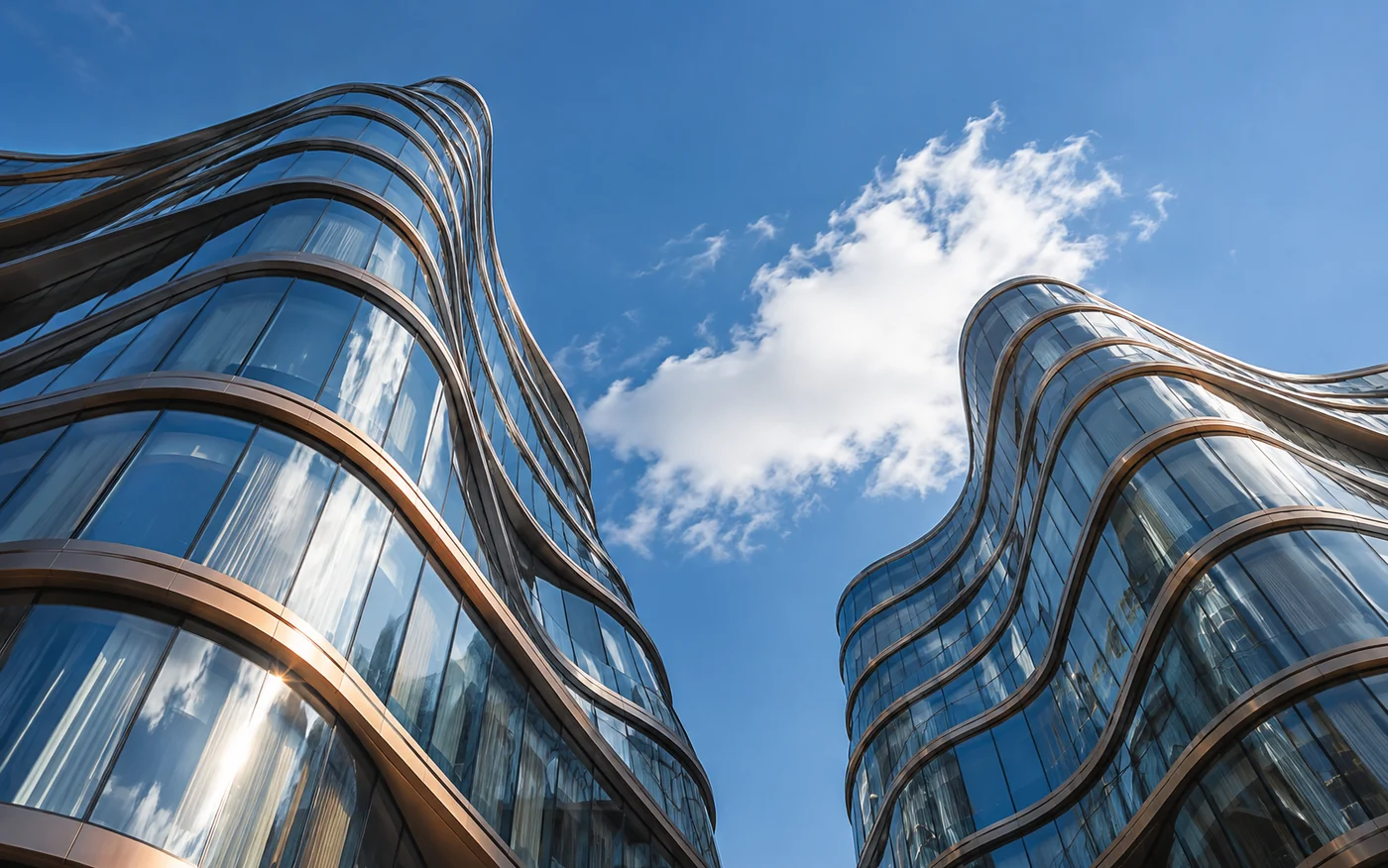
Useful phrases:
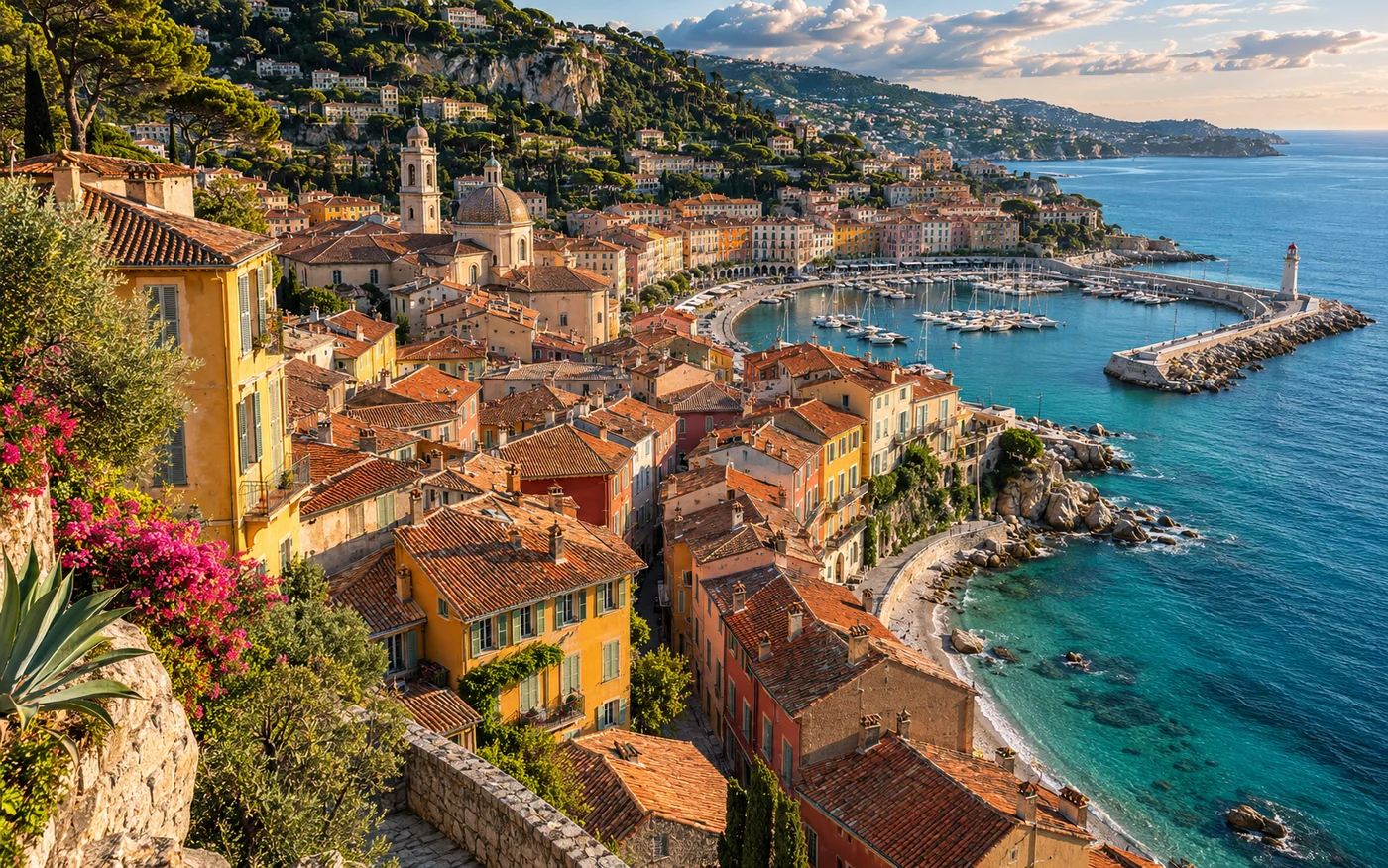
- "bird's eye view," "top-down view," "aerial photo"
- "low angle looking up," "from ground level"
- "at eye level"
- "over the character's shoulder"
- "Dutch angle, slightly tilted frame" for tension and unease
The FLUX reference ties angles to goals: a low point of view makes the subject dominant, a high one reveals geometry, and a tilted horizon adds psychological tension.
Lens and focal length
A focal length in a prompt works as a hint about perspective. The model doesn't physically simulate optics, but it links "85mm" with a portrait look and "24mm" with a wide field of view.
| Lens | What it gives you | When to use it |
|---|---|---|
| 24mm and wider | Lots of space, noticeable perspective | Interiors, landscapes, street |
| 35mm | A natural documentary look | Reportage, street portraits |
| 50mm | Neutral perspective close to the human eye | Everyday scenes |
| 85mm | A portrait look with a slightly compressed background | Portraits from the waist up and tighter |
| 135mm and longer | Strong background compression | Sports, wildlife, isolating the subject |
| Macro | Details larger than the eye sees | Leaves, drops, texture |
| Fisheye | Strong distortion at the edges | Bold street photography |
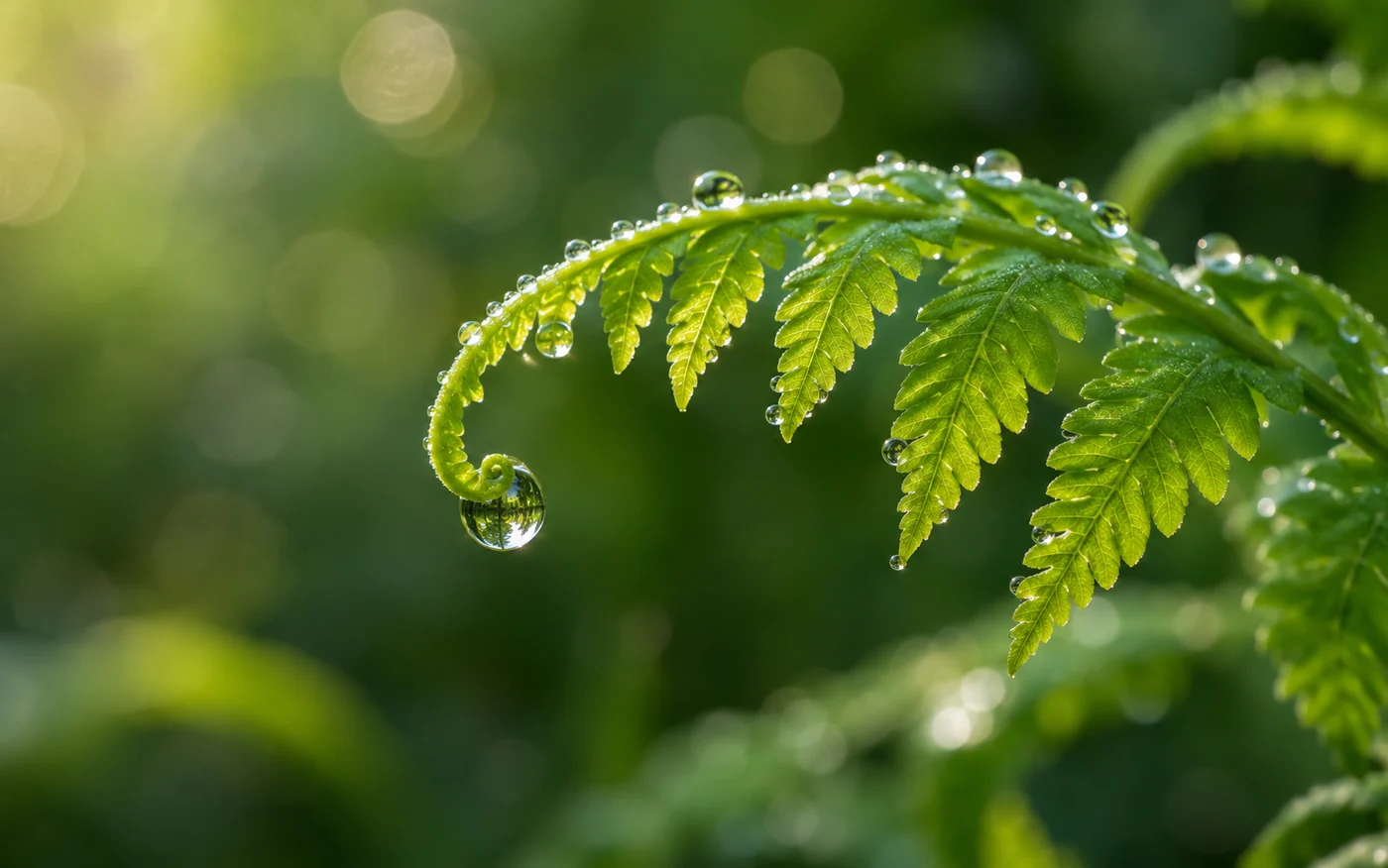
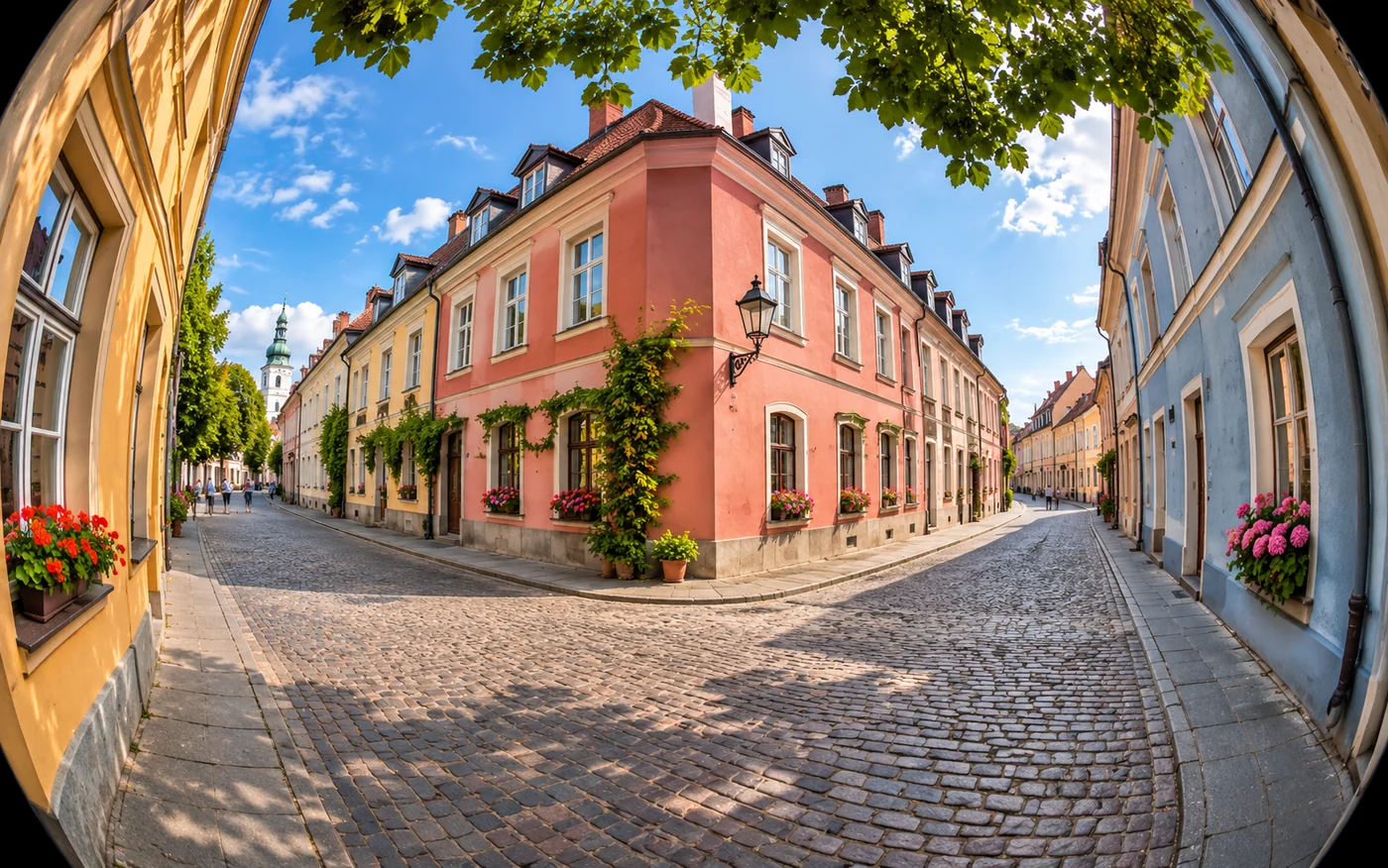
The Imagen guide adds genre advice: for portraits, specify 24 to 35mm and depth of field; for objects and plants, macro at 60 to 105mm with controlled lighting; for sports, a long lens from 100 to 400mm and a fast shutter speed; for landscapes, a wide angle and a long exposure so that water and clouds turn smooth.
Depth of field and shutter speed
- Shallow depth of field. The subject is sharp and the background is blurred. In the prompt, write "shallow depth of field," "blurred background," "bokeh," or an aperture from f/1.4 to f/2.8.
- Deep depth of field. Everything is sharp from the foreground to the horizon. Write "everything in focus" or an aperture from f/8 to f/16.
- A fast shutter speed freezes motion: splashes, a jump, a run.
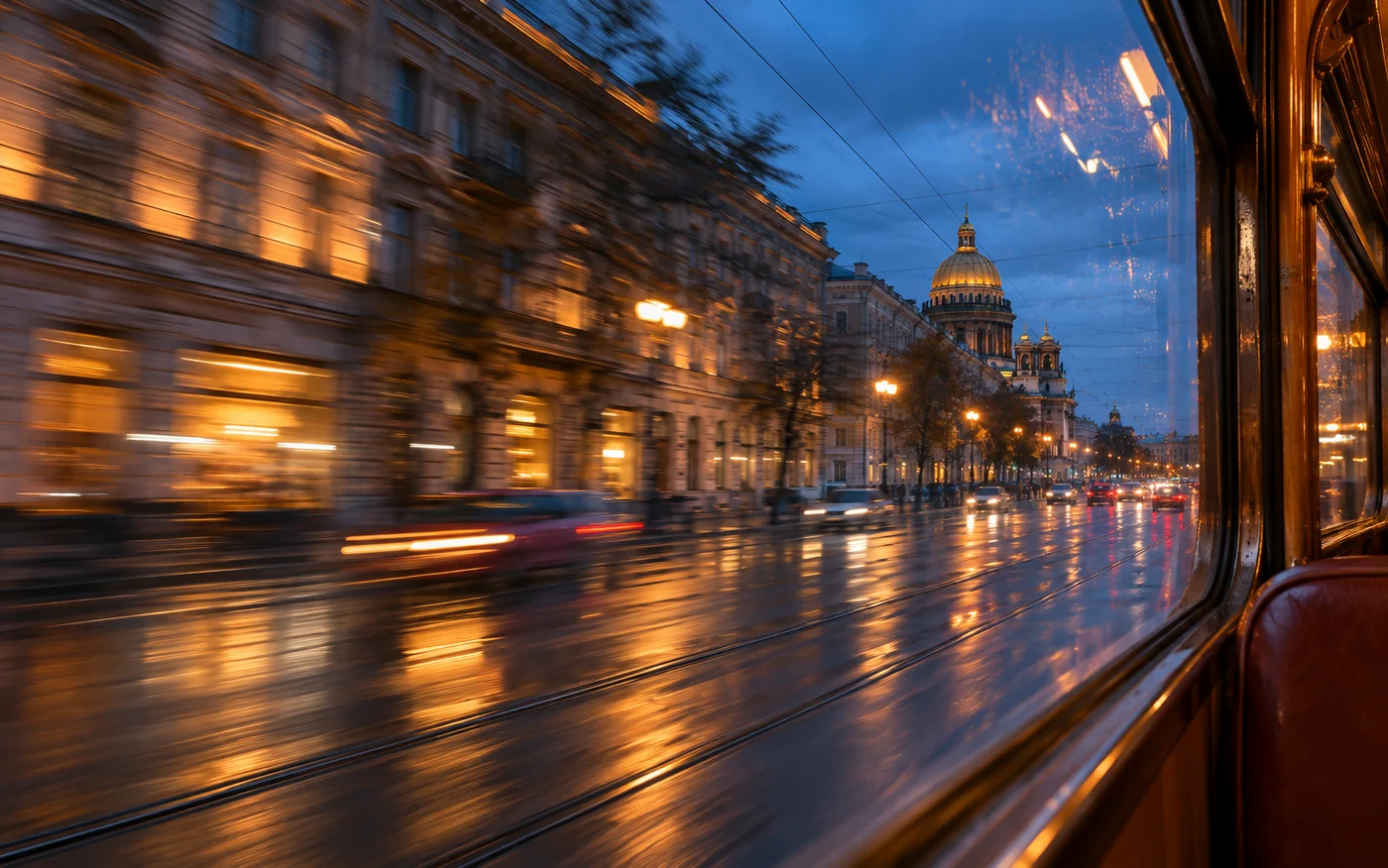
- A long exposure blurs motion: headlight trails, smooth water, blurred passersby.
Light: where it comes from, what kind and what color
Light is described by three traits. The FLUX reference puts it plainly.
Describe the light source, its direction and whether it is soft or hard — FLUX reference
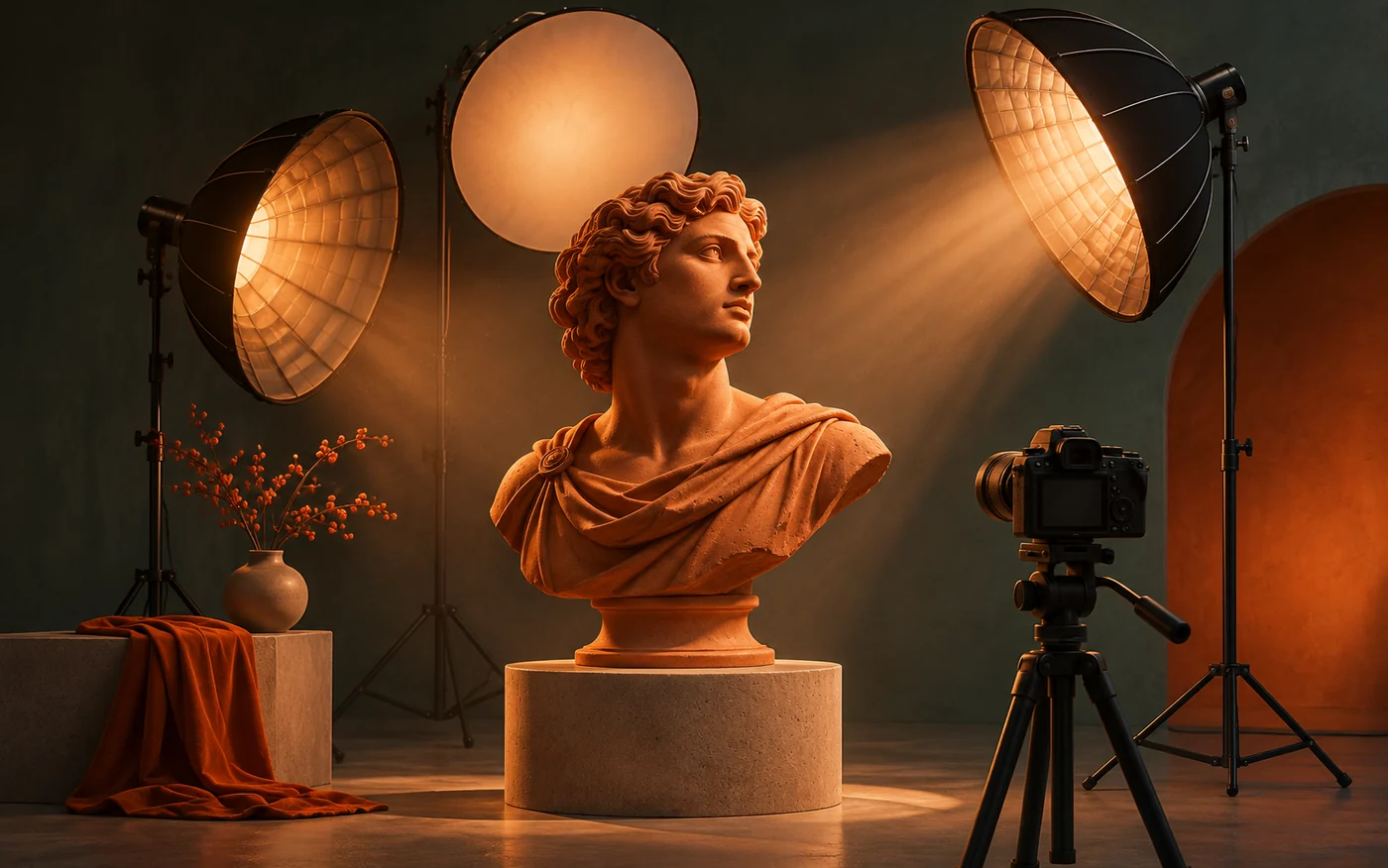
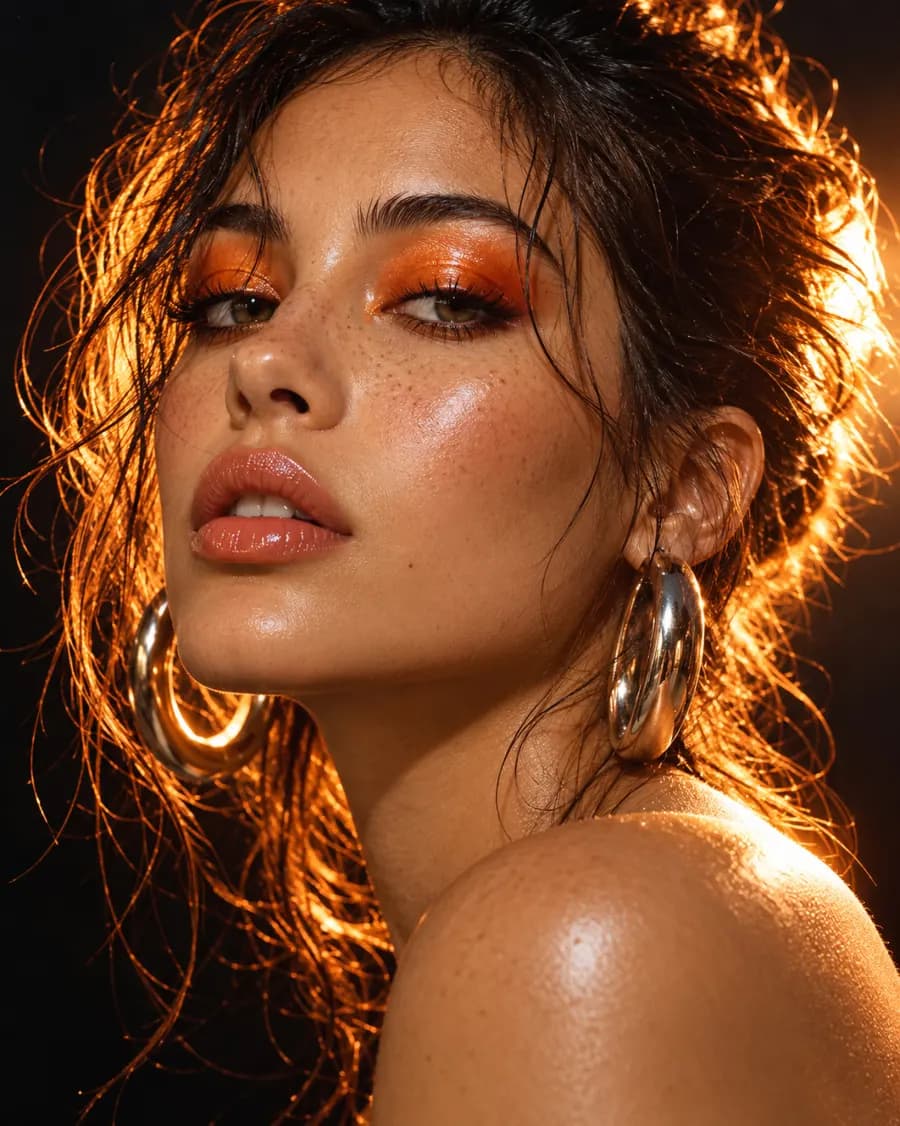
Direction. Front light evens out the face, side light sculpts volume and texture, backlight outlines the silhouette with a glowing rim, top light casts deep shadows under the eyes, and light from below looks unsettling and theatrical.
Quality. Soft light comes from a large source, such as an overcast sky or a window, and the shadows are gradual. Hard light comes from a small bright source, like the sun at its peak or a flash, and the shadows are crisp and contrasty.
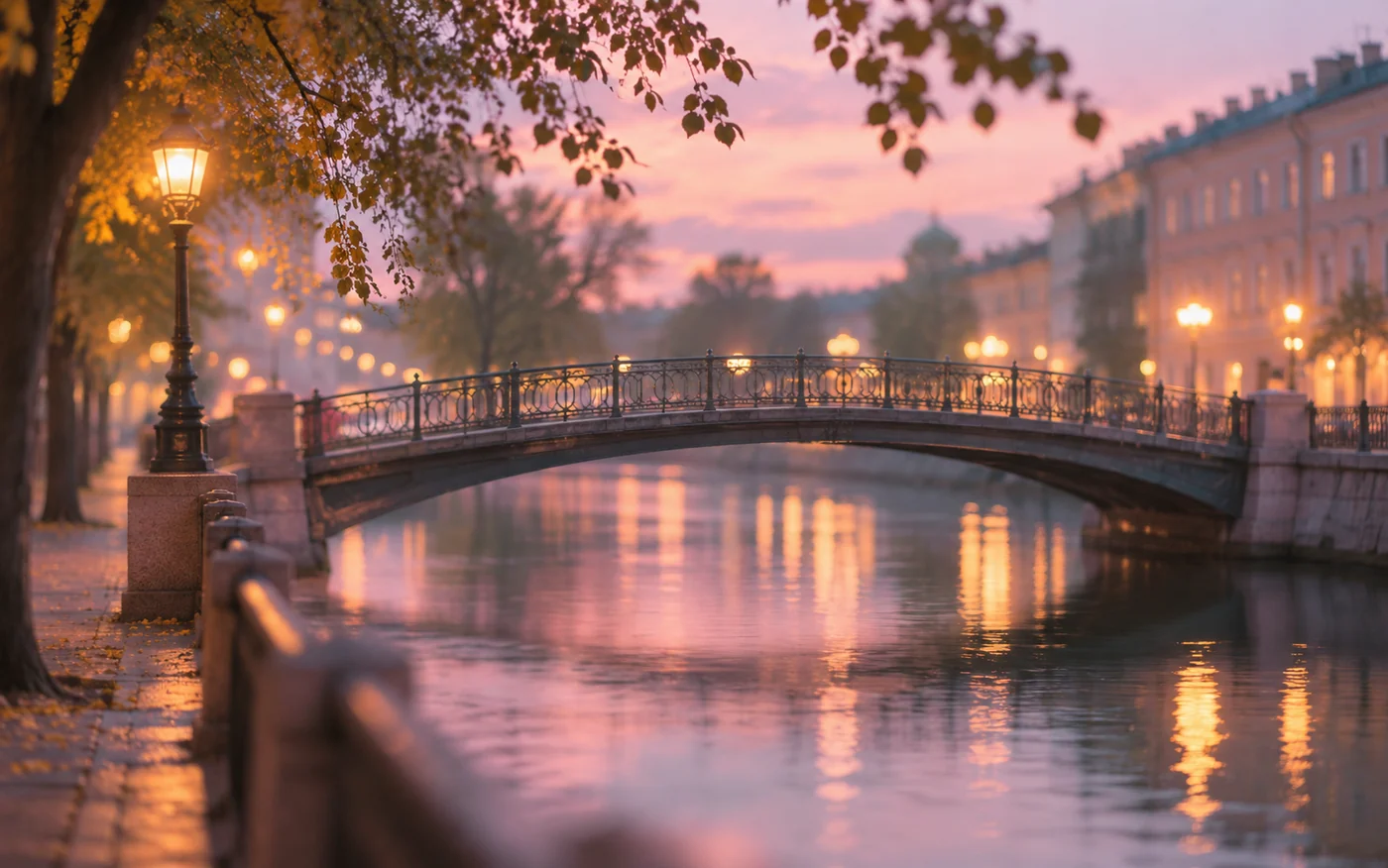
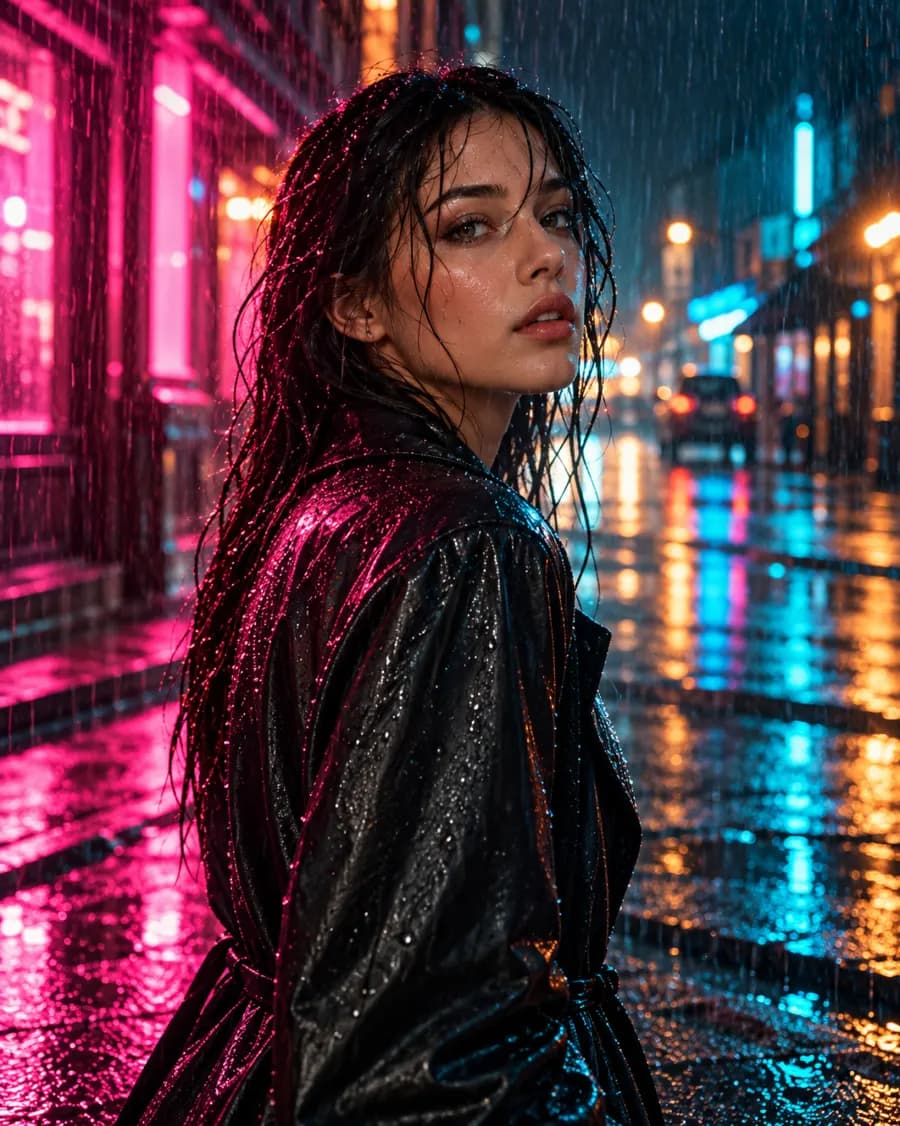
Time and color. Golden hour, after sunrise and before sunset, gives warm, soft light. Blue hour, before sunrise and after sunset, is cool and pensive. An overcast day is even, with almost no shadows. Neon, lamps and fire in the frame are called practical light: the source is visible right in the scene.
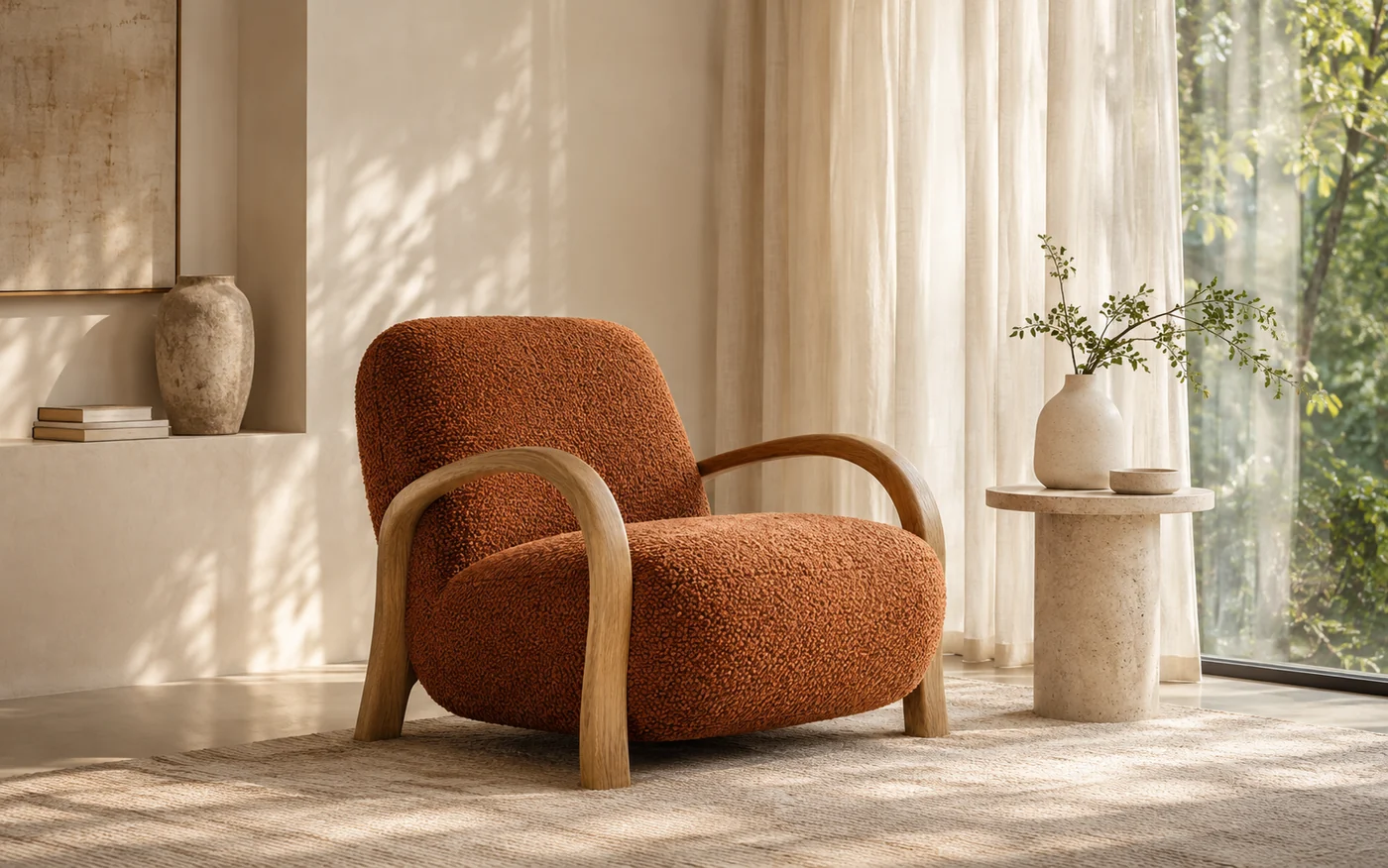
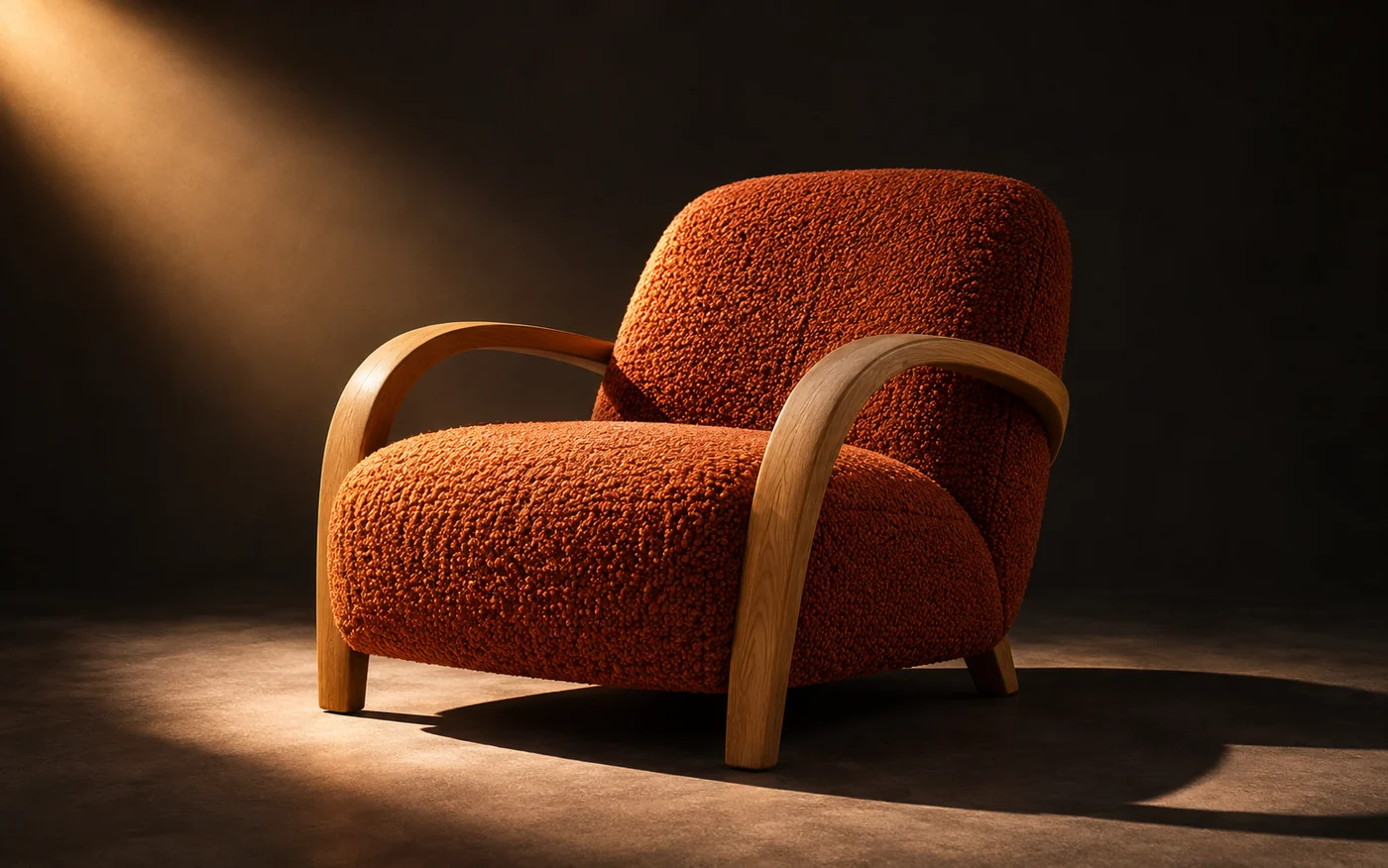
For portraits, the names of studio lighting setups come in handy: "Rembrandt lighting" with a triangle of light on the cheek, "split lighting" where half the face is lit, and "chiaroscuro" with a sharp transition from light to dark.
Film, processing and aspect ratio
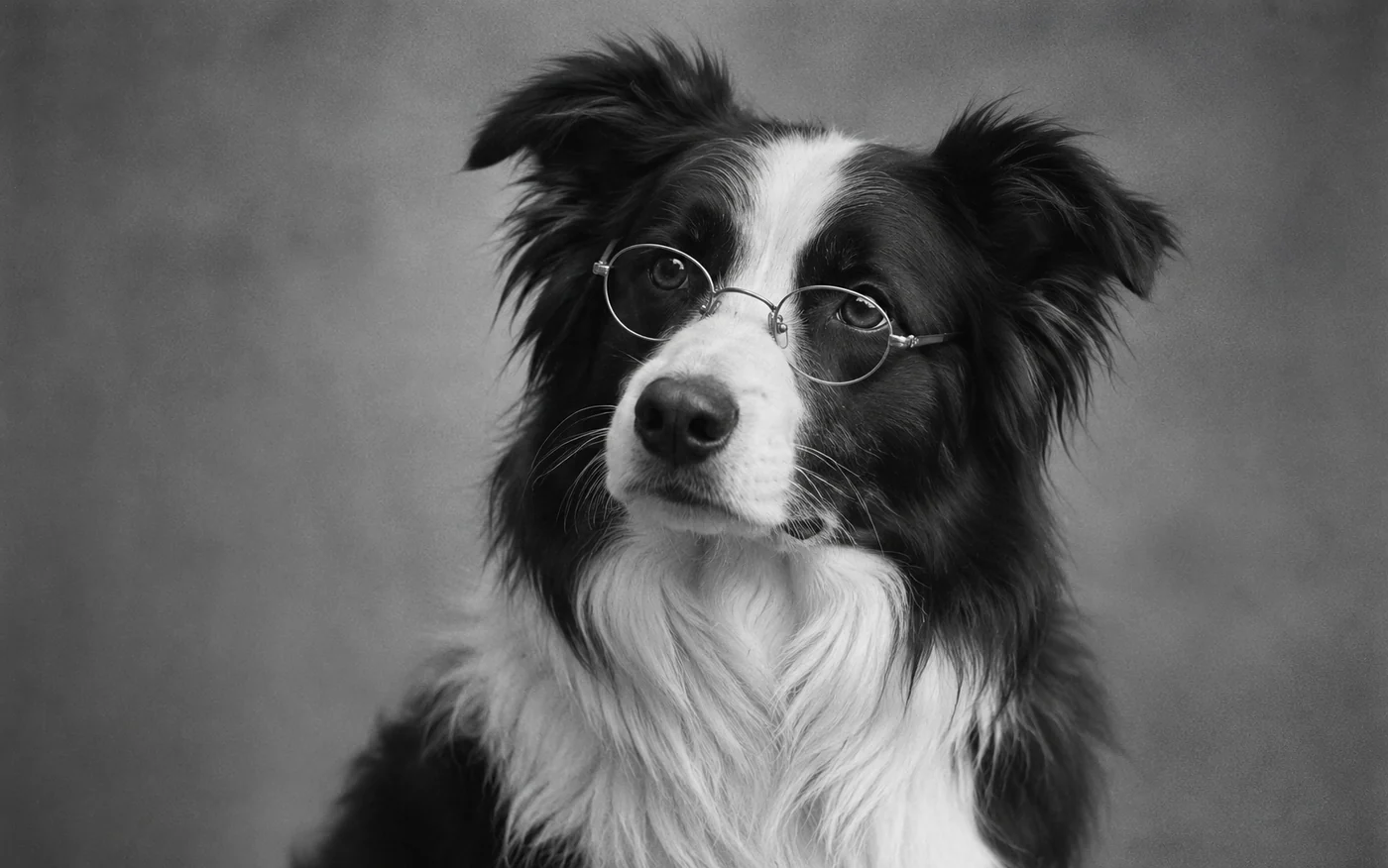
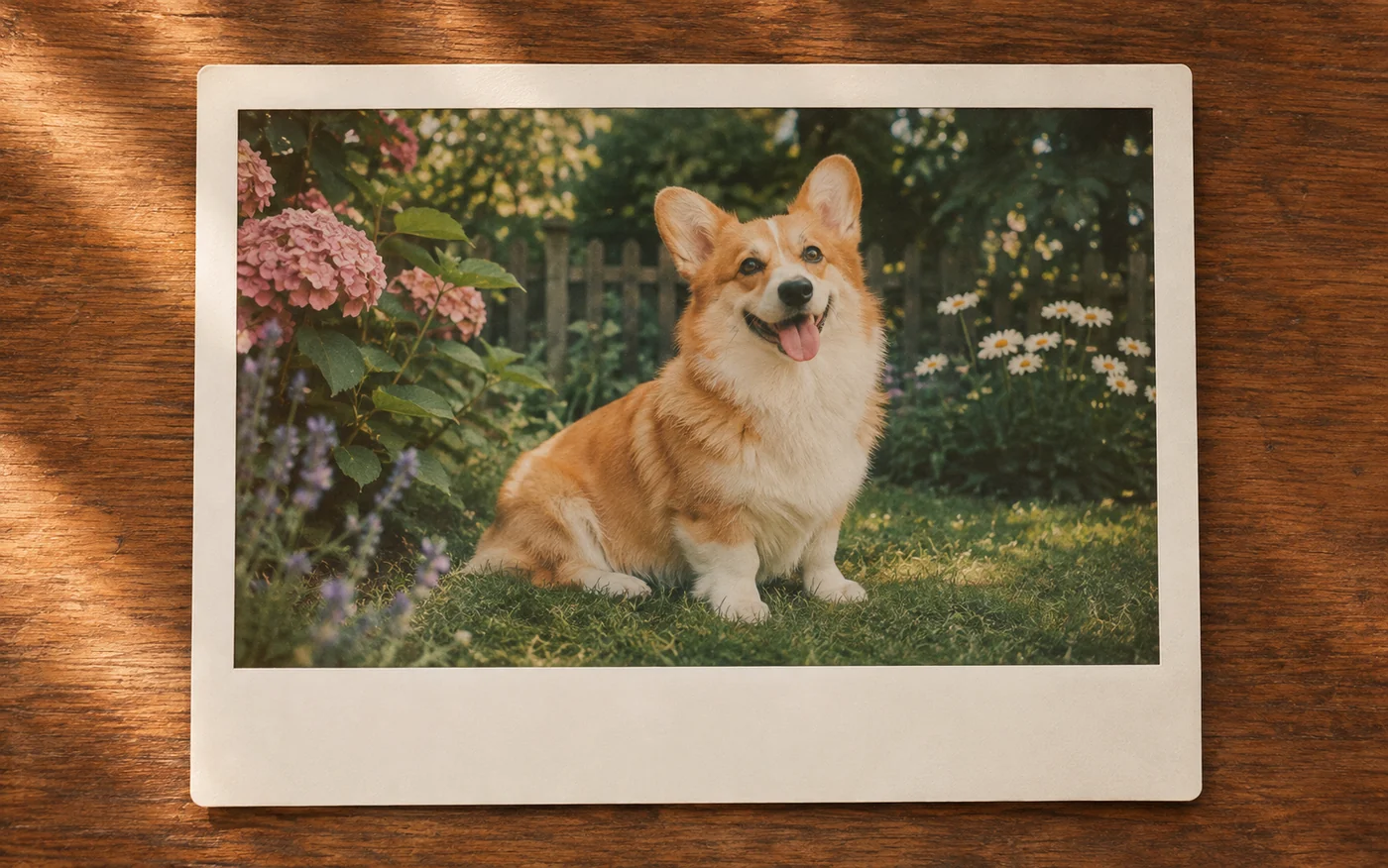
Words about the medium set the overall character of the image: "black and white film," "Polaroid," "film grain," "a nineties style shot," "cinematic color grading." For photorealism, the FLUX reference recommends naming specific cameras and film stocks, which works as a hint about color and grain.
The aspect ratio and the prompt need to match. The FLUX documentation gives an example: if the frame is very wide, describe what fills the width, such as cliffs on one side and the sea on the other. The same text in a vertical frame forces the model to squeeze both sides into a narrow strip. A portrait usually suits a vertical frame, and a landscape a horizontal one.
How to build the prompt
A handy order that fits both the formula from Kling's guide and FLUX's captions:
- Shot size and angle.
- Subject and action.
- Setting and time of day.
- Light: direction, quality, color.
- Lens and depth of field.
- Film, processing, palette.
You don't have to fill in every point. Kling warns outright that piling up elements without thought makes the result worse. Use the settings that matter for this particular image.
Prompt examples
Chest-up portrait of a young woman in a field at sunset, a light breeze in her hair. Warm golden hour backlight outlines her hair with a glowing rim, her face is softly lit by bounced light. 85mm lens, shallow depth of field, blurred field in the background, warm film color grading.
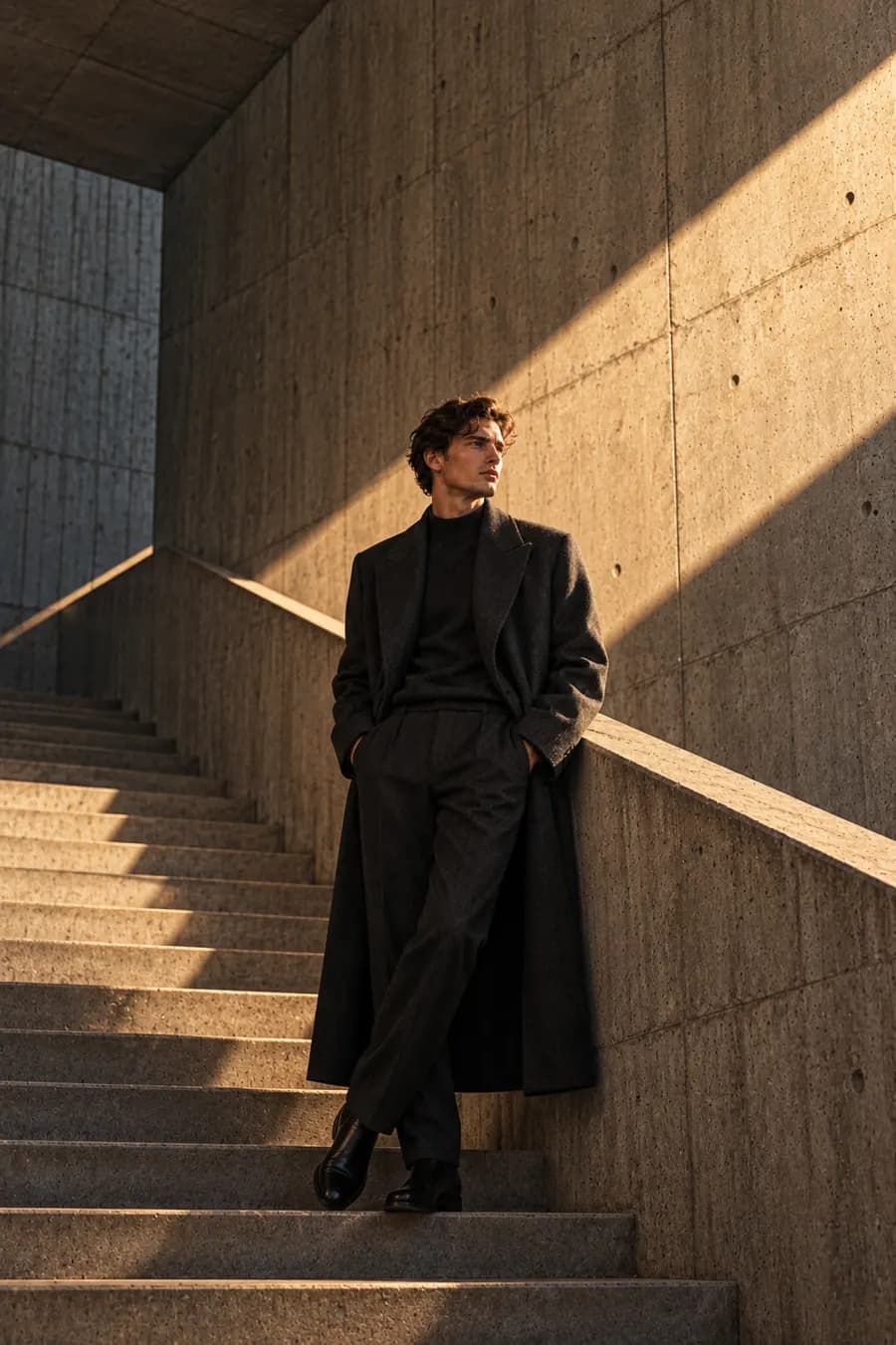
A man in a black coat stands by a pale concrete wall at noon. Hard side sunlight, a crisp long shadow on the wall, high contrast. Full shot at eye level, 35mm lens, everything in focus, a restrained cool palette.
A young woman in a transparent raincoat walks down a city street at night in the rain. Practical light from pink and blue neon signs, reflections on the wet asphalt, raindrops backlit. Medium shot from a slightly low angle, 50mm lens, shallow depth of field, cinematic color grading.
Bird's eye view of an old neighborhood with tiled roofs at blue hour. Warm light is coming on in the windows, the streets are lit by streetlamps, the sky is cool and clear. Wide angle lens, deep depth of field, everything in focus.
A fern leaf with dewdrops in the morning, macro photography. Soft diffused light from behind clouds, the drops reflect the sky, the background melts into green bokeh. 100mm macro lens, precise focus on the nearest drop.
A cyclist rides past shop windows in the evening, the camera pans with him. The background is blurred by a long exposure while the cyclist himself is sharp. Warm light from the shop windows, a deep blue sky. Medium shot from the side, 35mm lens, light film grain.
Common mistakes
- Conflicting light. "Soft diffused light" and "hard contrasty shadows" in the same prompt fight each other. Choose one source and one direction.
- A pile of buzzwords instead of a description. "Cinematic, epic, 8K" says nothing about where the light comes from or where the camera is. Concrete words about shot size and the light source do more.
- A lens without a shot size. The model may read "85mm" without "waist-up portrait" any way it likes. Name the shot size explicitly.
- The format doesn't match the idea. A wide panorama in a vertical frame comes out cramped. Choose the format first, then write the prompt for it.
- Too much tech. Aperture, shutter speed, ISO, film and three kinds of light in one prompt blur the main point. Keep the two or three settings that make the image.
- Expecting exact physics. A focal length and an aperture in a prompt are a hint about how the image looks, not a setting on a real camera. Check the result with your own eyes and adjust it with words.
How to try it in Solistra
Open Seedream 5.0 Pro in Image («Фото»), choose an aspect ratio that suits the task and paste in one of the prompts above. Change one setting at a time: first the shot size, then the light, then the lens. That way you can see exactly what produced the effect. The price shows on the launch button before you press it.
If you want to get the basics of prompting down first, start with the guide on how to write a prompt. For photorealism with macro and lighting, also try FLUX.
You can get the same light and film look without a prompt, with ready effects applied to your own photo: Black and White Reportage, Color Slide Film, Soft Color Negative, Hollywood Noir, Classic Hollywood Color, Direct Flash, Movie Still, Infrared Dream, Solarized Print.
Try it in Solistra
Seedream 5.0 Pro
Image
Similar models
Sources and licenses
- Prompt and image attribute guide — Vertex AI — Google — CC BY 4.0
- FLUX — prompt terms reference — Black Forest Labs
- FLUX — technical parameters and aspect ratio — Black Forest Labs
- Kling — the image prompt formula — Kling AI
- Text
- Solistra text. Our own wording and prompt examples, quotes under 15 words
- Images
Other images — Solistra image
- Checked
- November 12, 2026