Contents
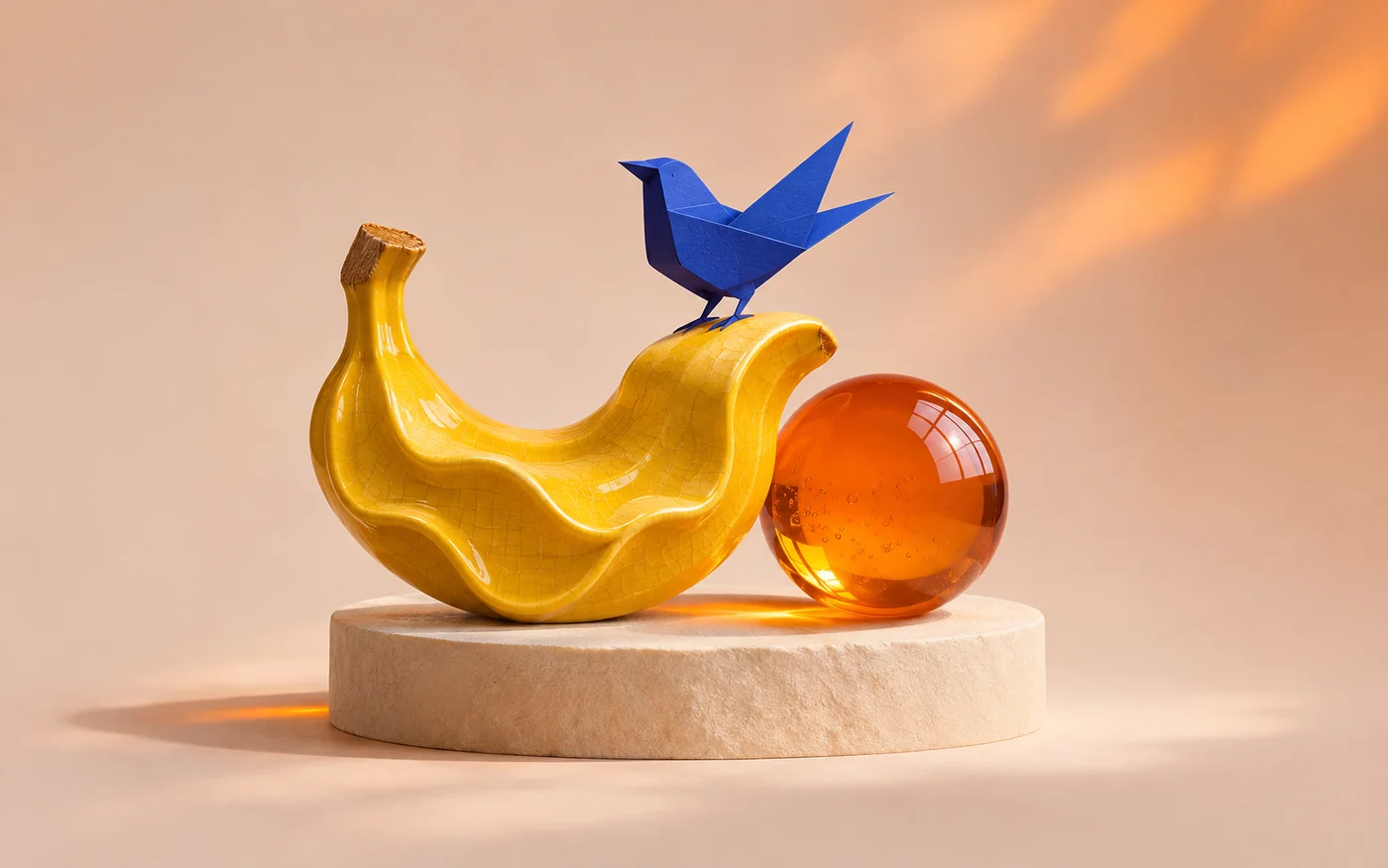
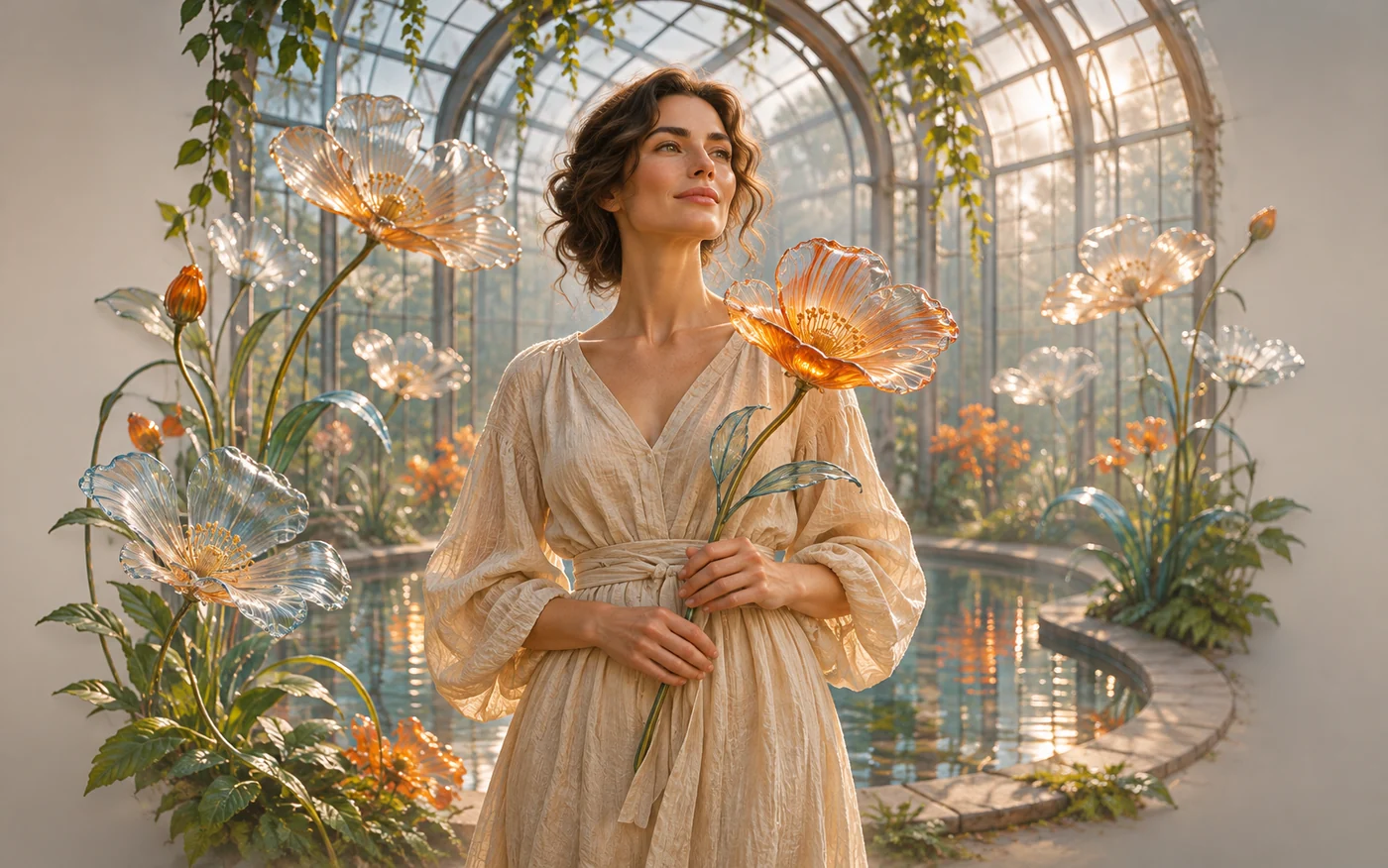
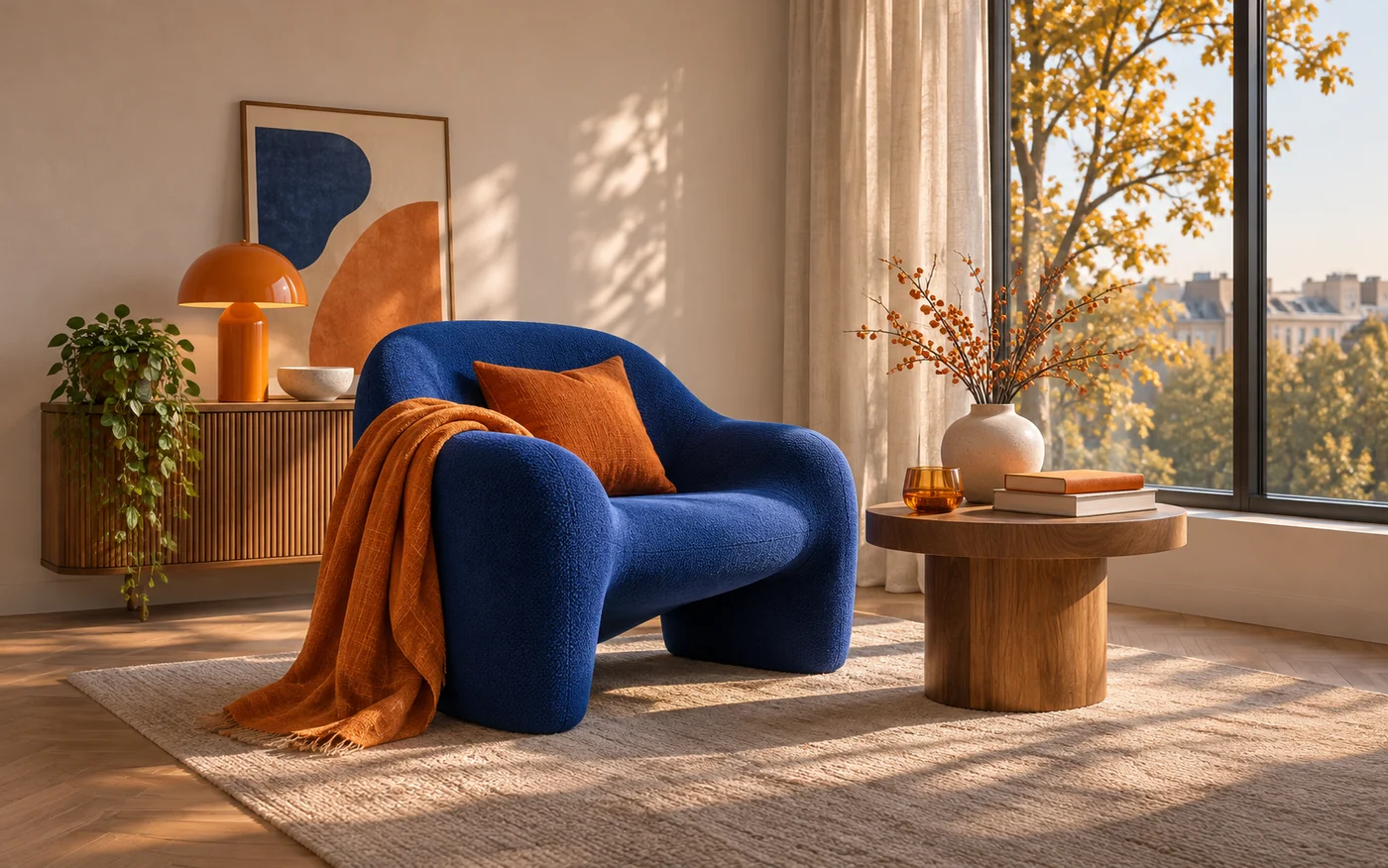
FLUX is a family of image generation and editing models from Black Forest Labs, a German AI lab. It's at its best with photorealism (believable skin and light), exact colors set by HEX code, legible lettering, and edits that pull from several reference images at once.
The family spans several generations and variants, and they differ quite a bit in what they can do. Below we sort out which is which, what parameters the developer documents, and how to write a prompt FLUX gets on the first try.
What FLUX can do
The developer highlights six strengths of FLUX.2.
- Photorealism. Portraits, product shots and ad photography where the image is hard to tell apart from a real photo.
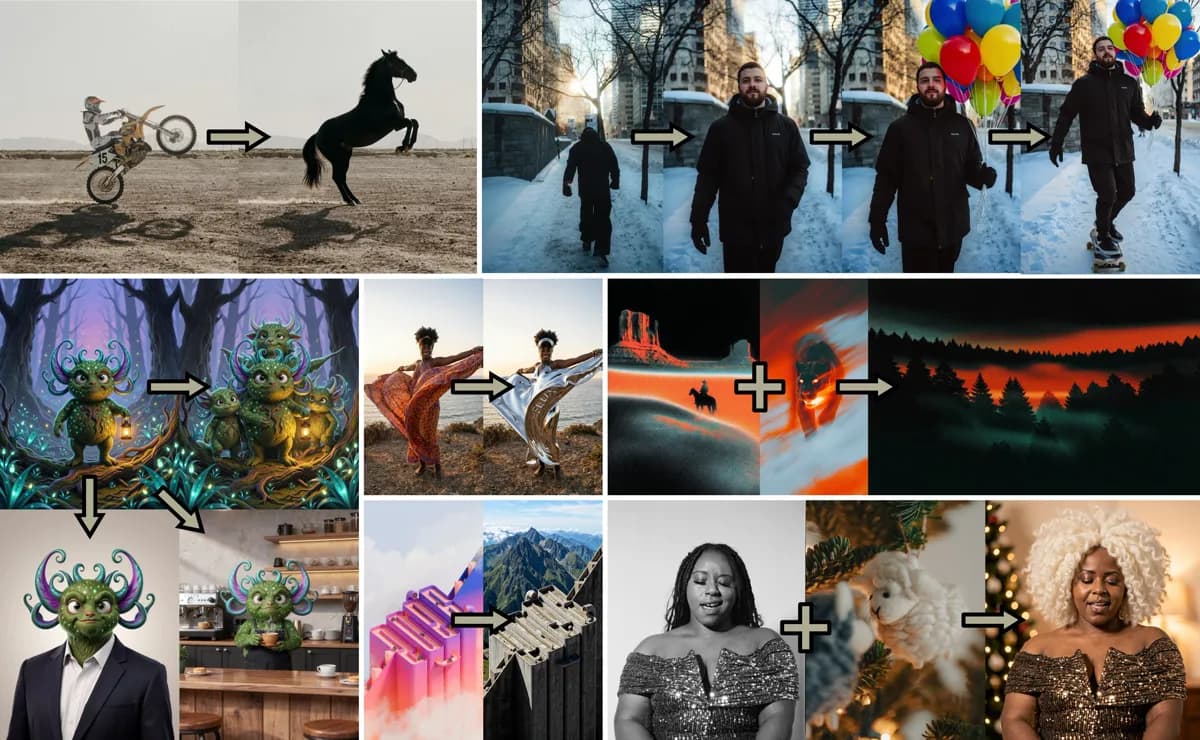
- Multiple references. The model combines elements from several images and keeps a person's look intact in a new scene: clothes from one photo, the face from another, the background from a third.
- Lettering and layout. Headlines, ad layouts, magazine covers, infographics.
- Exact colors. You can set the color of an object or a line of text with a HEX code, like
#FF5733. - Structured prompts. Besides plain text, the model understands a scene described in JSON.
- Web search. FLUX.2 Max only: on request, the model looks up fresh information, such as the weather in a city or the score of yesterday's game.
Variants and parameters
The figures below come from the official BFL documentation and apply to running the models through the developer's API. In Solistra, you pick the aspect ratio and quality in the model form, and the model's route handles the rest.
| Variant | Best for | References per request | Notes |
|---|---|---|---|
| FLUX.2 Max | Final deliverables, top quality | up to 8 | Searches the web for fresh information, most precise edits |
| FLUX.2 Pro | Everyday generation and editing at volume | up to 8 | Shared 9 MP limit across input images and the output |
| FLUX.2 Flex | Typography and fine detail | up to 8 | Adjustable steps (up to 50) and guidance (1.5 to 10) |
| FLUX.2 klein | The fastest models in the family | up to 4 | Open weights, the 4B version under Apache 2.0, no prompt upsampling |
| FLUX 3 Image | The new generation for creating and editing | up to 10 | Expands short prompts on its own, supports boxes for placing objects |
| FLUX.1 Kontext | Editing from a text instruction | not stated in the docs | Previous generation, BFL recommends FLUX.2 for new projects |
What to know about FLUX.2 Pro and its siblings:
- Resolution. From 64×64 up to 4 megapixels, for example 2048×2048. Both sides must be multiples of 16. For most jobs, the developer suggests staying within 2 megapixels.
- References on Pro. The bigger the output, the fewer input images you get: up to eight at 1 MP output, up to seven at 2 MP.
- No negative prompt. Neither FLUX.2 nor FLUX 3 Image has one. To keep something out of the frame, describe what you do want instead.
- Prompt upsampling. FLUX.2 has a parameter that adds detail to a short description. klein doesn't, so the model gets exactly the text you wrote.
- Languages. FLUX.2 understands prompts in many languages. According to the developer, English gives the most accurate results because most of the training data is in English.
FLUX 3 Image has its own parameter grid: 15 fixed aspect ratios from 21:9 to 9:21 plus an auto mode, and resolutions from 768-pixel drafts up to 4K. This model has no negative prompt, seed or guidance fields.
What makes a good prompt
BFL offers a simple formula: subject + action + style + context.
- Subject. Who or what is in the frame, their looks, materials, clothing.
- Action. Pose, movement, where they're looking.
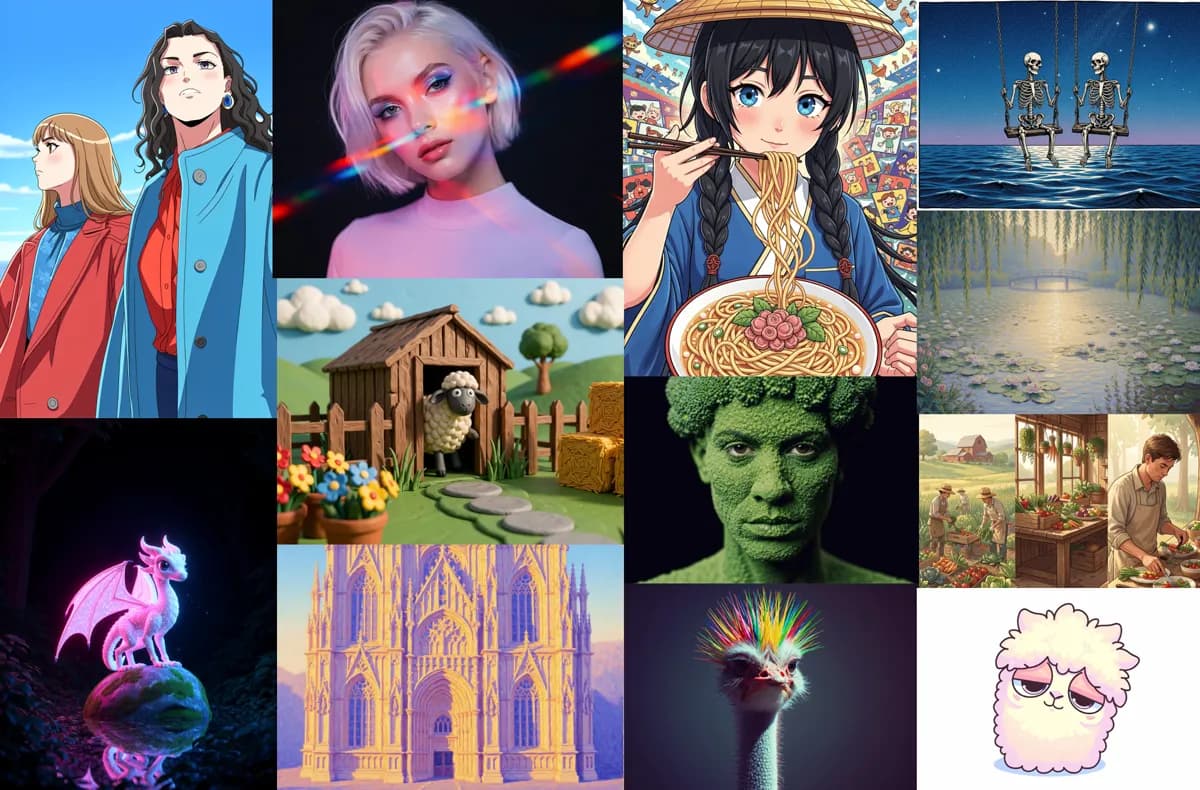
- Style. Photo, film, illustration, era.
- Context. Location, time of day, lighting, mood.
FLUX.2 pays more attention to what comes at the start of the prompt — BFL's FLUX.2 prompting guide
So put the most important thing first and leave the secondary details for the end. As for length, the developer suggests 10 to 30 words when you're exploring ideas, 30 to 80 words for most tasks, and longer prompts for complex scenes with several subjects.
Photorealism through camera and film
Instead of vague words like "professional photo," name the camera, the lens and the film stock. "Shot on a Fujifilm X-T5, 35mm, f/1.4" gives a more convincing result. You can set the era in words too: "1980s film photo with a warm cast," "2000s point-and-shoot digital camera with flash."
Lettering and colors
- Put the text of the lettering in quotes and say where it sits, what typeface it uses and how big it is.
- Write colors as HEX codes and tie each one to a specific object: "a car in #C92695" works better than "use #C92695 somewhere."
- For a gradient, give the start and end colors.
- Keep lettering short. The model renders long lines less accurately. The docs say nothing specific about Cyrillic, so if you need Russian text, test it across several variations.
Edits and multiple references
When editing, don't describe the whole scene again. Describe the change and what has to stay the same. Give each reference a role: "the person from image 1, the jacket from image 2, the background from image 3."
For FLUX.1 Kontext, the developer has separate advice: name a concrete action ("change the outfit," not "transform the person"), spell out what to keep ("keep the facial features and hairstyle"), and put both the old and the new lettering in quotes.
For more on references, see the guide on references, and for lettering, the guide on text in images.
Prompt examples
Portrait of an old fisherman on a wooden pier at dawn, weathered face with deep wrinkles, knit beanie and a rubberized jacket. He gazes into the distance, holding a coiled net. Shot on Kodak Portra 400, 85mm lens, f/2.8, soft side light from the low sun, natural grain
A frosted glass perfume bottle in #1B6B6F on a pale travertine pedestal. Brass cap, fine engraving on the glass. Solid #E8A847 background, soft softbox light from the upper left, a crisp shadow falling to the right, commercial product photography
Vertical poster for a jazz night. In the top third, a large headline "NIGHT JAZZ" in white serif letters, below it a small line "NOVEMBER 28". Lower down, the silhouette of a saxophonist in a spotlight beam, dark navy background with grain, retro poster graphics
{ "scene": "studio shot of a sneaker on a light gray background", "subjects": [ { "description": "running sneaker, mesh upper in #F8F6F0, sole in #CD7F32", "position": "centered, turned three quarters" } ], "lighting": "soft diffused light from above, a light shadow under the sole", "camera": { "angle": "at sole level", "lens": "100mm macro" }, "style": "clean commercial product photography" }
Replace the woman's red jacket with a long coat in dark olive with large buttons. Keep her face, hairstyle, pose, the bag in her hand, the street in the background and the direction of the light unchanged
The woman from image 1, wearing the coat from image 2, walks down the cobblestone street from image 3 in the evening after rain. Keep the face and hairstyle from image 1 and the cut and color of the coat from image 2. Warm light from shop windows reflects in the wet cobblestones, eye-level camera, 35mm lens
Two friends laughing in a kitchen at night, pizza boxes on the table and string lights in the window. Early digital camera, harsh direct flash, slight noise, a slightly tilted horizon, a candid unposed point-and-shoot shot from the 2000s
Common mistakes
- Writing "no" and "without." FLUX has no negative prompt, and a negation in the text can backfire. Instead of "no people," write "an empty waterfront," and instead of "no blur," write "sharp focus across the whole frame."
- Burying the main point at the end. The model weighs the start of the prompt more heavily. If the character's outfit matters, don't open with the weather.
- A HEX code with nothing attached. The model may apply "add #FF0000" to anything at all. Tie the color to an object or to the lettering.
- References without roles. If you don't say what to take from which image, the model will mix up face, clothing and style unpredictably. Refer to images by number and give each one a role.
- Rewriting the whole scene for an edit. For an edit, it's enough to say what changes and list what to keep. A complete new description gives the model an excuse to redraw things you didn't ask it to touch.
- An aspect ratio that doesn't fit the description. A wide landscape in a vertical frame ends up squeezed. Choose the ratio to suit the scene and mention it in the prompt.
- Long lettering in Cyrillic. The longer the Russian phrase, the higher the odds of a wrong letter. Shorten the text or try several variations.
Try it in Solistra
Open FLUX.2 Pro in the Image («Фото») section, paste one of the prompts above and pick an aspect ratio. To edit, upload a photo as a reference and describe the change. The cost shows on the run button before you start.
For final deliverables, try FLUX.2 Max. For small text, use FLUX.2 Flex. For the newest editing features, there's FLUX 3 Image, and for targeted edits from an instruction, Flux Kontext Max. If you'd like a different take on photorealism, check out the Seedream guide.
Try it in Solistra
FLUX.2 Pro
Image
Similar models
Sources and licenses
- FLUX.2 model family overview — Black Forest Labs
- FLUX.2 prompting guide — Black Forest Labs
- FLUX.2 image editing — Black Forest Labs
- Prompting reference for FLUX 3 Image, FLUX.2 and FLUX.1 Kontext — Black Forest Labs
- FLUX 3 Image · building a prompt — Black Forest Labs
- FLUX 3 Image · formats, resolution and prompting without a negative prompt — Black Forest Labs
- FLUX 3 Image · editing a single image — Black Forest Labs
- FLUX.1 Kontext overview — Black Forest Labs
- FLUX.2 klein 4B model card — Black Forest Labs — Apache 2.0
- Text
- Solistra text. Our own wording and prompt examples, quotes under 15 words
- Images
Photorealistic FLUX.2 klein generations from the model card — Black Forest Labs · source · Apache 2.0 — Resized and converted to WebP
FLUX.2 klein image edits shown as source and result — Black Forest Labs · source · Apache 2.0 — Resized and converted to WebP
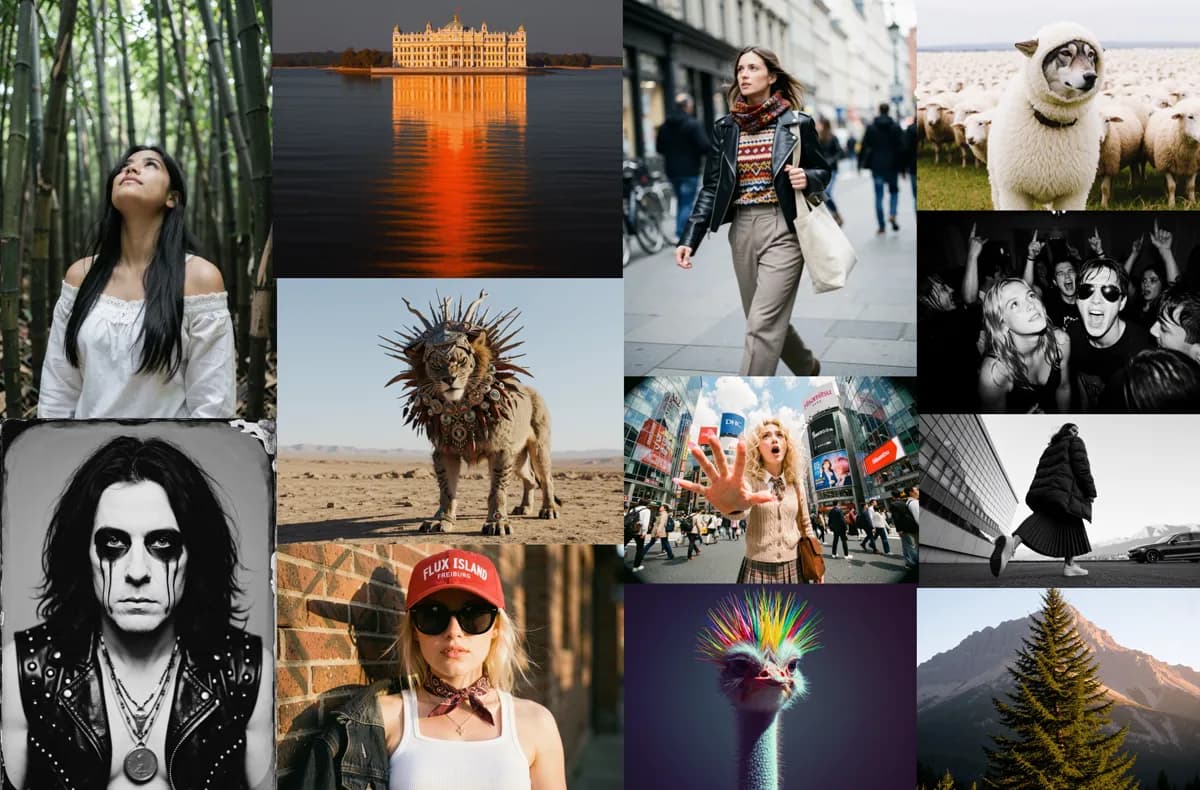
FLUX.2 klein generations in several different styles — Black Forest Labs · source · Apache 2.0 — Resized and converted to WebP
Other images — Solistra image
- Checked
- November 12, 2026