Contents
Nano Banana is Google's name for the image generation built into Gemini models. The model creates images from text, edits uploaded photos from a written instruction and works conversationally: you can ask it to warm up the light or change a facial expression without starting over.
The family's strengths are understanding long descriptions, clean lettering and handling several references at once. Below we go through which versions exist, how they differ and how to write a prompt.
What the model can do
The Gemini API documentation highlights these capabilities:
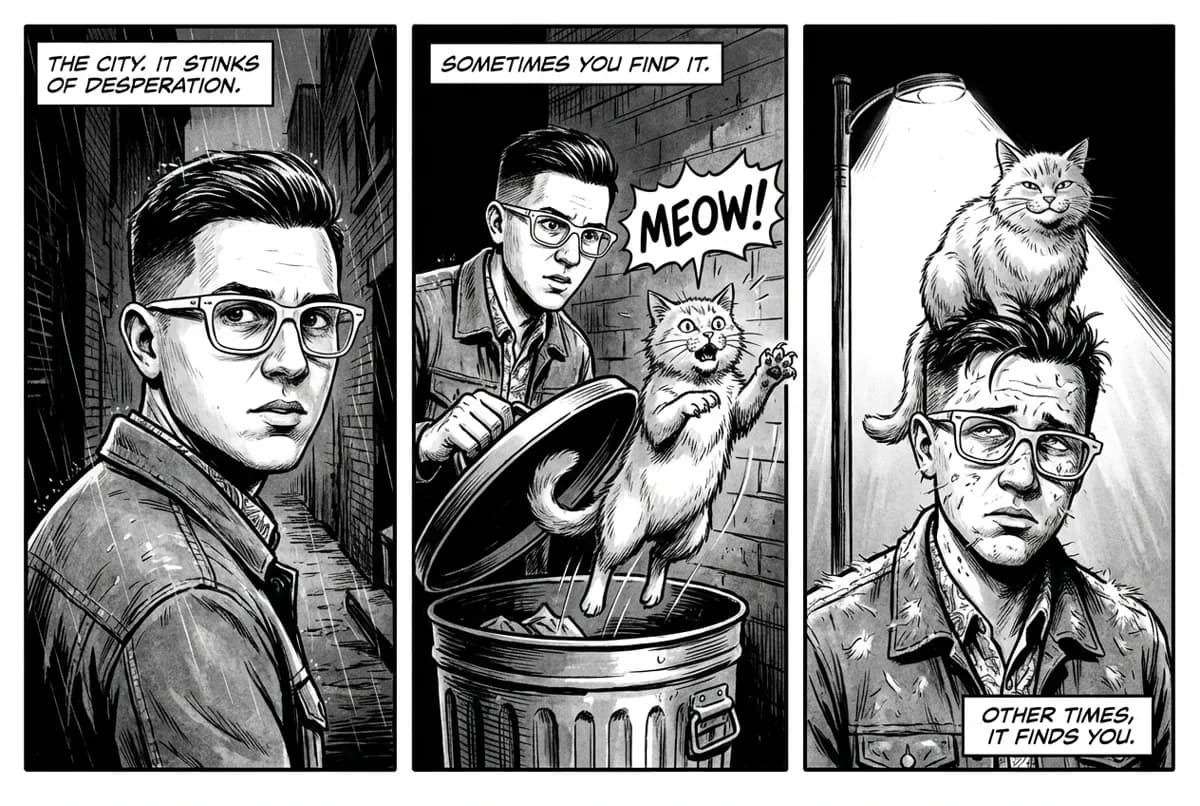
- Text to image. Photorealism, illustrations, stickers, icons, comics, ad shots.
- Lettering. Legible, stylized text for infographics, menus, diagrams and marketing materials. For professional layouts, Google recommends the Pro version.
- Editing from an instruction. Add or remove an object, swap one detail and keep the rest, transfer a style, turn a sketch into a finished image.
- Lots of references. Up to 14 images in one request, with exact limits depending on the version (see the table below).
- Reasoning before answering. The model thinks through a complex prompt and builds intermediate composition drafts before delivering the result.
- Google Search. In the API, the Pro, 2 and 2.1 models can check search results, for example to draw the current weather. This is an API feature, and in Solistra you should only count on it if the model card mentions it.
Every Nano Banana image gets an invisible SynthID watermark.

Variants and parameters
The Gemini API currently has five models under the Nano Banana name. The data below comes from the Google documentation as of our check date and applies to the API. In Solistra, you pick the aspect ratio and quality on the model card.
| Variant | API model | Best for | Resolution |
|---|---|---|---|
| Nano Banana Pro | gemini-3-pro-image | Complex tasks, precise text, brand style, layouts | 1K, 2K, 4K |
| Nano Banana 2.1 | gemini-nano-banana-2.1 | The main fast model, with improved lettering and multi-step editing | 1K, 2K, 4K |
| Nano Banana 2 | gemini-3.1-flash-image | Previous generation of the fast model, Google recommends moving to 2.1 | 512 px, 1K, 2K, 4K |
| Nano Banana 2 Lite | gemini-3.1-flash-lite-image | High volumes and low latency, not built for many references or multi-step editing | 1K only |
| Nano Banana | gemini-2.5-flash-image | The first model in the series, Google recommends moving to 2 Lite | About 1K |
Aspect ratios according to the docs:
- Pro, Lite and the original: 1:1, 2:3, 3:2, 3:4, 4:3, 4:5, 5:4, 9:16, 16:9, 21:9.
- 2 and 2.1: the same, plus the extreme 1:4, 4:1, 1:8 and 8:1.
- If no ratio is set, the model takes the proportions of the uploaded image, and without one it makes a square.
How many references the model holds with high fidelity:
| Variant | Objects | Characters | Style references |
|---|---|---|---|
| Nano Banana Pro | up to 6 | up to 5 | up to 3 |
| Nano Banana 2.1 and 2 | up to 10 | up to 4 | not stated |
| Nano Banana 2 Lite | up to 14 | not supported | not supported |
| Nano Banana | works best with up to 3 input images | not stated | not stated |
For Pro, the docs separately specify an overall cap of 14 images. For 2 Lite, the table allows up to 14 object images, but in the model description Google warns that it isn't optimized for multiple references. How many files Solistra accepts for a given model is shown on the model card.
Don't expect a perfect image on the first try — Gemini API documentation
What makes a good prompt
Google advises writing a coherent scene description rather than a string of keywords. A good structure:
- Shot type and subject. "A photorealistic close-up portrait," "a sticker," "a logo," then who or what is in the frame.
- Surroundings. Where the action happens, the background, the time of day.
- Lighting. Source, direction, mood.
- Camera. Shot size, angle, lens: wide angle, macro, low-angle shot.
- Purpose. What the image is for: a cover, a product listing, a background for text. The model takes the goal into account, and a logo for luxury cosmetics comes out differently from just "a logo."
A few more rules from the documentation:
- Be specific. Instead of "fantasy armor," describe the material, the pattern, the shape of the pieces.
- Build a complex scene step by step. First the background, then the foreground subject, then the detail in focus.
- Describe what you want, not what you don't. Instead of "no cars," write "an empty street with no traffic."
- Put lettering in quotes and describe the typeface in words: "bold condensed," "thin serif."
Russian is on the list of languages the model handles best, so you can write prompts in Russian. For lettering, Google has a separate tip: settle on the exact text first, then ask for an image with it. Keep the lettering short and check every letter.
Prompt examples
A photorealistic close-up portrait of an old potter in his workshop. He holds a bowl just lifted off the wheel in his palms, his hands covered in clay. Soft light from a window on the left, dust motes in the air, blurred shelves of pottery in the background. Eye-level shot, 85mm lens, shallow depth of field
A kawaii-style sticker: a hedgehog in a striped knit scarf holding a mug of cocoa with marshmallows. Clean bold outline, simple fills with soft shading, a bright warm palette. White background, nothing extra around it
Create a logo for a family bakery. The lettering "BREAD YARD" in a heavy bold sans-serif font, with a wheat ear below it that forms the letter B. Two colors: dark brown and cream. The logo sits inside a circle, flat graphics
High-resolution studio product photo: a frosted green glass perfume bottle on a pale travertine slab. Lit by three softboxes, soft highlights on the glass, the shadow falls to the right. The camera slightly above the bottle, sharp focus on the engraving on the cap. 4:5 format
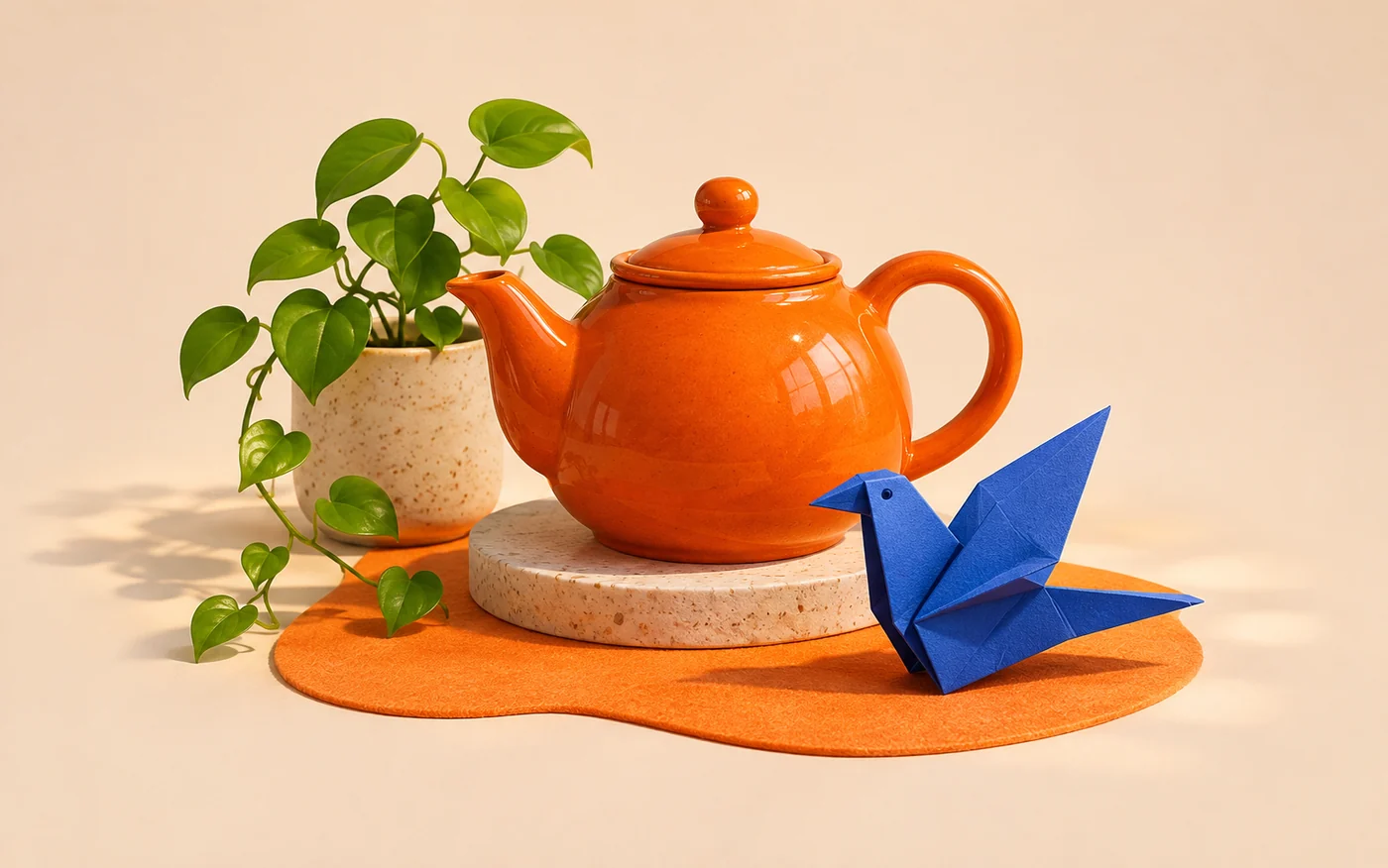
A minimalist composition: a single paper boat in the lower right corner of the frame. The rest of the space is an even, warm background the color of baked milk, with lots of empty room for a headline. Soft diffused light, a faint shadow from the boat. 16:9 format
A three-panel comic in the style of a watercolor picture book. A girl in a yellow raincoat tries to fly a kite on a windless day. Panel one: she runs with the kite. Panel two: the kite lies on the grass. Panel three: a gust of wind carries off her hat along with the kite. Short lines of dialogue in speech bubbles in English
Using the uploaded photo of my dog on a walk, put a bright yellow hooded raincoat with a reflective stripe on her. The raincoat should fit her body and match the shot in lighting, sharpness and perspective. Leave everything else unchanged
Using the uploaded photo of the kitchen, replace only the wooden dining table with a round white marble table on a slim brass base. Keep the chairs, the window light, the angle and the dishes on the shelves exactly the same
Photo edits and references
Nano Banana really shines when you need to change an existing image. The documentation describes several scenarios:
- Add or remove an element. Describe the change, and the model will match it to the style, light and perspective of the source.
- Change just one detail. Name what changes and state plainly that everything else stays as it is. That's how a "mask in words" works, with no area selection.
- Transfer a style. Ask it to recreate the photo in the manner of a particular art movement while keeping the composition.
- Build a scene from several images. For example, the dress from the first photo on the person from the second. Refer to the images in order: "from the first," "from the second."
- Protect what matters. If an edit mustn't lose a face or a logo, describe them in detail in the prompt along with your request.
- Bring a sketch to life. Upload a drawing and ask for a finished photo, listing what to take from the sketch and what to add.
- Show a character from different sides. Ask for angles one at a time and attach the shots you've already got to each request so the likeness holds.
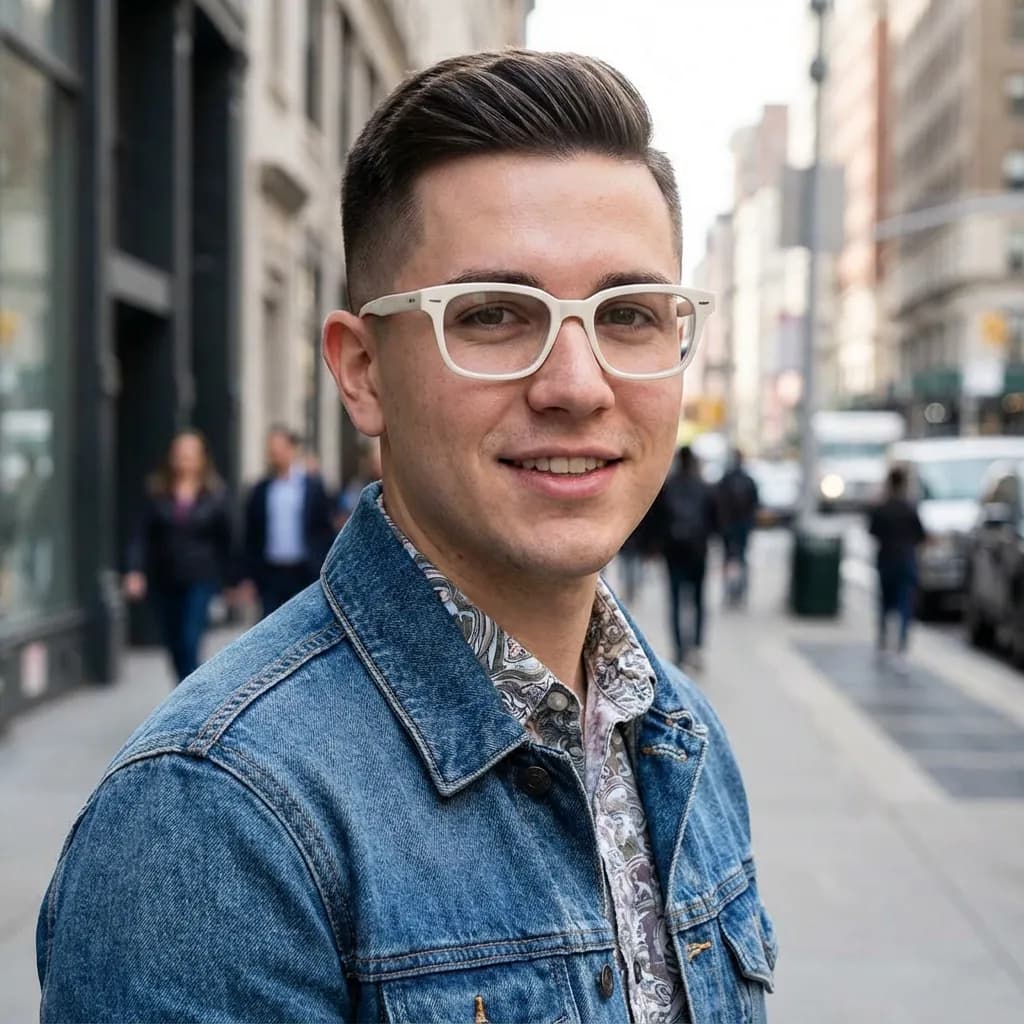
A studio portrait of this man on a white background, in profile, looking to the right. Keep the facial features, hairstyle, white glasses and clothing as in the uploaded images
Turn this pencil sketch of an electric scooter into a photo of the finished product in a bright showroom. Keep the frame shape and the low deck from the sketch, add a matte graphite finish and a thin orange light strip along the edge of the deck
Common mistakes
- A comma-separated pile of words. The model understands a coherent description better, where it's clear who is doing what and where.
- Prohibitions instead of description. "No people" sometimes works worse than "an empty waterfront early in the morning."
- Long lettering. The longer the text, the higher the risk of a wrong letter. Shorten it or split it into a headline and a short caption.
- Edits that don't say what to keep. If you don't write "leave everything else unchanged," the model may redo the background, the light or the face.
- Too many references. Beyond the version's limit, the likeness of faces and details drops. With several characters, label who is in which image.
- Asking for exactly N images. The docs warn that the model doesn't always stick to the number of images given in the text.
- Expecting perfection on the first try. A great shot usually takes two or three iterations with short, targeted edits.
Try it in Solistra
Open Nano Banana Pro in the Image («Фото») section, paste one of the prompts above and pick an aspect ratio. To edit, upload the original photo as a reference. The cost shows on the run button before you start.
General techniques for describing light, camera and style are in our adaptation of Google's prompting guide. If you need similar instruction-based editing and reference work in another model, check out Seedream and FLUX.
Sources and licenses
- Nano Banana image generation in the Gemini API — Google LLC — CC BY 4.0
- Gemini models, the Gemini API model list — Google LLC — CC BY 4.0
- Text
- Solistra text. Our own wording and prompt examples, quotes under 15 words
- Images
Red panda sticker, an example from the Google documentation — Google LLC · source · CC BY 4.0 — Converted to WebP
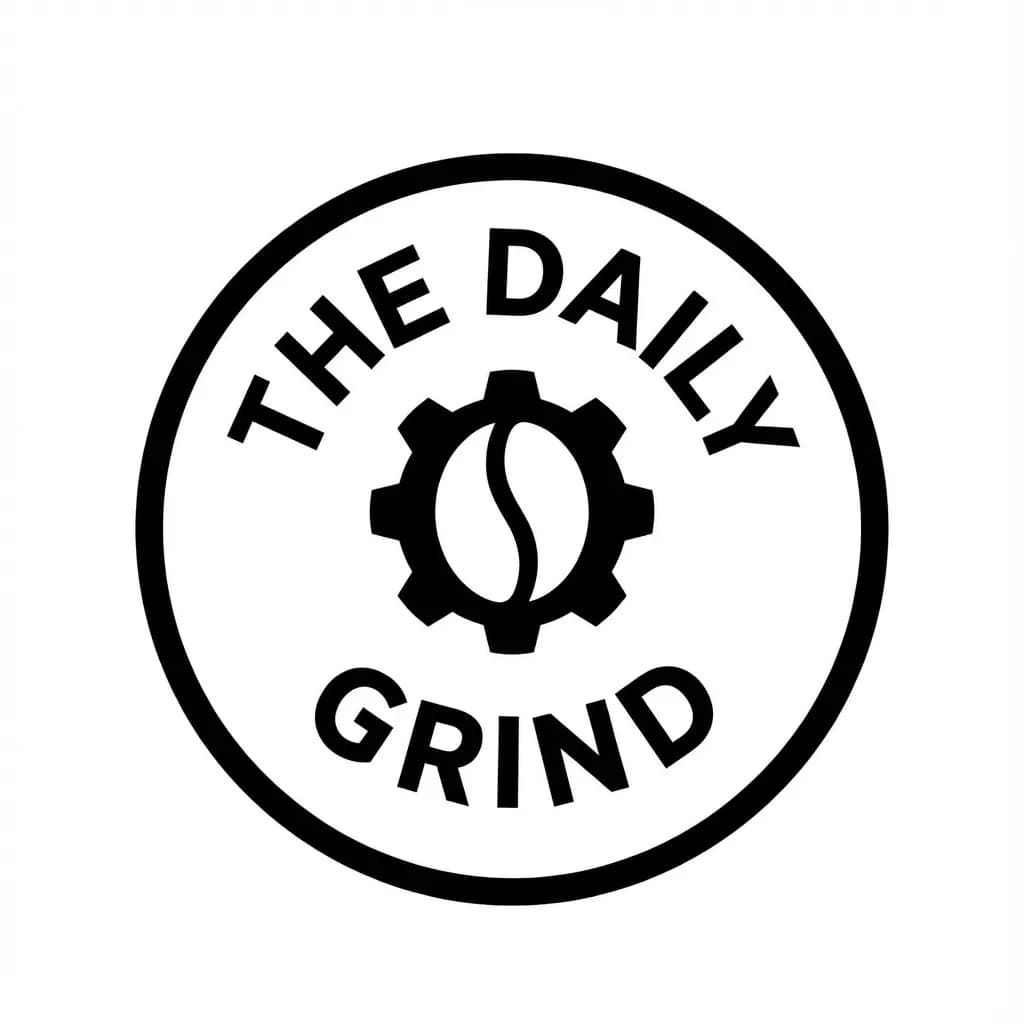
Coffee shop logo, an example from the Google documentation — Google LLC · source · CC BY 4.0 — Converted to WebP
Noir-style comic panel, an example from the Google documentation — Google LLC · source · CC BY 4.0 — Resized and converted to WebP
The same character shown from different angles, an example from the Google documentation — Google LLC · source · CC BY 4.0 — Converted to WebP
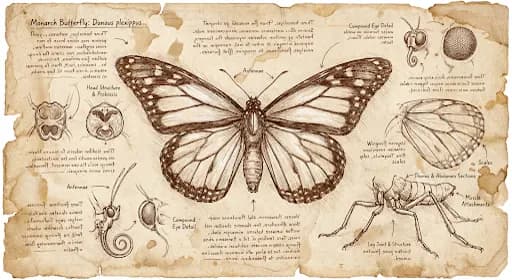
Anatomical butterfly sketch in the style of an antique album, a 4K example from the Google documentation — Google LLC · source · CC BY 4.0 — Converted to WebP
Other images — Solistra image
- Checked
- November 12, 2026