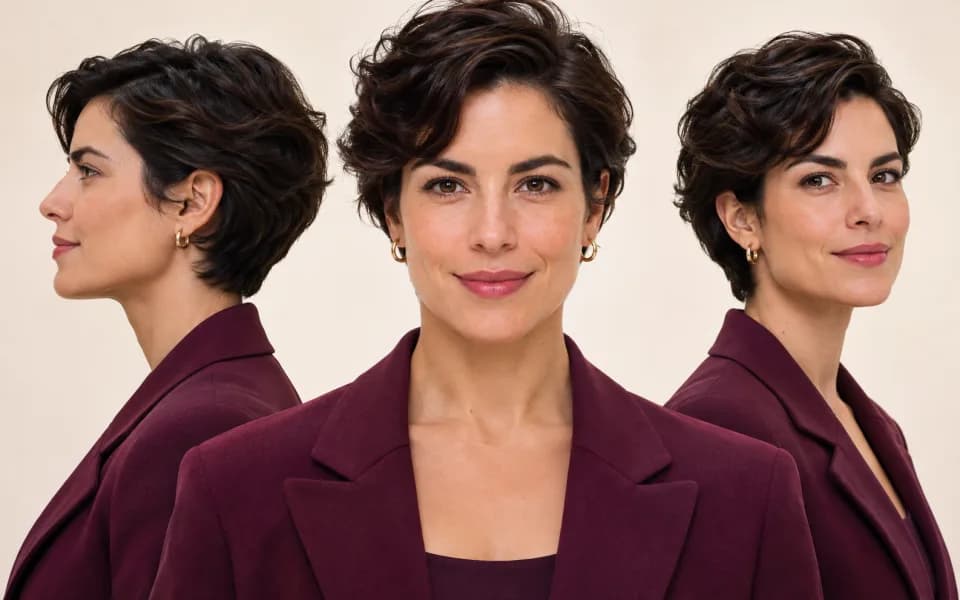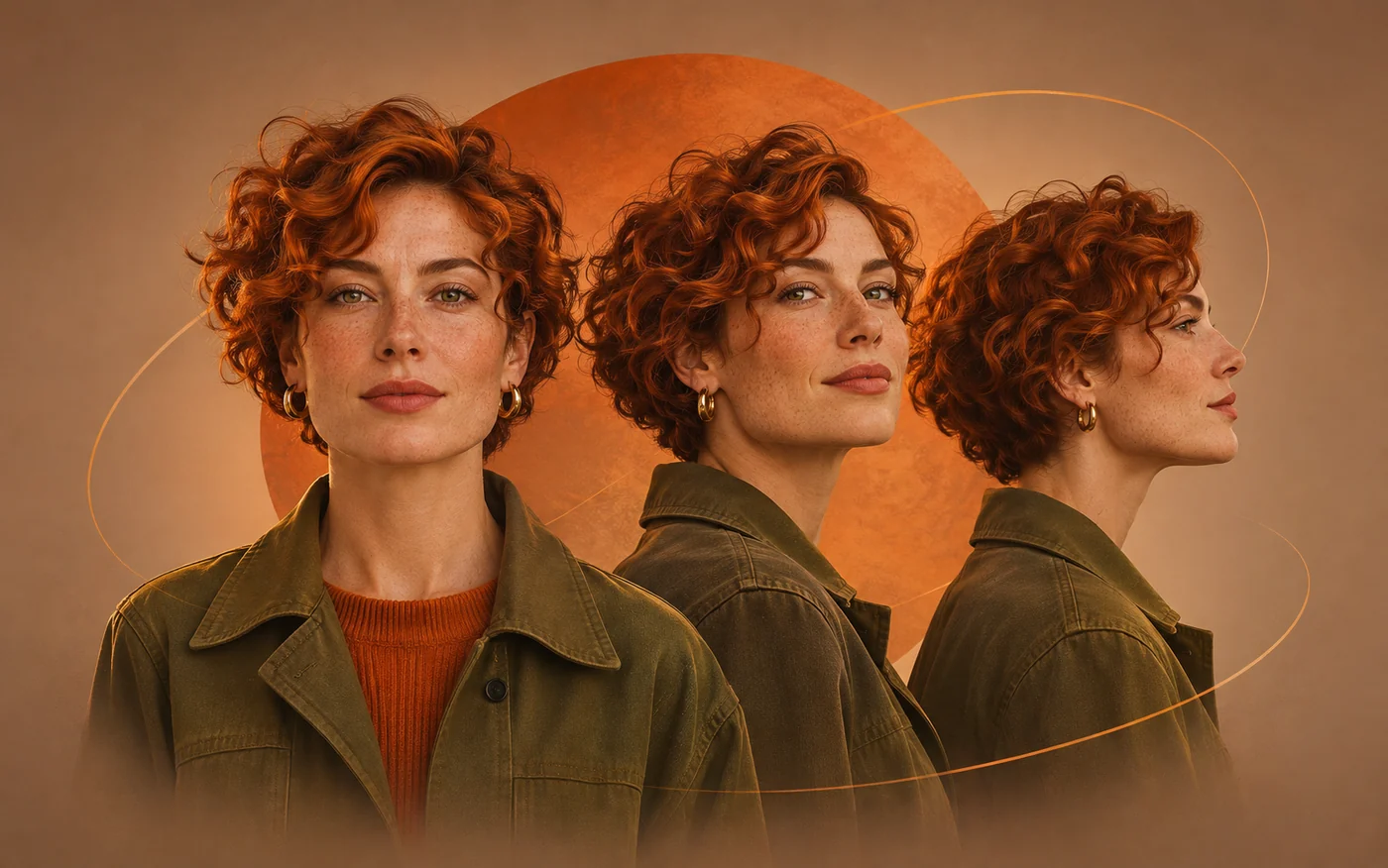
Contents
Your first shot of the character worked, but in the second one the chin is different, the eyes are set differently and the hair got shorter. That's normal behavior for an AI model: it reads every request from scratch and invents the appearance from the words all over again. To keep a character themselves across a series of shots, you need an anchor. It can be a detailed description, a reference image or a trained character.
Let's go through all three methods, when each one fits and how to write prompts for a series.
Three ways to hold on to a character
| Method | How it works | When it fits | Limitation |
|---|---|---|---|
| Character sheet | The same block of text about the appearance in every prompt | Fictional characters, drafts, stylized images | The face still drifts a little |
| References | A photo of the character is attached to every request | A series of several shots, changing scenes and outfits | Needs a model that accepts images |
| Training | The model learns a person from a set of photos | A long series, many scenes, one person | Needs a good photo set and time to train |
The methods combine well. A character sheet is always useful, even when you attach a reference: it tells the model which features matter most.
The character sheet
A character sheet is a short paragraph you copy into every prompt without changes. The more stable the wording, the more stable the face.
What to include:
- Age and build. "A woman of about twenty-five, slim, of average height."
- Face. Face shape, eye color and shape, eyebrows, freckles or moles.
- Hair. Length, color, texture, hairstyle.
- Distinctive features. A scar, earrings, glasses, a tattoo. It's easier for a model to hold on to one striking detail than to ten small ones.
- Base outfit. If the clothing changes with the story, move it out of the sheet and into the scene description.
Describe features with the same words every time. If the first prompt says "chestnut hair down to the shoulder blades" and the second says "long dark hair", the model sees two different people.
References: a picture instead of words
A reference conveys what's hard to put into words: the proportions of the face, the line of the nose, how the eyes are set. The Gemini documentation singles out character images as a way to preserve a character's look, and gives each model version its own limit on such images.
How to work with references:
- A front-facing main photo. Kling's Element Library guide advises using a frontal shot as the main one and adding other angles to it.
- Name each image's role. The FLUX guide recommends referring to references by number and stating plainly what to take from each: "the woman's face from the first photo, the interior from the second".
- Say what to keep. "Keep the facial features, hairstyle and eye color" works better than "make it look similar".
- Grow the series from good shots. For head turns, the Gemini documentation advises feeding images you've already got into the next request, and for a complex pose, attaching an image with that pose.

The description should include key features, important details and what the model should ignore — Kling, Element Library
People often forget that last point. If the reference has a random hair clip or a logo on a T-shirt, say that it shouldn't carry over.
A photo set for training
Training builds a separate model of one person's appearance. The quality of the result depends almost entirely on the photo set.
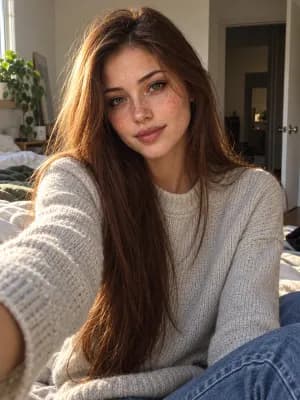
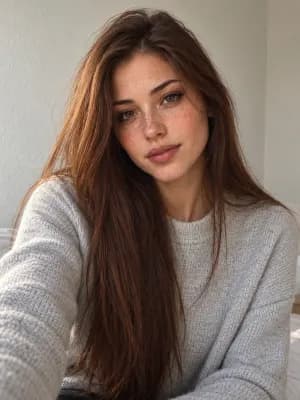
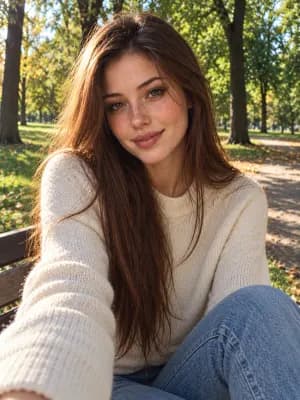
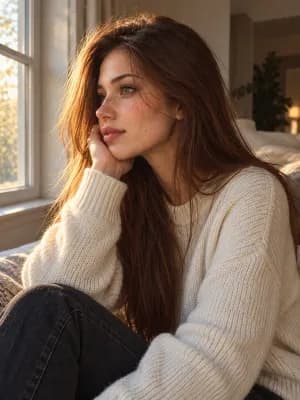
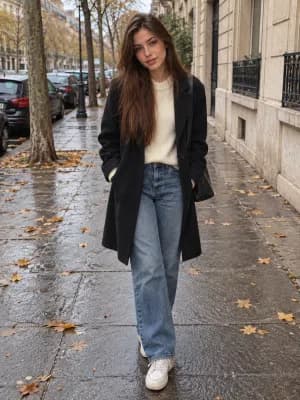
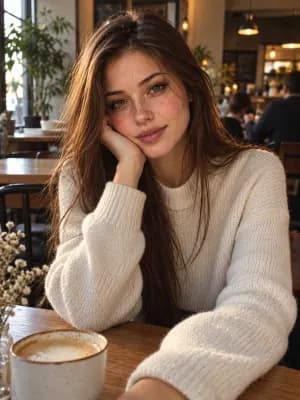
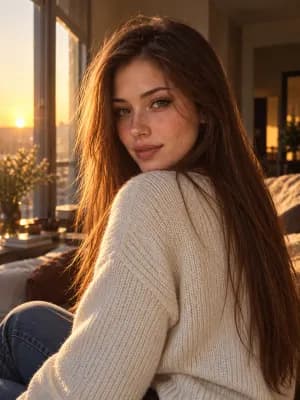
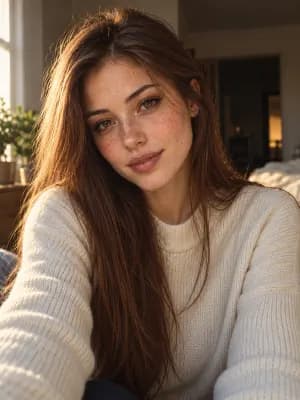
What matters in the set:
- Different angles: front, three-quarter, profile.
- Different expressions: calm, smiling, laughing.
- Good light without filters, masks or heavy retouching.
- One person in each photo, with the face not covered by hands, glasses or hair.
- Different shot sizes: close-up, waist-up and at least one full-length.
- Different backgrounds, so the model remembers the person, not the wall behind them.
The same rules for a photo set help even without training. In Solistra, in Characters («Персонажи») you save a set of photos of one person, give them a name to mention with @, and the set is passed to the model as a reference with every generation. The photos must show you or a person who has given written consent. Photos of children, celebrities and other people without consent may not be uploaded. The section page shows how many photos you need.
How to write a prompt for a series
- Start with the character sheet or a mention of the reference.
- Describe what changes in this shot: the place, the action, the clothing, the light.
- List explicitly what must stay the same.
- Change one big thing at a time. If you change the pose, outfit, light and angle all at once, it's easier for the model to draw a new person.
For shots with two characters, give each one their own sheet and don't mix their features in one sentence. Kling's Element Library guide shows the same approach for video: each character is defined separately, and the prompt describes how they interact.
Prompt examples
A woman of about twenty-five, oval face, light hazel eyes, faint freckles across the nose, chestnut hair down to the shoulder blades with a soft wave, small gold hoop earrings. A light knitted sweater. Chest-up portrait on a plain light background, soft window light from the left, 85mm lens.
The woman from the first photo, keep her facial features, freckles, eye color and hairstyle. She walks along an autumn path in a park holding a paper cup, looking to the side and smiling. Medium shot, warm evening side light, yellow leaves on the path.
The same woman from the reference, face in profile, looking out the window at the rain. Chestnut hair tucked behind her ear, a gold hoop earring visible. Soft cool daylight, close-up, shallow depth of field. Facial features and freckles as in the reference.
The woman from the first photo, full length, on an autumn street in an old town, a beige coat over a light sweater, low-heeled boots. Camera at chest height, 35mm lens. Face, hairstyle and earrings unchanged.
The woman from the reference in an evening look: a dark green dress, hair gathered into a low bun. She sits at a cafe table, hand near her face, warm lamplight. Keep the face shape, eyes, freckles and earrings, and change only the clothing and hairstyle.
First character: the woman from the first photo, chestnut hair, light sweater. Second character: a man of about thirty, short dark beard, thin-framed glasses, gray coat. They stand side by side on an embankment at sunset, laughing, the woman on the left and the man on the right. Medium shot, warm backlight.
Common mistakes
- New words every time. The model reads synonyms in an appearance description as new features. Copy the character sheet in full.
- Too many changes at once. A new pose, outfit, light and angle in one request almost always produce a different person. Change one big thing at a time.
- A reference with a poor face. A dark, blurry face or one hidden by glasses doesn't carry over well. Pick a sharp front-facing shot.
- Not saying what to keep. Without "keep the facial features", the model may take only the general mood from the reference.
- A monotonous training set. Twenty selfies from the same angle will teach the model one expression and one pose.
- Someone else's face without consent. You may upload another person's photo only with their written consent.
How to try it in Solistra
Open Kling O1 in Image («Фото»), attach a photo of your character with the «+» button and paste a prompt with the character sheet. You can turn a good result from the feed into a reference for the next shot straight from the feed: the result's menu has As reference («Как референс»). For several references in one shot, use Multi Reference, and read more in the guide on references.
How to carry a character through several scenes, a voiceover and editing in the Video editor is described on the AI cartoon page.
The cost shows on the run button before you press it.
Sources and licenses
- Gemini API — Image generation and editing — Google — CC BY 4.0
- Kling — Character consistency in video — Kling AI
- Kling — Element Library — Kling AI
- FLUX — Editing with multiple references — Black Forest Labs
- Text
- Solistra text. Our own wording and prompt examples, quotes under 15 words
- Images
Other images — Solistra image
- Checked
- November 12, 2026