Contents
Runway Gen-4.5 is Runway's flagship video model: a clip from 2 to 10 seconds from text or from a photo, with no sound. Its strength is how precisely it carries out a chain of instructions in one prompt: camera movement, the order of events, their timing and shifts in atmosphere. For quick, low-cost tests with a ready frame, Runway Gen-4 Turbo sits right next to it.
Let's go through what Runway says about Gen-4.5 in its help center, how both models are set up in Solistra, how to build a prompt for text-to-video and image-to-video, and where the motion you planned most often gets lost.
What Gen-4.5 can do
Runway describes Gen-4.5 as a new level of motion quality, prompt adherence and image detail. For now it has two modes: text to video and image to video. Runway promises to add other inputs, but they aren't there yet.
- Complex sequences. According to Runway's help center, the model understands and carries out detailed step-by-step instructions well: camera choreography, complex composition, precise timing of events and subtle changes in atmosphere.
- Timecodes. You can spell out in the prompt what happens at each second of the clip. Runway is upfront that this sets the overall order and pace, not frame-accurate timing.
- Image to video. The picture becomes the first frame and sets the composition, subject, light and style, while the prompt describes only the motion.
- No sound. Sound isn't listed in the Gen-4.5 specs. Voice and sound effects are added separately.
On Runway's platform, Gen-4.5 outputs 720p at 24 or 25 frames per second. If the clip needs more detail, you can upscale it after generation.
Gen-4.5 or Gen-4 Turbo
Gen-4 Turbo is a previous-generation model that Runway calls its fastest for image to video. It works only from a ready frame and costs noticeably less to run. In its Gen-4 help article, Runway suggests trying an idea in Turbo first and moving up to a stronger model if the result doesn't satisfy you. The same trick works for Gen-4.5: Turbo helps you check whether the model understood the motion correctly before the more expensive run.
| Task | What to use |
|---|---|
| Text to video without a source frame | Gen-4.5 |
| Complex camera work and several events in a row | Gen-4.5 |
| A quick motion test on a ready frame | Gen-4 Turbo |
| Lots of animation variants of one photo | Gen-4 Turbo, then rerun the best one in Gen-4.5 |
| A clip with dialogue and sound | Veo 3.1 or Kling 3.0 |
| A long story strictly step by step | Seedance 2.5 |
If you're looking for an alternative to the Runway service itself, there's a separate comparison of Runway and Solistra.
Settings in Solistra
| Setting | Runway Gen-4.5 | Runway Gen-4 Turbo |
|---|---|---|
| Mode | Video from text or from a photo | From a photo only |
| First frame | Optional | Required |
| Prompt | Required | Optional |
| Duration | From 2 to 10 seconds | From 2 to 10 seconds |
| Aspect ratio | 16:9, 9:16, 4:3, 1:1, 3:4, 21:9 | 16:9, 9:16, 4:3, 1:1, 3:4, 21:9 |
| Aspect ratios without a first frame | 16:9 and 9:16 only | None, a frame is always needed |
| Sound | None | None |
| Prompt length | Up to 1000 characters | Up to 1000 characters |
| Results per run | One | One |
The cost is calculated per second and shows on the run button before you start. A second of Gen-4 Turbo costs less, so tests on it are more economical.
How to write a prompt, per Runway's help center
Runway gives separate advice for text to video and image to video. The common rule is the same: clear, direct language and full sentences. Keywords work too, but Runway sees them only as a general direction, while connected text gives you more control.
Text to video
The prompt should describe both what's visible in the frame and how everything moves. Runway suggests a starting structure: the camera shot, the subject and its action, the setting, then details about light, style and color.
- Camera and shot. Medium shot, wide shot, overhead view, point of view.
- Subject and action. Who's in the frame and what exactly they're doing.
- Setting. Where it all takes place.
- Details. Light, palette, texture, shooting style.
There's no ideal length. Runway warns that an overly long prompt creates contradictions, and it notes separately that the order of elements in the text doesn't matter: the start of the prompt doesn't get more weight.
Image to video
The picture already sets the composition, light and style. Runway advises describing almost nothing but motion: the character's action, movement in the environment, the camera, pace, direction and speed. A starting structure: the camera makes a move while the subject performs an action. Describe appearance only when a new subject enters the frame, the scene changes a lot or two subjects interact.
The source should be clean: blurry hands and faces become more noticeable after animation. One more subtlety from the help center is implied motion in the photo. Motion blur, dust kicked up by wheels or a mid-jump pose push the model toward movement, and a request for stillness will fight with them.
Timecodes and sequence
You set the order of events in natural language, "first X, then Y, finally Z", or with timecodes in square brackets. Runway advises combining timecodes with a regular description of the scene and making sure the chain fits into the duration you picked.
The start of the prompt gets no priority, and the order of elements doesn't matter. Runway
Prompt examples
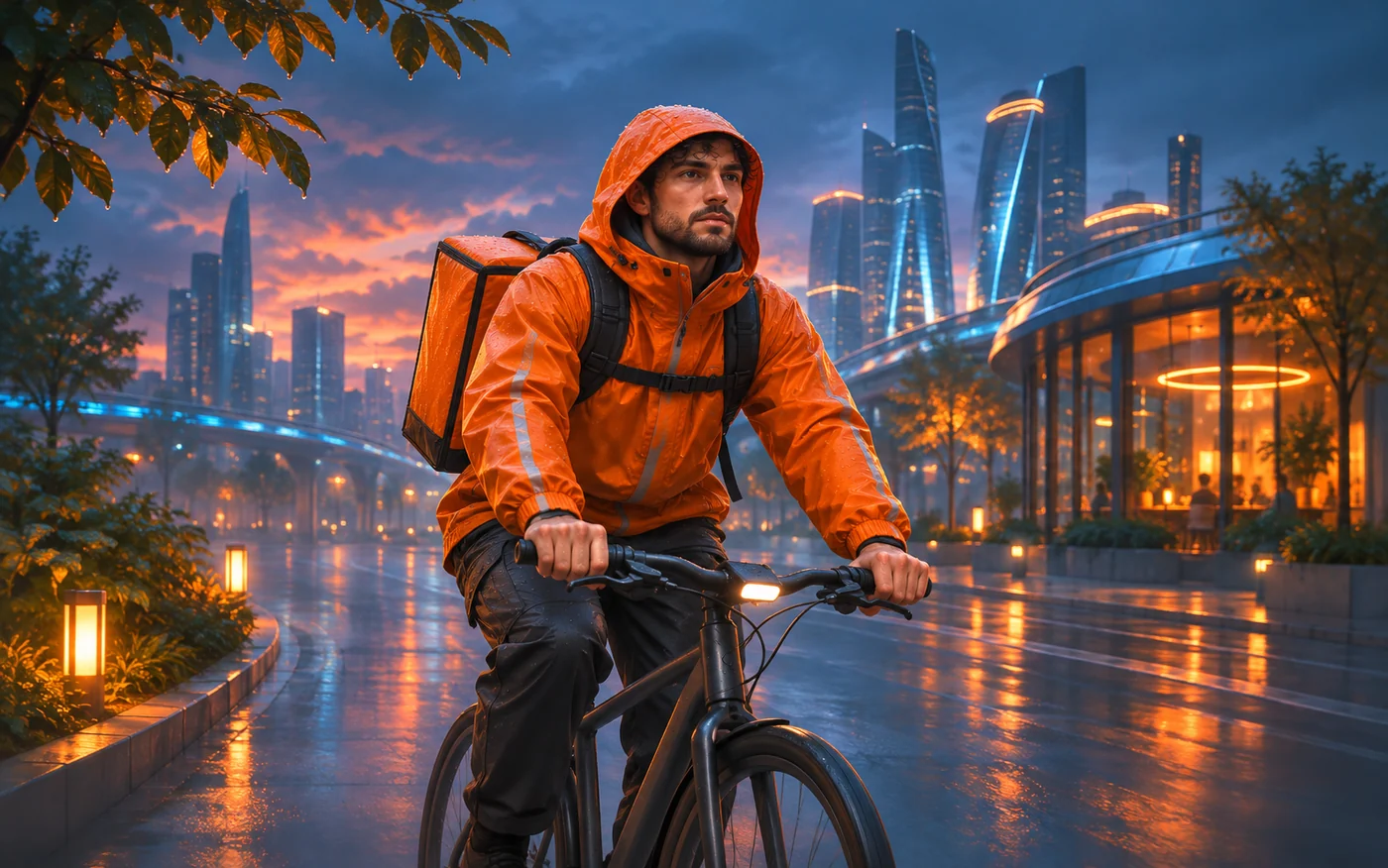
Low-angle wide shot: a bike courier in an orange raincoat races down a wet street at night, spray flying from his wheels. A camera on a tracking car rides alongside, then overtakes the courier and turns to face him. Neon signs reflect in the puddles, warm streetlight, film grain
An old library, dust motes in a sunbeam from a tall window. A cat sits on the edge of a desk next to a stack of books. [00:00–00:02] the cat looks at the top book and reaches for it with a paw [00:02–00:04] the book slides off and falls, raising a puff of dust [00:04–00:06] the cat jumps back and freezes [00:06–00:08] the camera slowly pushes in on its startled face
The camera slowly pulls back as the hero raises his head and looks up at the sky. The wind tugs at his jacket, headlight reflections run across the wet asphalt
The camera is locked off and stays completely still. A candle on the table burns steadily, the flame flickering slightly, smoke rising in a thin wisp. Minimal motion, the clip starts and ends on the same frame for a seamless loop
The camera is locked off. A ginger-haired dog runs into the frame from the left, jumps onto the couch next to the young woman and rests its head in her lap. The woman laughs and pets him
The camera smoothly orbits the product in a half circle, light gliding softly across its surface, the background stays calm
Common mistakes
- Negatives in the prompt. Runway says outright that Gen-4 doesn't support negative phrasing and may produce the opposite result. Instead of "the camera doesn't move", write "the camera is locked off and still".
- Requests instead of descriptions. "Please add a dog" is a conversational command, and the model responds poorly to it. Describe how the dog appears: "a dog runs into the frame from the left".
- Abstractions. "The hero embodies the joy of greeting" forces the model to interpret. "A woman smiles and waves" plays out predictably.
- Repeating appearance with a photo. Per Runway's help center, a detailed description of what's already visible in the picture reduces motion. Write about the action.
- A cut in the middle of the clip. If an unexpected edit shows up in the clip, Runway suggests increasing the duration and adding "continuous shot, no cuts" to the prompt.
- Aspect ratio without a frame. In Solistra, Gen-4.5 without a first frame works only in 16:9 and 9:16. For a square or 21:9, upload a source photo.
- Too much in one clip. Even Gen-4.5 is limited to 10 seconds. Build a long scene from several runs: the last frame of a finished clip becomes the first frame of the next one. More in the guide on shot length and extension.
How to try it in Solistra
Open Runway Gen-4.5 in the Video («Видео») section, write your prompt and choose the aspect ratio and duration. For tests on a ready frame, upload a photo as the first frame in Gen-4.5. Gen-4 Turbo is temporarily unavailable in Solistra. Change one detail of the prompt at a time: that's how Runway recommends finding out what actually improved the clip.
You can upscale the finished clip in Video processing («Обработка») and add a voiceover in the Voiceover («Озвучка») section. Camera terminology has its own article on camera movements.
Frequently asked questions
Does Runway Gen-4.5 have sound?
Sound isn't listed in the model's specs. Voiceover and sound effects are added after generation.
Why can't I pick a square format without a photo?
In Solistra, text to video in Gen-4.5 is available only in 16:9 and 9:16. The other aspect ratios open up when you upload a first frame.
How is Gen-4 Turbo different from Gen-4.5?
Turbo is an earlier, faster model, works only from a ready frame and costs less per second. Gen-4.5 does text to video and handles complex instructions better.
Are timecodes precise?
No. Runway says timecodes set the overall order and pace, but not exact timing. Check the result and increase the duration if needed.
Can I write the prompt in Russian?
Runway's help center and all its examples are in English, and no list of prompt languages has been published. If a prompt in another language is misread, repeat the key actions in English.
Try it in Solistra
Runway Gen-4.5
Video
Similar models
Sources and licenses
- Creating with Gen-4.5: specs and access — Runway
- Text to Video Prompting Guide: prompts for video from text — Runway
- Image to Video Prompting Guide: prompts for video from a photo — Runway
- Camera Terms, Prompts and Examples: camera terminology — Runway
- Creating with Gen-4 Video: Gen-4 and Gen-4 Turbo — Runway
- Gen-4 Video Prompting Guide: positive phrasing — Runway
- Runway API model list — Runway
- Text
- Solistra text. Our own wording and prompt examples, quotes under 15 words
- Images
Other images — Solistra image
- Checked
- November 12, 2026