Contents
Wan is a family of generative models from Alibaba. Most people know it for video, but Wan has image models too. In Solistra the model is called Wan 2.2, and it's a good fit for drafts and sketching out ideas: landscapes, interiors, product scenes and illustrations from a text description.
First, an honest look at what's actually documented, because Wan has several branches with different capabilities. Then we'll get to the prompt formula the developer itself recommends.
What the model can do
The family has two lines of documentation.
- Cloud models in Alibaba Cloud Model Studio. Here Wan has dedicated text-to-image models, and the newer versions add editing. For the 2.2 generation, the reference lists two models:
wan2.2-t2i-plusandwan2.2-t2i-flash. Both only generate from text and don't support image editing. - Open models on GitHub and Hugging Face. The Wan2.1 repository states plainly that the model was trained on images and video and can produce still images. The open Wan2.2 repository covers only video: from text, from an image, from audio, and character animation. It doesn't document still image generation.
Wan2.1 is a single model for generating both images and video · the Wan2.1 repository
What this means in practice: Wan 2.2 for images is generation from a text description. Editing an existing photo, working with references and image sets appear in the documentation only for newer versions.
Versions and settings
The table is compiled from the Alibaba Cloud Model Studio model selection page. The numbers apply to the developer's cloud API.
| Version | From text | Editing | Images per request | Max resolution |
|---|---|---|---|---|
| wan2.7-image-pro | Yes | Yes | 4, up to 12 in set mode | 4096×4096 from text, 2048×2048 when editing |
| wan2.7-image | Yes | Yes | 4, up to 12 in set mode | 2048×2048 |
| wan2.6-image and wan2.6-t2i | Yes | Yes | 4 | 1440×1440 |
| wan2.5-t2i-preview | Yes | No | 4 | 1440×1440 |
| wan2.2-t2i-plus and wan2.2-t2i-flash | Yes | No | 4 | 1440×1440 |
| wan2.1-t2i-plus and wan2.1-t2i-turbo | Yes | No | 4 | 1440×1440 |
What the API reference says specifically about Wan 2.2 and earlier versions:
- Size. Width and height each from 512 to 1440 pixels, with a 1024×1024 square by default.
- Prompt. Up to 500 characters, and anything beyond that gets cut off. Every letter, digit and punctuation mark counts as a character.
- Prompt languages. Chinese and English.
- Negative prompt. Supported, also up to 500 characters.
- Prompt extension. On by default: a language model adds details to your text before generation. The guide recommends leaving it on.
- Seed. The same value gives a similar, but not necessarily identical, result.
The reference doesn't describe any specific difference between plus and flash. For version 2.7 the developer also highlights lettering, accurate brand colors and sets with one consistent character, but there are no such claims for 2.2.
Anatomy of a good prompt
Alibaba Cloud's prompt guide for Wan gives two formulas.
- Basic: subject, setting, style. Good for quick tests: who or what is in the frame, where it happens, in what style it's drawn.
- Extended: subject, setting, style, camera, atmosphere, refinements. Camera covers shot size, angle and lens type. Atmosphere is the mood of the frame. Refinements are detail, texture and quality.
The vocabulary the guide relies on:
- Shot size. Extreme close-up, close-up, medium shot, wide shot.
- Angle. Eye level, high angle, low angle, bird's eye view.
- Lens. Macro, ultra wide angle, telephoto, fisheye.
- Light. Natural sunlight or moonlight, backlight, neon, diffused.
- Style. Realism, watercolor, ink, clay, origami, ceramics, 3D cartoon, surrealism and more.
The guide recommends using only the parts of the formula that matter for the shot rather than stuffing everything into the prompt at once. Wan 2.2's 500 character limit also pushes you toward brevity: one clear sentence about the subject, one about the setting and light, one about the style.
Officially the prompt is accepted in Chinese and English, and the documentation doesn't mention Russian. Write in short, unambiguous phrases. If you prompt in another language, keep the English names of key objects and styles at hand, and if the model reads your description imprecisely, add them to the prompt. General techniques are covered in our guide on how to write a prompt.
Example prompts
A red fox sits on a fallen tree in an autumn forest. Realistic photo
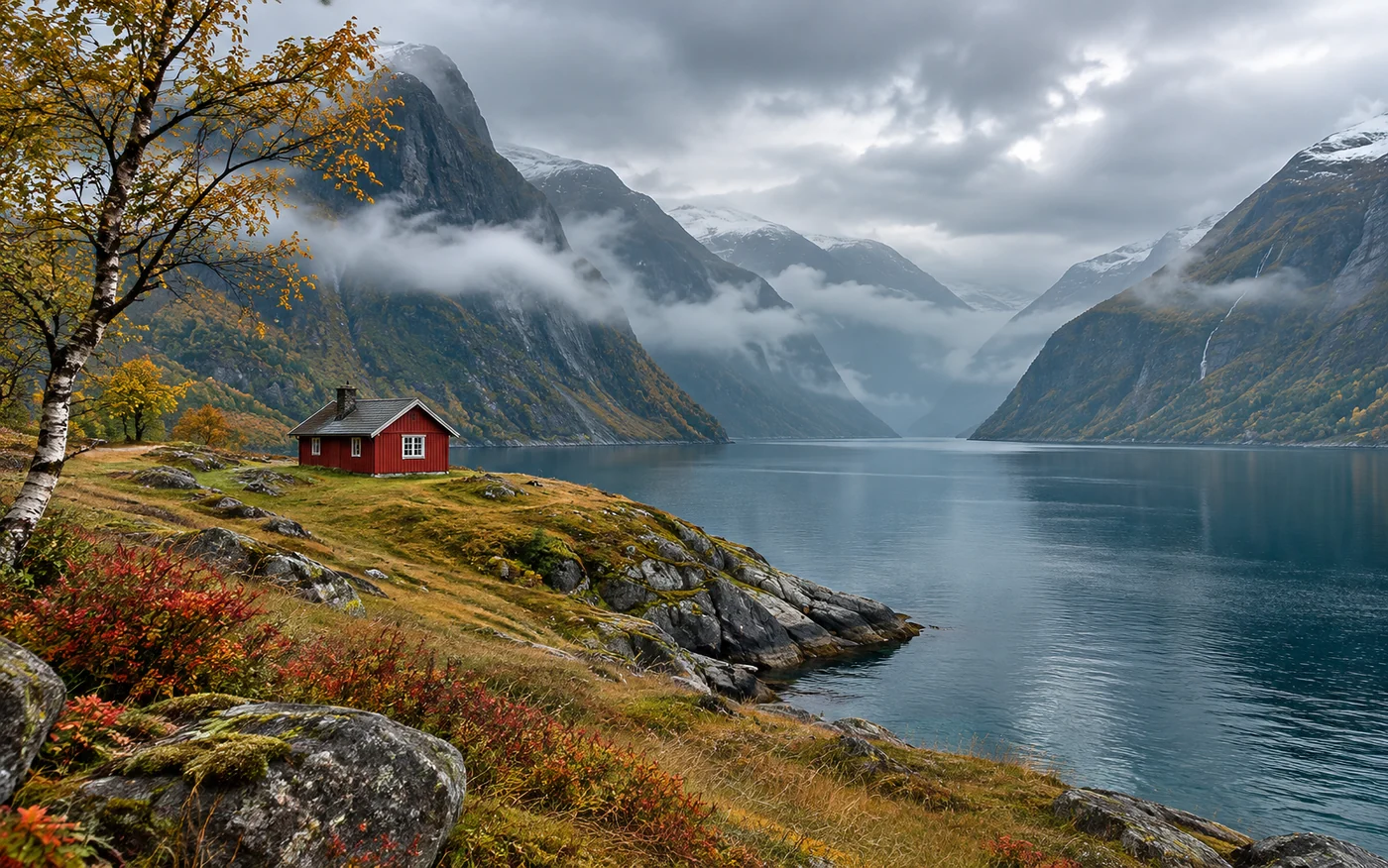
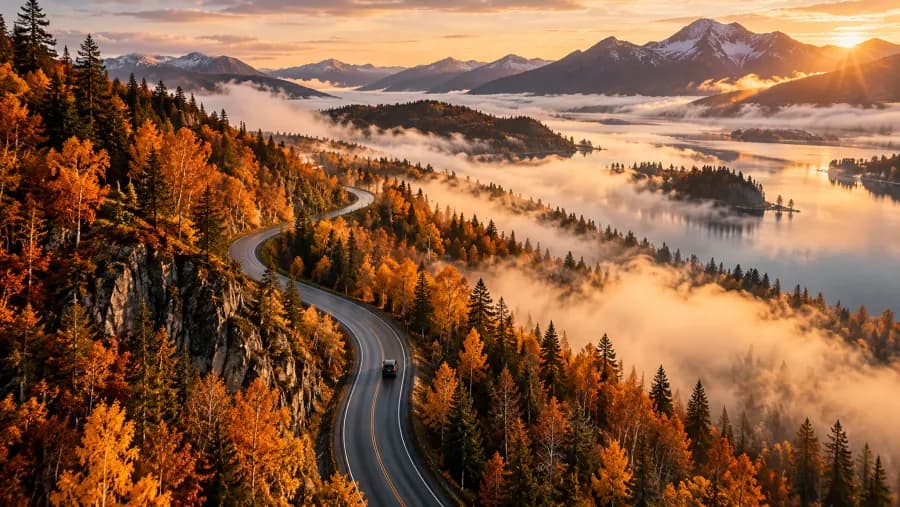
A winding mountain road among yellow larches, fog in the valley. Early morning, soft diffused light. Bird's eye view, wide angle. Calm, cool atmosphere, high detail, realistic photo
A small bright Scandinavian-style kitchen, a wooden table, clay cups, potted herbs on the windowsill. Morning sunlight from a window on the left. Medium shot at eye level, warm neutral tones, realism
Dewdrops on a fern leaf. Macro lens, shallow depth of field, backlit morning light, the drops glowing. Dark blurred background, quiet atmosphere
A small seaside town at sunset, colorful houses on a hillside, boats at the pier, seagulls over the water. Wide shot. Watercolor on grainy paper, soft paint bleeds, warm palette
A clay bear cub in a yellow raincoat stands under an umbrella among puddles. Close-up, slightly low angle. Neon reflections of an evening street in the puddles, cozy mood, soft sculpting with fingerprints
A lone lighthouse on a rocky cape during a storm, tall waves crashing on the rocks, a beam of light cutting through the clouds. Wide shot, wide angle. Dramatic atmosphere, cinematic color, horizontal 16:9 frame
Common mistakes
- Expecting Wan 2.2 to edit photos. Per the documentation, the 2.2 models only generate from text. For instruction-based edits and references, look at Seedream or Kling O1.
- An overlong prompt. Wan 2.2 has a 500 character limit, and the rest gets cut off. If your description doesn't fit, remove repetition and secondary details.
- Every part of the formula at once. The guide explicitly advises using only the dimensions you need. Ten style words in a row get in each other's way.
- Long lettering. The documentation doesn't single out text in images as a strength of Wan 2.2. If you need a caption, keep it short or pick a model that's strong with text. More on that in our guide on text in images.
- A ban instead of a description. The model can misread "no people" inside the main prompt and add people anyway. Describe what should be in the frame: "an empty street", "a clean background". If a separate negative prompt field is available for the model, put exclusions there.
- Confusing the open video model with the image model. The open Wan2.2 on GitHub is documented as a video model. The advice in its README about frames and motion doesn't apply to image generation.
How to try it in Solistra
Open Wan 2.2 in the Image («Фото») section, paste one of the prompts above and choose a frame format. The cost shows on the run button before you start.
For photorealism and short lettering from the same kind of short prompt, compare the result with Z-Image, another Alibaba model.
Sources and licenses
- Alibaba Cloud Model Studio, choosing an image model — Alibaba Cloud
- Alibaba Cloud Model Studio, Wan text-to-image API reference — Alibaba Cloud
- Alibaba Cloud Model Studio, text-to-image prompt guide — Alibaba Cloud
- Wan2.1 project repository — Wan Team, Alibaba — Apache 2.0
- Wan2.2 project repository — Wan Team, Alibaba — Apache 2.0
- Text
- Solistra text. Our own wording and prompt examples, quotes under 15 words
- Images
Other images — Solistra image
- Checked
- November 17, 2026