Contents
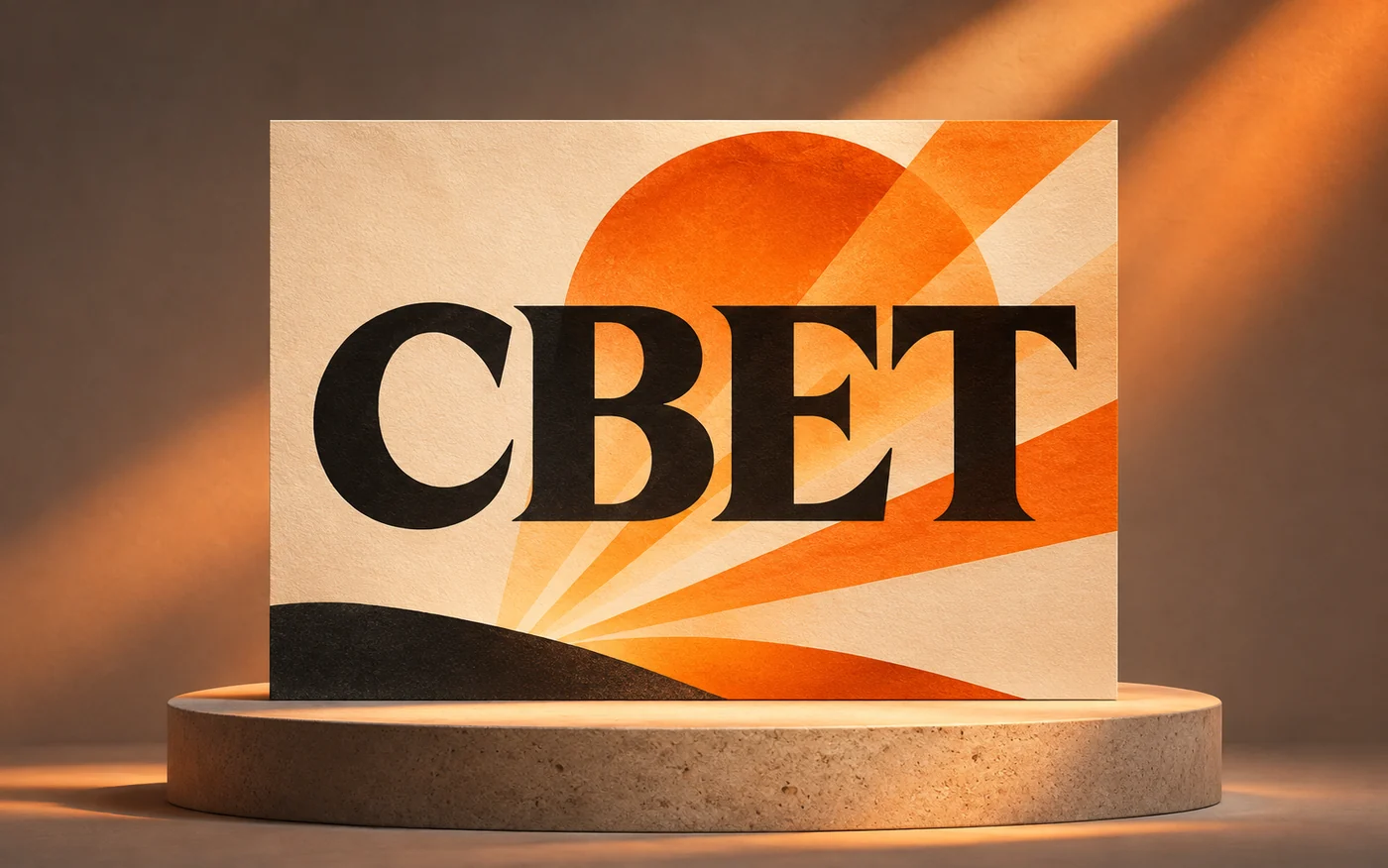
Recraft is an image generation model built with designers in mind. Beyond regular pictures, it can output vector graphics, handles typography well and lays out compositions neatly. The current generation at the time of our check is Recraft V4.1, which the developer released in May 2026.
Let's go over the variants in the family, the settings the documentation spells out, how to build a prompt for a logo, a poster, an illustration or a product photo, and where people most often misread the model.
What the model can do
The V4.1 announcement and the prompt guide highlight several strengths.
- Vectors and logos. Dedicated vector variants output graphics you can recolor and edit. The model understands flat fills, a strict palette and the geometry of a mark.
- Typography. Captions, headlines and lettering, including several levels of text on a poster.
- Illustration and 3D. Flat vector art, characters, chrome, soft gradients, three-dimensional scenes.
- Restrained photorealism. The developer stresses that V4.1 doesn't fill the background with extra details you didn't ask for.
- Strong short prompts. From three to five words, the model fills in the lighting, angle and composition on its own.
- Style from examples. The V4 Styles variant matches the look of your references without any training.
Variants and settings
The V4.1 family is made up of several variants. The data below comes from Recraft's official documentation and refers to the V4.1 generation unless noted otherwise.
| Variant | Best for | Output |
|---|---|---|
| Recraft V4.1 | The main model: exploring ideas, concepts, striking frames | Raster |
| Recraft V4.1 Pro | The same with higher resolution and detail, for print | Raster |
| Recraft V4.1 Utility | Even lighting, front-facing composition, simple scenes, mockups and products | Raster |
| Recraft V4.1 Vector | Logos, typography, illustrations | SVG vector |
| Recraft V4.1 Flash | The fastest variant, for sketches | Raster |
| Recraft V4 Styles | Style from examples, 1 to 10 references | Raster, with vector versions available |
There are combinations too: Utility Pro, Vector Pro, Utility Vector. Older generations remain in the API: V4 for design and vectors, V3 with preset styles, precise text placement and editing tools, V2 for simple icons.
More from the documentation:
- Prompt length. Up to 10,000 characters for V4.1, Utility, Flash, V4 and V4 Styles, including the Pro and Vector variants.
- Frame format. 14 aspect ratios, from 1:1 and 4:3 to 16:9, 9:16, 2:1 and 1:2. The base variants produce about 1 megapixel, such as 1024×1024 for a square. The Pro variants produce roughly twice as much on each side, 2048×2048 for a square.
- Vector. Vector variants accept the same aspect ratios, and SVG output has no fixed pixel size.
- V4 Styles. Two modes: precise, when you need to reproduce the texture, palette and treatment of the reference, and loose, when you want to carry over the mood.
- Negative prompt. The guide has no separate field for it. Exclusions go straight into the prompt, for example "no gradients or shadows".
In Solistra, the model card shows the available variants and frame formats. Recraft V4.1 Utility and Recraft V4 Styles are available separately.
Anatomy of a good prompt
Recraft's V4 guide offers two ways of working.
- A short prompt turns on interpretation: the model decides on the lighting, framing and treatment itself. That's handy for exploring ideas and variations.
- A structured prompt defines the image as a system: layers, hierarchy, palette, materials. You need it when the result has to match a specific brief.
The rule is simple: explore with short prompts, then build the final version with a structured one.
For photos and general scenes, the documentation suggests working from the general to the specific:
- The idea. Subject and scene in one sentence.
- Background and setting.
- The main subject. Framing, pose, appearance, materials.
- Secondary objects and how they sit relative to the main one.
- Lighting. Direction, hard or soft.
- Camera. Angle, depth of field, contrast.
- Mood and final composition.
Whatever comes first carries more weight. If content matters most, start with the scene. If aesthetics matter most, start with the style.
Vectors and logos
For vector graphics, describe the construction, not the materials: the type of mark, the logic of the shape, a palette with an exact number of colors, line weight, placement and constraints. Words about texture, highlights and material pull the model toward a raster look.
Posters and text
Put lettering in quotes. Describe the whole typographic system: which headline leads, where the subheading goes, the size and color of each line, how much breathing room surrounds it. The model builds the layout from that logic instead of scattering elements at random.
The documentation shows example prompts in English and says nothing specific about the prompt language. Recraft calls multilingual text in images a strength of V4, but still test Cyrillic on several variations and keep the lettering short.
Some projects don't need drama. They need clean, simple and predictable — the Recraft V4.1 announcement
That line neatly explains the choice between the main model and Utility: for a catalog or a mockup, use Utility, and for a poster or a concept, use the main V4.1.
Example prompts
Vector logo for a coffee shop, mark and wordmark in one horizontal composition. On the left a round mark: a stylized cup with steam made of three smooth lines. On the right the wordmark "NORTH SHORE" in a condensed sans-serif, all caps with wide letter spacing. Strictly two colors: dark brown on a cream background. Flat fill only, no gradients, shadows or outlines, reads well at small sizes
Flat vector illustration: an elderly man in a plaid cap wheels a bicycle with a basket full of baguettes and flowers down a cobbled lane. The houses behind him are simplified to silhouettes, warm yellow background. Large flat shapes, a five-color palette: ochre, terracotta, olive, cream, graphite. No gradients or fine hatching
Vertical poster for a ceramics exhibition. Deep terracotta background, in the center a large graphic vase built from simple cream-colored geometric shapes. In the upper third the headline "CERAMICS" in large cream sans-serif letters. Under the vase the line "June 3 to 28" at half the size. At the bottom in small type "free admission". Wide margins, no fine decoration, everything readable from a distance
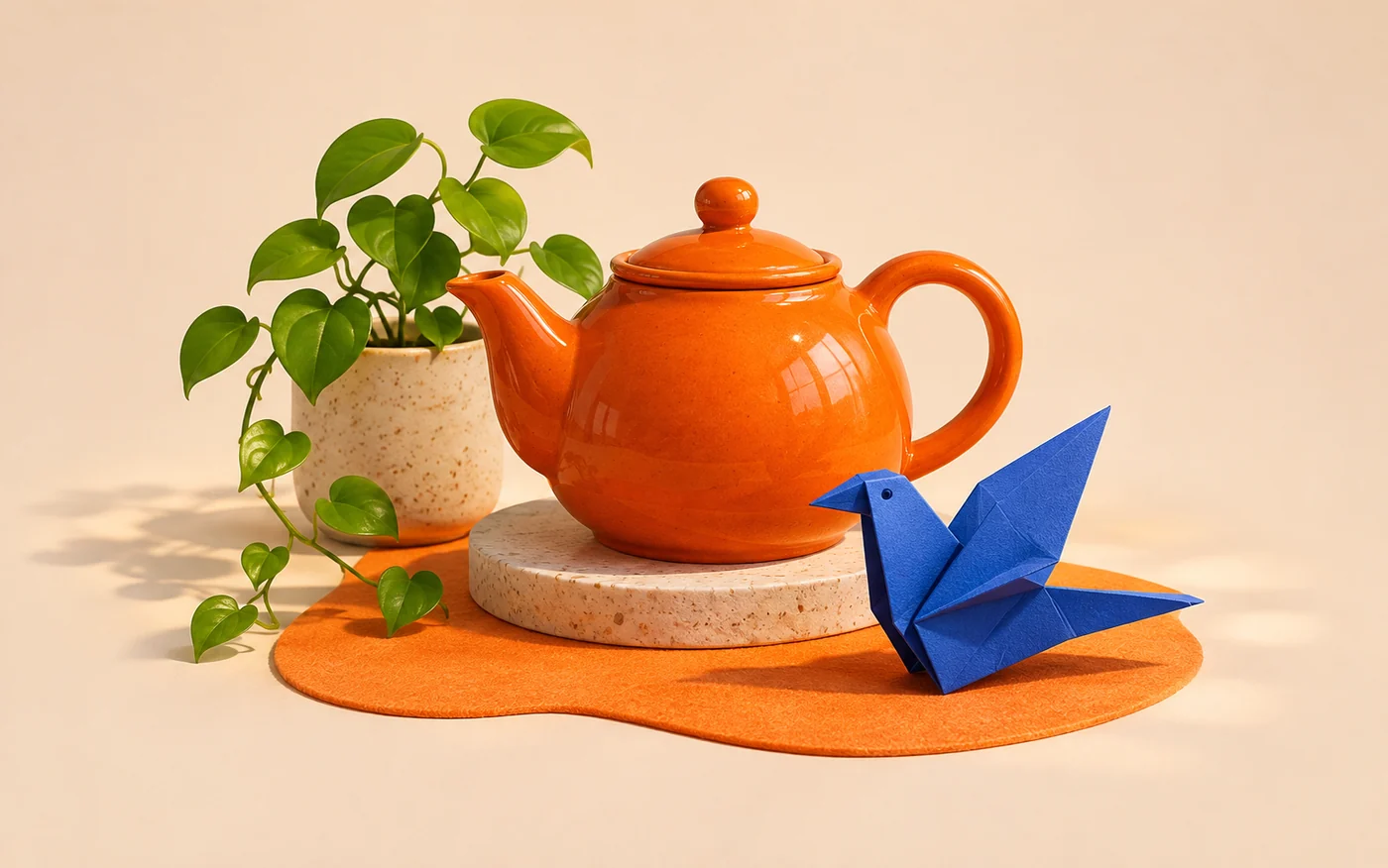
Product shot of a white ceramic mug with a matte glaze on a light gray background. Front-facing angle at mug height, even soft light without harsh shadows, the mug centered with plenty of empty space around it. A clean catalog frame with no props
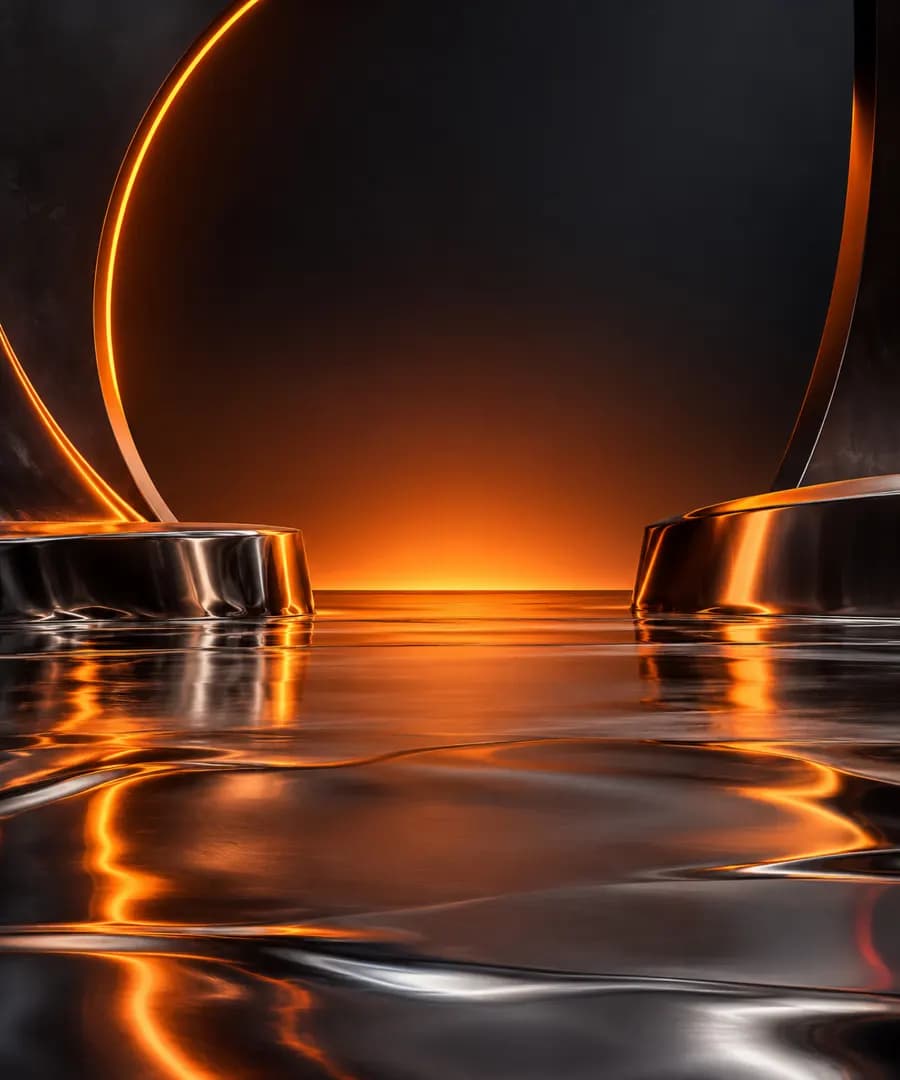
3D render: a chrome droplet of liquid metal floats above a smooth dark pedestal. Soft orange light from behind and a cool blue rim light from the side, the studio reflected on the droplet's surface. A smooth gradient background from graphite to warm, light mist near the floor, camera slightly below, highly detailed material
A set of six vector icons for a delivery app: a box, a truck, a clock, a map with a pin, a phone, a check mark in a circle. One consistent style: lines of equal weight, rounded corners, a single orange accent color and a dark gray outline. Icons in a two-by-three grid on a white background, equal margins, no shadows
An old film camera, leather and brass, on a windowsill
Run the last example several times: a short prompt in V4.1 gives different interpretations, which makes it easy to pick a direction and then write a detailed version for it.
Style from references
Recraft V4 Styles matches the look of the images you attach, with no fine-tuning. According to the documentation, you can provide 1 to 10 references. Images that resemble each other give a more precise style match, while varied ones widen the range the model will work within.
How to use it:
- For a series in one brand style, pick 3 to 5 images in the same manner and keep the prompt about content, not style.
- If you want only the overall feel rather than a copy of the texture, choose the loose mode when it's available.
- Don't mix watercolor and flat vector in one set, or the style will blur.
Our guide on references covers working with examples in more depth.
Common mistakes
- A pile of evaluative adjectives. "Stunning, epic, incredibly beautiful" doesn't describe a picture. Recraft's guide calls this out directly as a cause of inconsistent results. Be concrete: material, light, composition.
- Texture words in a vector prompt. "Metallic sheen", "paper texture" or "volume" in a logo prompt pull you away from clean vector. For a mark, describe the shape and the constraints.
- Lettering without quotes or hierarchy. If you don't say which text leads and where it goes, the model decides on its own what's bigger.
- Just an object in 3D. A prompt like "chrome sphere" gives a random result. Describe the material, the lighting and the space around it.
- Wordiness for its own sake. A long prompt helps only when it sets up structure. Repetition and synonyms don't add control.
- The wrong variant. For a calm catalog shot, the main V4.1 can be too expressive. Use Utility.
- Poster layers with no connection. If the frame has both a photo and graphics, describe each layer separately and then how they interact: what sits on top of what, where the text goes.
How to try it in Solistra
Open Recraft V4.1 in the Image («Фото») section, paste one of the prompts above and choose a frame format. For mockups and products, try Utility, and for a series in one style, V4 Styles. The cost shows on the run button before you start.
If your main job is poster lettering and precise text layout, see our Ideogram guide and the guide on text in images.
Try it in Solistra
Recraft V4.1
Image
Similar models
Sources and licenses
- Recraft V4.1 announcement — Recraft
- Recraft V4.1 model variants — Recraft
- Recraft V4 Styles, style from references — Recraft
- Prompting with Recraft V4 — Recraft
- Prompting for image generation, an introduction — Recraft
- Recraft API models and capabilities — Recraft
- Recraft API limits and sizes — Recraft
- Text
- Solistra text. Our own wording and prompt examples, quotes under 15 words
- Images
Other images — Solistra image
- Checked
- November 12, 2026