Contents
MiniMax H3 Image is MiniMax's image model that renders a picture from a description in 1K, 2K or 4K and can assemble it from several shots. What sets it apart from its neighbours is up to 16 photos in a single request: a product, a background, clothing, lighting and style samples go into the model together, and you describe the links between them in words. In Solistra the model sits among the recommended image models with a TOP badge, right after Nano Banana and Seedream.
Below: when to choose H3 Image, how to number photos, which aspect ratio to pick and why you shouldn't add extra shots "just in case".
What MiniMax H3 Image can do
- Image from a description. Without photos the model works as a regular generator: scene, light, framing.
- Editing and assembly from photos. With references the model changes a shot or builds a new scene from several: a mug from one photo lands on a table from another.
- Up to 16 references. Each photo from 128 to 8192 pixels per side.
- Three resolutions. 1K, 2K by default, and 4K.
- Ten frame options. 1:1, 4:3, 3:4, 3:2, 2:3, 16:9, 9:16, 21:9, plus a very wide 3:1 and a very tall 1:3.
- File format. PNG by default or JPEG, chosen in the advanced settings.
- Up to four variants per run.
The output aspect ratio is set only in the settings: the model has no Auto option, so the form won't adapt to the first photo on its own.
When to choose H3 Image
| Task | Why H3 Image |
|---|---|
| A product in a new setting from a product photo and a location photo | Scene assembly from several shots |
| An outfit from several items: dress, shoes, bag, jewellery | Takes more photos than most models |
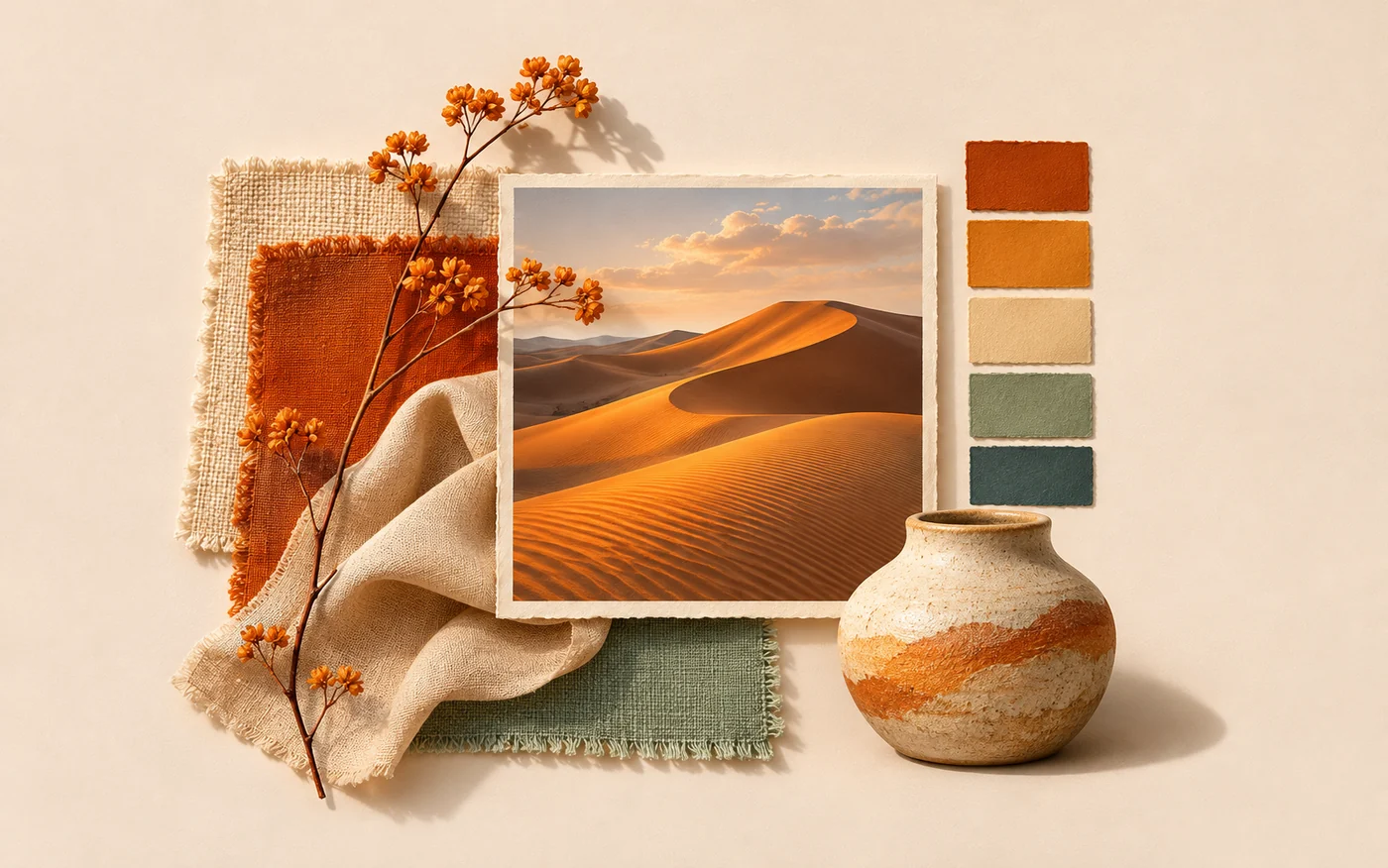
| A mood board in one image: light from one photo, palette from another | Each shot can get its own role |
| A long horizontal banner or a tall strip | 3:1 and 1:3 aspect ratios |
| A series with one person from a single portrait | Simpler and cheaper with MiniMax image-01 |
For a precise edit of one photo without assembly, editing models are handier, for example Nano Banana 2.1. And for a final in 8K there is Kling Image 4.0.
How to prompt with several photos
Photos are numbered in upload order. Refer to them the same way in the prompt and say what to take from each and what to keep.
- Roles by number. "Photo 1 is a ceramic mug, photo 2 is a wooden table by a window".
- What to keep. "Don't change the mug's shape or pattern".
- The new scene. Where everything stands, what is nearby, the time of day.
- Light and framing. "Morning window light, soft shadows, side view at table height".
Why extra photos hurt
Every attached photo adds to the price of the run, which you can see on the Create («Создать») button. On top of that, the model will still try to use a shot that has no role, and stray details end up in the frame. Only attach photos you actually mention in the prompt.
Prompt examples
Photo 1 is a ceramic mug, photo 2 is a wooden table by a window. The mug stands on this table, an open book beside it, morning light from the window, soft shadows. Don't change the mug's shape or pattern
Photo 1 is a woman, keep her face and hairstyle unchanged. Photo 2 is a linen dress, photo 3 is leather sandals, photo 4 is a wicker bag. She wears this outfit and stands by a white wall on a sunny street in a southern town, full-length shot
Take the light and mood from photo 1, the colour palette from photo 2 and the coffee shop interior from photo 3. Produce one photograph of this coffee shop in the early evening, a barista making coffee behind the counter, no customers in the room
A long shelf in a tea shop: glass jars with different teas, wooden spoons, bundles of dried herbs. Free space on the left for a headline. Warm lamp light, soft depth of field
In photo 1 replace the grey sky with a sunset sky and pink clouds. Keep the house, trees, car and people unchanged, make the light on the facade warm
A small watchmaker's workshop, a disassembled movement on the bench, a loupe on an arm, brass gears in a box. One lamp with warm light above the desk, the rest of the room in half-darkness, angled top-down view
Common mistakes
- Photos not numbered in the prompt. The model won't know which is the product and which is the background. Name each one: "photo 1", "photo 2".
- Extra shots. Every photo adds to the price and to the confusion. Keep only the ones you need.
- Expecting Auto. The aspect ratio is set in the settings, the form won't pick it from the first photo.
- Photos that are too small. A side under 128 pixels is rejected, and a tiny shot gives little detail anyway.
- Not saying what to keep. Without "keep the face" or "don't change the shape", the model may redraw the main subject.
- 4K for tests. Find the frame in 1K or 2K and raise the resolution for the final.
How to try it in Solistra
Open MiniMax H3 Image in the Image section, add photos under References («Референсы») if needed, describe the picture, then choose Resolution («Разрешение») and Aspect ratio («Пропорции»). The price is shown on the button before you run.
For video, MiniMax has H3 with sound and references. General tips for working with several photos are in the guide on references, and trying clothes on from photos is covered in the guide on virtual try-on.
Frequently asked questions
How many photos can I attach to MiniMax H3 Image?
Up to 16. Each photo from 128 to 8192 pixels per side. Every photo adds to the price of the run.
How is H3 Image different from MiniMax image-01?
image-01 takes a single portrait and makes inexpensive series with that person. H3 Image takes up to 16 photos, assembles a scene from them, edits shots and renders up to 4K.
Can I get JPEG instead of PNG?
Yes. The advanced settings have a Format («Формат») option: PNG by default, or JPEG.
Why did my image come out square?
The default aspect ratio is 1:1 and the model has no Auto option. Pick the aspect ratio you need before running.
Try it in Solistra
MiniMax H3 Image
Image
Sources and licenses
- H3 Image generation API reference — MiniMax
- H3 Image editing API reference — MiniMax
- Text
- Solistra text. Our own wording and prompt examples, quotes under 15 words
- Images
Other images — Solistra image
- Checked
- November 21, 2026