Contents
The most common problem with a first AI cartoon isn't a wonky hero, it's a wandering drawing style. Scene one is soft watercolor, scene two is suddenly glossy 3D, in scene three the outline gets thicker and the pink sky turns teal. Each frame looks fine alone, but together they look like a mashup of different cartoons. Style drifts because the model reinterprets your words on every run. Below are five habits that hold a style from the first scene to the last: a style line, a palette, a reference frame, one model per project and side-by-side checks. Which style to choose is covered in the guide on cartoon art styles. This one is about not losing it.
The style line: one text for the whole cartoon
A style line is one or two sentences that describe the drawing style and come first in every prompt. You write it once and only copy it after that.
A good line answers four questions: what type of animation, what kind of line, what fill and light, what texture. For example, for a cartoon about a snail mail carrier:
Hand-drawn 2D animation: soft dark brown outline, flat fill, one step of shadow, heavy paper texture. Palette: moss, terracotta, cream, plum.
Three rules for handling it:
- Copy, don't paraphrase. "Soft outline" and "thin outline" are two different styles to a model. Keep the line in a separate note and paste it whole.
- Put it first. That way it's easy to check in every prompt and hard to lose by accident while editing.
- Keep style words out of the rest. If "cinematic" or "realistic moss" creeps into the scene description, the style line is no longer in charge.
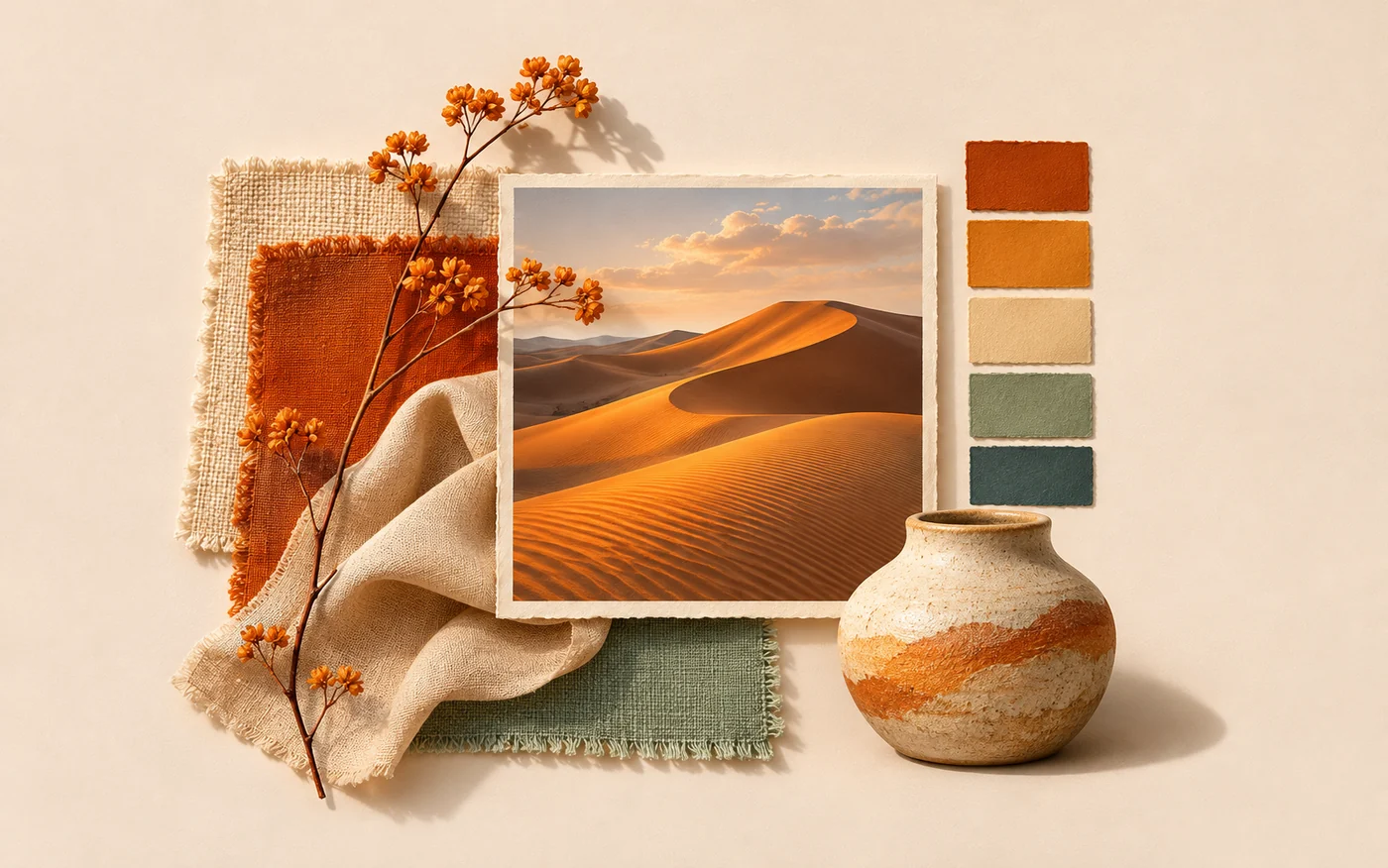
A palette of four or five colors
Color drifts faster than anything else. The model sees "evening" and paints everything in its own sunset tones, sees "forest" and adds its own green.
Set the palette in words and keep it fixed:
- 3 to 5 main colors with the same names in every prompt;
- the hero's color separately: "a terracotta shell with a cream spiral";
- for a different time of day, not new colors but the same palette lighter or darker: "the same palette in a muted evening version."
Don't call one color by different names. "Burgundy," "wine" and "dark red" can read as three different shades.
A reference frame for style
Words set a style roughly, a picture sets it precisely. Pick the one frame where the style came out best and make it your reference. It gets attached to every frame that follows.
Always name the reference's role in the prompt. The FLUX guide to multiple references recommends stating exactly what to take from each image. For a cartoon that means: "drawing style, line and palette from the second reference, don't take the hero or the scene from it."
Hand-drawn 2D animation: soft dark brown outline, flat fill, one step of shadow, heavy paper texture. Palette: moss, terracotta, cream, plum. The hero from the first reference: Livka the snail mail carrier with a terracotta shell and a little shoulder bag. Drawing style, line weight and palette as in the second reference, don't carry over the scene from the second reference. Livka crawls along a wet garden path toward a mailbox on a post, light drizzle. Wide side shot.
Some models take style straight from references. According to Recraft's docs, V4 Styles repeats the look of your images without training and has two modes: a precise one for matching texture, palette and treatment, and a loose one for conveying mood. For a cartoon you want the precise one.
The Gemini docs suggest feeding images you've already generated into the next request for new poses and angles. That works well as a chain: the reference frame plus the last good frame. Just make sure the chain doesn't slowly drag the style away: the reference stays the same, only the second image changes.
One model per project
Different models read the same words differently. "Soft outline" is a thin line for one and a blurred edge with no line for another. So:
- make every image in the cartoon with one image model;
- animate every scene with one video model unless there's a specific reason not to;
- keep the same quality and resolution settings on every run;
- if you have to switch models midway, rebuild the reference frame in the new model and compare it with the old frames before moving on.
The video model can knock the style off too. It may "redraw" your first frame in its own manner once things start moving. Repeat the style line in the video prompt and add one sentence about keeping the drawing.
Livka the snail slowly raises her eye stalks, reaches toward the mailbox slot and drops a letter into it. Raindrops fall steadily. Keep the hand-drawn 2D look of the first frame: soft dark brown outline, flat fill, the moss, terracotta and cream palette. Static camera.
What the style should not include
Sometimes it's easier to describe what breaks the style. Google's Veo prompt guide advises listing unwanted elements as they are in a negative prompt, without words like "no" or "don't": "wall, frame" rather than "don't show a wall." If the model has a separate negative prompt field, collect everything that keeps creeping into your cartoon:
photorealism, 3D render, glossy highlights, blurred background, cinematic film grain, thick black outline
Like the style line, the list is one per project.
Check frames side by side
A single frame almost always looks fine. Style errors only show up in comparison. After every three or four frames, put them side by side: in the Library, in a folder on your computer or on one sheet.
| What to compare | Sign of drift |
|---|---|
| Line weight | The outline is noticeably thicker in one frame or gone |
| Fill | Gradients appear where the fill used to be flat |
| Shadows | The number of shadow steps or their hardness changed |
| Palette | A new color that isn't in the palette |
| Texture | The paper is gone or gloss appeared |
| Hero proportions | The head or shell noticeably grew |
A handy trick: shrink all frames to thumbnail size. At that size you can't read the story, so your eye only sees color and manner. The odd frame jumps out.
Don't paint over a frame that drifted. Regenerate it with the reference and a neighboring frame attached. If the difference is small, like an extra shade in the sky, fix the picture with a text-based editing model and attach the reference.
Bring the style of this image in line with the reference in the second image: remove the gradient from the sky and make the fill flat, restore the soft dark brown outline, make the sky cream. Keep the scene, the snail's pose and the composition unchanged.
Common mistakes
- The style line got rewritten. Someone "improved" it between frames. Keep it in a note and only copy it.
- The reference changes every time. The last frame is used as the style reference and the style slowly drifts. One reference, the last frame only as the second image.
- The reference's role isn't named. The model copies the scene or the hero instead of the style. Say exactly what to take.
- Different models for neighboring scenes. The same words produce different looks. One model per project.
- The video model "redrew" the frame. The video prompt has no style line. Repeat it and ask to keep the drawing.
- Checking one frame at a time. Style drift only shows in comparison. Look at frames side by side.
How to do it in Solistra
- Keep the style line, palette and negative list in one note. Docs («Документы») is a convenient place for the whole cartoon project: script, style line and scene plan.
- In Image («Фото») pick one model that takes references and make every frame with it. For style from a sample, try Recraft V4 Styles. For the hero and style together, try models like Nano Banana 2.1.
- Save the character sheet as a character: in your Library («Библиотека») select the picture, click Send to («Отправить в…») and My characters («Мои персонажи»). In new frames, mention the hero with «@» in the prompt bar or the Mention character («Упомянуть персонажа») button. Send the style reference frame to references with the Reference («Референс») button on the card and attach it with Add photo («Добавить фото»), along with the character sheet for models where the mention didn't work.
- Finished frames collect in your Library («Библиотека»). Open it and compare the frames side by side.
- Fix a frame that drifted with a text-based editing model such as FLUX.1 Kontext, or regenerate it with the reference.
What to read next
- Cartoon art styles: hand-drawn 2D, 3D, clay and watercolor.
- Keeping a character consistent in every shot: references, a saved hero and frame checks.
- Backgrounds and locations: one place seen from several angles.
- How to make a cartoon with AI: the whole path from idea to finished clip.
Frequently asked questions
How do I keep every cartoon frame in the same style
Write a style line and paste it first in every prompt without changes. Set a palette of four or five colors, pick a reference frame and attach it every time. Make every frame with one model and compare them side by side.
Why does AI change the style from frame to frame
The model reinterprets the style words on every run. Style drifts when the line changes, when there's no reference frame, when neighboring frames come from different models or when words from another look slip into the scene description.
What is a style reference
An image the model takes the look from: line, fill, palette, texture. The prompt should say clearly that only the style is taken from it, not the scene or the hero.
Can I make images with one AI and video with another
Yes, that's the usual route: images set the style, a video model animates the frame. But animate all scenes with one video model and repeat the style line in every video prompt.
How do I fix a frame that doesn't match the style
Regenerate it with the reference and a neighboring frame attached. A small drift, like an extra color, can be fixed with a text-based editing model: attach the reference and describe what needs to come back.
Try it in Solistra
Sources and licenses
- Recraft V4 Styles — style from references — Recraft
- FLUX — editing with multiple references — Black Forest Labs
- Gemini API — image generation and editing — Google
- Video generation prompt guide — negative prompts — Google Cloud
- Text
- Solistra text. Our own wording and prompt examples, quotes under 15 words
- Images
Other images — Solistra image
- Checked
- November 13, 2026