Clips
Clips · vertical videos from a long recording
Clips («Клипы») in Solistra cuts a podcast, stream, webinar or interview into vertical videos with Russian subtitles. The model finds the strong moments on its own, frames them around the face and explains why each fragment may work. This screen holds your cutting projects.
Open in Solistra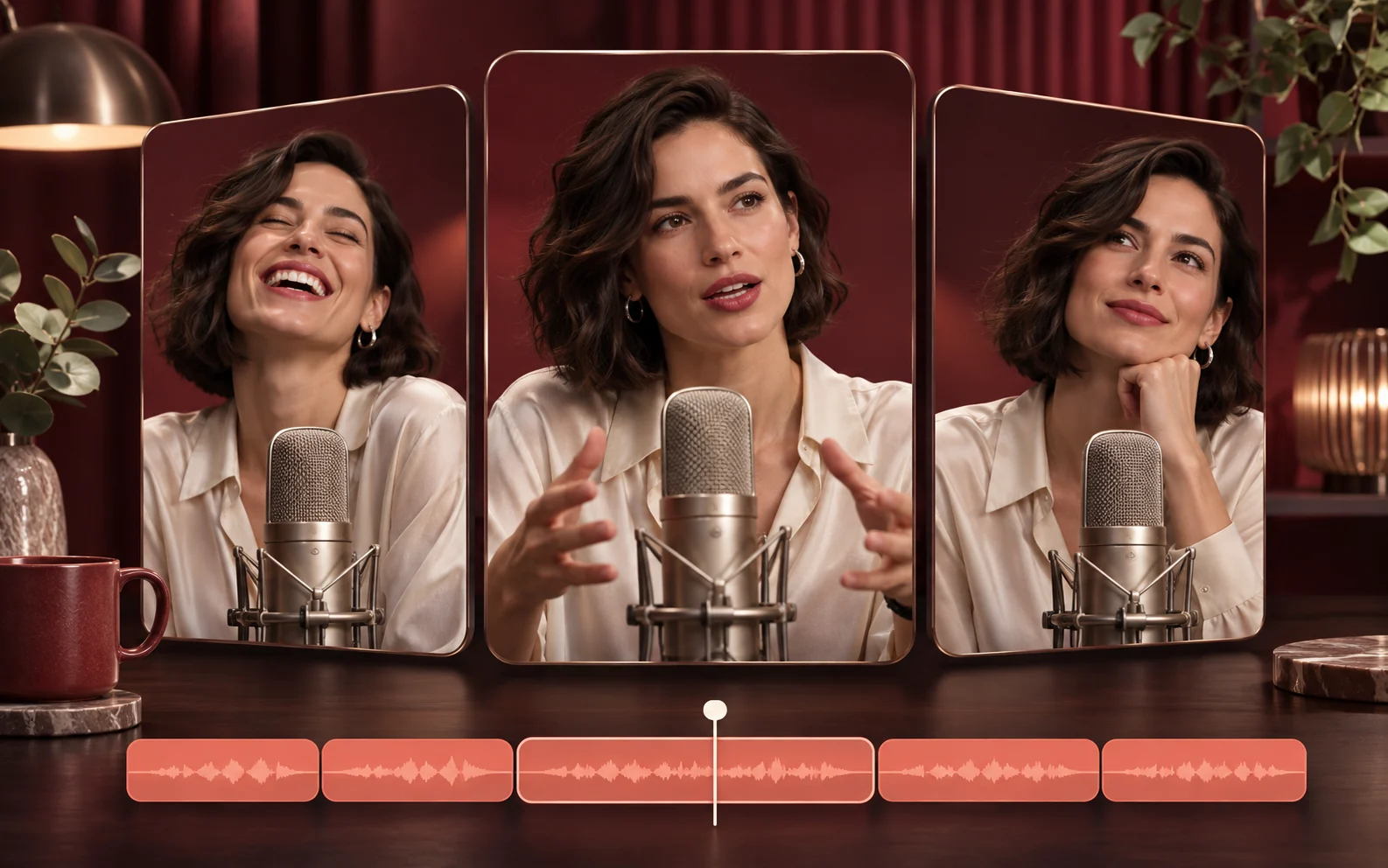
- 01
Long recordings as a file or a link
- 02
Russian subtitles timed word by word
- 03
A title, a hook and a score for every clip
- 04
A 9:16 frame that follows the face
The source is uploaded as an MP4, MOV or WebM file or added as a link to VK Video, RuTube, Twitch or Yandex Disk. Speech is recognized word by word, so you change a clip’s boundaries right in the text, and the subtitle style and the frame are adjusted before export.
Cutting uses your plan minutes, and you see how many will be spent before you start. Finished clips export at 1080 × 1920 with burned-in subtitles or with an SRT file, sit in your Library and go on to the Video editor if a clip needs more work. Upload only videos you hold the rights to.
An hour-long podcast usually yields about ten clips of different strength. Start with the highest-rated ones, check the first second and the hook, fix the subtitle text and keep the rest in the project for future posts. Long pauses and filler words are removed in Video processing.
Frequently asked questions
How long are the clips?
You set the length before the run: let the model choose, or pick short clips up to 30 seconds, medium ones up to a minute or long ones up to a minute and a half.
How much does cutting cost?
Cutting uses your plan minutes, and the amount is shown before you start.
Can I add subtitles to a finished video without cutting it?
Yes, in the Video editor. Open the video on the timeline and press Recognize and add in the subtitles panel.